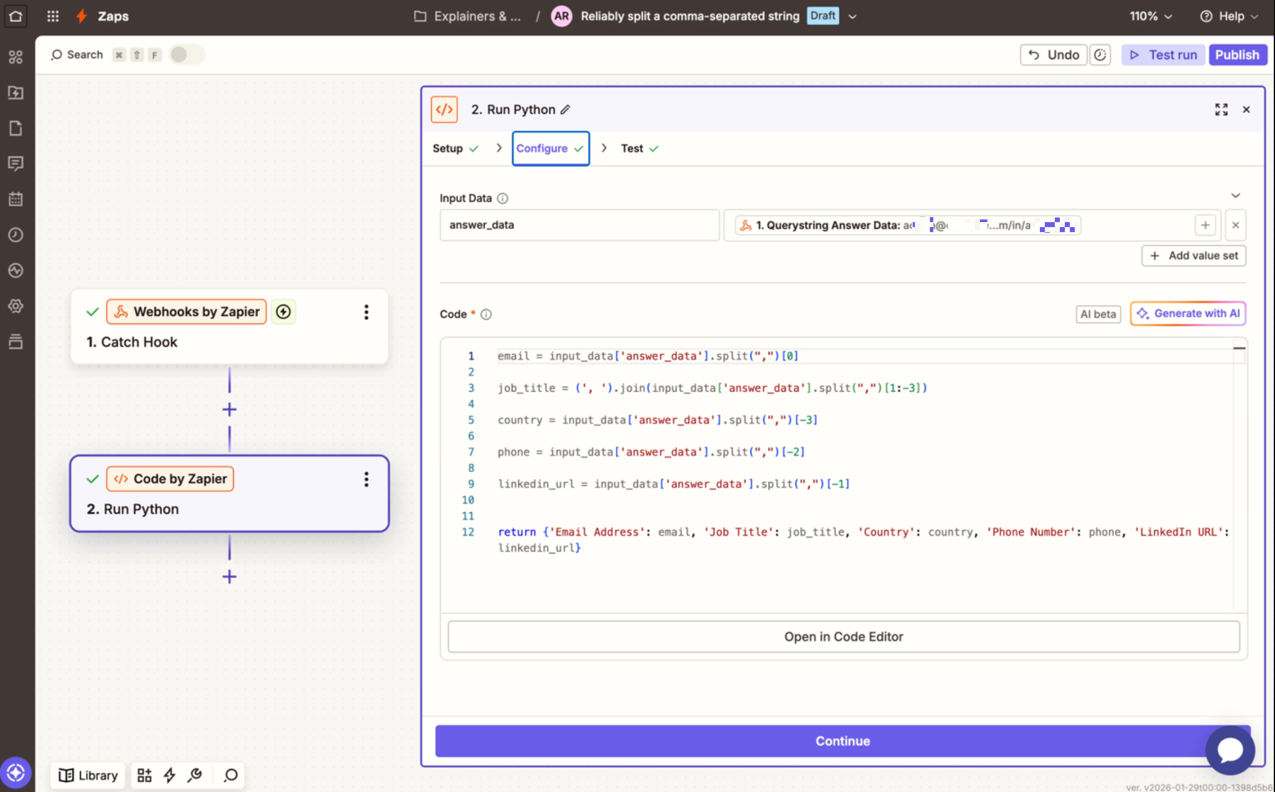
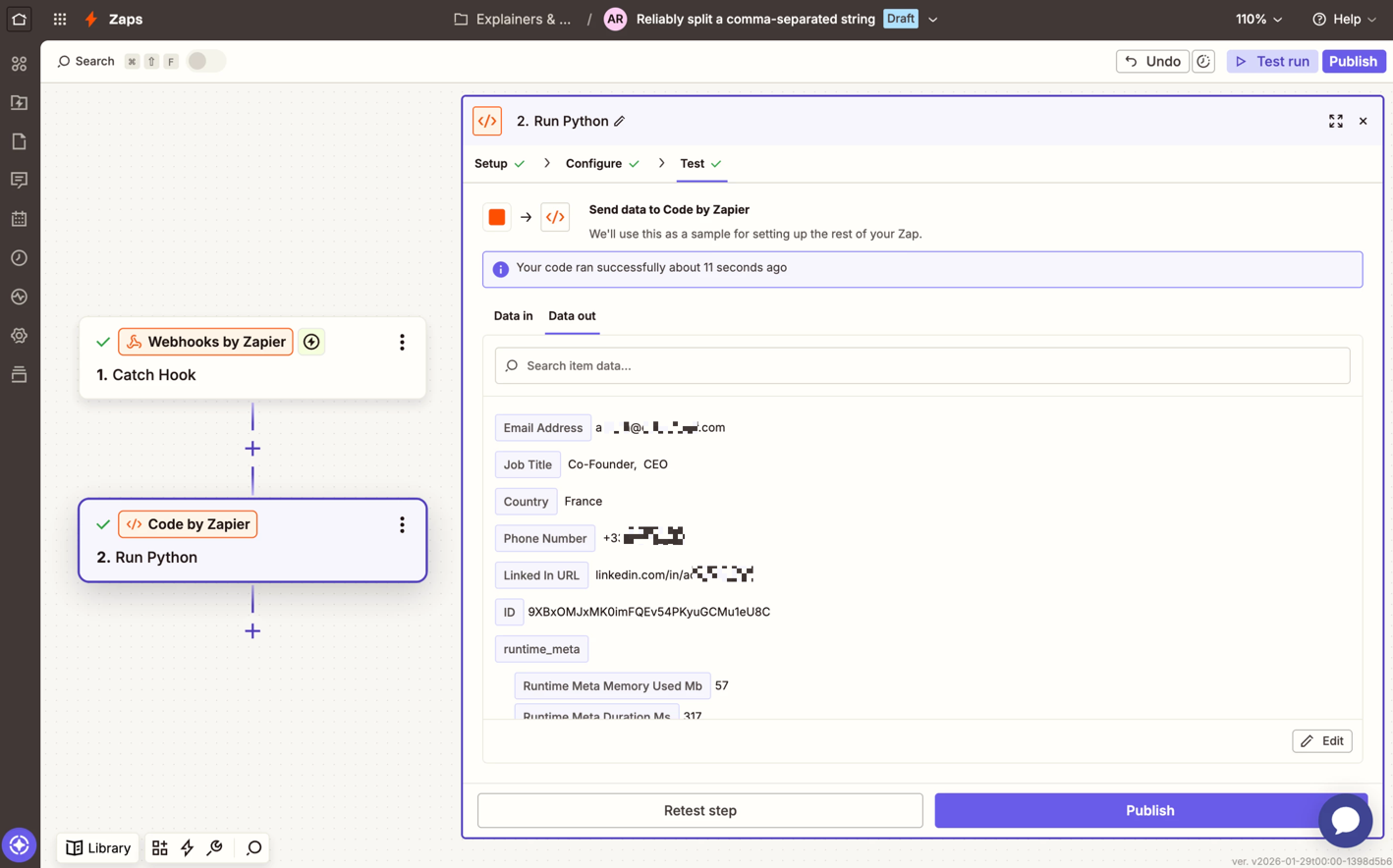
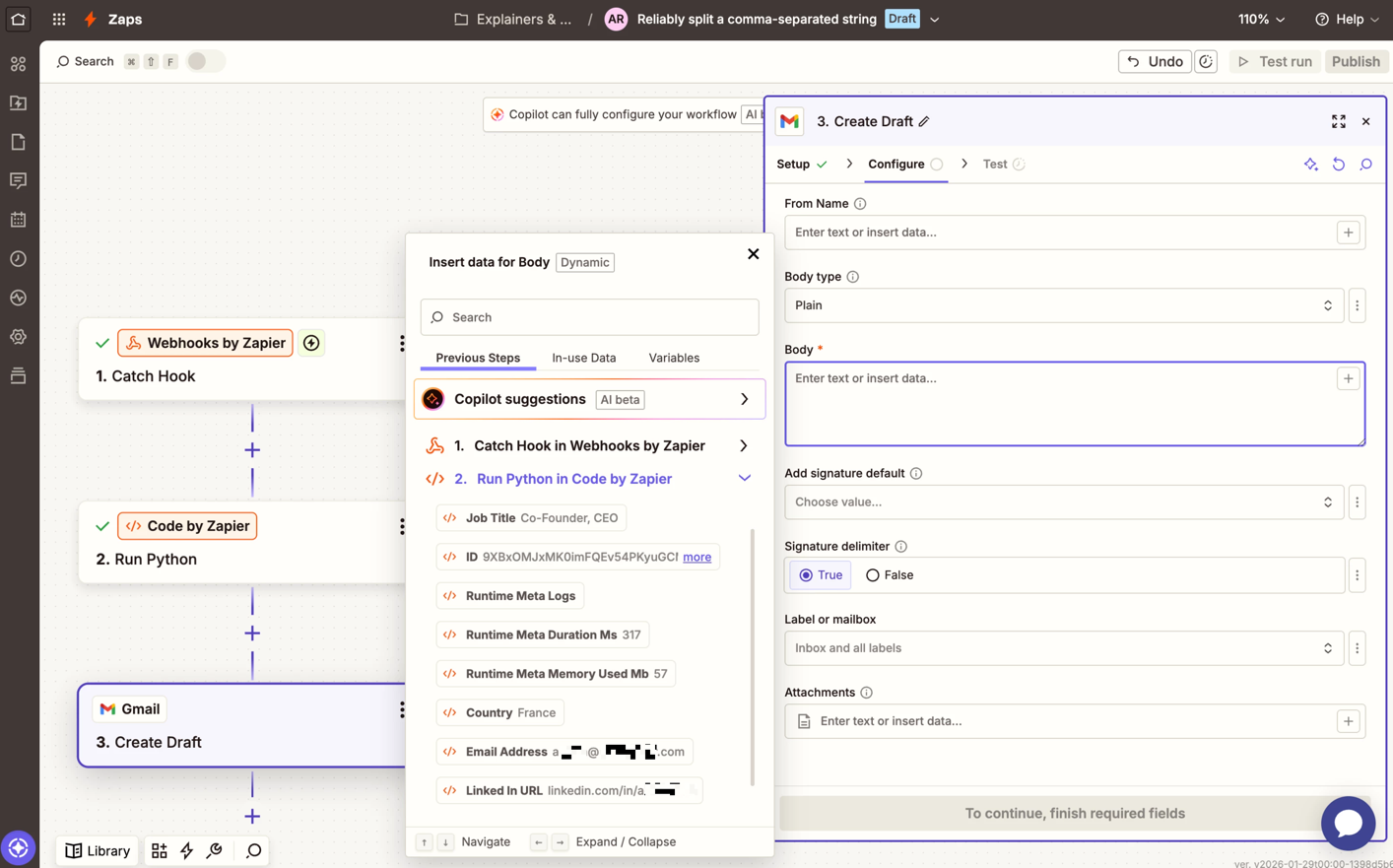
Hi Zapier community — I’m hoping for guidance on a Formatter / HubSpot mapping issue that I’ve spent a fair bit of time troubleshooting.
What I’m trying to do
I’m capturing Beehiiv survey responses and updating existing HubSpot contacts with the survey data.
-
Beehiiv sends survey responses in a single comma-separated string via the
Answer Datafield -
Example value:
email, job_title, country, phone, linkedin_url -
I need each value mapped into its own HubSpot contact property (Job Title, Country, Phone, LinkedIn URL)
Zap structure
-
Trigger: Beehiiv – New Survey Responses
-
Formatter (Text → Split Text):
-
Input:
Answer Data -
Separator:
, -
Segment Index: tested both
-
All (as Line-items) -
All (as Separate Fields)
-
-
-
Formatter (Utilities):
-
Attempting to flatten / name each split value (Item 1–5)
-
-
HubSpot – Find Contact
-
Lookup by Email
-
-
HubSpot – Update Contact
-
Update existing contact using Contact ID
-
What works
-
Step 2 does split correctly in the test output:
1: email
2: job title
3: country
4: phone
5: linkedin url -
I can see all five values clearly in the Formatter test panel
The problem
When mapping into Step 5 (Update Contact):
-
Zapier only exposes a single
Outputfield or a grouped array -
The individual split values (
1,2,3, etc.) are not selectable or are treated as arrays -
HubSpot then receives JSON / list-style values instead of scalar strings, e.g.:
["Ireland"]instead of:
Ireland
Even when using a second Formatter (Utilities → Line-itemizer), Step 5 often still receives arrays or the full output object rather than clean scalar values.
What I believe is happening
-
Step 2 is sometimes outputting a single field containing line-items, not truly separate scalar fields
-
Because of that, downstream steps (Utilities / HubSpot) cannot reliably reference
1,2,3, etc. as individual values -
This prevents HubSpot from accepting the data into standard contact properties
What I’m looking for guidance on
-
The correct, supported way to:
-
Split a comma-separated string
-
Convert each part into a true scalar field
-
Pass those cleanly into HubSpot Update Contact
-
-
Whether this requires:
-
A specific Formatter configuration
-
A Looping by Zapier step
-
A known workaround for HubSpot + line-items
-
If anyone has a known-good pattern for splitting text and updating HubSpot contact properties, I’d really appreciate guidance.
Thanks in advance — happy to provide screenshots or test outputs if helpful.