Best answer

How to set up ClickUp to assign tasks for new leads in Bark

  • September 2, 2025
  • 4 replies
  • 29 views

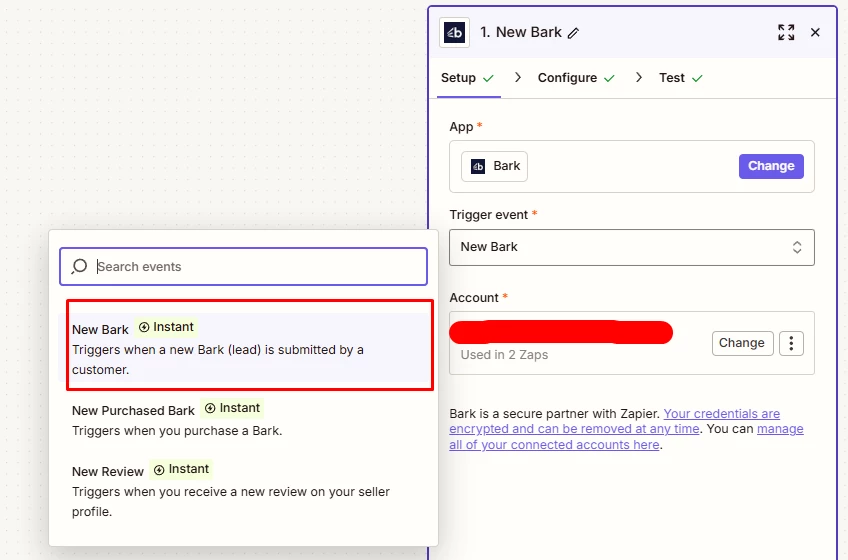
Hello, my goal is for clickup to assign a task to me once there is a new lead that appears in this tab and I am not sure if this is the correct trigger.  


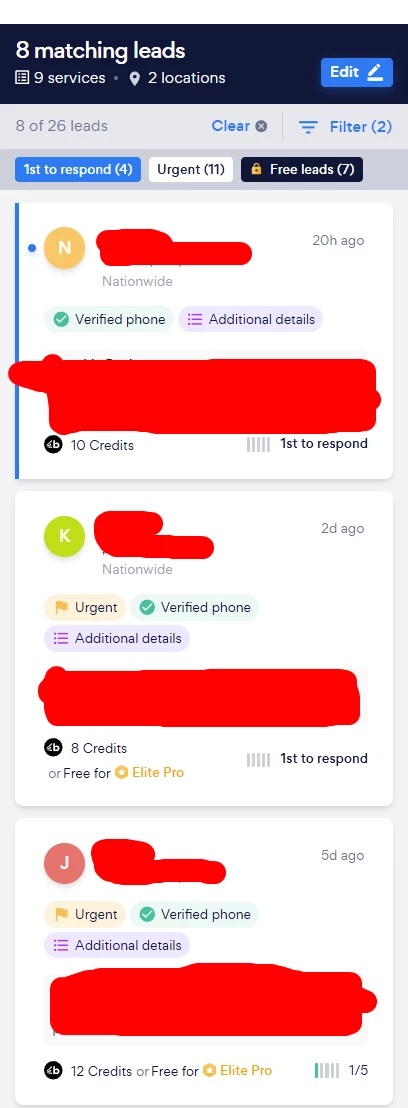
I would like to see all leads that are coming in this tab when I visit Bark: 


Thank you!

Best answer by LaurenH

Hey ​@Darcy!

The “New Bark” trigger will run whenever a new lead is submitted in Bark and appears in the section shown in your screenshot.

The trigger allows you to filter leads based on location and category so any new leads matching the filters you select in the Zap should go over to ClickUp.

Let us know how you get on with that setup 🙂

 

This post has been closed for comments. Please create a new post if you need help or have a question about this topic.

4 replies

LaurenH
Forum|alt.badge.img+1
  • Zapier Staff
  • Answer
  • September 2, 2025

Hey ​@Darcy!

The “New Bark” trigger will run whenever a new lead is submitted in Bark and appears in the section shown in your screenshot.

The trigger allows you to filter leads based on location and category so any new leads matching the filters you select in the Zap should go over to ClickUp.

Let us know how you get on with that setup 🙂


  • Author
  • New
  • September 2, 2025

Thank you for the confirmation! I will have to set it up again and see if it works this time. I think may have filtered things wrong that’s why it was not generating but I will have to try again. 


  • Author
  • New
  • September 2, 2025

Hi  again ​@LaurenH!

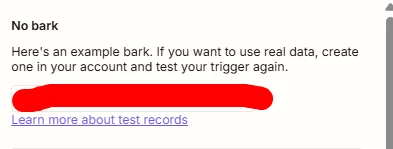
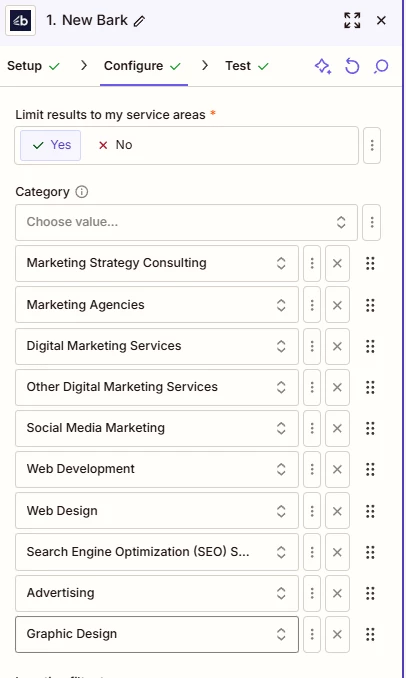
I just tried setting up the automation once more but it seems that it is not pulling the data that I want to. You see, the latest leads are the one I posted above and when I set the filters, it says that there are no barks despite using the same location filter and the services. When I turn off  the filters, the barks come in but I would like to get the filtered results. 


Filters I’m using. When I click No, the automation returns with actual bark data:


SamB
Community Manager
Forum|alt.badge.img+11
  • Community Manager
  • October 3, 2025

Hi ​@Darcy 👋 I noticed you had a follow-up question about the filtering not working properly when you set location and service filters. Were you able to resolve that filtering issue, or do you still need help with this?

If you’re still stuck, I’d first suggest reaching out to our Support team to investigate whether there’s a bug causing that Limit results to my service areas field to work properly.

In the meantime, instead of using the category filters there perhaps you could try this alternative approach:

  • Set the Limit results to my service areas field set to No.
  • Then add a Filter to the Zap that checks for the necessary locations and categories.

Keep us posted on how it’s going, want to make sure you’re all set!