Question

How to list all JPG images in a Dropbox directory using Zapier

  • November 29, 2025
  • 2 replies
  • 26 views

I have a directory in dropbox containing multiple images, I need the zap to list all images in that directory so later I can indicate which images I want to work with.

Dropbox is well connected and if I type a file name it detects it with no problem, but if I want it to list all jpg’s it returns an error. I am typing in the filename field *.jpg to retrieve all images.

How can I make this work? 

2 replies

ikbelkirasan
Forum|alt.badge.img+12
  • Zapier Solution Partner
  • November 29, 2025

Hi ​@pabloferre 

This might not be possible with the standard Dropbox actions, but it’s definitely doable with a custom action. Try creating one using the code below, then save and publish it. After that, you should be able to pick it from the Custom Action tab when you select the Dropbox app in an action step.

// Define an async function to list all .jpg files in a specified Dropbox directory
export async function listJpgFilesInDirectory(params: { path: string }): Promise<{ result: string[] }> {
// Extract the path from the input object
const { path } = params;

// Define the API endpoint URL
const url = 'https://api.dropboxapi.com/2/files/list_folder';

// Prepare the request body with the required path and optional parameters
// If the path is "/", replace it with an empty string to specify the root folder
const requestBody = {
path: path === '/' ? '' : path, // Correctly handle the root folder case
recursive: false, // Not recursive, only list the specified folder
include_deleted: false, // Do not include deleted files
include_media_info: false, // Do not include media info
include_mounted_folders: true, // Include mounted folders
include_non_downloadable_files: false, // Do not include non-downloadable files
include_has_explicit_shared_members: false // Do not include explicit shared members info
};

// Make the API request using fetchWithZapier
const response = await fetchWithZapier(url, {
method: 'POST',
headers: {
'Content-Type': 'application/json'
},
body: JSON.stringify(requestBody)
});

// Throw an error if the response is not ok
await response.throwErrorIfNotOk();

// Parse the JSON response
const data = await response.json();

// Filter the entries to only include files with a .jpg extension
const jpgFiles = data.entries
.filter((entry: { name: string }) => entry.name.toLowerCase().endsWith('.jpg'))
.map((entry: { name: string }) => entry.name);

// Return the list of .jpg files
return { result: jpgFiles };
}


Sparsh from Automation Jinn
Forum|alt.badge.img+6

Hey ​@pabloferre,

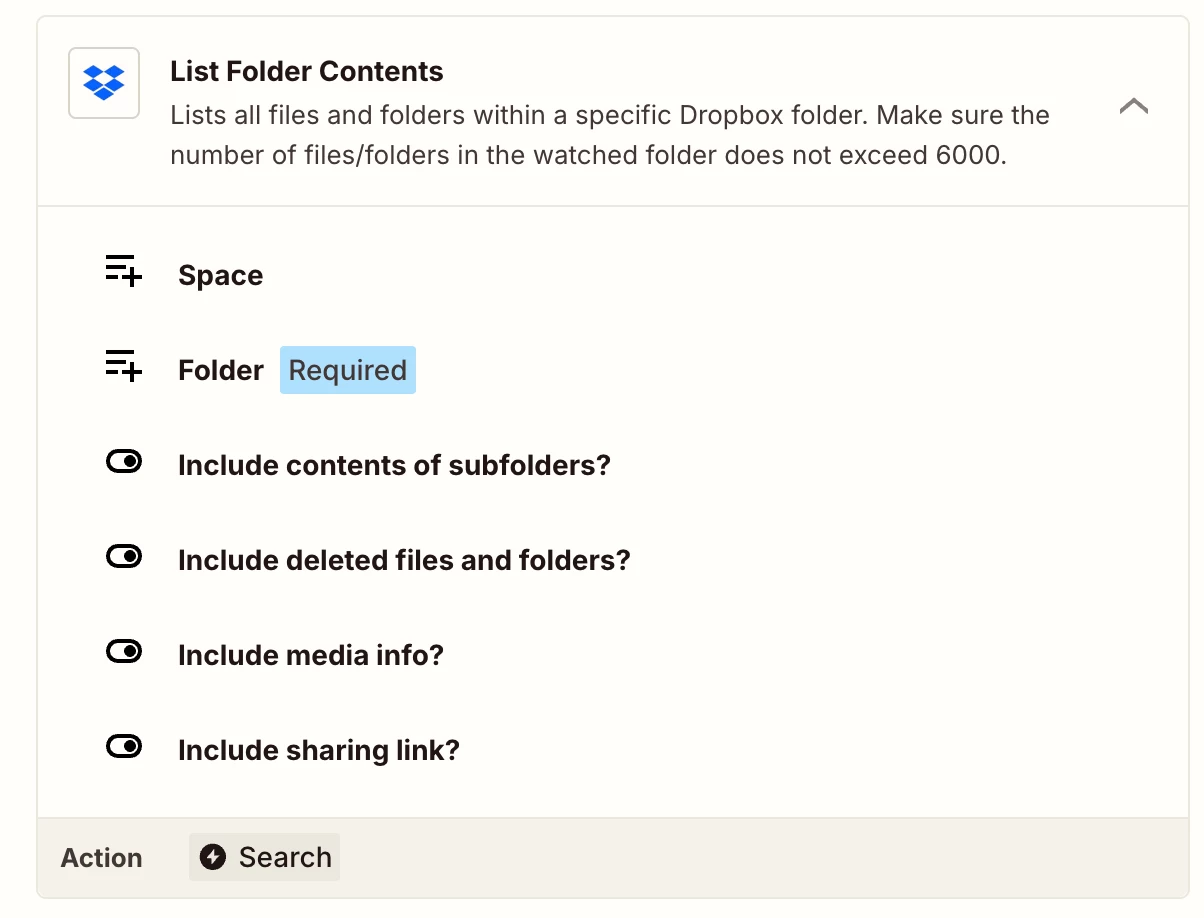
Try using List Folder Contents action.
 

After that you can use a Loop and Filter to get just the JPG’s. Hope it helps!