Best answer

How to iterate over Google Sheet records and add them to Quickbase using loops

  • February 18, 2025
  • 2 replies
  • 108 views

Forum|alt.badge.img

I am attempting to iterate over several records in a Google sheet in order to add those records to a Quickbase table.  I am able to successfully Find the Google sheet and am using the “Get many spreadsheet rows” to create an array of the data in the rows.

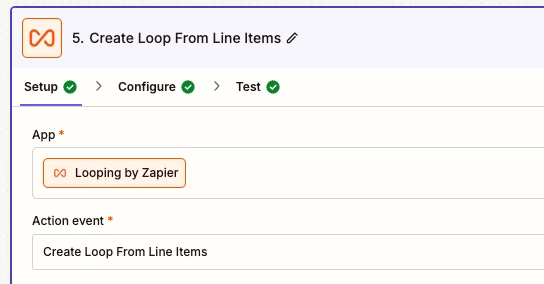
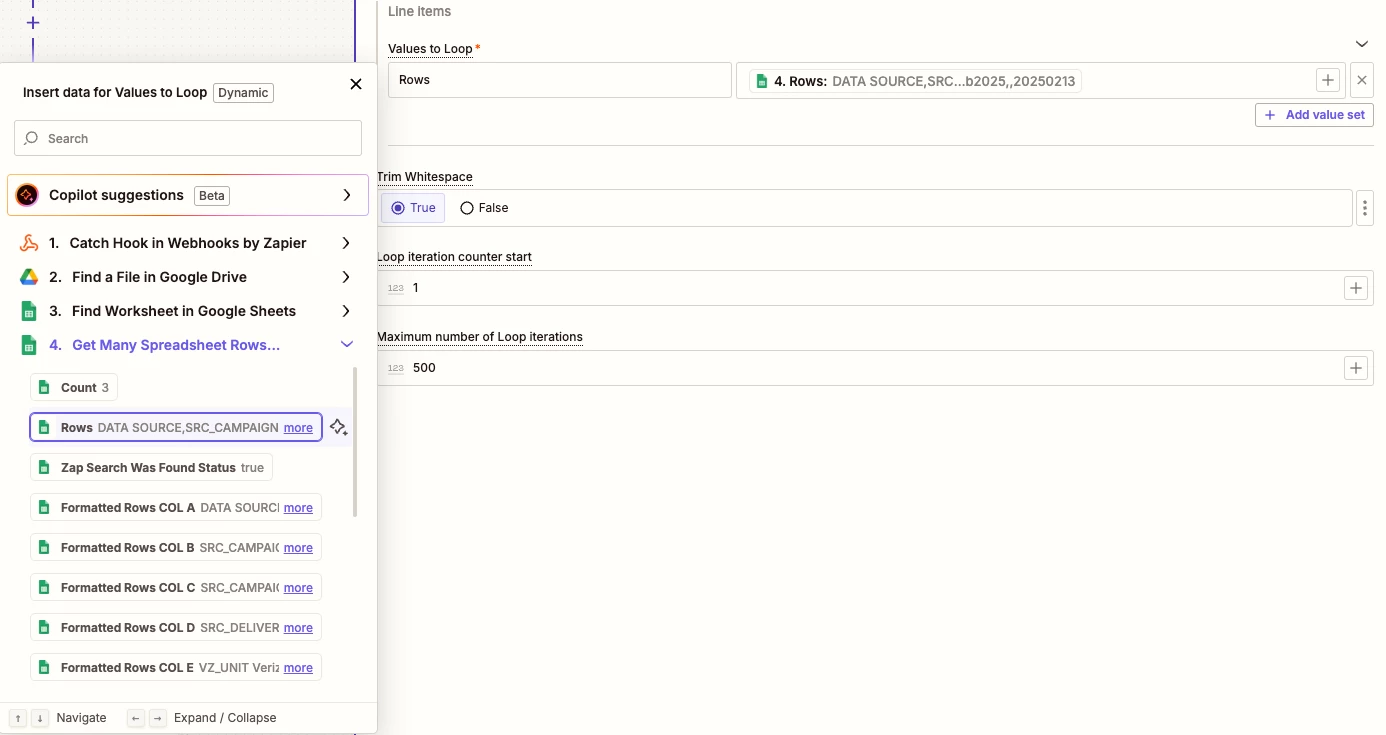
What I am struggling with is looping these values.  I have the Loop configured to iterate on “line items” being passed from the previous step.  When I set the Loop Value to “Rows” and include the array value for “Rows,” it takes ALL row values and puts them into a single record in Quickbase.  I cannot figure out how to tell the Loop to iterate over the records WITHIN the Rows array.
 

Best answer by rbuschmeyer

I found my own answer to this.  I did not quite understand that the “Test Step” action only tests the first loop iteration, and that each of my columns needed to be mapped individually.  All good now, though.

This post has been closed for comments. Please create a new post if you need help or have a question about this topic.

2 replies

Forum|alt.badge.img
  • Author
  • New
  • Answer
  • February 18, 2025

I found my own answer to this.  I did not quite understand that the “Test Step” action only tests the first loop iteration, and that each of my columns needed to be mapped individually.  All good now, though.


SamB
Community Manager
Forum|alt.badge.img+11
  • Community Manager
  • February 19, 2025

Welcome to the community, ​@rbuschmeyer—great to have you here! 🎉

Loops can definitely be a bit tricky at first, so we really appreciate you sharing what you learnt. 🤗 I’ll mark your post as the best answer since it’ll be really helpful for anyone with a similar issue.

Feel free to reach out anytime if you need help in the future. In the meantime, happy Zapping! ⚡