

Question

How to forward emails in Gmail using Thread ID in Zapier

  • December 17, 2025
  • 3 replies
  • 31 views

roshangupta

I am trying to automatically forward an email in Gmail that gets labeled with a specific label, but I’m running into problems with what feels like should be a simple automation.

Here’s what I’m doing:

  1. A conversation in Gmail is tagged with a label (e.g. “Receipt”)
  2. I use Zapier’s Gmail “New Labeled Conversation” trigger, which returns a Thread Id
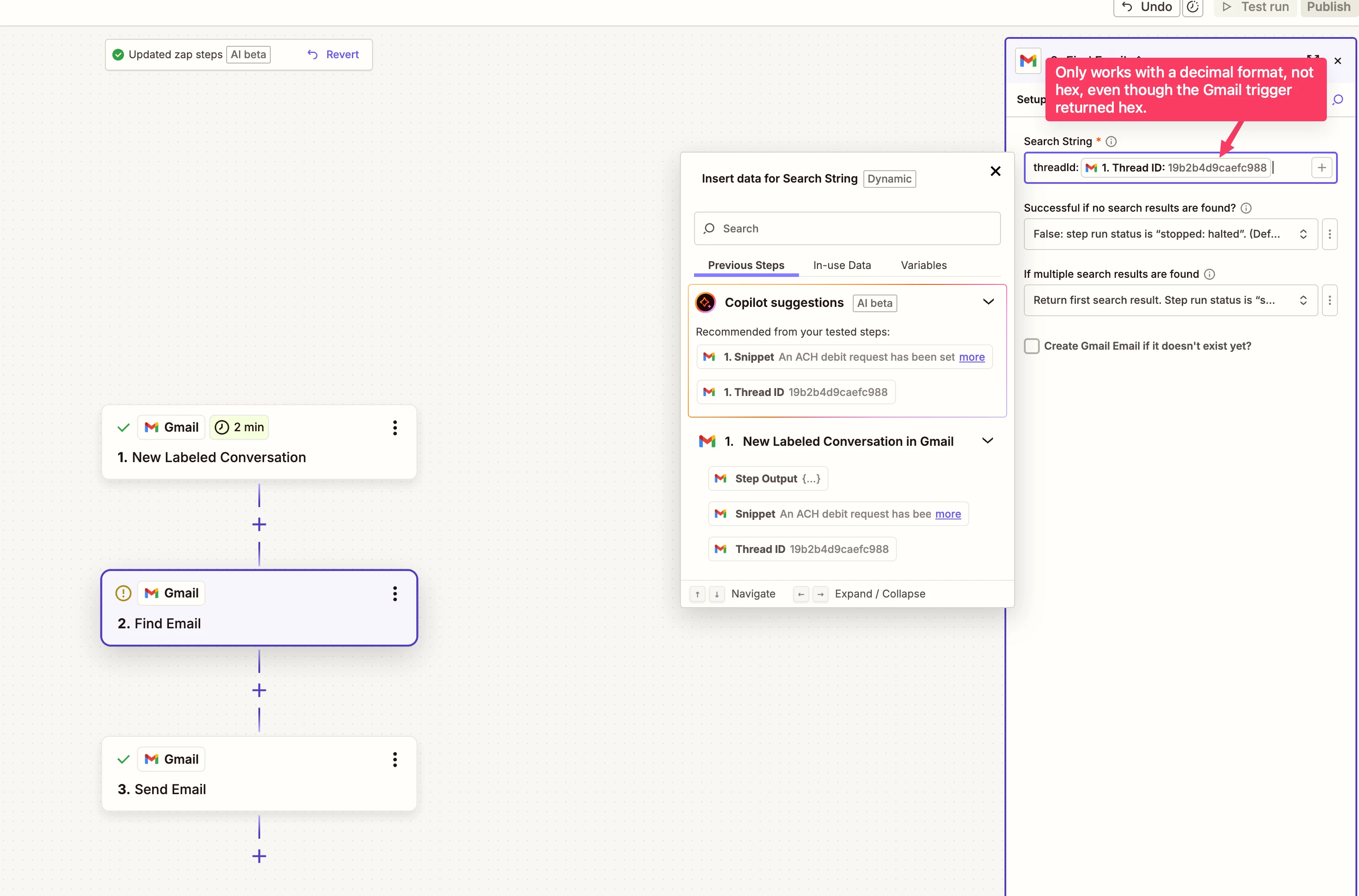
  3. I use Gmail “Find Email” to look up the email by Thread ID (i.e. search query “threadId:<THREADID>”).
  4. I then use Gmail “Send Email” to create a new email with all the information as the email I looked up (subject, body, attachments, etc.) and send that to my accounting software (since Zapier doesn’t have a “forward email” action).

The issue is with step #3. Zapier formats the Thread ID as HEX, but Gmail expects it as a 64-bit integer. So the search fails.

Yes I could insert a code step #2.5 that converts the HEX Thread ID into decimal, but that seems silly and costs me a task per run. I feel like I am missing something simple – Zapier’s trigger returns a thread ID, and I should be able to use that Thread ID to look up associated emails.

Any suggestions?


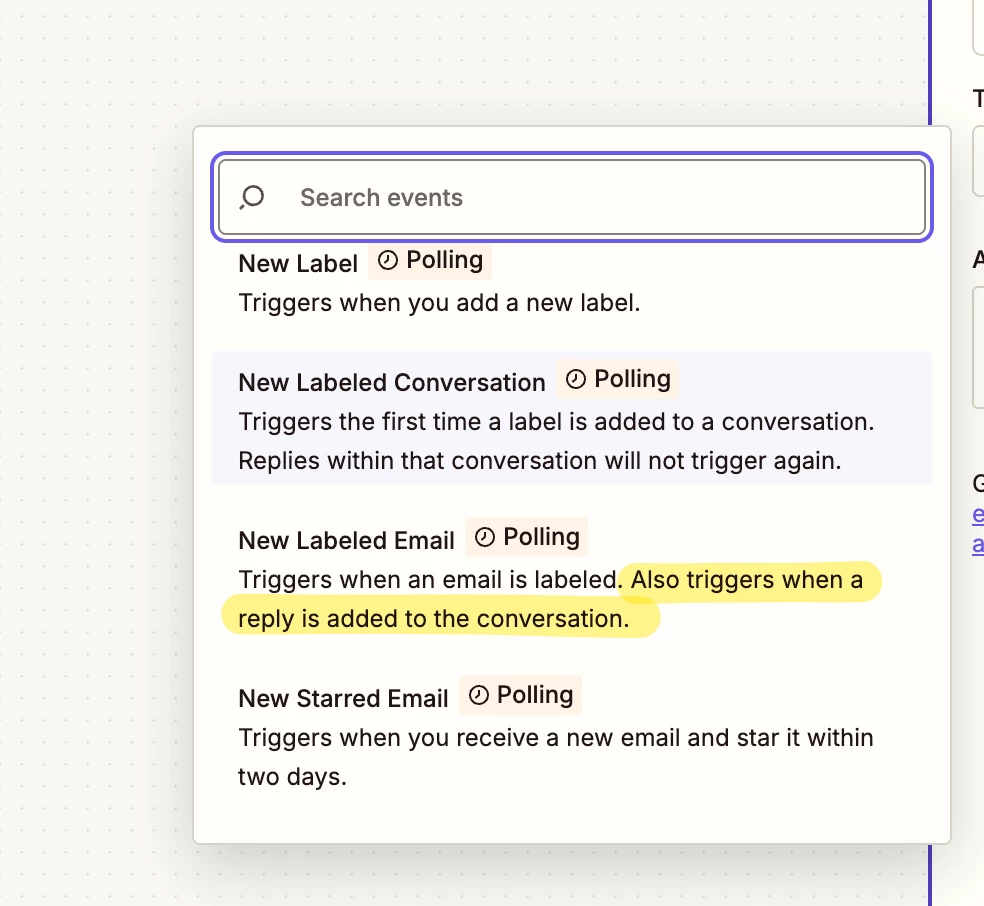
(and yes, I do know there is “New Labeled Email” as a trigger that just returns the email directly; the problem is it also triggers on replies, and my accounting software always replies to a forwarded receipt with a confirmation, which is going to trigger the Zap again, and create a loop)


3 replies

Troy Tessalone
Zapier Orchestrator & Solution Partner
Forum|alt.badge.img+14
  • Zapier Orchestrator & Solution Partner
  • December 17, 2025

Hi ​@roshangupta 

Gmail search operators: https://support.google.com/mail/answer/7190?hl=en

threadId:  is not an available search operator.


You can try searching via the returned Snippet variable.


Then you can add Paths with Filter conditions to check the returned Thread ID from Zap step 2 matches the Thread ID from Zap step 1.

Pathshttps://zapier.com/apps/paths/integrations#help

Filterhttps://zapier.com/apps/filter/integrations#help


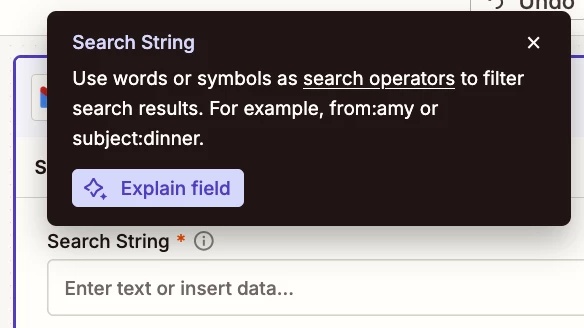
TIP: Click field labels to see tooltips with more info.


roshangupta
  • Author
  • New
  • December 17, 2025

Thank you ​@Troy Tessalone! I’ll give the snippet way a shot. I considered it, but felt searching by thread id would be unambiguous (since for monthly receipts, the snippets are very similar, so really I want to find the specific email in the specific thread id). But I can use the path + filter to confirm the thread ID match.

“threadId:<#>” (case seems to matter) actually works in Gmail, it just isn’t documented.  Take the thread ID from Zapier in hex format, and convert it to decimal here. Then put that search term into the Gmail search box. So I could convert the HEX thread id from Zapier into decimal, but the only way I can figure out how to do that is with a Code node (Formatter doesn’t do this) and that costs an extra task (so was trying to avoid it if I could).

I think the big takeaway is I thought I was overcomplicating things or missing something with how to use the Thread ID returned by Zapier, but it looks like I am not missing anything obvious.  A feature request would be updating Formatter to convert between number formats like HEX and decimal, but that’s probably going to be low on the priority stack.


Troy Tessalone
Zapier Orchestrator & Solution Partner
Forum|alt.badge.img+14
  • Zapier Orchestrator & Solution Partner
  • December 17, 2025

@roshangupta 

You can submit feedback and feature requests via a ticket to Zapier Support to be logged for consideration: https://zapier.com/app/get-help