Question

How to connect Humanity to Zapier for shift publishing

  • November 18, 2025
  • 2 replies
  • 11 views

I am trying to connect Humanity to Zapier and read data from there and put it in Smart Suite. Trigger i am selecting is from Humanity - Published Shifts. But in the Test Trigger i m not getting record and getting a message Create a published shifts in your account and test again.

I went to Humanity and created a shift but still i don’t see any records there. 

A quick suggestion would we really helpful.

2 replies

Troy Tessalone
Zapier Orchestrator & Solution Partner
Forum|alt.badge.img+14
  • Zapier Orchestrator & Solution Partner
  • November 18, 2025

Hi ​@bhuppi2010 

For us to have more context, post screenshots showing the encountered message in the Humanity Zap trigger step after testing.


If you still need help, try reaching out to Humanity Support for help with their Zap app integration.


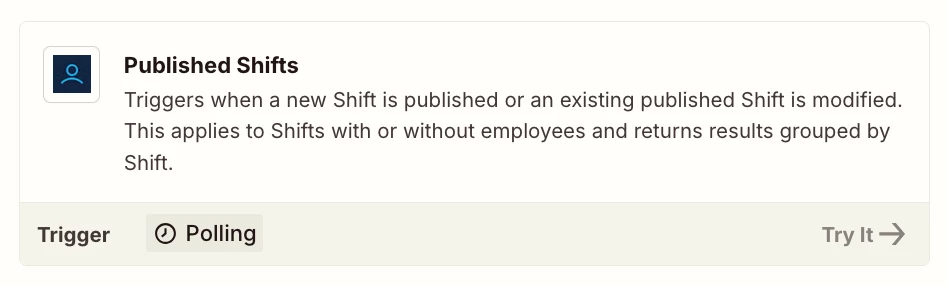
Zap Trigger: Humanity - Published Shifts

Triggers when a new Shift is published or an existing published Shift is modified.
This applies to Shifts with or without employees and returns results grouped by Shift.


SamB
Community Manager
Forum|alt.badge.img+11
  • Community Manager
  • December 11, 2025

Hey there ​@bhuppi2010 👋

Were you able to get the Zap triggering, or are you still having some trouble getting it working?

If it’s still not working, are you able to skip the test and use the default test record to setup the Zap? If it the default test record doesn’t contain the fields you need, then I’d suggest turning the Zap on and publishing a new shift to get it to trigger. Then you can use that live Zap run for the test record to access the missing fields and can set up the Zap.

Let us know whether you still need any help at all, want to make sure you’re all set!