
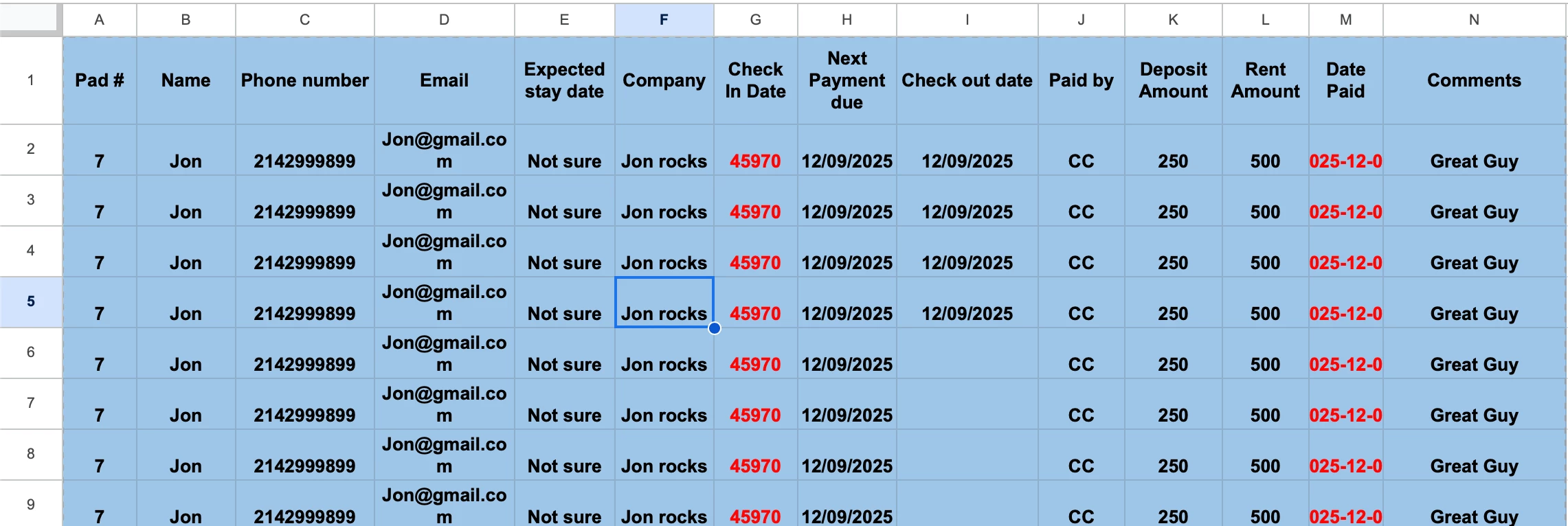
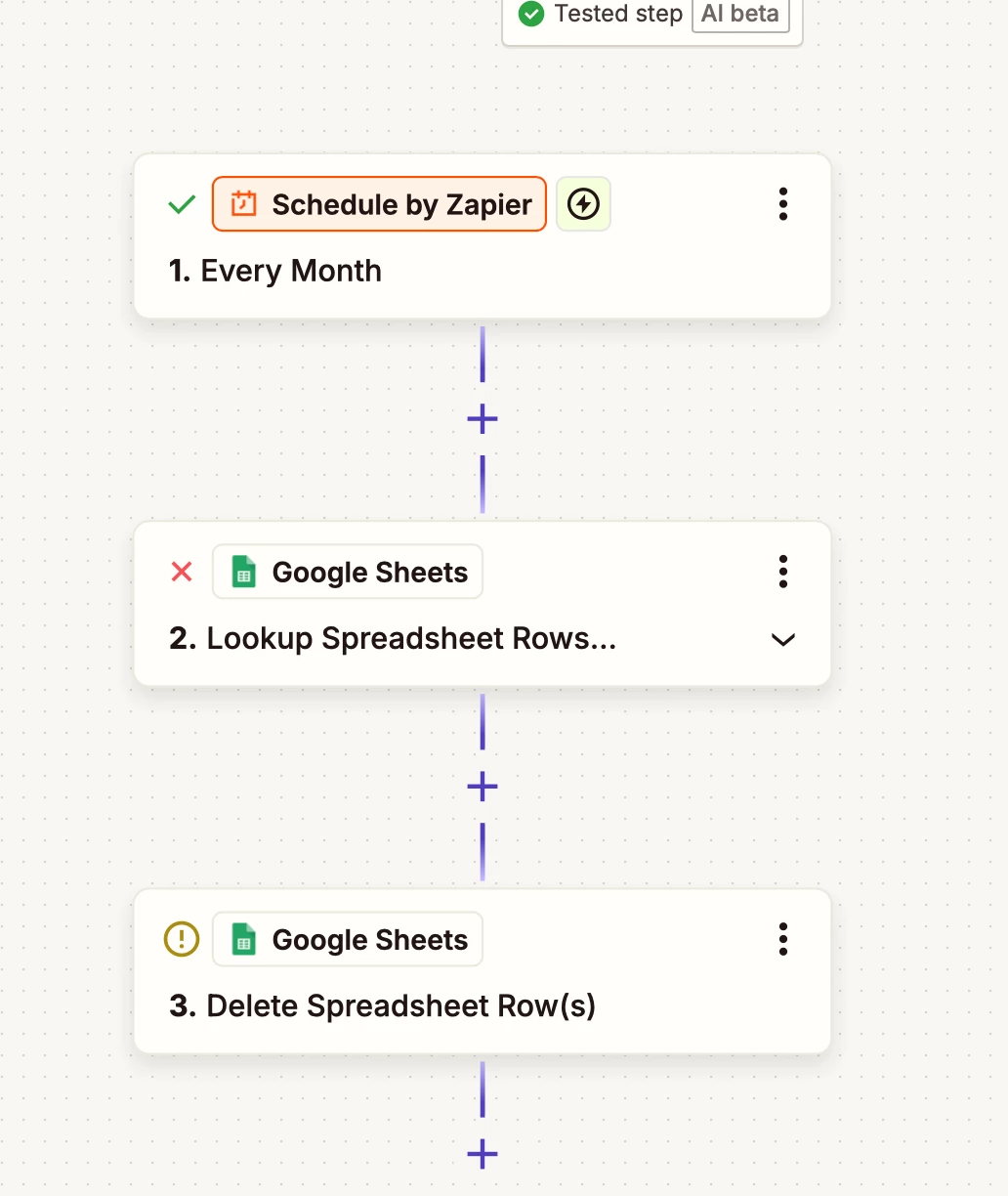
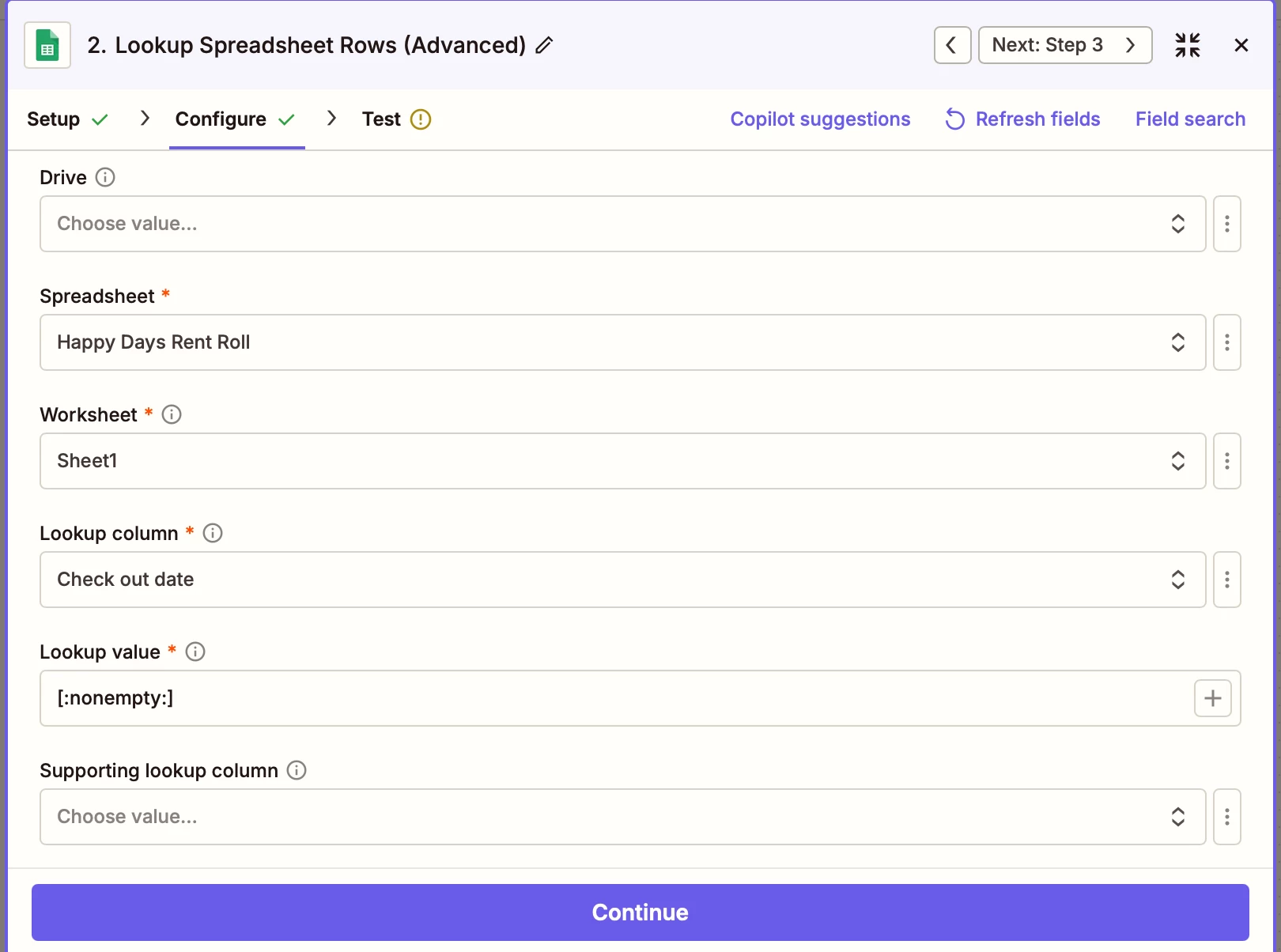
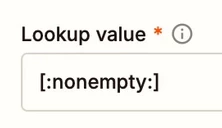
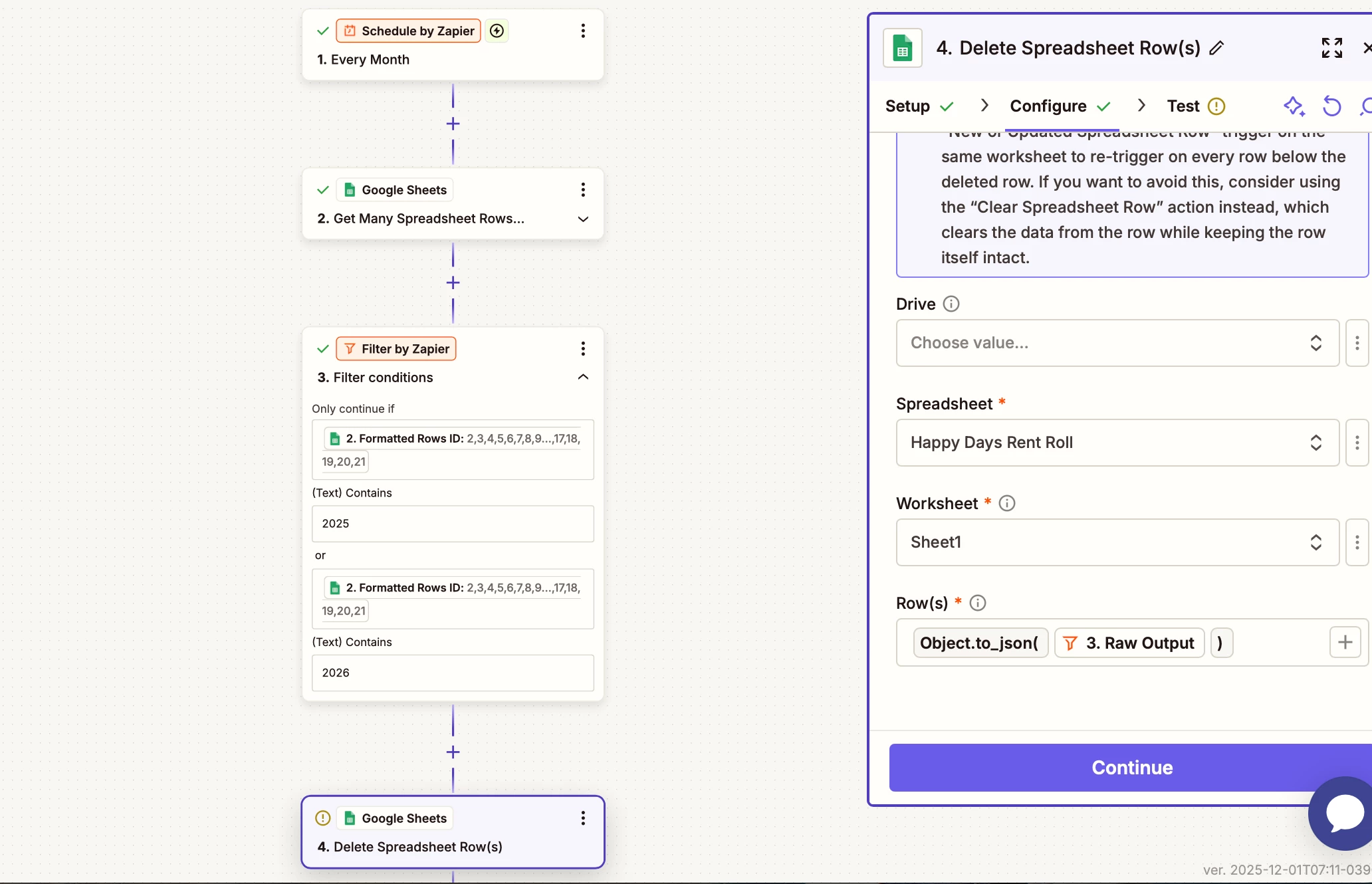
I'm attempting to automate my rent roles. I want to create a zapier that will delete all rows at the beginning of the month that have a checkout date in them. My first action is look up spreadsheet rows (advanced) in google sheets. I have check out date as my lookup column and [:nonempty:] as my look up value. For some reason during all test runs it says, “failed to find a spreadsheet rows in Google Sheets. Error from halted execution: nothing could be found for the search.” even though there's rows in my Google sheet with check out dates.

Best answer
How to automate deleting rows in Google Sheets based on checkout dates
- Beginner
Best answer by Troy Tessalone
If you wanted an easier way to find the rows.
Then try adding these columns:
- Year
- Format: YYYY
- Month
- Format: MMMM
- e.g. December
Then you can search by 2 lookup columns/values.
You can use Formatter > Date & Time > Format steps to get the lookup values in the expected formats.
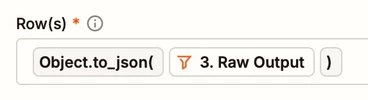
In the GSheets Delete Rows step, it expects the ID/Row value, which is numeric.
This post has been closed for comments. Please create a new post if you need help or have a question about this topic.









Early access

Next Gen Zaps
Build and deploy automations from AI tools you already use. With Agentic Management, if anything breaks, the agent diagnoses the issue and proposes a fix.
Request access now
Enter your E-mail address. We'll send you an e-mail with instructions to reset your password.