Question

How do I update Smartsheet rows with changes from Service Fusion in a multi-step Zap?

  • August 12, 2024
  • 3 replies
  • 35 views

@Troy Tessalone I have a multi step zap that triggers once a job has been created in Service Fusion. It contains the job status, start date/start time and whether or not it has a deposit, this information can also be blank and its dependent on where the job is at in the process. This information is being copied to Smartsheet as a row.  I want Zapier to update row’s should any of the information change.

For example for if the first row job status changes from Unscheduled to Scheduled and also changes add’s the start/end date/time.

On the second row would change the deposit from $0.00 to the deposit amount once it occurs and also fills in the invoice #1 column.

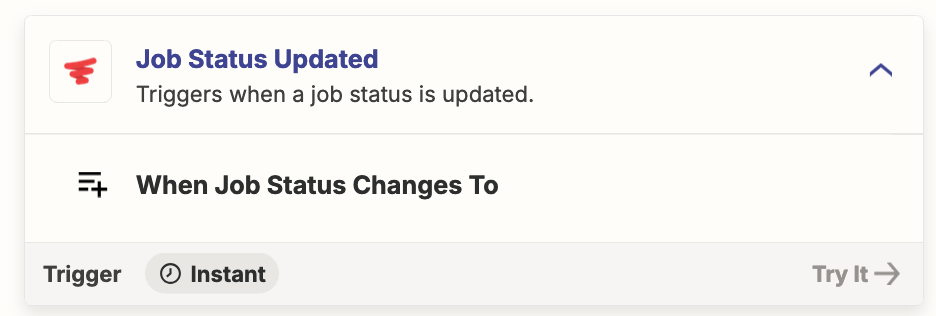
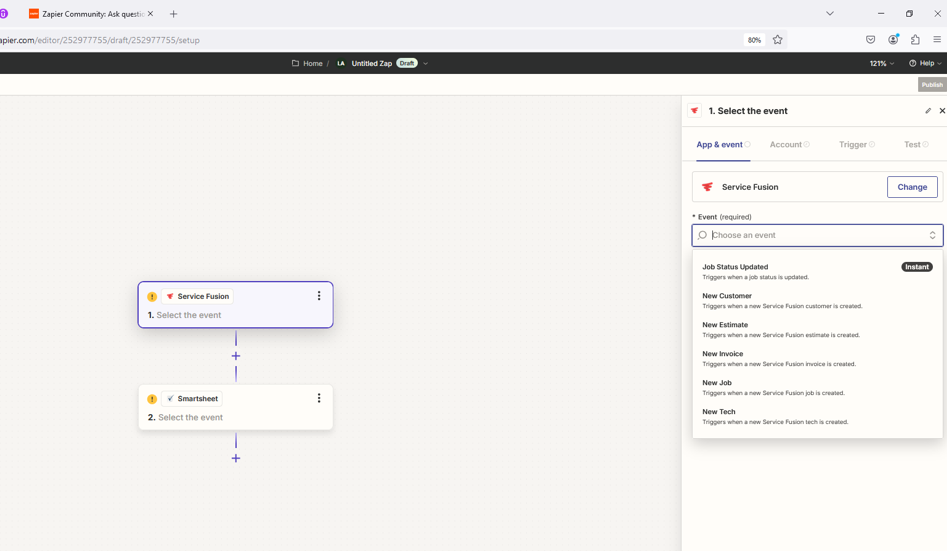
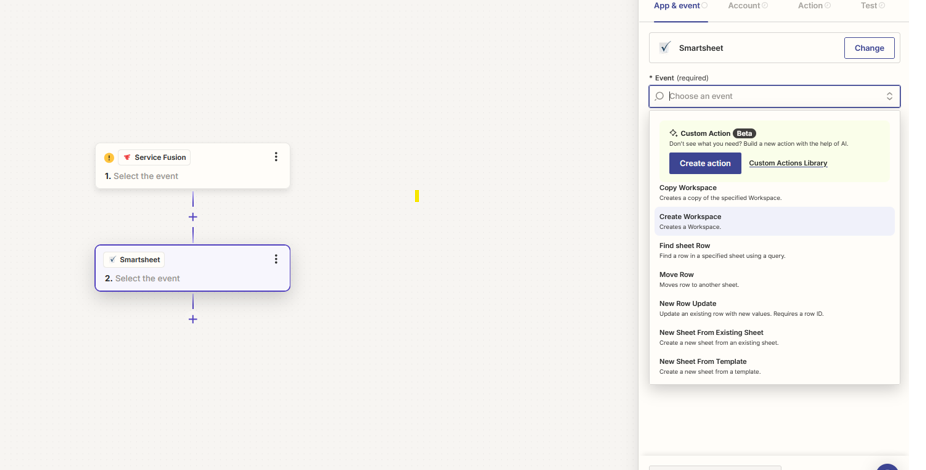
Ultimately I want to know if I should Find/update row function at the end of multi step zap or if i need to create a separate zap based off of these triggers in Service since I do have that option. See screen jobs of Service Fusion and Smartsheet triggers.



Service Fusion
 

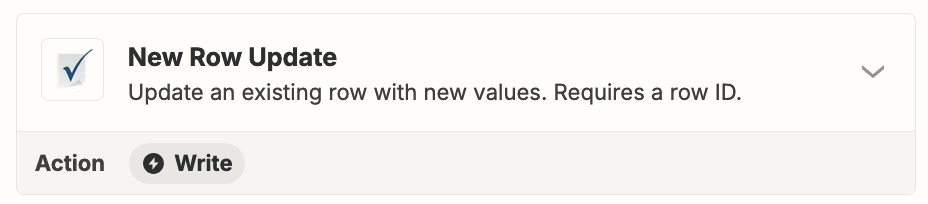
Smartsheet
 

This post has been closed for comments. Please create a new post if you need help or have a question about this topic.

3 replies

Troy Tessalone
Zapier Orchestrator & Solution Partner
Forum|alt.badge.img+14
  • Zapier Orchestrator & Solution Partner
  • August 12, 2024

Hi @LAndersen2210 

You probably need 2 Zaps with different triggers/actions


For the Zap trigger, the only trigger available for Job updates is related to the Job Status.


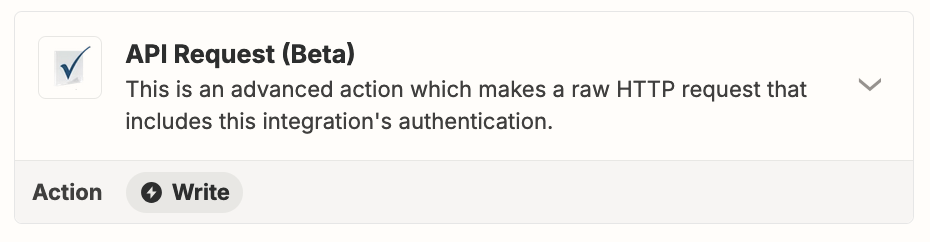
Options to use APIs in Zaps:


  • Author
  • Tinkerer
  • August 12, 2024

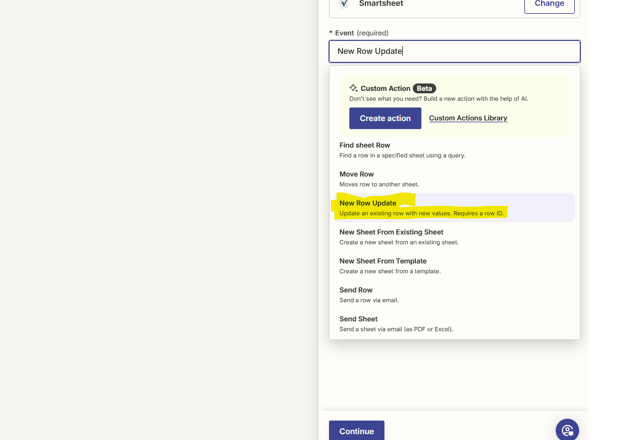
thanks @Troy Tessalone I thought that new row update in SS would do the trick


Troy Tessalone
Zapier Orchestrator & Solution Partner
Forum|alt.badge.img+14
  • Zapier Orchestrator & Solution Partner
  • August 12, 2024

@LAndersen2210 

Ah, yeah give that a try!