
Question

Help with Zapier Loop – Creating Recurring Weekly Sessions in Airtable

  • March 6, 2025
  • 4 replies
  • 16 views

Sydnee Merchant

Hi Zapier Community,

I’m trying to set up a Zap that automates recurring weekly bookings in Airtable when a client books a "Weekly Session." Here's what I need to happen:

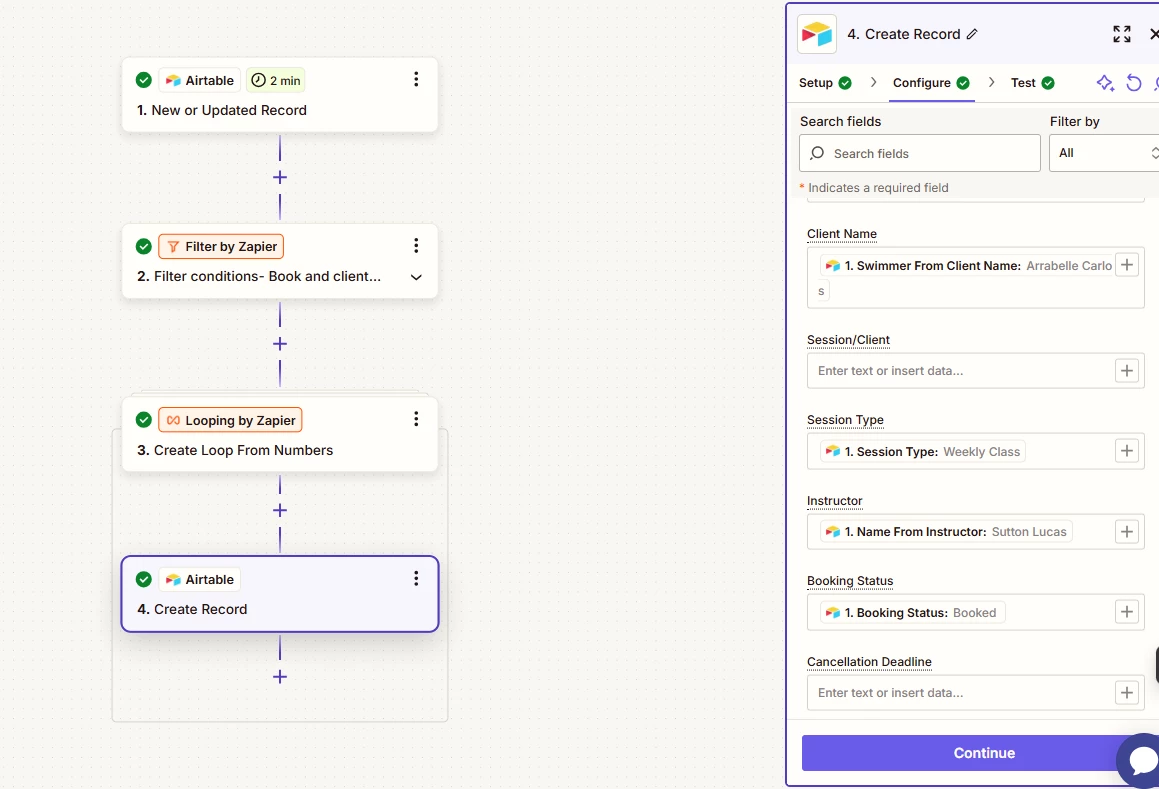
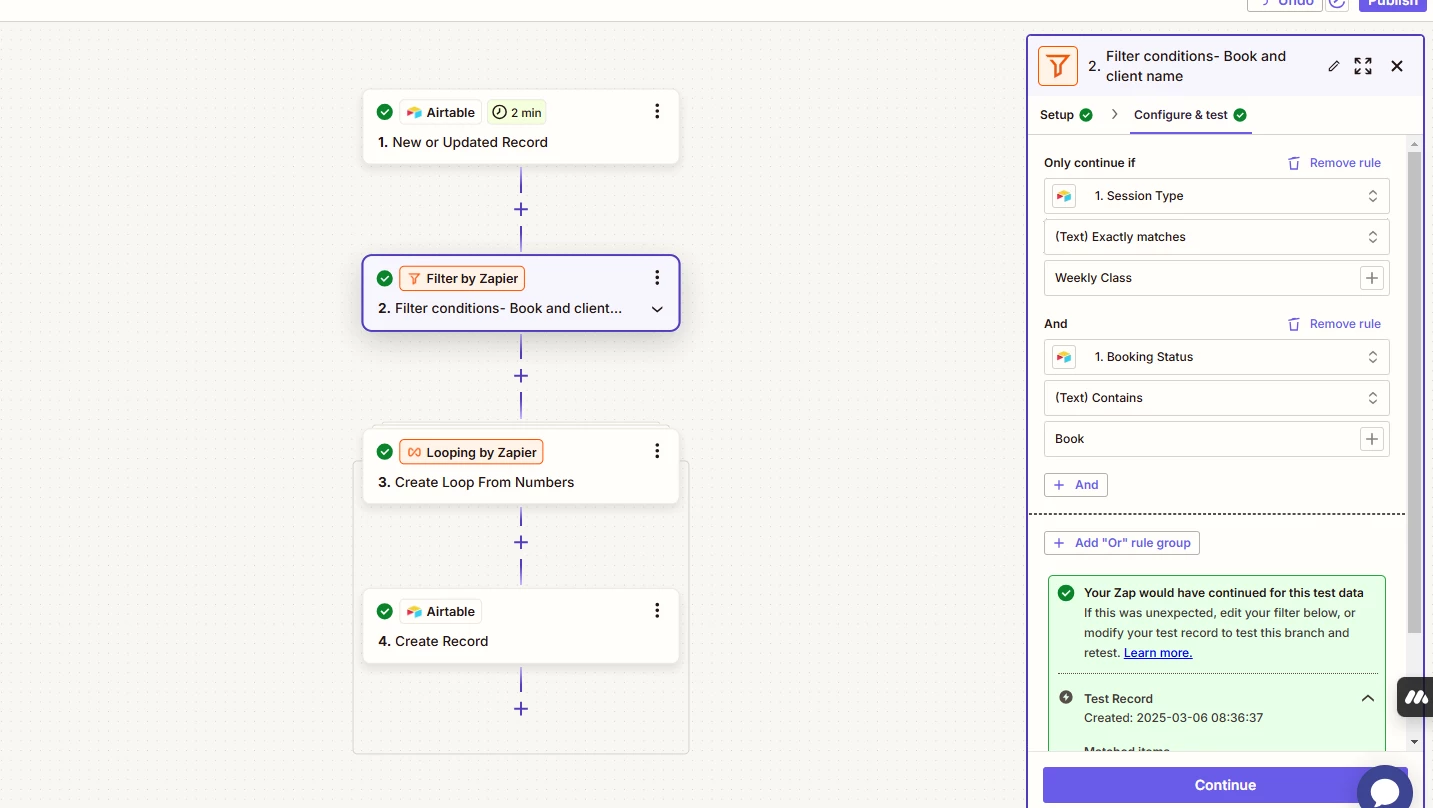
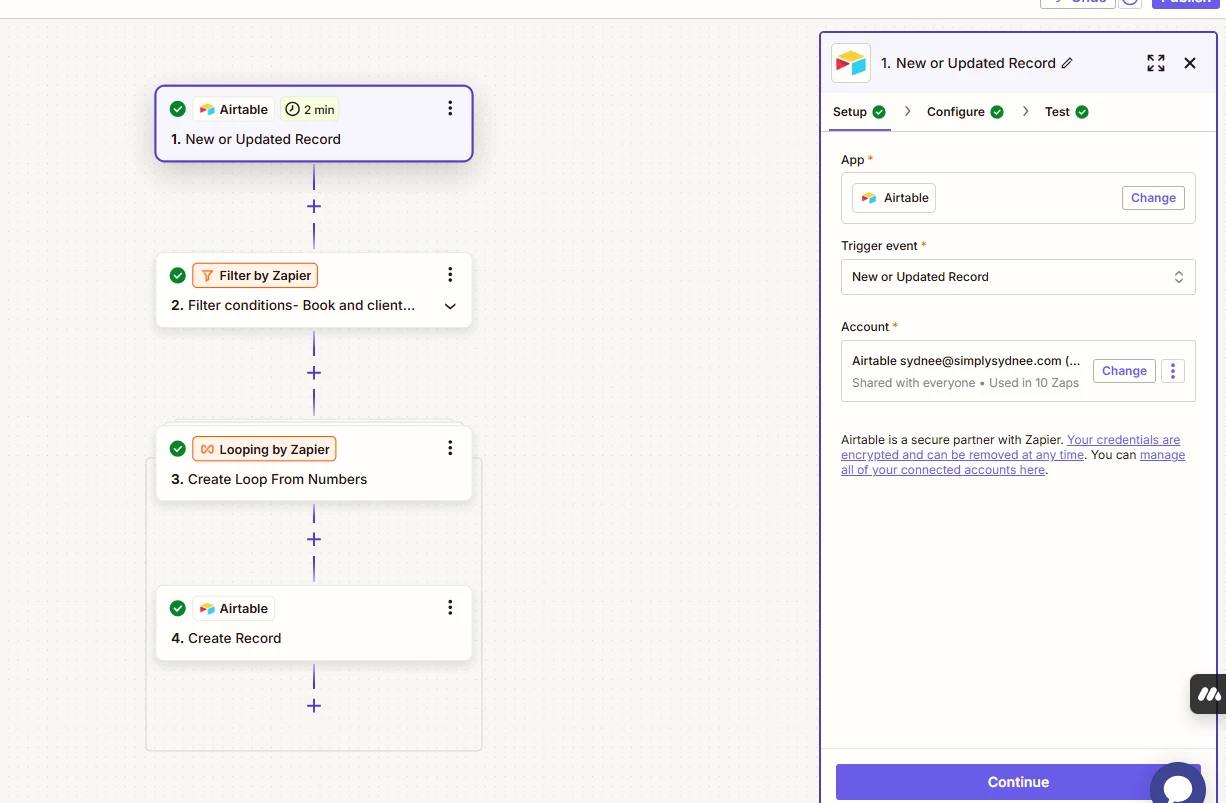
1️⃣ Trigger: When a record in Airtable is updated (Booking Status changes to "Booked" and Session Type = "Weekly Session").
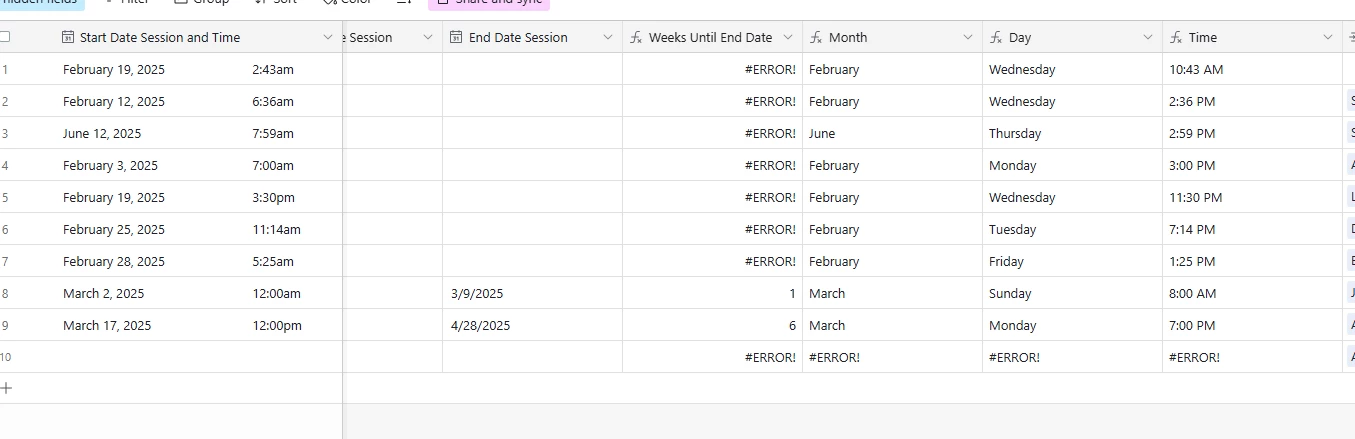
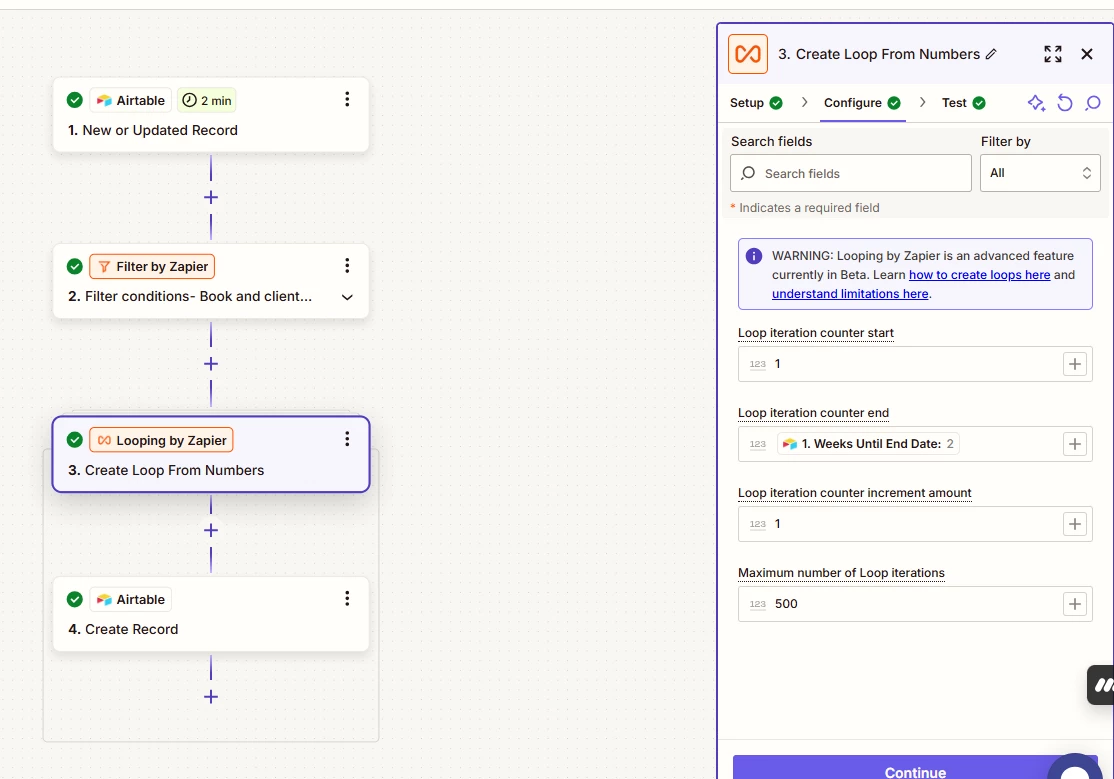
2️⃣ Looping by Zapier: The Zap calculates the number of weeks between Start Date Session and End Date Session and loops that many times.
3️⃣ Create Record in Airtable: For each loop iteration, Zapier should create a new booking, adding 1 week per iteration to the original Start Date Session.

Issue I’m Facing:

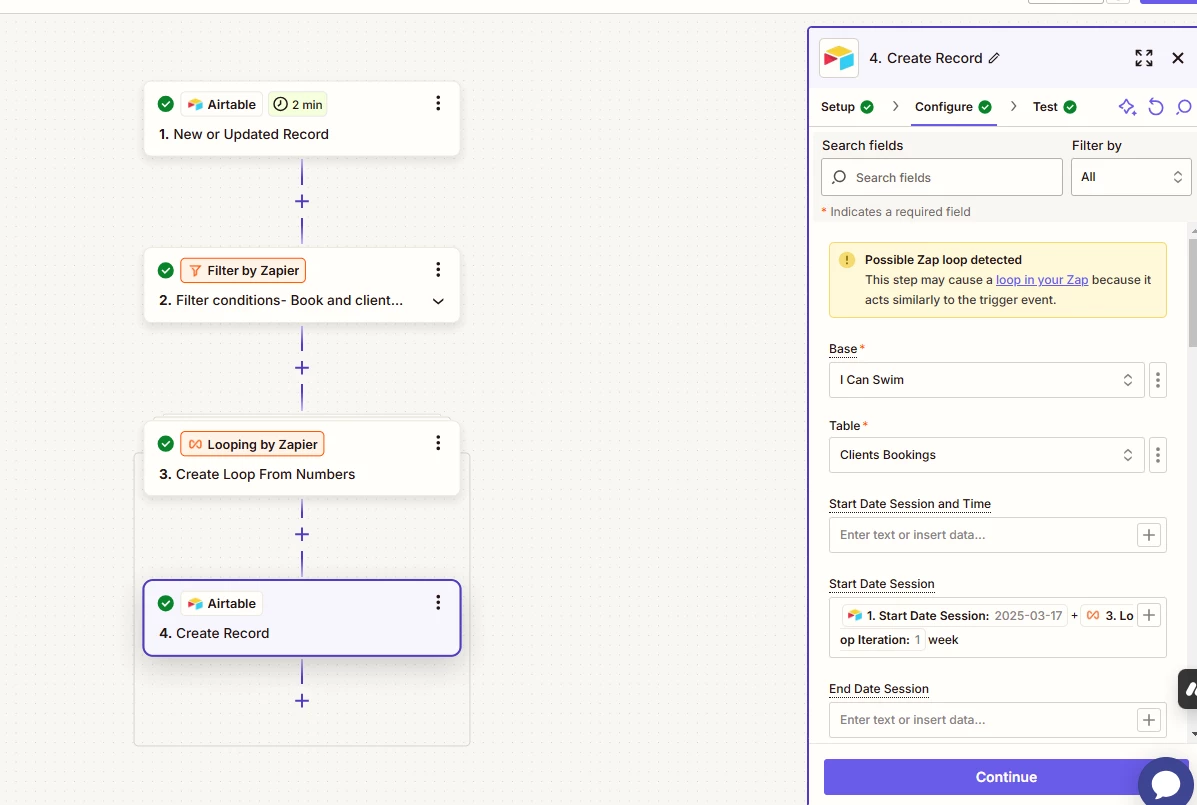
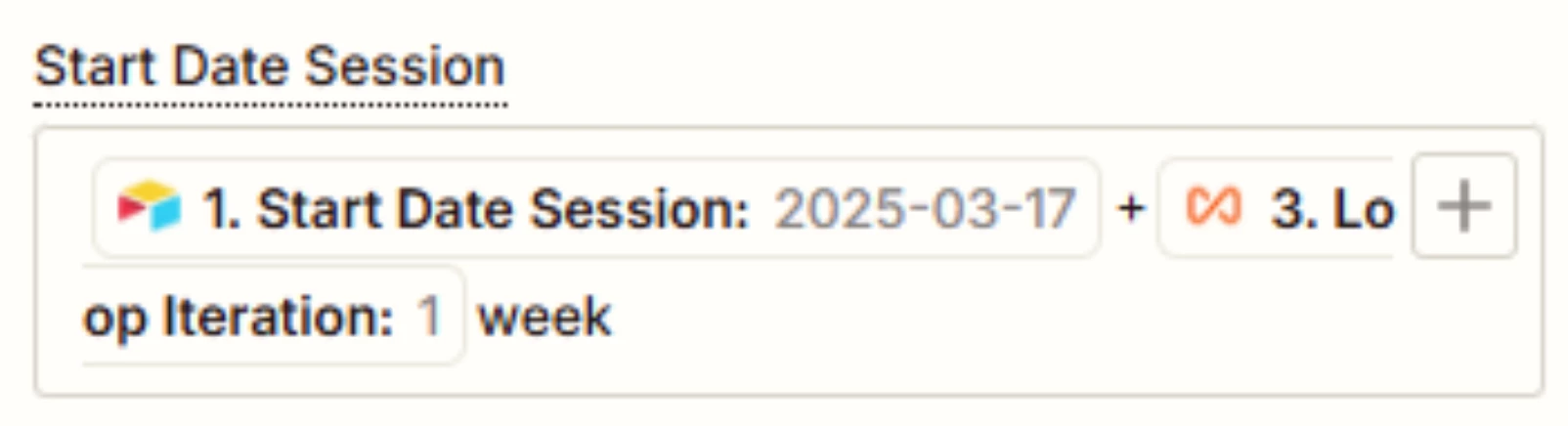
  • I tried setting the Start Date Session in the "Create Record" step using:
     

    javascript

    Copy

    {{1. Start Date Session}} + {{Loop Iteration}} weeks

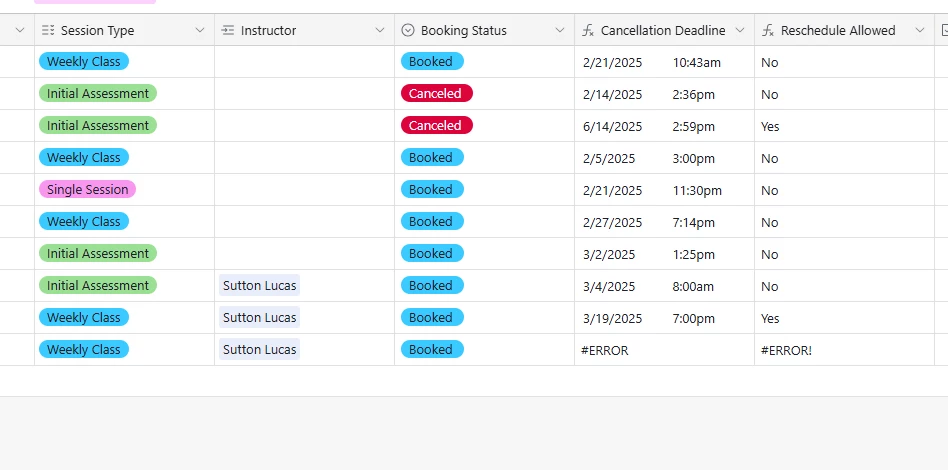
    But it’s not working correctly—either the date isn't incrementing, or the Zap runs into errors.
  • I'm also getting a "Possible Zap loop detected" warning, even though I ensured that my Zap is not triggering itself.

What I Need Help With:

🔹 How should I properly set up the date calculation in Zapier to add 7 days per loop iteration?
🔹 How can I prevent a loop warning while still creating new records in Airtable?

I’d appreciate any help! Thanks in advance. 

This post has been closed for comments. Please create a new post if you need help or have a question about this topic.

4 replies

Troy Tessalone
Zapier Orchestrator & Solution Partner
Forum|alt.badge.img+14
  • Zapier Orchestrator & Solution Partner
  • March 6, 2025

Hi ​@Sydnee Merchant 

Help us have more info by posting screenshots that show how your Zap steps are outlined and configured in EDIT mode with the field mappings visible.


Sydnee Merchant


Troy Tessalone
Zapier Orchestrator & Solution Partner
Forum|alt.badge.img+14
  • Zapier Orchestrator & Solution Partner
  • March 6, 2025

@Sydnee Merchant 

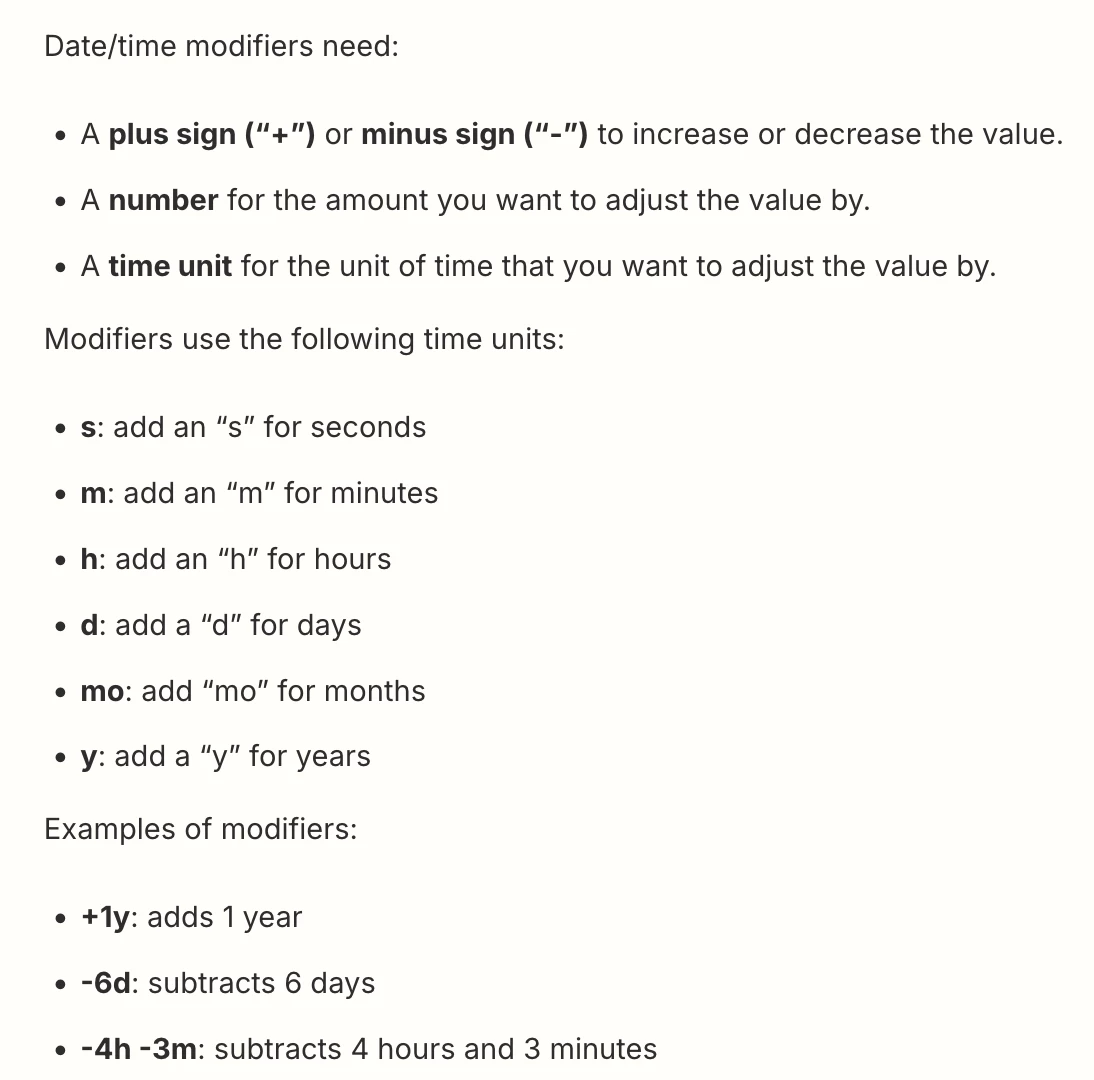
Help link to reference for datetime modifiers:

https://help.zapier.com/hc/en-us/articles/8496307860109-Adjust-date-and-time-values-in-Zaps

Weeks may not be supported.


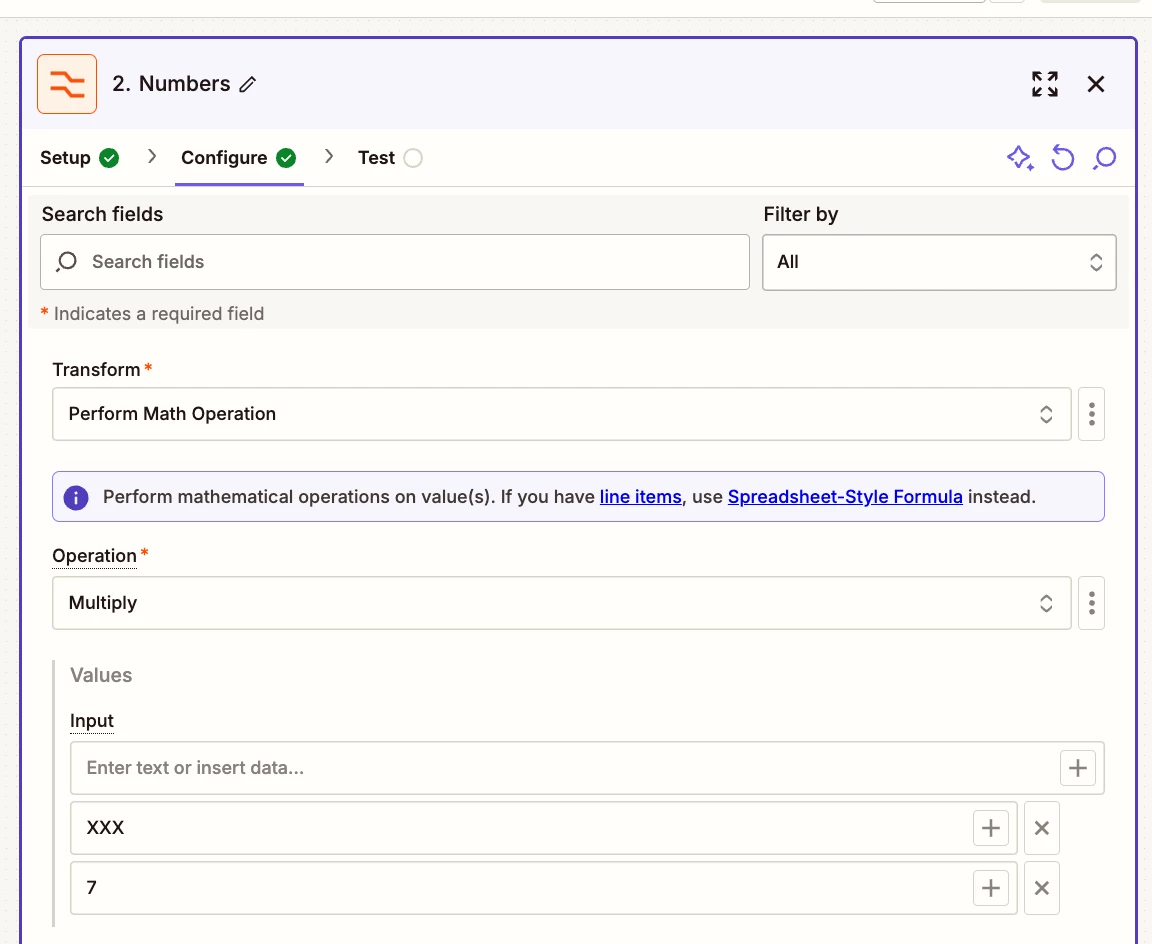
Add this Zap step after the Looping step.

Action: Formatter > Numbers > Perform Math Operation
Multiply the Loop Iteration x 7 to get the # of Days


SamB
Community Manager
Forum|alt.badge.img+11
  • Community Manager
  • March 20, 2025

Hi there, ​@Sydnee Merchant 👋

Did the Formatter action Troy suggested do the trick? 

Just wanted to check in and make sure you’re all set—let us know how it’s going! 🙂