Question

help with making a zap

  • April 7, 2026
  • 5 replies
  • 30 views

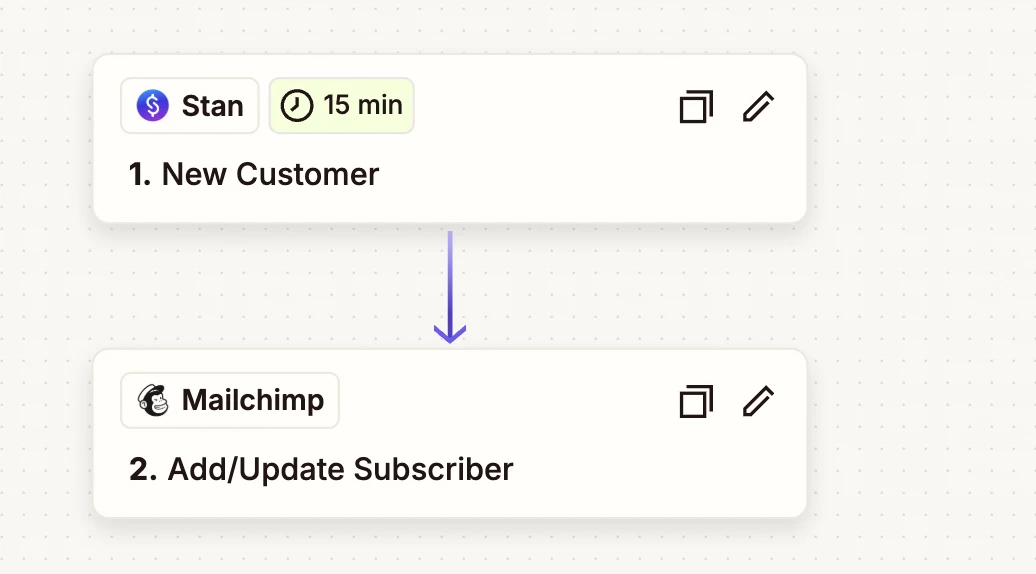
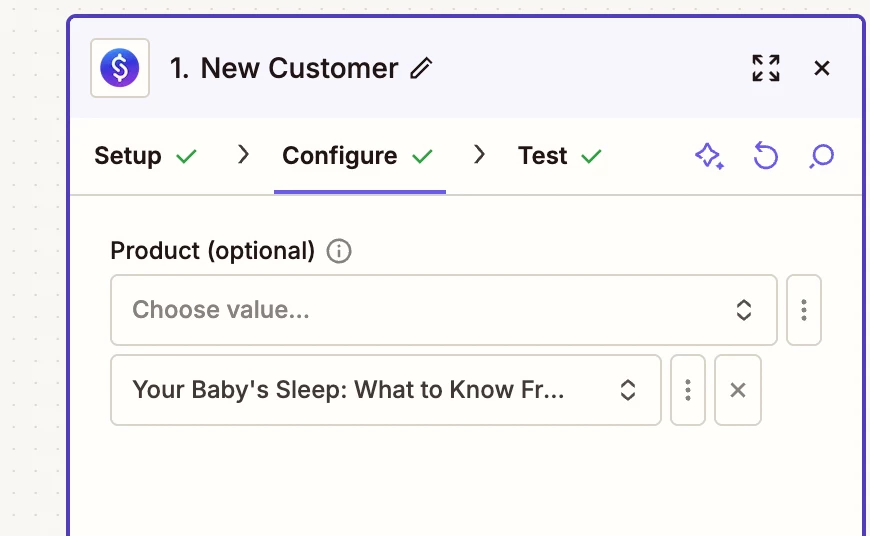
I am trying to make a zap, from Stan store to mail chimp. Its not working. When I make the zap I add the product and the tag, but after I publish the zap, the zap is only sucessful with the test, and nothing afterwards. Also, when I go back into the zap configuration the fields are empty.

I have an event on the weekend and i need this to be working. I need hep

5 replies

Forum|alt.badge.img+2

This sounds like 2 different problems:

  1. The Zap test works, but the live trigger is not sending new data
  2. The fields going blank usually means Zapier is losing the saved field mapping

Simple things to check:

  1. Reconnect both apps again, especially Mailchimp
  2. In the Mailchimp step, click Refresh fields
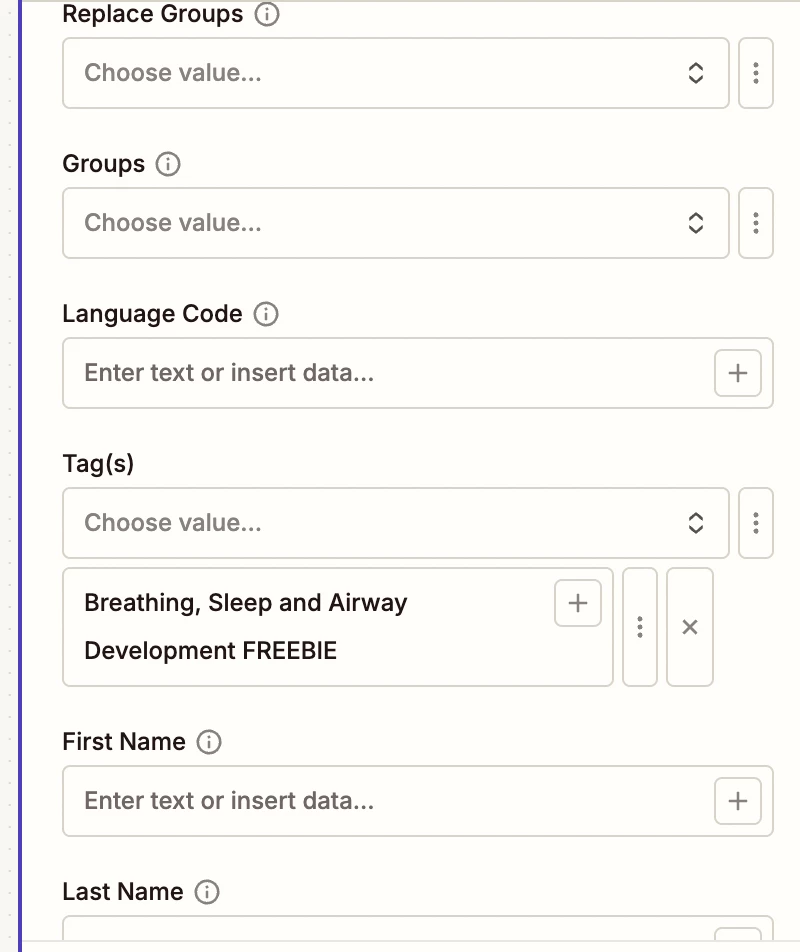
  3. Re-select the Audience / Tag / Product fields, then publish again
  4. After turning the Zap on, create a brand new Stan Store action to test it

Why:

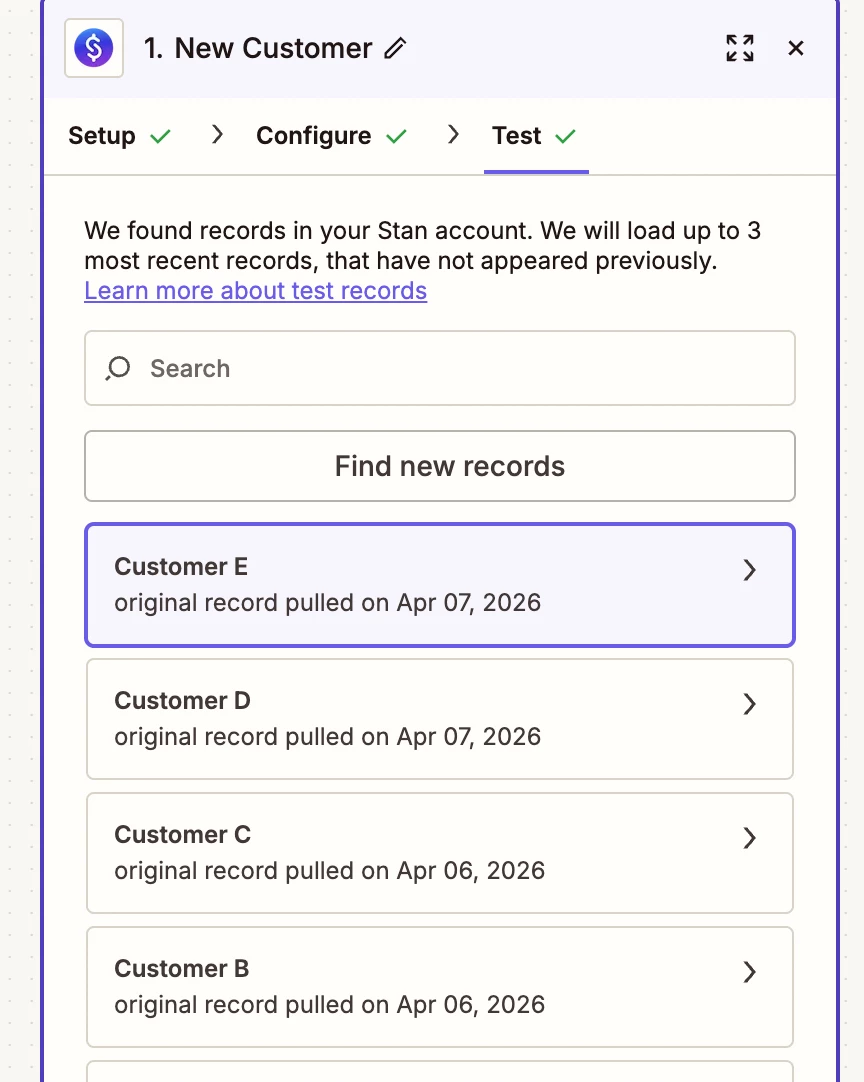
  • Zapier only triggers on new data after the Zap is on, not old test data.
  • If Mailchimp fields are missing or blank, Zapier says Refresh fields can reload them.

So the short answer is:

Turn the Zap on first, then make a brand new Stan Store test.
And if the Mailchimp fields keep clearing out, refresh the fields and reconnect the app before publishing again.


  • Author
  • New
  • April 7, 2026

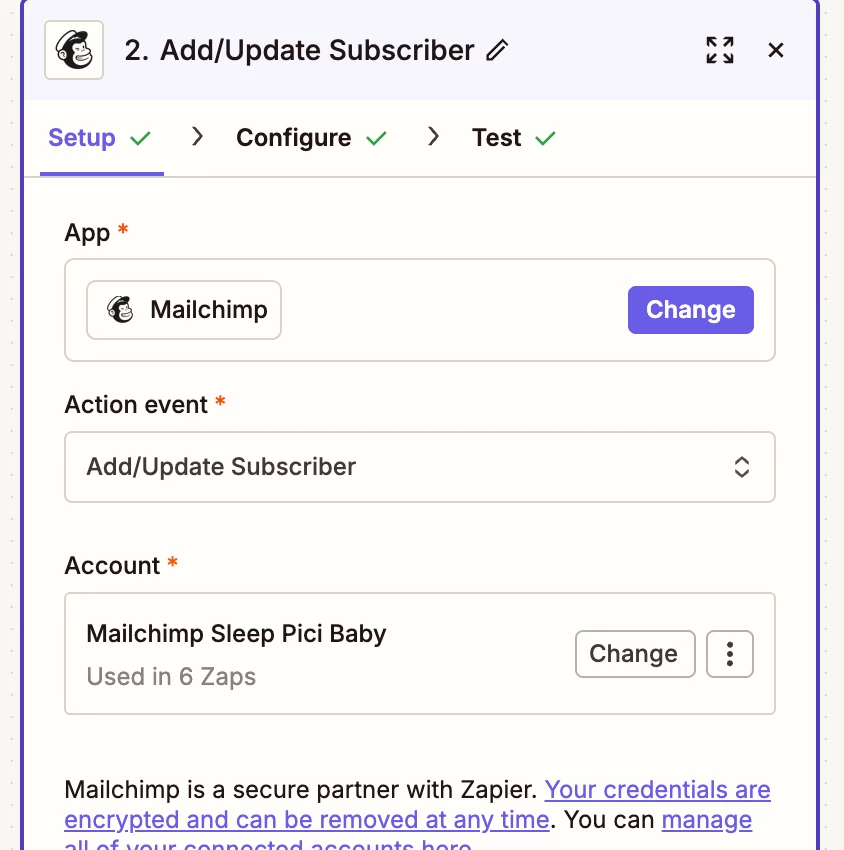
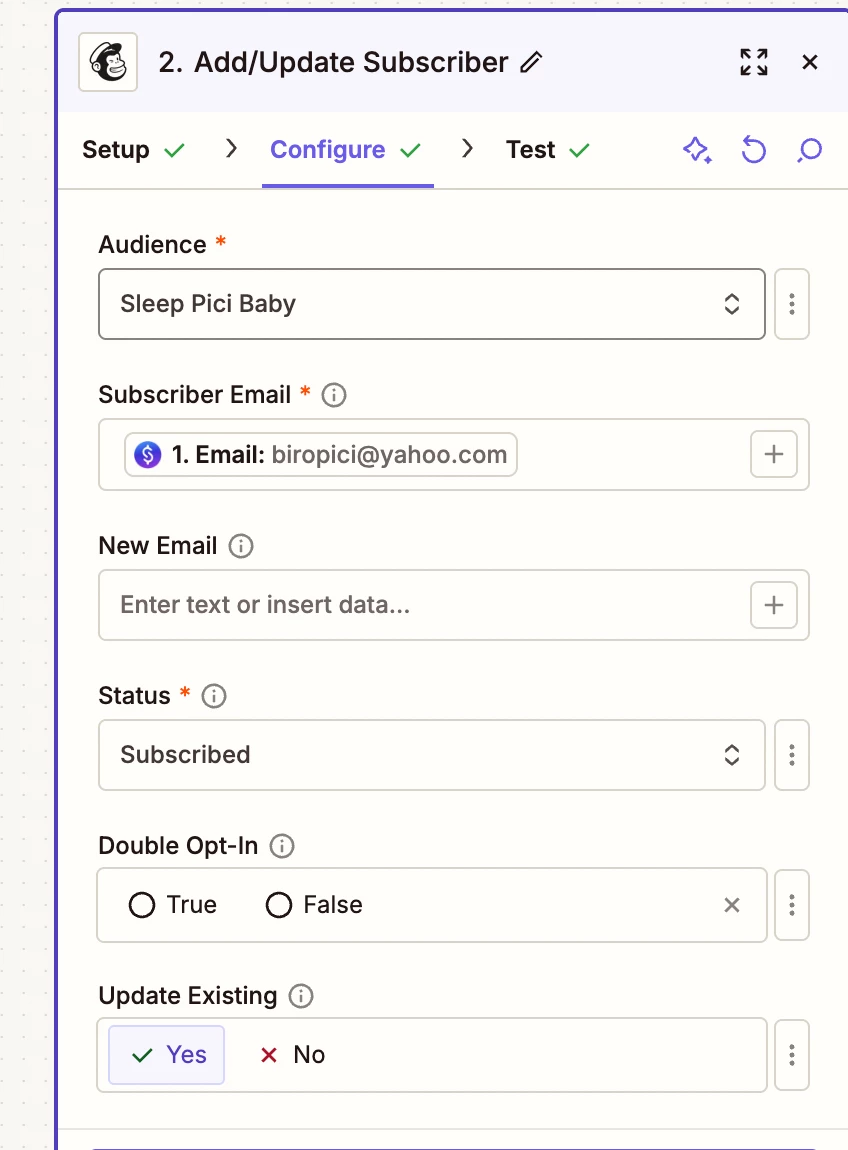
ok thank you, for the mailchimp step is it best to “add subscriber to tag” or “add /update subscriber” ? I want the person who buys the stan product to be redirected to mailchimp and then they will go into the email automation. 

If I do add/update subscriber this will work with past clients who are already in my audience? and add subscriber to tag would require them to double opt in? 


thank you. I am very new to zapier.


Troy Tessalone
Zapier Orchestrator & Solution Partner
Forum|alt.badge.img+14
  • Zapier Orchestrator & Solution Partner
  • April 7, 2026

Hi ​@Tara123 

For us to have more info, post screenshots showing how your Zap steps are outlined and configured.


  • Author
  • New
  • April 7, 2026

It has only been working for testing, after published, it doesn’t work. I copied the exact same zap set up that I created a year ago for a different product/email series. and that one works no problem. I am at a loss. I redid this quite a few times. I also tried the steps  outlined above and it didn’t seem to help. 


Troy Tessalone
Zapier Orchestrator & Solution Partner
Forum|alt.badge.img+14
  • Zapier Orchestrator & Solution Partner
  • April 7, 2026

@Tara123 

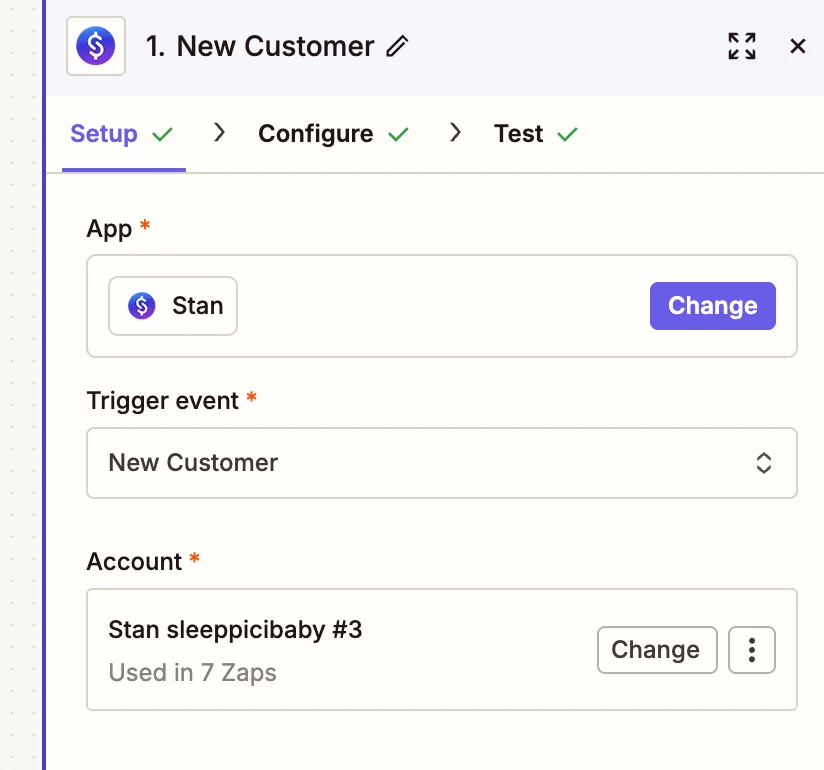
Zap looks to be configured correctly.

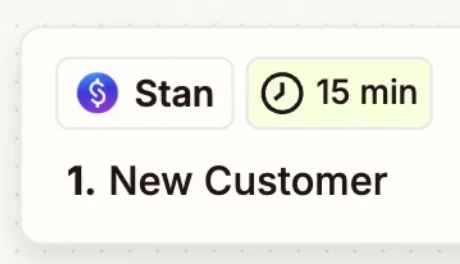
Zaps work while turned ON for new data going forward. (Stan > New Customer w/ selected Product)

Zap triggers every 15 minutes to check for new data.

Check your Zap Run history for activity for that Zap: https://zapier.com/app/history/