Question

Google Tasks to Motion app - new user help

  • November 1, 2024
  • 2 replies
  • 16 views

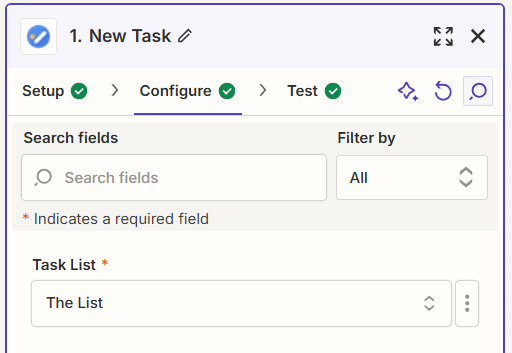
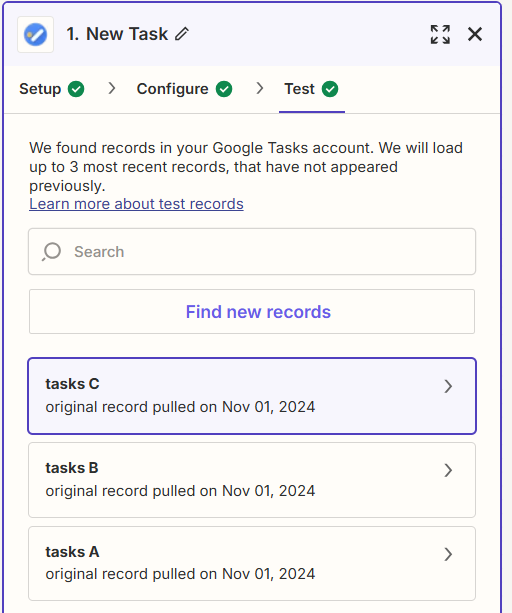
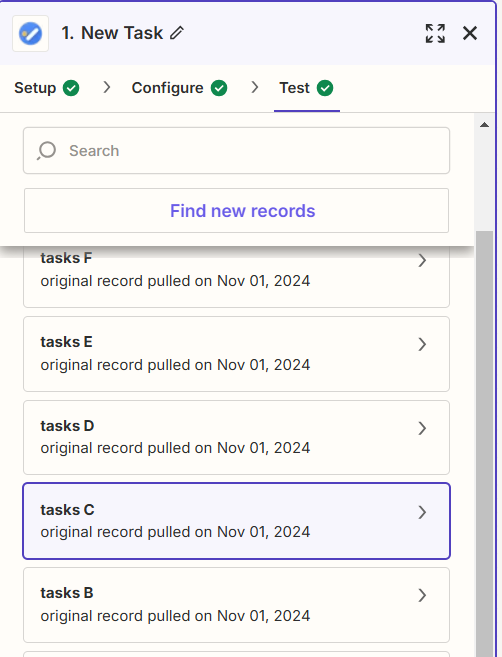
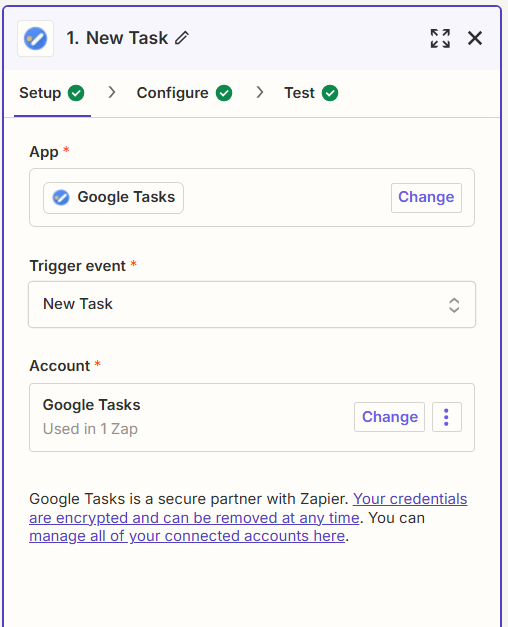
I am new to using zapier and automation in general. I am following instructions to have each new task in google task creat a new task in motion. I have double checked my connection to my source app (google tasks), there is only one field option in configuration, when I run the test instead of showing actual tasks (including a new task) it gives me generic tasks A, B, C etc instead of the task names. 
when I add a new test task to google tasks directly, it just adds more generic tasks to the test

What am I doing wrong?Thank you!

This post has been closed for comments. Please create a new post if you need help or have a question about this topic.

2 replies

  • Author
  • New
  • November 1, 2024

I figured it out - I just had not gotten far enough


Troy Tessalone
Zapier Orchestrator & Solution Partner
Forum|alt.badge.img+14
  • Zapier Orchestrator & Solution Partner
  • November 1, 2024

Hi @sama909 

Some Zap app integrations only return representative trigger example records to use to configure your Zap action steps.

Try publishing the Zap, then test live.

Check your Zap Runs history details to show the DATA IN/OUT for each step to help you troubleshoot: