Answer

Google Sheet Lookup keeps failing

  • December 5, 2023
  • 7 replies
  • 76 views

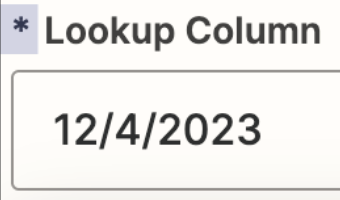
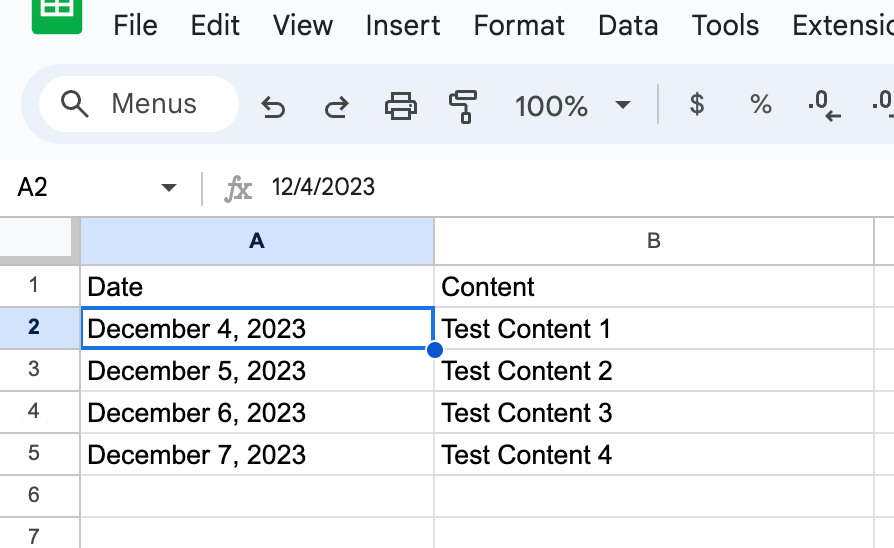
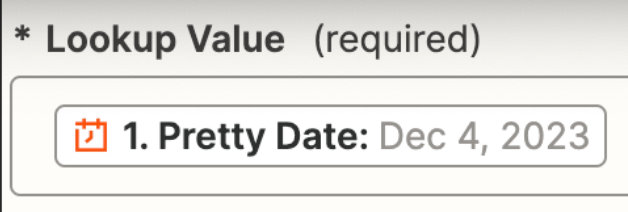
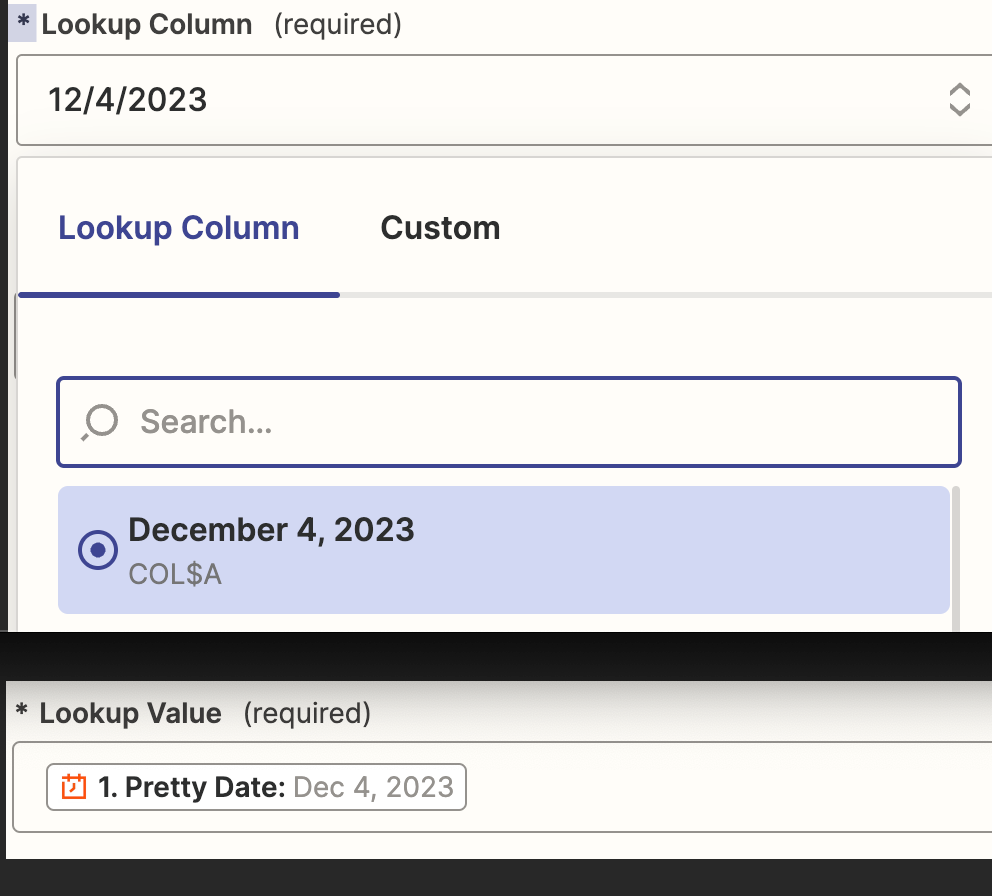
Im creating a zap that triggers from the “Schedule by Zapier” at 5am each day.  From there I do a google sheet lookup in col A for the current days date.  The date in the google sheet is formatted as the “Pretty Date”.  Below are screen shots of the lookup fields in zapier.
 

Best answer by Troy Tessalone

@spinman 

Yes, to convert the date from Step 1 into the date format used in GSheets. (M/D/YYYY)

This post has been closed for comments. Please create a new post if you need help or have a question about this topic.

7 replies

Troy Tessalone
Zapier Orchestrator & Solution Partner
Forum|alt.badge.img+14
  • Zapier Orchestrator & Solution Partner
  • December 5, 2023

Hi @spinman 

Good question.

Make sure each GSheet column has a Header label.

Post screenshots with how your GSheet is configured to give us true context.

NOTE: The GSheet cell display value may be different from the GSheet cell internal value, which can be seen in the formula bar in GSheets.


  • Author
  • Beginner
  • December 5, 2023


Troy Tessalone
Zapier Orchestrator & Solution Partner
Forum|alt.badge.img+14
  • Zapier Orchestrator & Solution Partner
  • December 5, 2023

@spinman 

This is the actual value in the cell.


For the Lookup Value, you can add this Zap action: Formatter > Date & Time > Format


  • Author
  • Beginner
  • December 5, 2023

so add a formatter step after the schedule by zapier step?


Troy Tessalone
Zapier Orchestrator & Solution Partner
Forum|alt.badge.img+14
  • Zapier Orchestrator & Solution Partner
  • Answer
  • December 5, 2023

@spinman 

Yes, to convert the date from Step 1 into the date format used in GSheets. (M/D/YYYY)


  • Author
  • Beginner
  • December 5, 2023

Thanks.  I got it to work.


ken.a
Forum|alt.badge.img+6
  • Zapier Staff
  • December 6, 2023

That’s awesome @spinman! Big thanks to Troy for pointing you in the right direction!

If you have any other questions, please don’t hesitate to reach out to the Community. We’re always happy to help! 🤗