Question

Google Drive not able to pickup the Release Asset from Github Repository

  • November 24, 2023
  • 16 replies
  • 136 views

Hi Folks,

I am trying to setup a Zap, which can pickup the Release APK from a Github Repository (Flutter).

I have correctly setup the Trigger (where I can view and select my repo from Git).

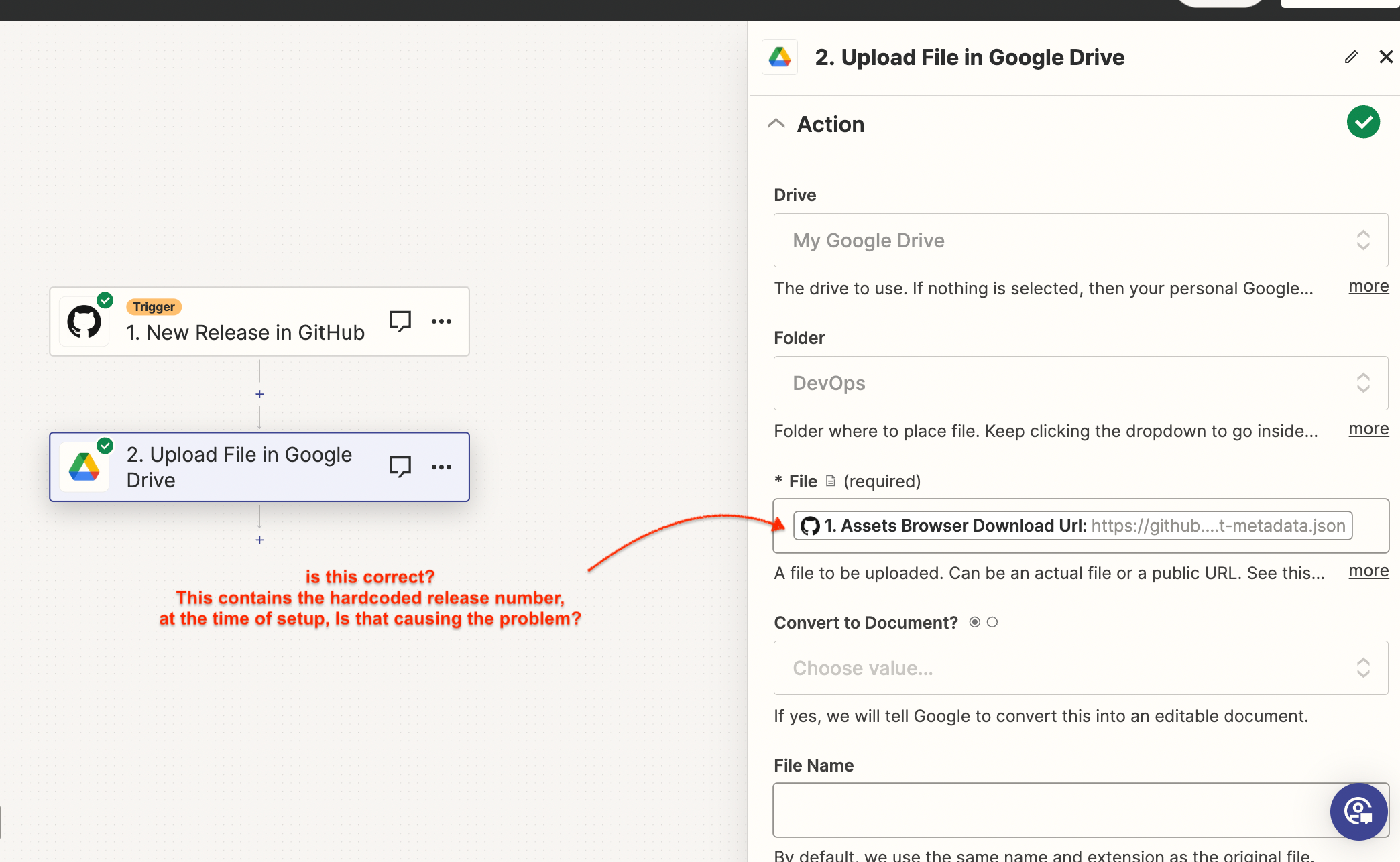
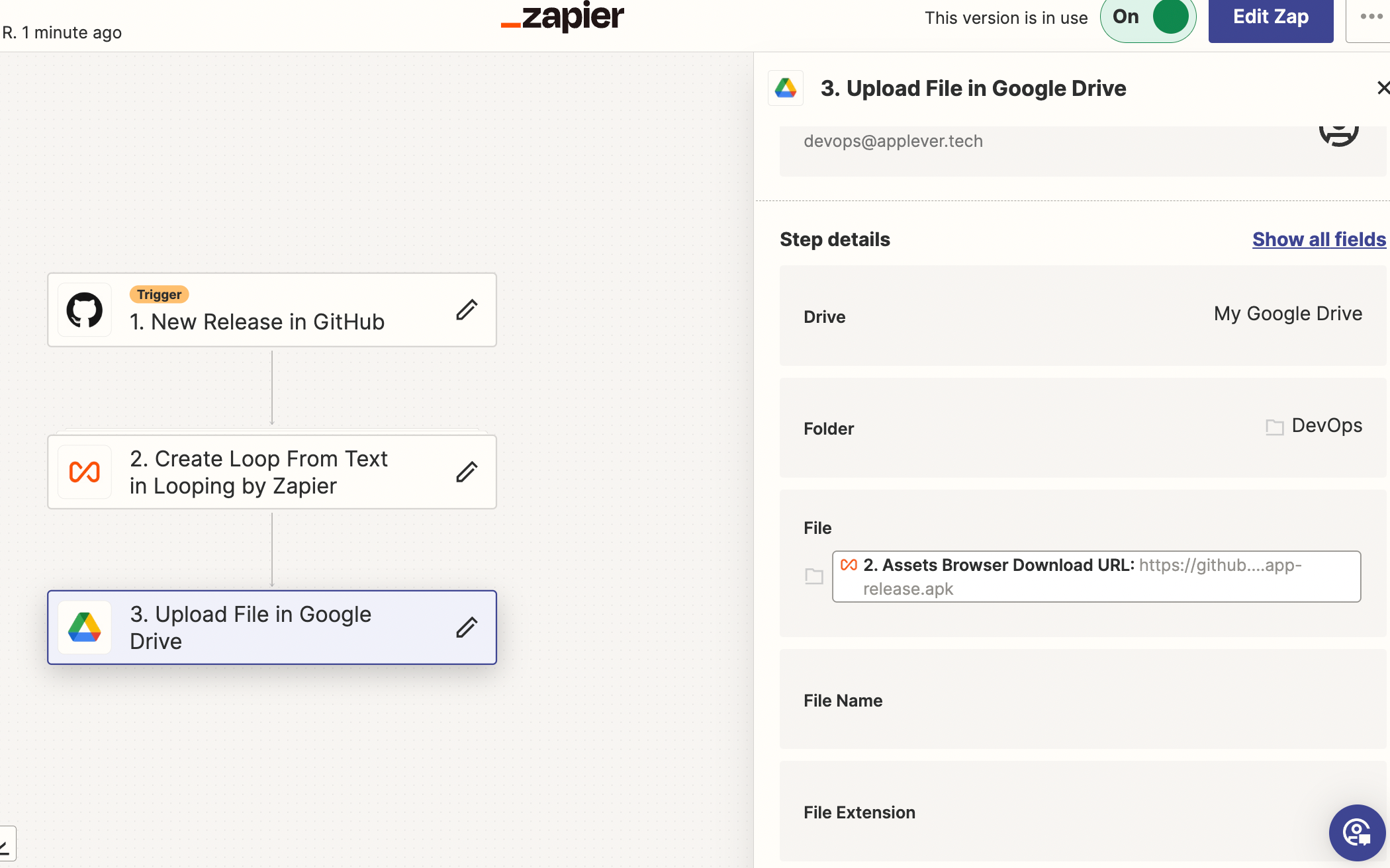
But, when I setup the Action, I have selected the option “Upload File” and also in the “File” field, I have given the tag “Assets Browser Download Url”, which I selected from the drop down.

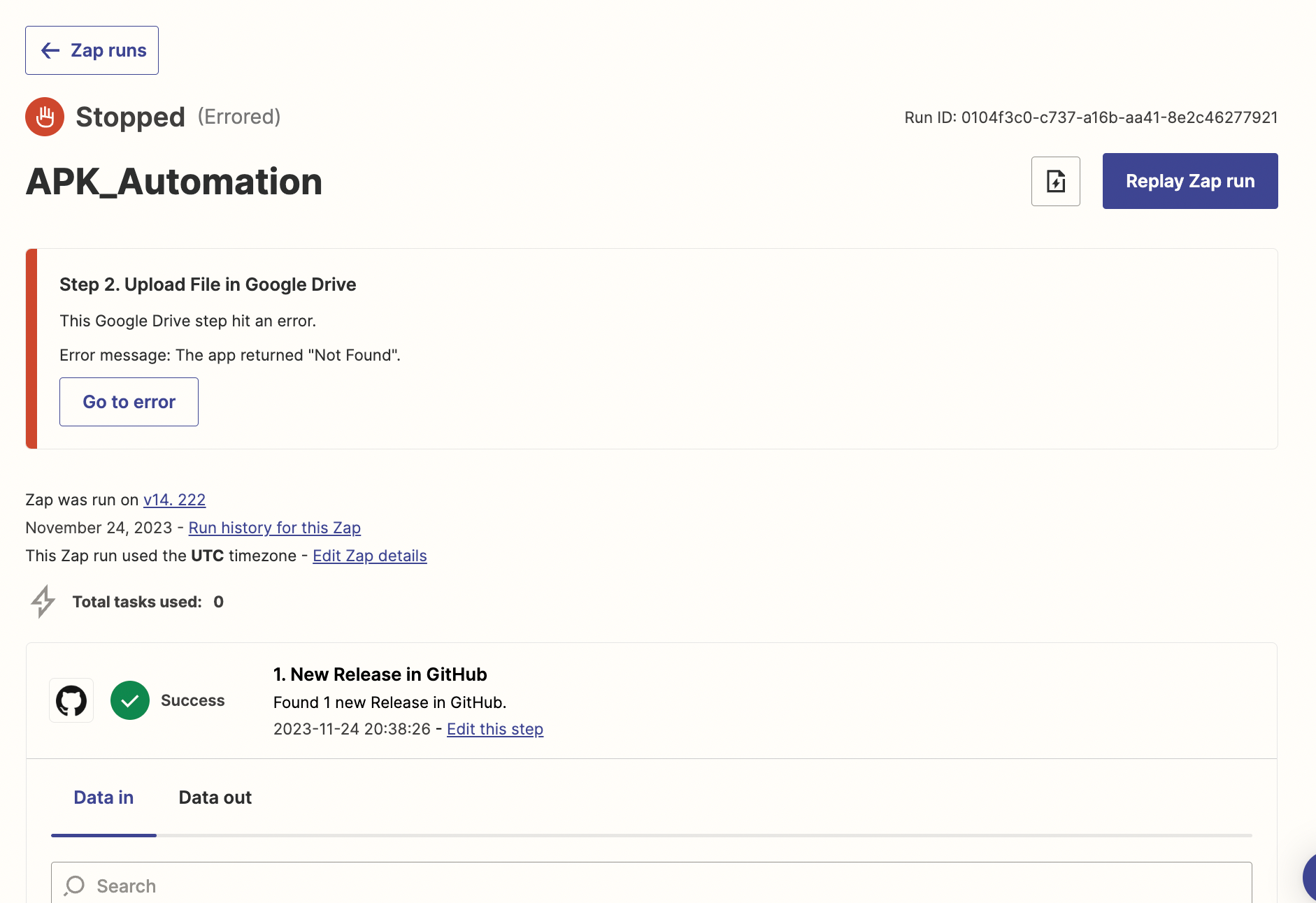
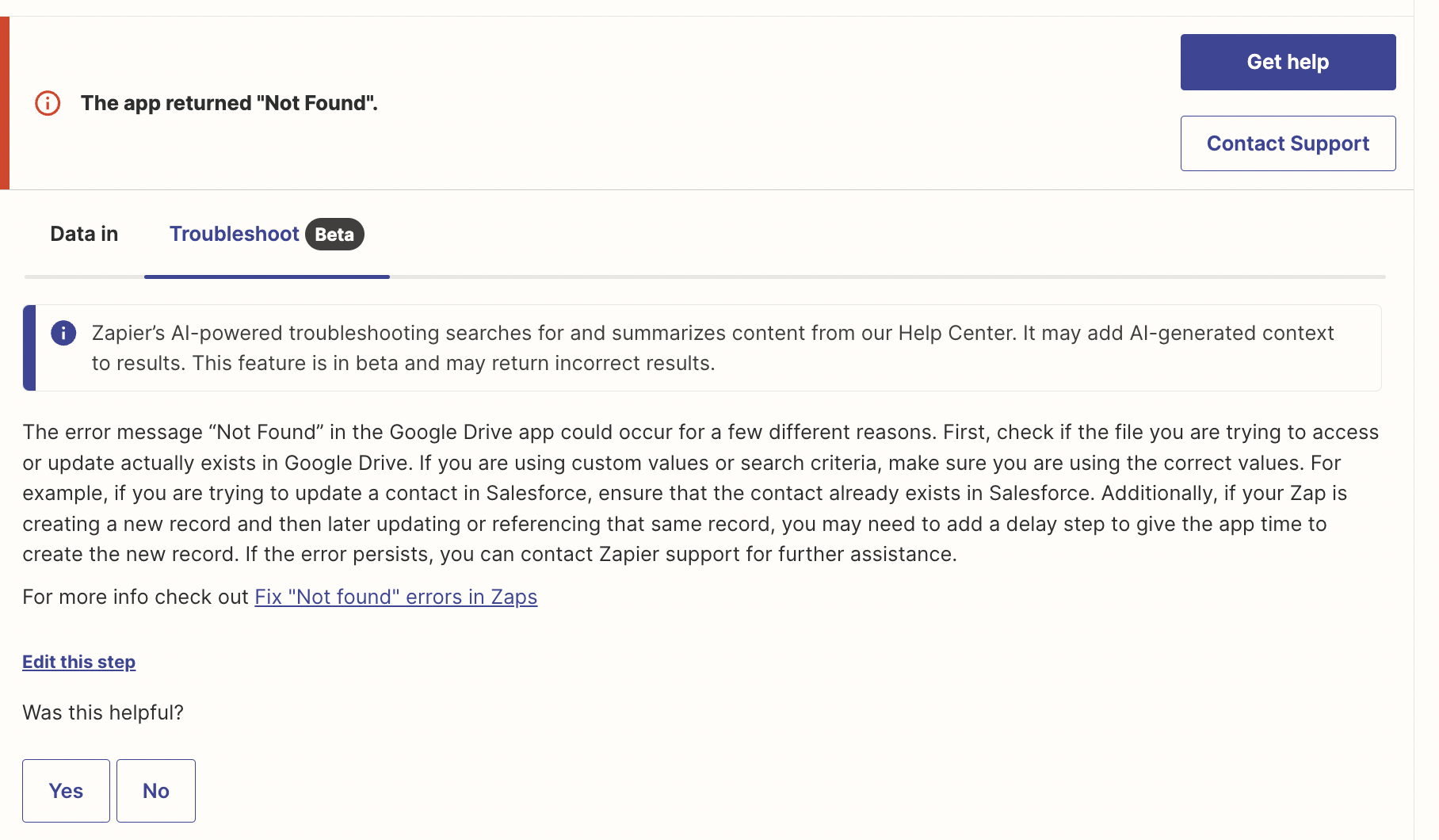
When we run this Zap, the file upload is not happening. It is failing with an error “The App Returned ‘Not Found’ ".

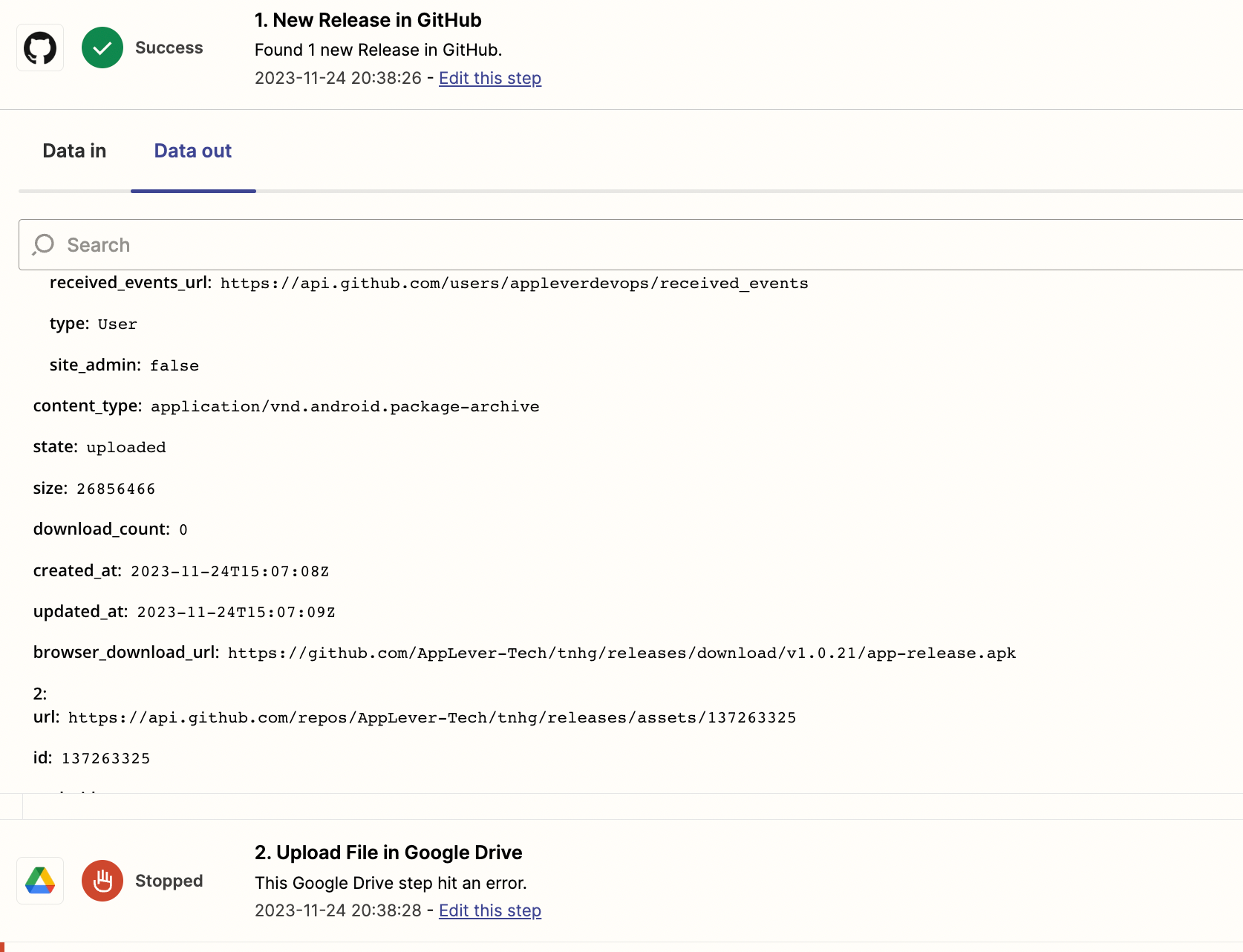
Basically, what was happening is the “Assets Browser Download Url” for the hardcoded release number when we setup the Action. It is not picked up dynamically whenever the Release happens in the Git.

Has anyone tried this before? If yes what is the correct syntax we need to give in the “File” field.

Please help me on this.

Thanks

Raj

 

This post has been closed for comments. Please create a new post if you need help or have a question about this topic.

16 replies

Troy Tessalone
Zapier Orchestrator & Solution Partner
Forum|alt.badge.img+14
  • Zapier Orchestrator & Solution Partner
  • 34020 replies
  • November 24, 2023

Hi @AppLeverTech 

Good question.

To help us have more context, please post detailed screenshots with how your Zap steps are configured.


  • Author
  • New
  • 8 replies
  • November 24, 2023

Hi

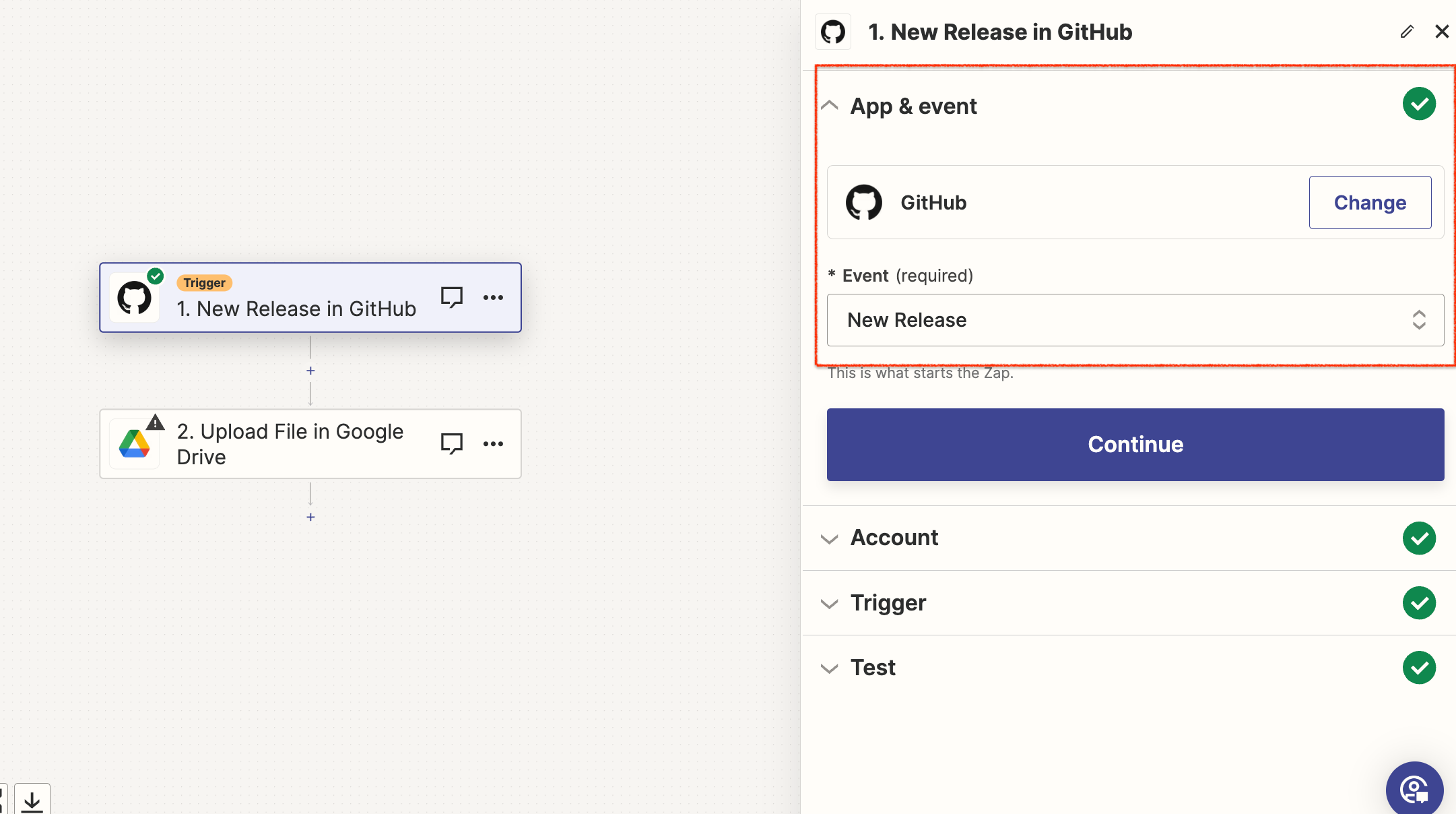
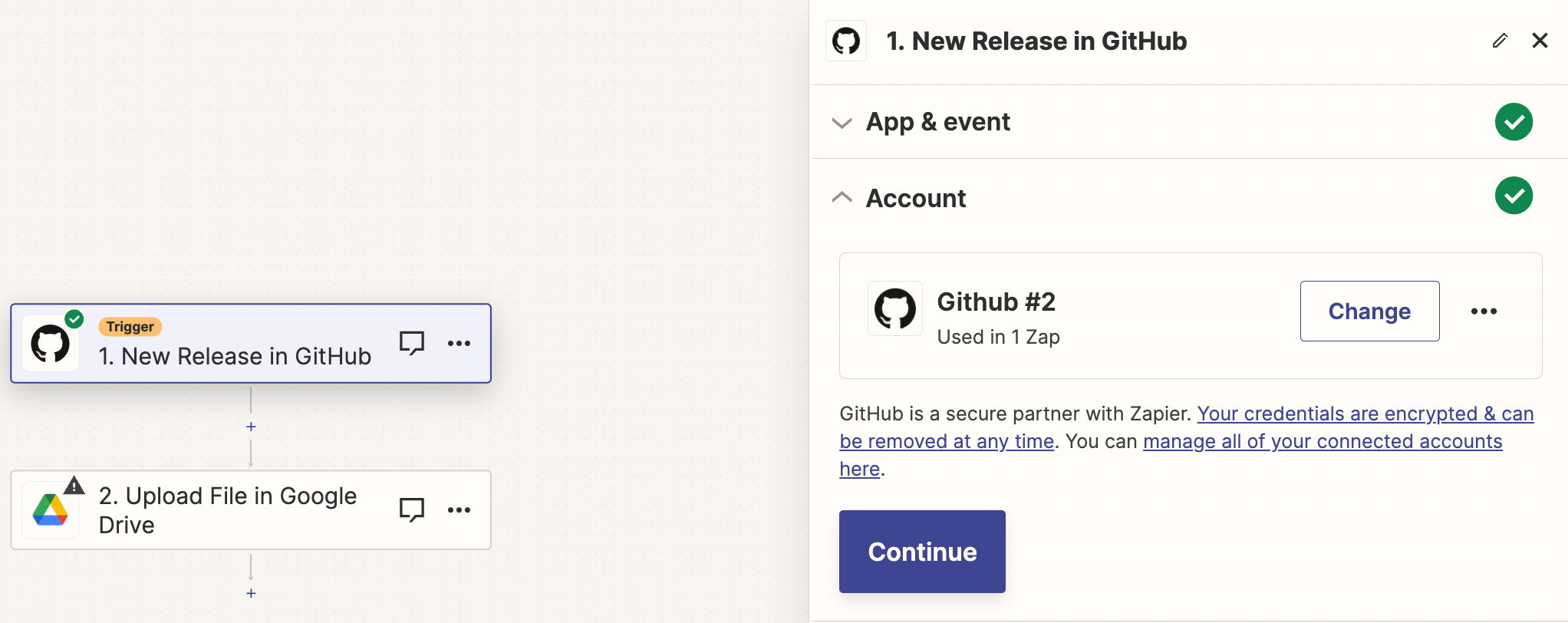
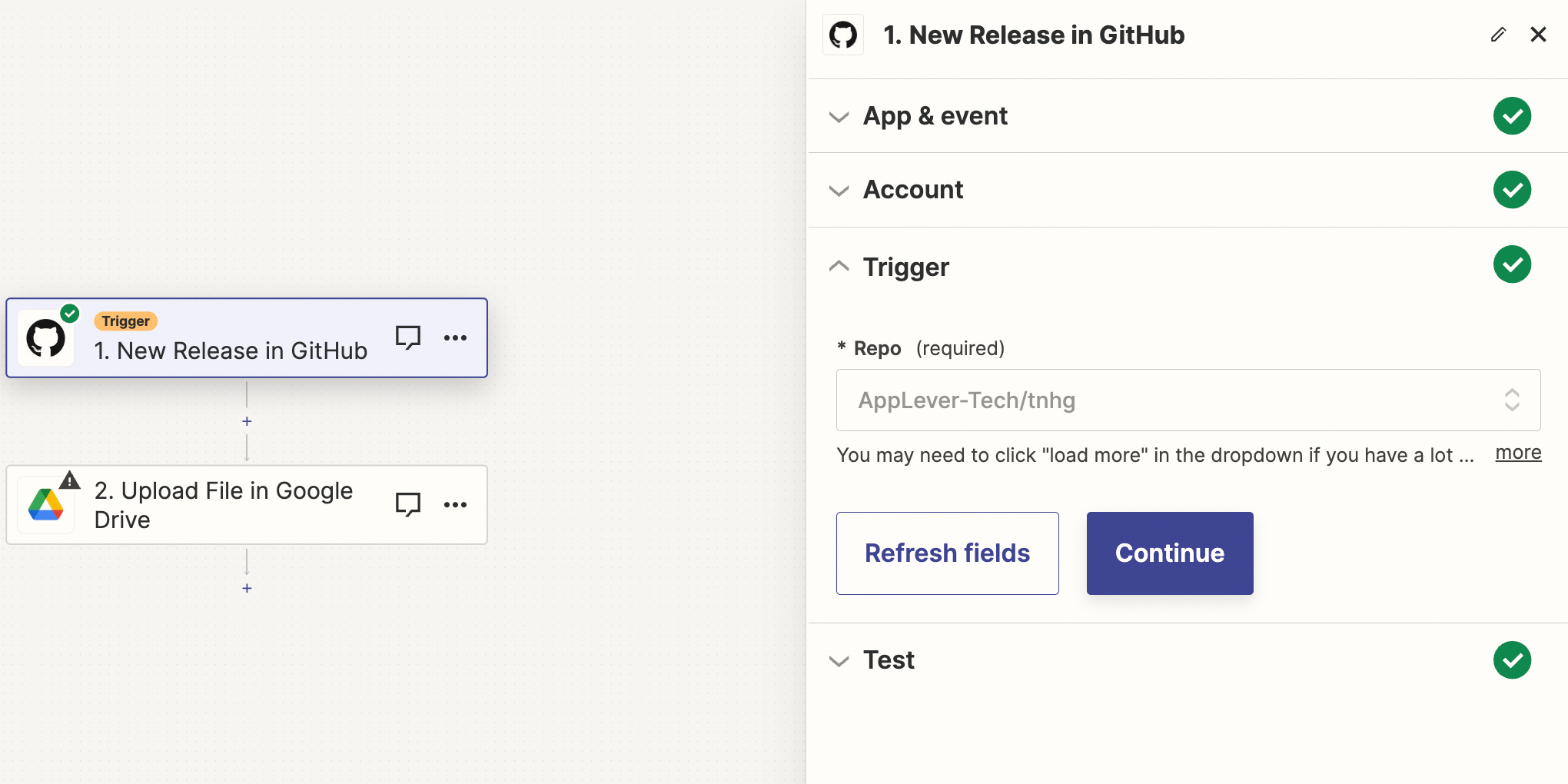
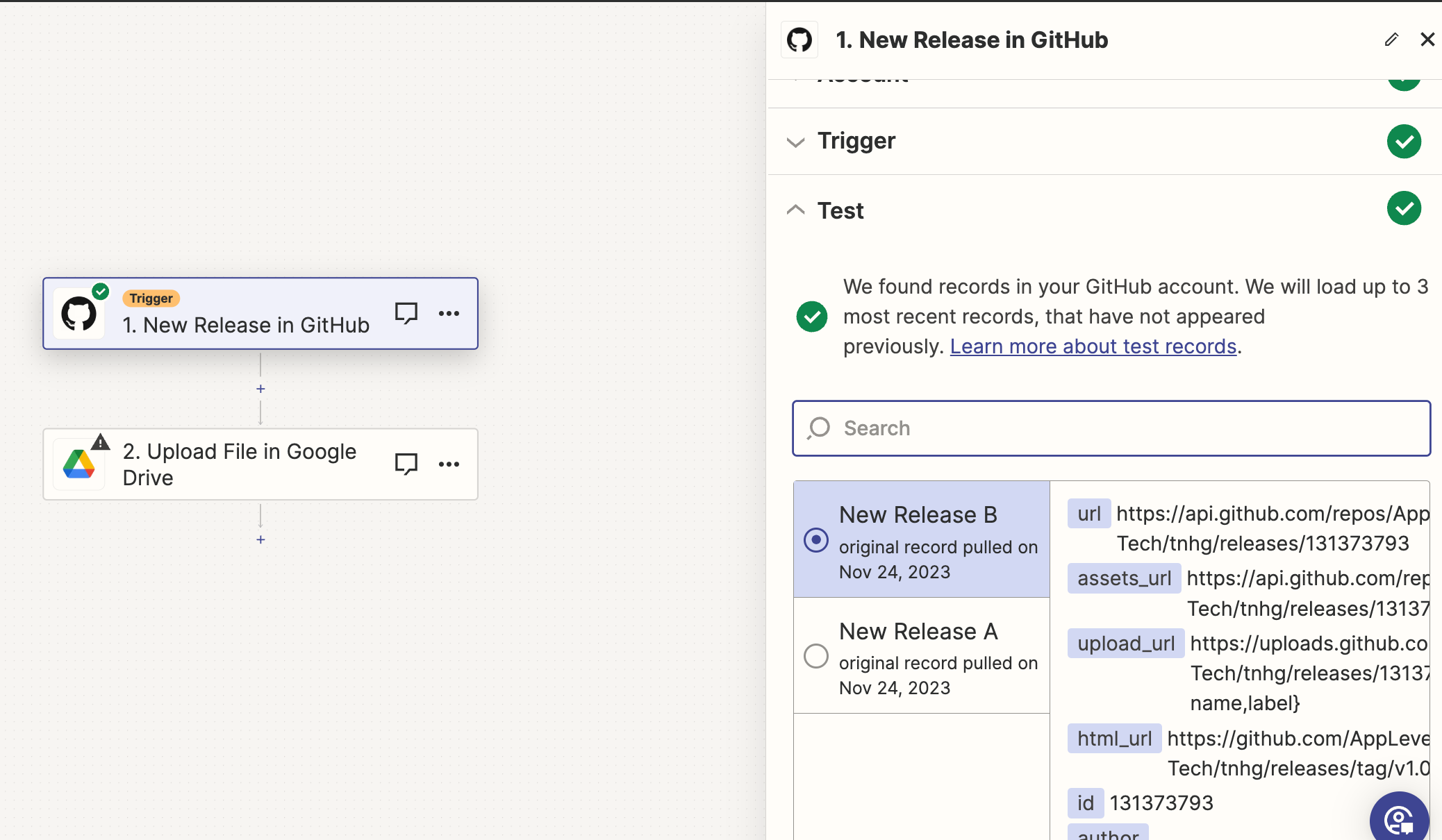
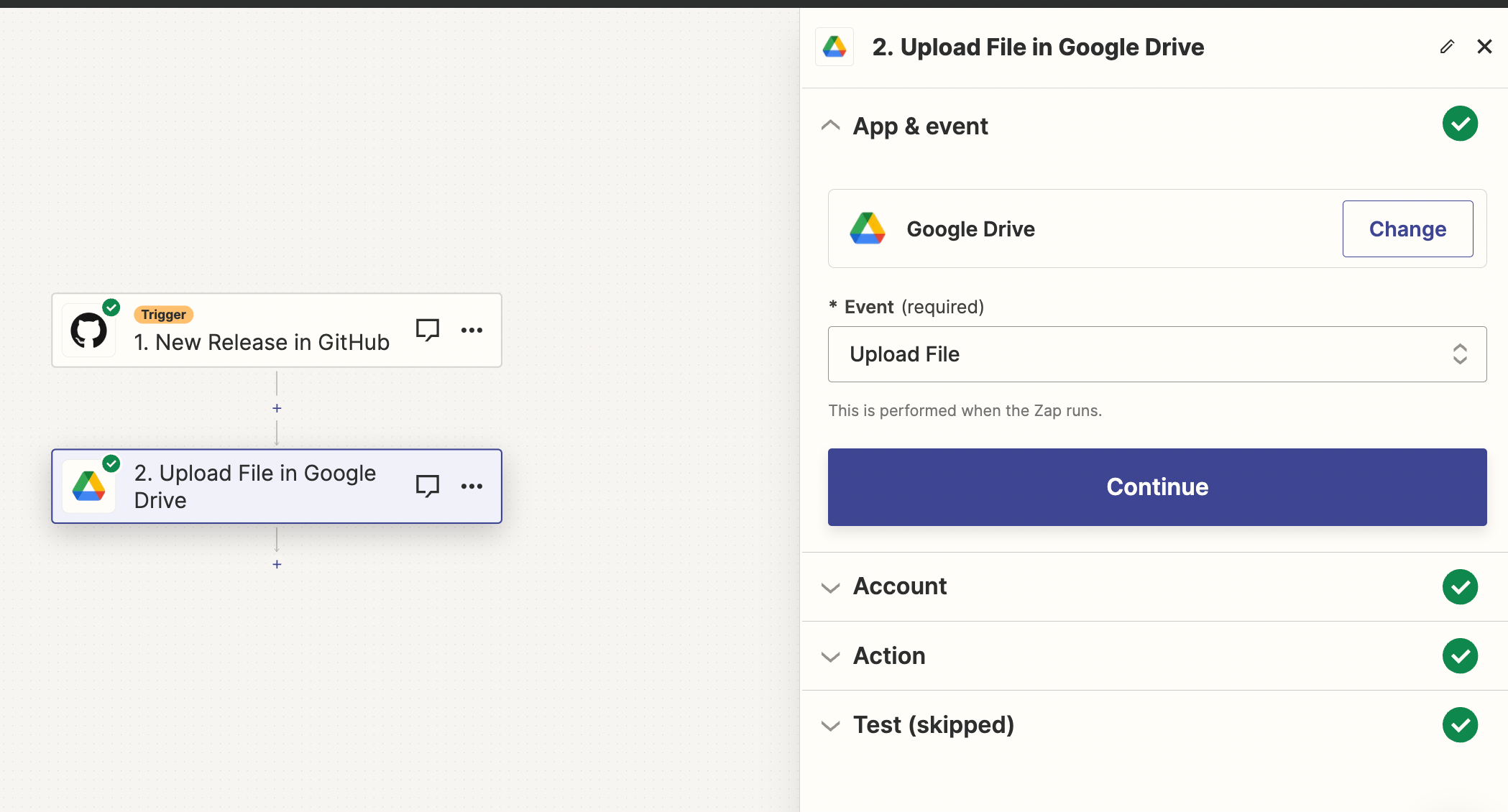
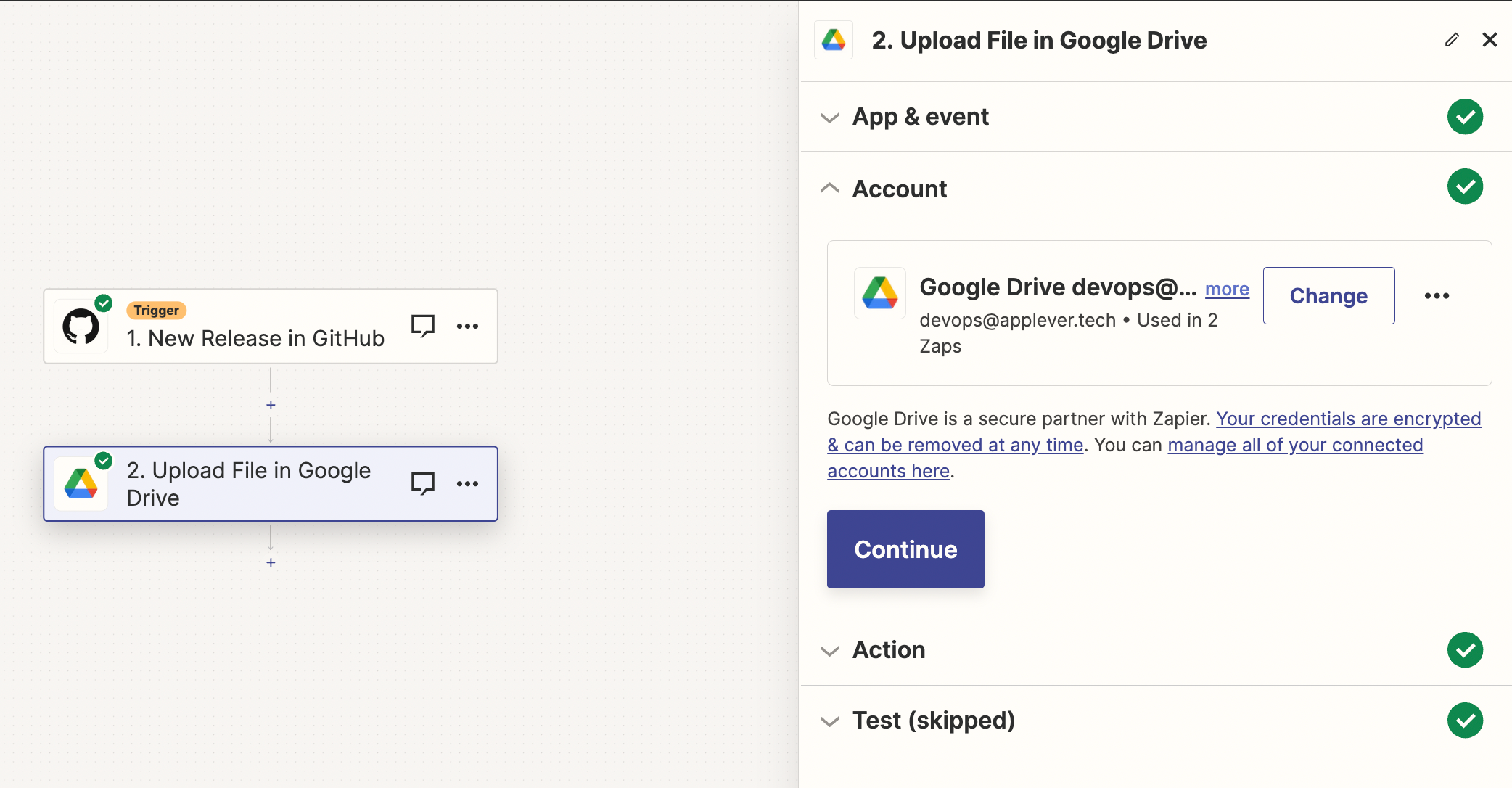
Please find the screenshots of the complete Zap setup:

Screenshot 1:


Screenshot 2:


Screenshot 3:


Screenshot 4:


Screenshot 5: 


Screenshot 6:


Screenshot 7:


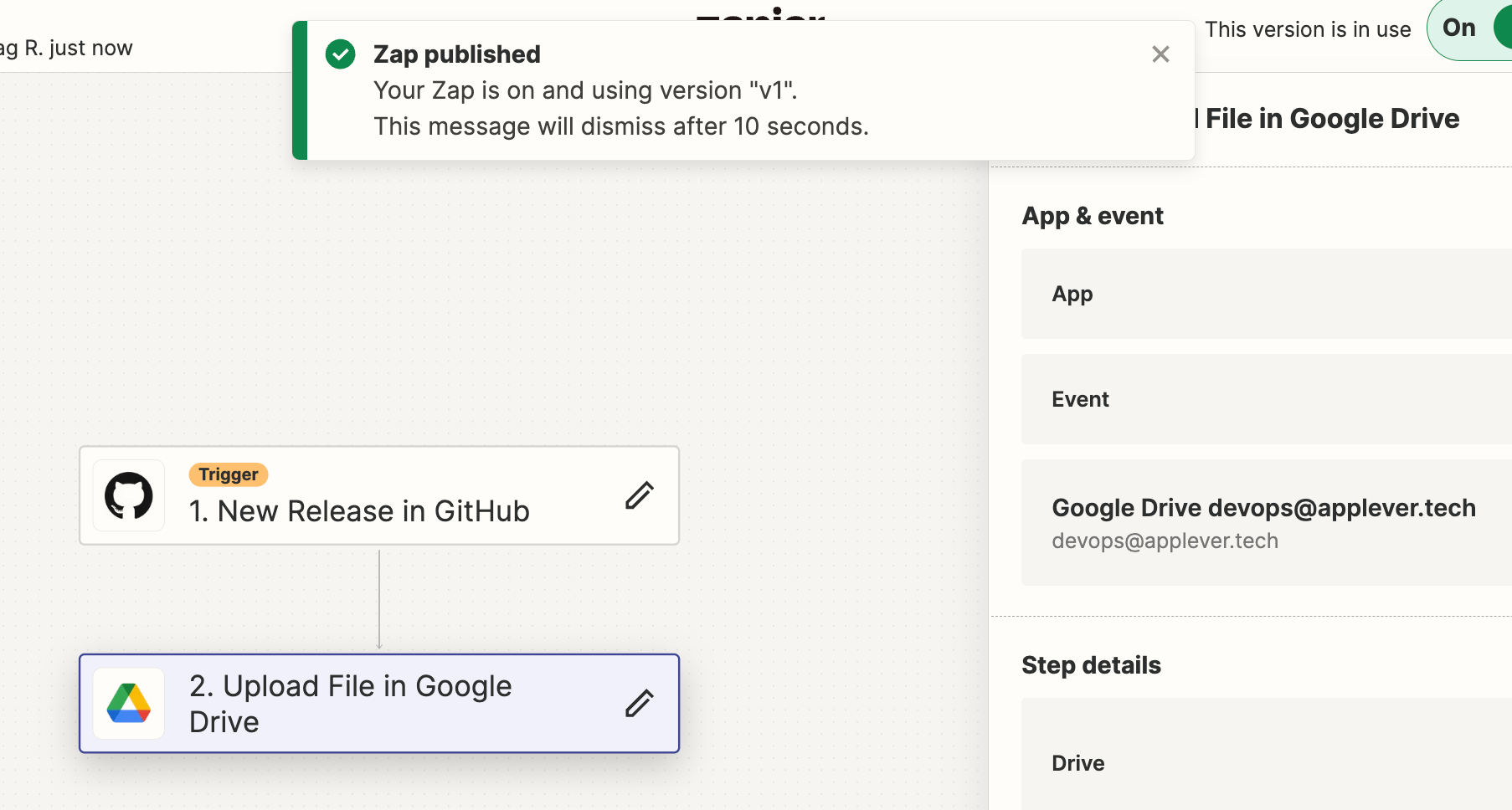
Screenshot 8 (Before Publish):


Screenshot 10 (Zap Published):


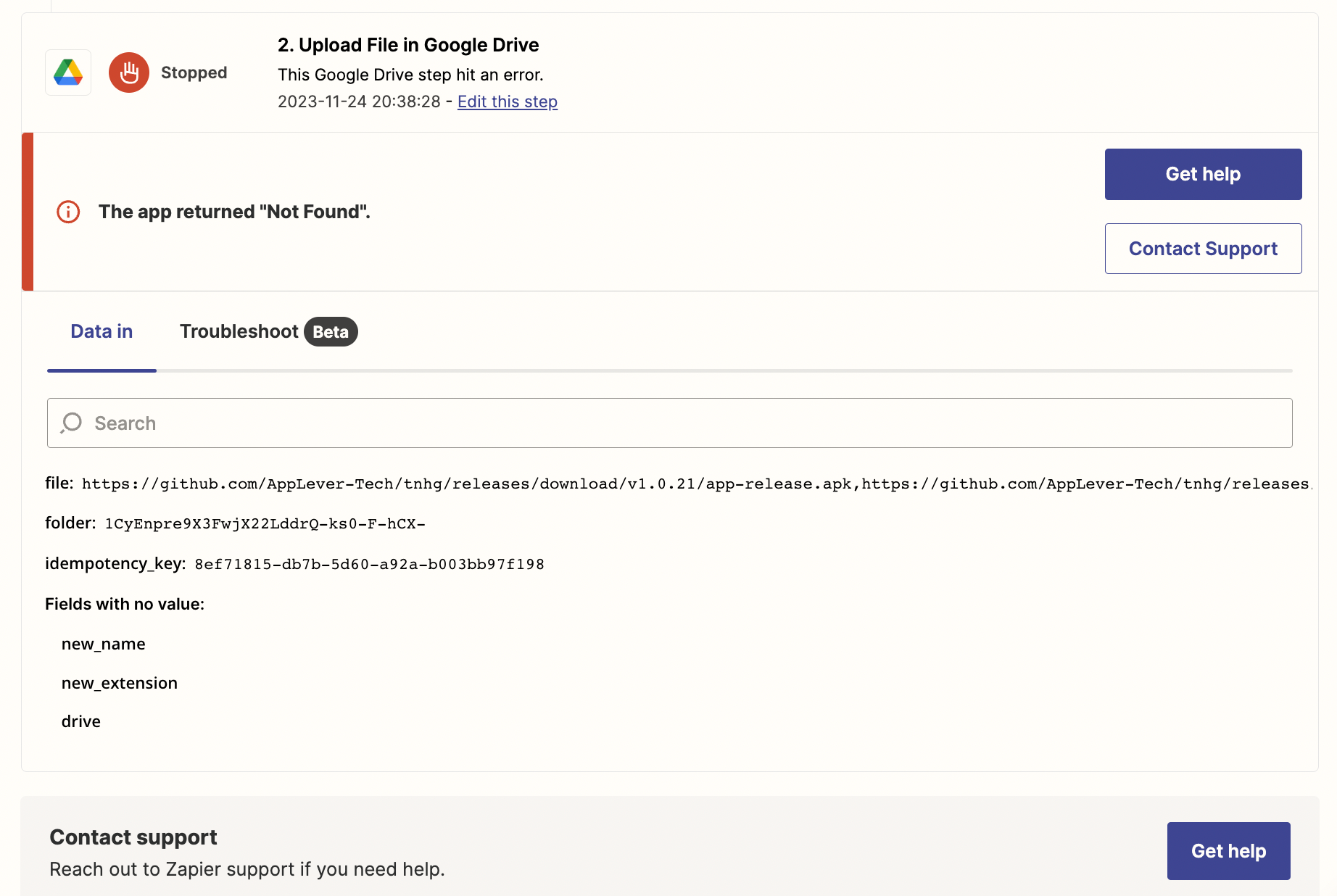
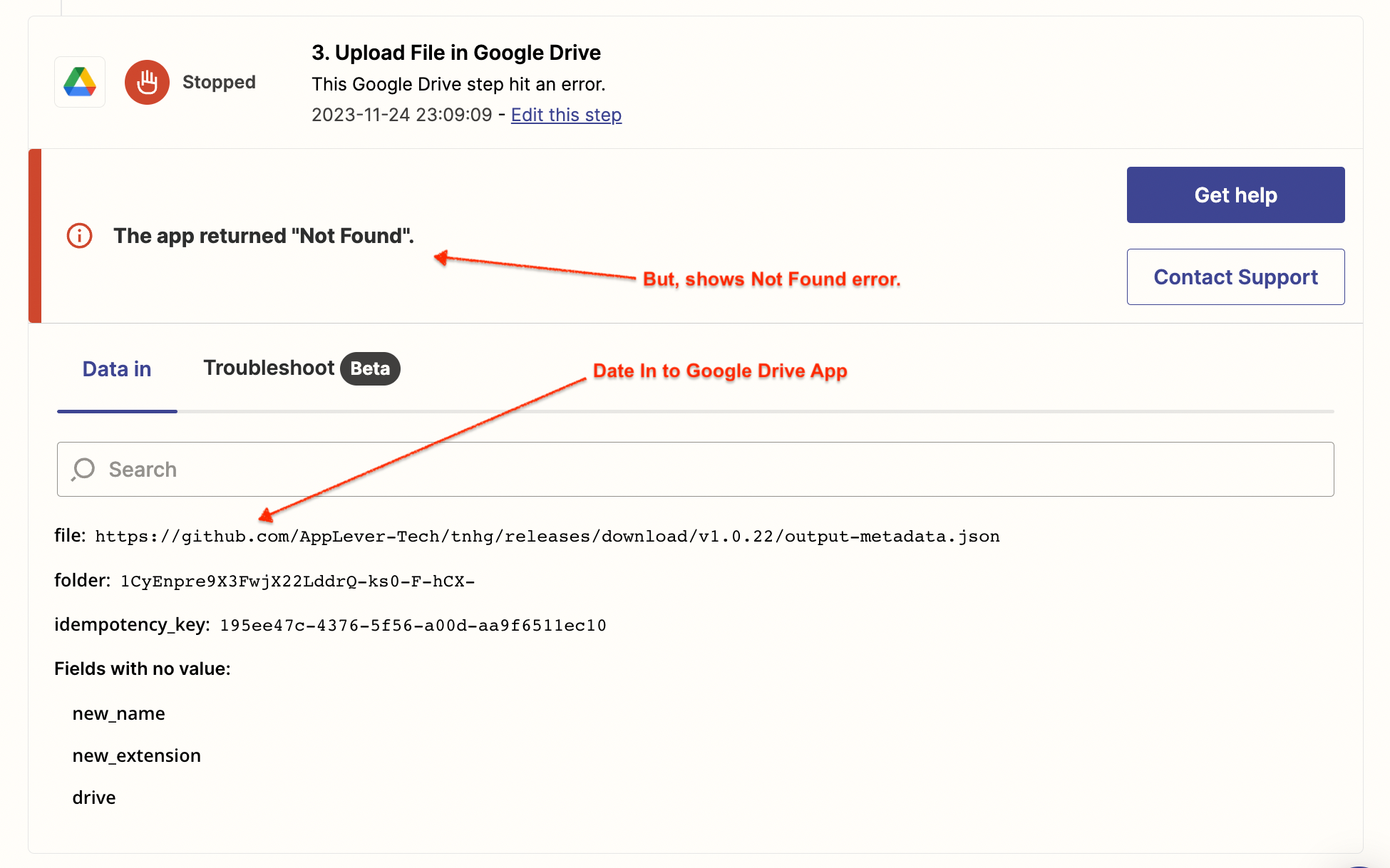
But, got the below error when the Zap ran:


Hope this helps.

Thanks


Troy Tessalone
Zapier Orchestrator & Solution Partner
Forum|alt.badge.img+14
  • Zapier Orchestrator & Solution Partner
  • 34020 replies
  • November 24, 2023

@AppLeverTech 

Here’s the issue:

The provided link is actually multiple links that are comma separated.

You can use the Looping app to iterate: https://zapier.com/apps/looping/help


  • Author
  • New
  • 8 replies
  • November 24, 2023

Hi Mr.@Troy Tessalone ,

Thanks for your responses.

If I use this looping app, will my Zap become a multi step Zap?

Because, I may end up in paid plan, if I go multi step. Am I correct?

Please confirm.

Thanks

Nag


Troy Tessalone
Zapier Orchestrator & Solution Partner
Forum|alt.badge.img+14
  • Zapier Orchestrator & Solution Partner
  • 34020 replies
  • November 24, 2023

@AppLeverTech

Zaps with 3+ steps required a Zapier paid plan.

Zapier plans: https://zapier.com/app/billing/plans


Assets is plural indicating there can be 0+ assets.


  • Author
  • New
  • 8 replies
  • November 24, 2023

Hi Mr @Troy Tessalone 

I have implemented looping app. But, still the error is recurring.

Please see my screenshots below:

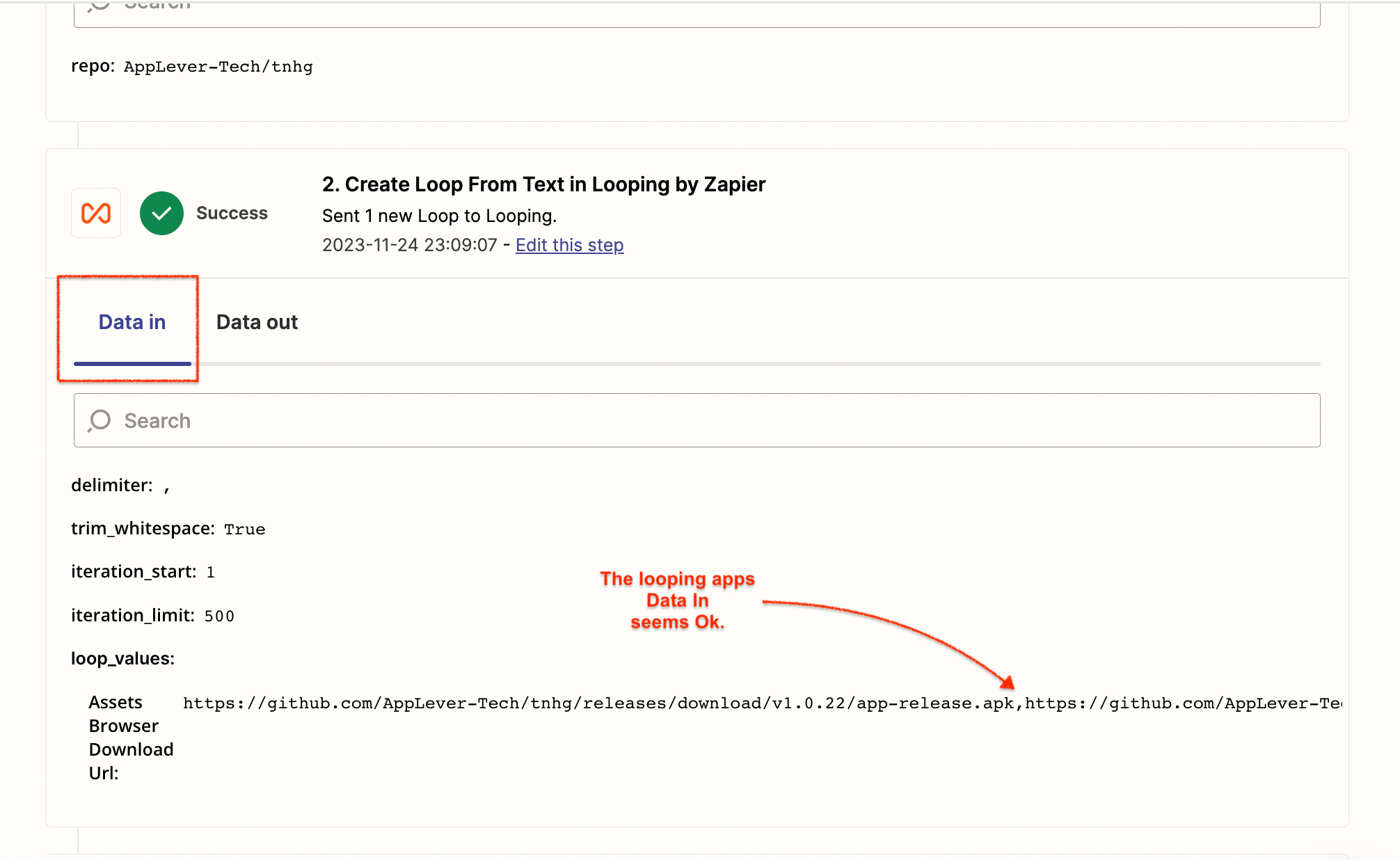
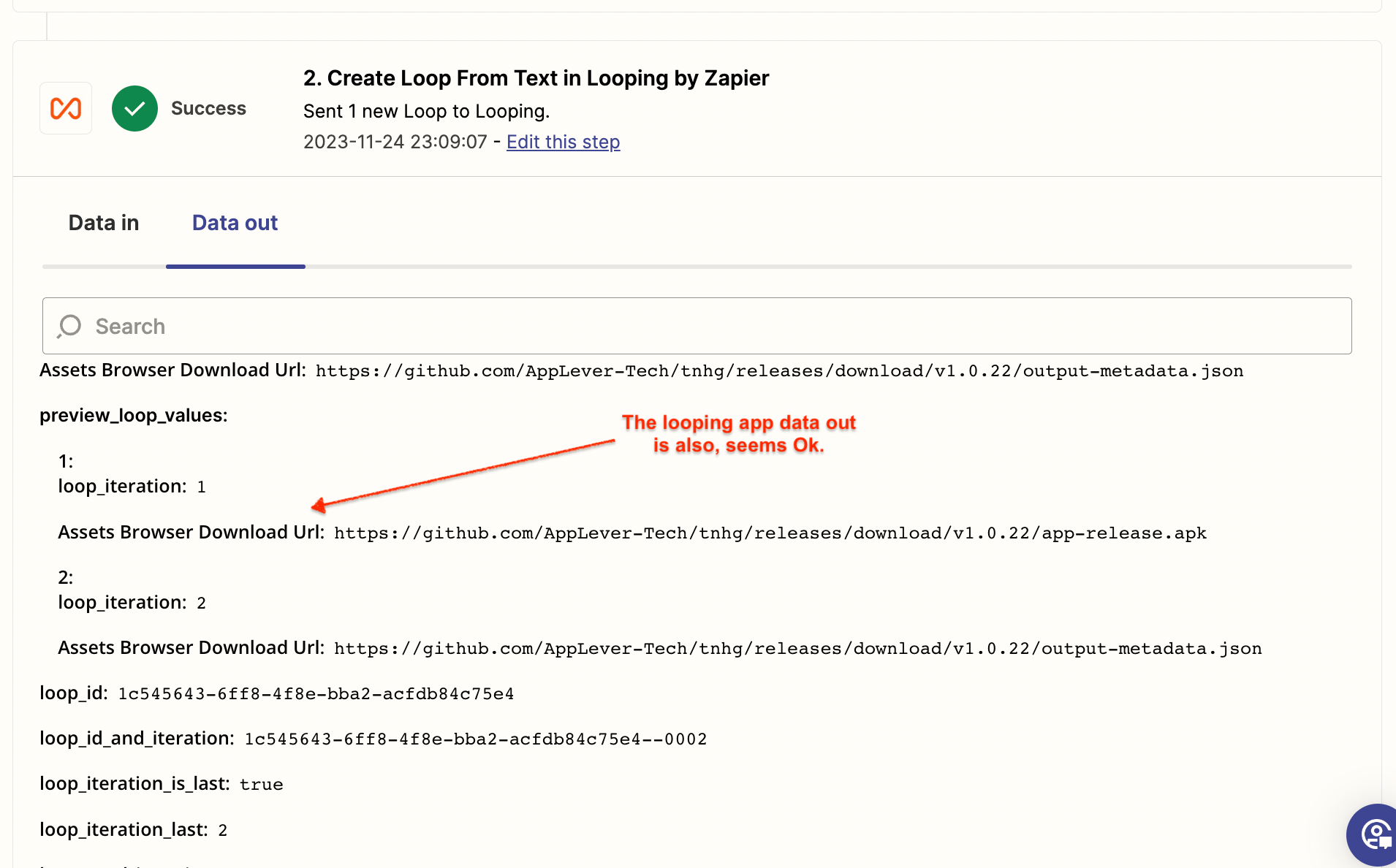
Looping app setup:


Following are the errors now:


But, the Drive App is getting the wrong file from the looping iteration. This is another issue.

Even though, it gets a single file now (in this case it is a json file), it is still not grabbing the file to upload.

Any help would be much appriciated.

Thanks a lot,

Nags


Troy Tessalone
Zapier Orchestrator & Solution Partner
Forum|alt.badge.img+14
  • Zapier Orchestrator & Solution Partner
  • 34020 replies
  • November 24, 2023

@AppLeverTech 

Issue is with the provided URL.

Perhaps the file no longer exists in GitHub.

Try retesting each of your Zap steps.

Try clicking this link: https://github.com/AppLever-Tech/thg/releases/download/v1.0.22/output-metadata.json


  • Author
  • New
  • 8 replies
  • November 24, 2023

Hi @Troy Tessalone ,

It is a private repository in GitHub.

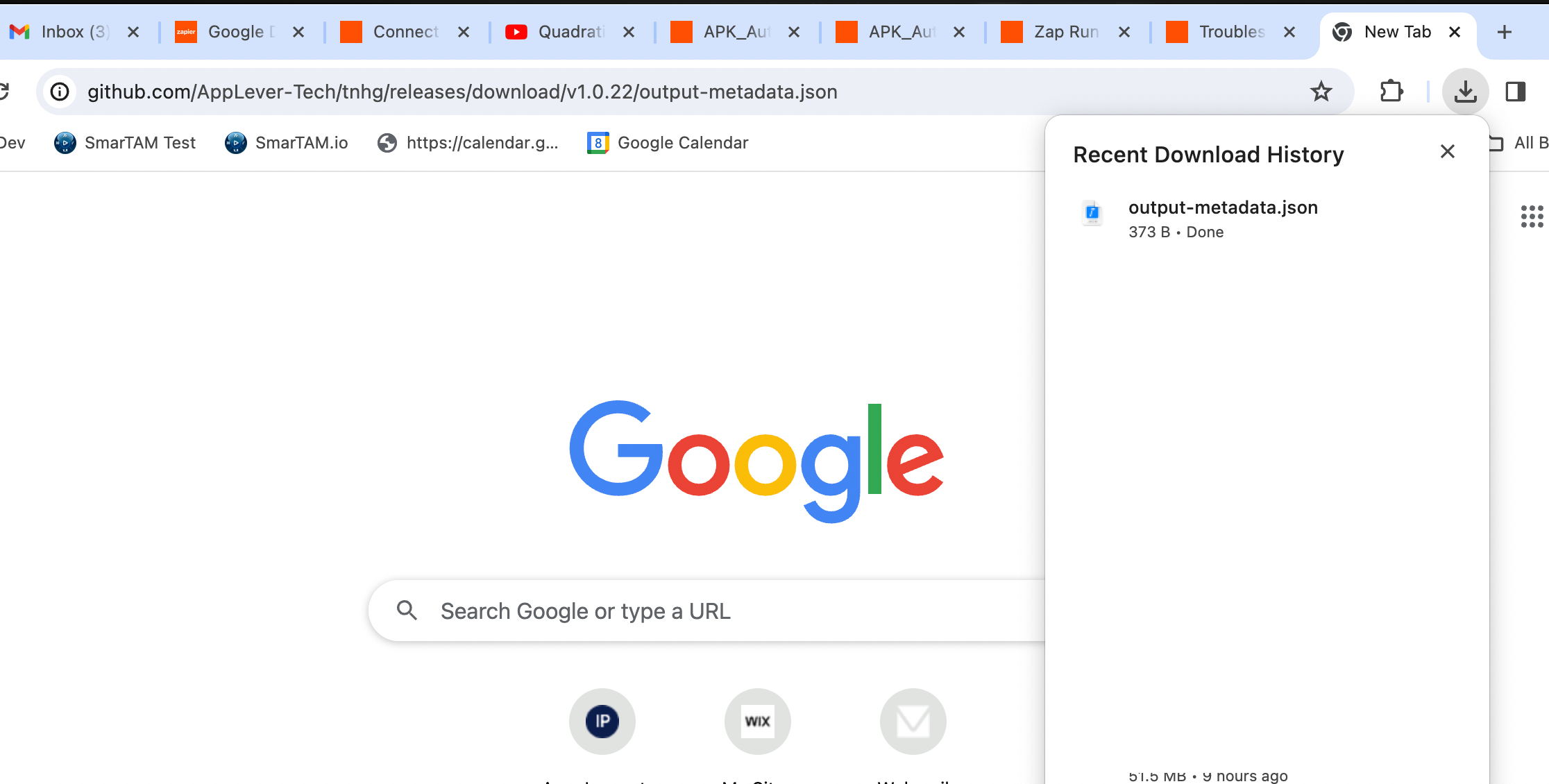
I am able to download the file from my browser session, where I am setting up this Zap.

Please see the screenshot below:


If this is a repository access problem, then how Git is providing the URL to the Looping Step?

I am not sure how to give access to the google drive app to grab this file in the case of a private repo.

Please let me know your suggestion.

Thanks

Nag


Troy Tessalone
Zapier Orchestrator & Solution Partner
Forum|alt.badge.img+14
  • Zapier Orchestrator & Solution Partner
  • 34020 replies
  • November 24, 2023

@AppLeverTech 

Try clicking the link(s) in a new/different private browser. (vs a browser session where you are already logged in to GitHub)


  • Author
  • New
  • 8 replies
  • November 24, 2023

Hi @Troy Tessalone 

Yes. If I open the link in a different browser session, it will not work as the new browser do not have access to that repo (because it is a private repo). 

Does this mean, this Zap will work only if the repo is public?

Thanks in advance?

Nag


Troy Tessalone
Zapier Orchestrator & Solution Partner
Forum|alt.badge.img+14
  • Zapier Orchestrator & Solution Partner
  • 34020 replies
  • November 24, 2023

@AppLeverTech 

Seems like the issue may be related to the private repo.


  • Author
  • New
  • 8 replies
  • November 24, 2023

Hi @Troy Tessalone ,

Could you please confirm this for me?

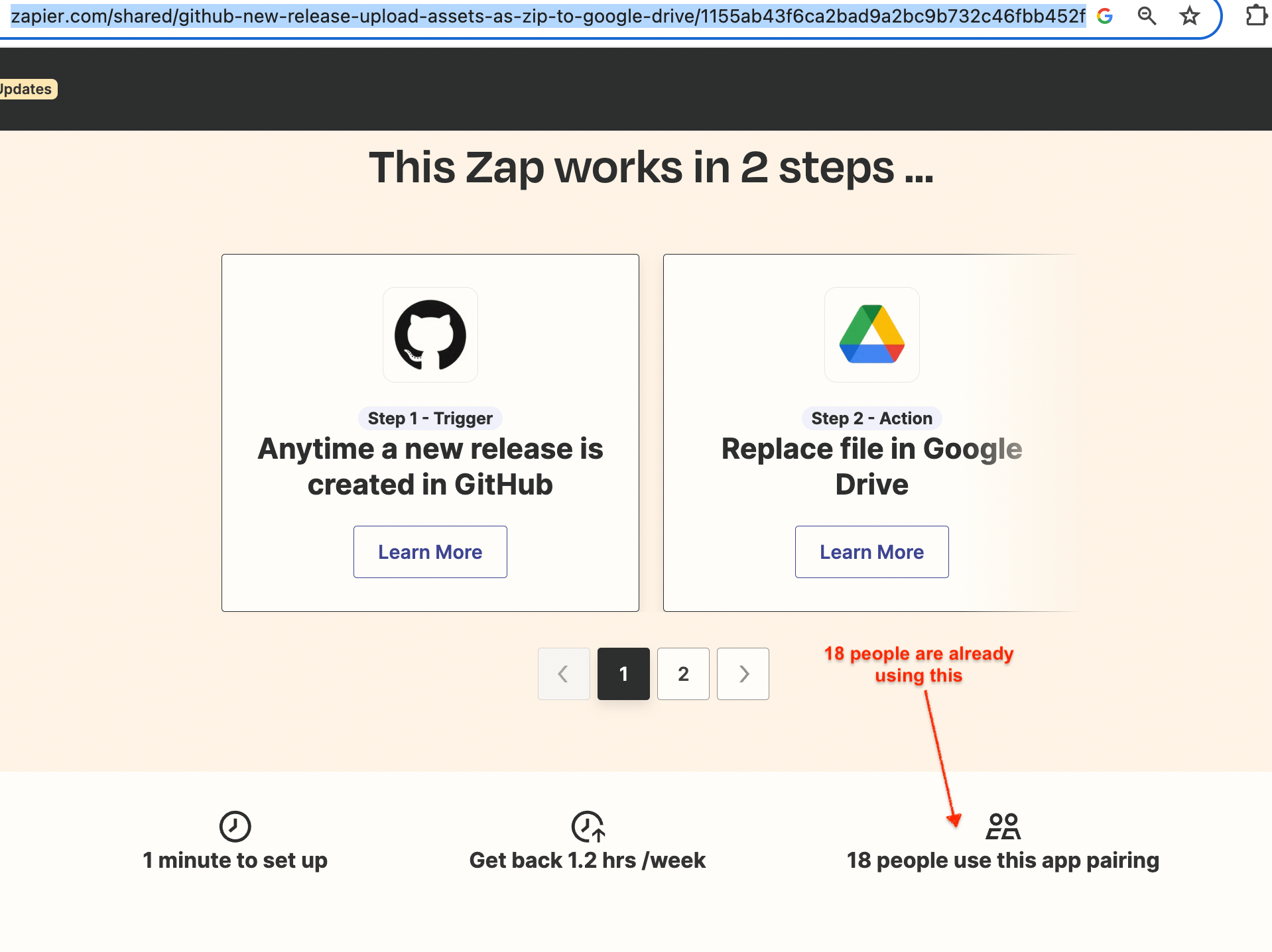
I have found 18+ people are already using this combination of apps (GitHub + G Drive Upload). I got this info based on the below link:

https://zapier.com/shared/github-new-release-upload-assets-as-zip-to-google-drive/1155ab43f6ca2bad9a2bc9b732c46fbb452f0312


Any help and confirmation on the above question will be much appreciated.

Thanks,

Nag


  • Author
  • New
  • 8 replies
  • November 24, 2023

Hi @Troy Tessalone ,

Could you please confirm this for me?

I have found 18+ people are already using this combination of apps (GitHub + G Drive Upload). I got this info based on the below link:

https://zapier.com/shared/github-new-release-upload-assets-as-zip-to-google-drive/1155ab43f6ca2bad9a2bc9b732c46fbb452f0312


Any help and confirmation on the above question will be much appreciated.

Thanks,

Nag


I doubt whether this is related to access issue. Because this Zap, already have my GitHub credentials. Hence, it should have full access to this repo, even though it is Private.

Any thoughts?

Thanks.


Troy Tessalone
Zapier Orchestrator & Solution Partner
Forum|alt.badge.img+14
  • Zapier Orchestrator & Solution Partner
  • 34020 replies
  • November 24, 2023

@AppLeverTech 

You can try using a dummy public GitHub repo to see if you encounter the same errors.

Or you can try opening a ticket with Zapier Support for further confirmation: https://zapier.com/app/get-help


  • Author
  • New
  • 8 replies
  • November 25, 2023

Hi @Troy Tessalone 

Sorry for the intermission in my reply. I am in India and my day was over, when I was replying to you yesterday.

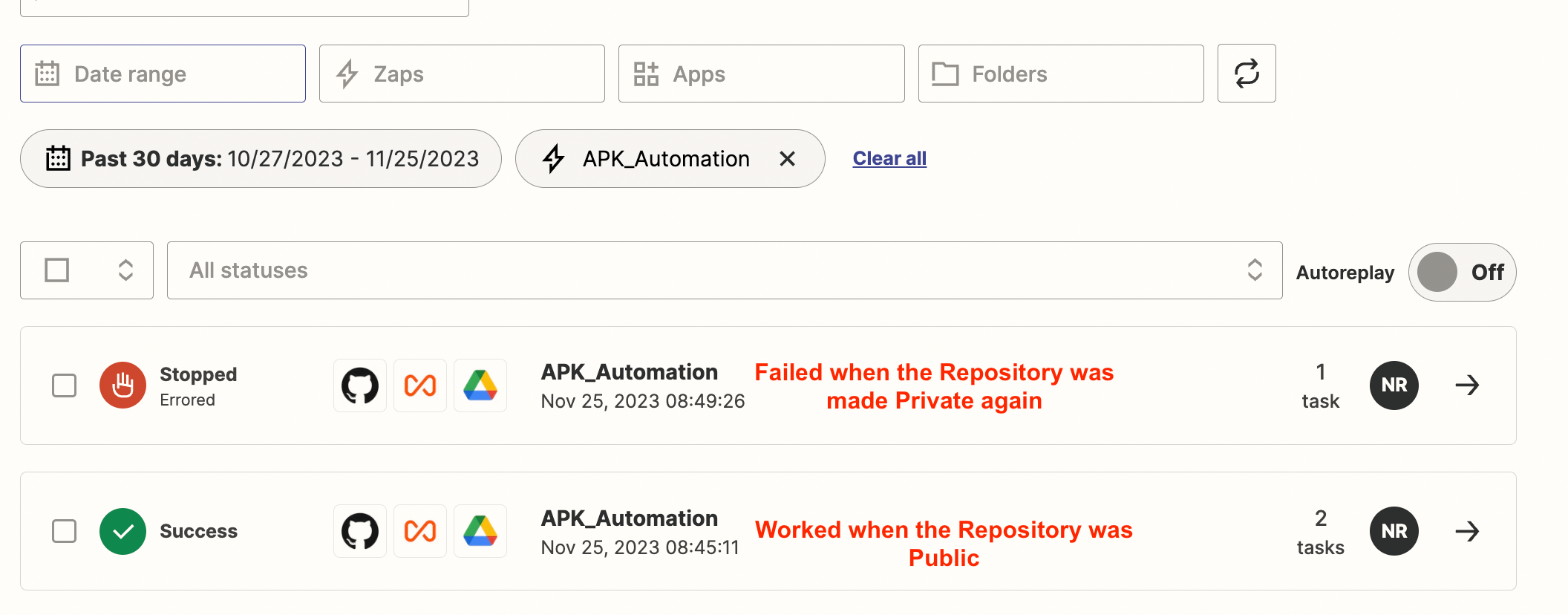
Coming back to the topic, you are right, it is an repo access issue. I made the repository as “Public” and it worked fine as expected. When I made it back to “Private”, it stopped working.

Please find below the screenshot:

Now, what would be the solution or workaround?

We definitely do not want to make the repo as “Public” for this automation, as it is internal to our organisation.

Kindly let me know.

Once again thanks for your excellent  support so far.

Thanks

Nag


Troy Tessalone
Zapier Orchestrator & Solution Partner
Forum|alt.badge.img+14
  • Zapier Orchestrator & Solution Partner
  • 34020 replies
  • November 25, 2023

@AppLeverTech 

You may have to explore using the GitHub API: https://docs.github.com/en/rest?apiVersion=2022-11-28