Question

getting invalid_request_error when finding stripe users by email

  • February 3, 2026
  • 6 replies
  • 19 views

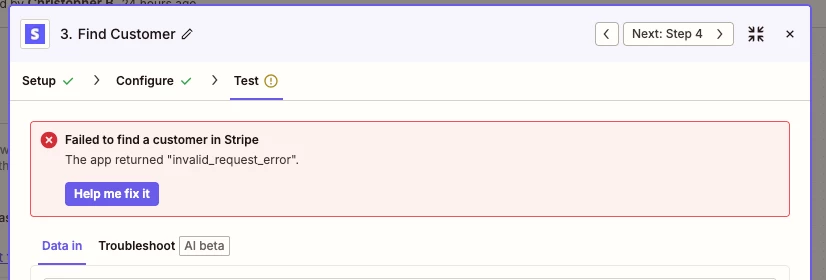
​​​error message​​​​​​
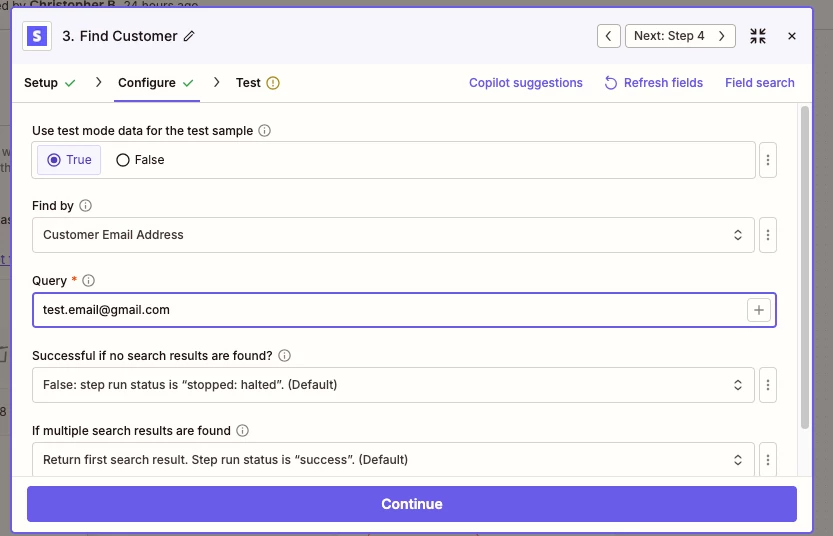
settings for this action

Hi,

I’m using the “Stripe - Find Customer” action with the settings pictured and am receiving an invalid_request_error when testing this step. I’ve noticed that when i set Find by=Customer Stripe Id and use the corresponding id, I get a successful payload, so it seems like this is a bug with the Find by=Customer Email Address. Can we put in a fix for this?

6 replies

Troy Tessalone
Zapier Orchestrator & Solution Partner
Forum|alt.badge.img+14
  • Zapier Orchestrator & Solution Partner
  • February 3, 2026

Hi ​@chris_bee 

Things to try:

  • Try using a real email address to search by for a Stripe Customer
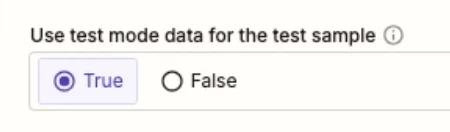
  • Try changing the TEST MODE setting to FALSE


  • Author
  • New
  • February 4, 2026

 Hi Troy,

Using a live customer email and switching Test Mode=False results in a hit, although I’m definitely using our Stripe account’s test private key. I’d really like to test this integration using our Test Mode data to ensure that it’s working properly before releasing this to live users; can you advise on how to best address this issue?


Troy Tessalone
Zapier Orchestrator & Solution Partner
Forum|alt.badge.img+14
  • Zapier Orchestrator & Solution Partner
  • February 4, 2026

@chris_bee 

Help links for using Stripe in Zaps: https://zapier.com/apps/stripe/integrations#help

Covers TEST MODE configs.


drtanvisachar
Forum|alt.badge.img+5
  • Zapier Solution Partner
  • February 4, 2026

Hello ​@chris_bee 
 

This is expected behavior rather than a Zapier bug. When you use Find by Customer Email Address, Zapier relies on Stripe’s customer search endpoint, which can return an invalid_request_error if the email doesn’t exist or if multiple customers share the same email.

Best workarounds:
• Use Find by Customer ID whenever possible
• If you only have an email, use Find Many Customers and handle the results with Looping by Zapier or Code by Zapier
• Make sure the email exists on the Customer object in Stripe, not just on payments or invoices

Dr. Tanvi Sachar
Monday Certified Partner, Tuesday Wizard


  • Author
  • New
  • February 4, 2026

Got it, thank you Tanvi. It looks like my Stripe actions don’t have a Find Many Customers option; our Stripe version may be too old for this option. I’ll see if we can find a workaround using Find by Customer ID.


Just as an additional note: In order to circumvent the above constraint, I am using Code by Zapier to call Stripe’s GET /customers/list endpoint directly to more directly replicate the functionality I’m expecting from Find Customer with Customer Email Address, but the result is returning an empty array, which does not behave as the same API call made from Stripe’s workbench or through my own Postman request (I’ve ensured that the queried email exists on the stripe customer). Is there a limitation for fetch requests to integrated providers that might be causing this response mismatch?


Troy Tessalone
Zapier Orchestrator & Solution Partner
Forum|alt.badge.img+14
  • Zapier Orchestrator & Solution Partner
  • February 4, 2026

@chris_bee 

Action: Stripe - Find Customer

This is a READ action.

Is there really any harm using Stripe LIVE MODE to test this action step?


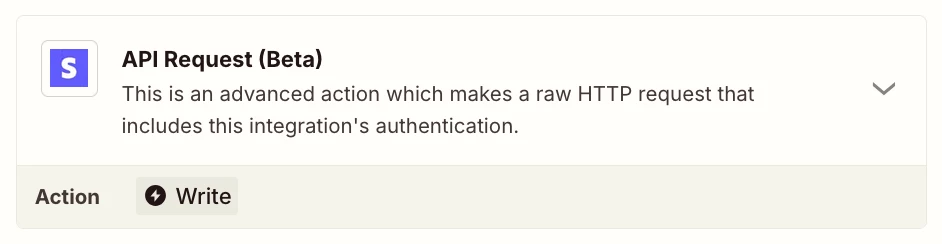
You can try this more advanced approach using this Zap action: Stripe - API Request


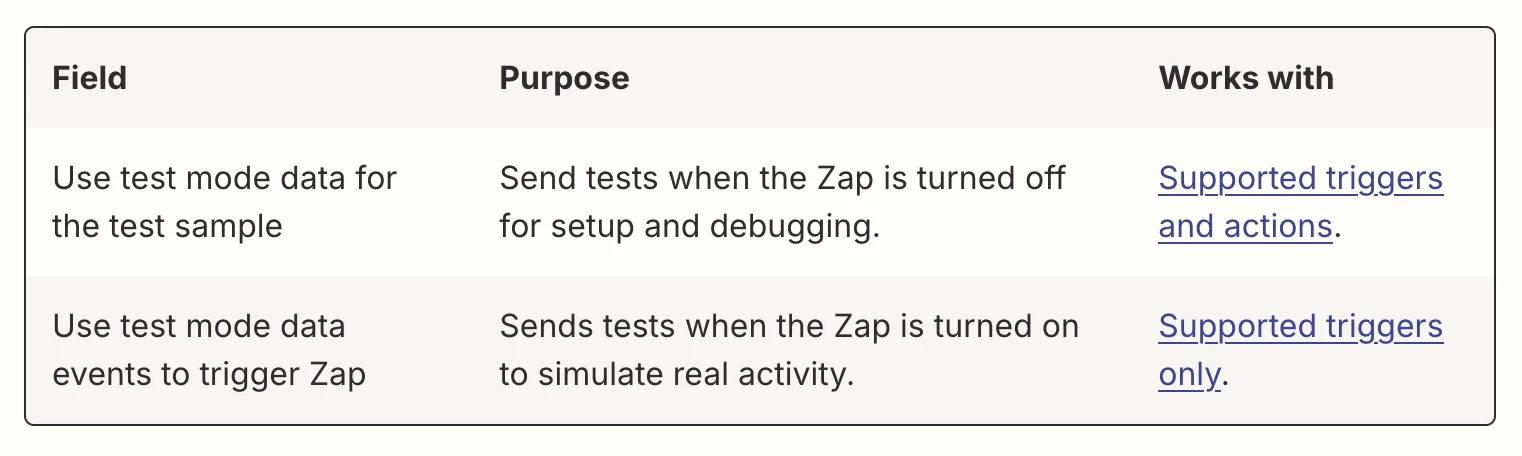
Info about Stripe Test Mode


To use test mode data, you must enable Stripe's test mode and create a Stripe secret API key. Learn more about using test mode data with Stripe on Zapier.

To create an app connection to Stripe on Zapier:

  • Go to the Apps page.
  • Click + Add connection.
  • A new dialog box will appear. Search for and select Stripe.
  • Click Add connection.
  • A Connect an Account page will open in a browser tab or window.
  • Enter your test mode secret API key in the provided field.
  • Click Yes, Continue to Stripe.
  • Log into Stripe to authenticate.
  • Grant Zapier permission to access your account if prompted to.

Your Stripe account is now successfully connected to Zapier.


Test mode data is only supported for specific triggers and actions, not all Stripe triggers and actions support test mode data.