I have a zapier form that collects some information. Everything but the email address is being passed correctly to Google Sheets. I’ve read the help materials and turned off and on the zap bc zaps don’t pick up changes in google sheets unless the zap has been turned off/on. In addition, I remapped the email address field.
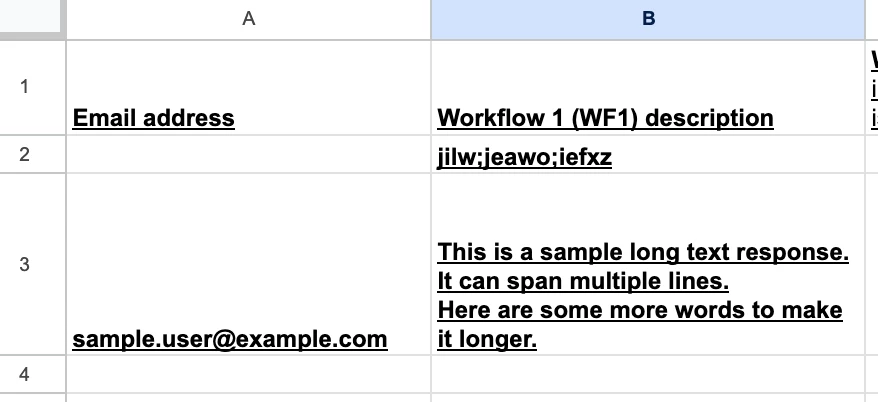
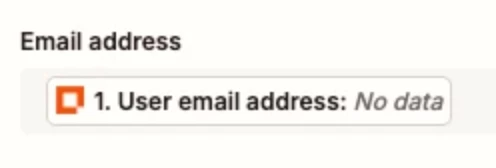
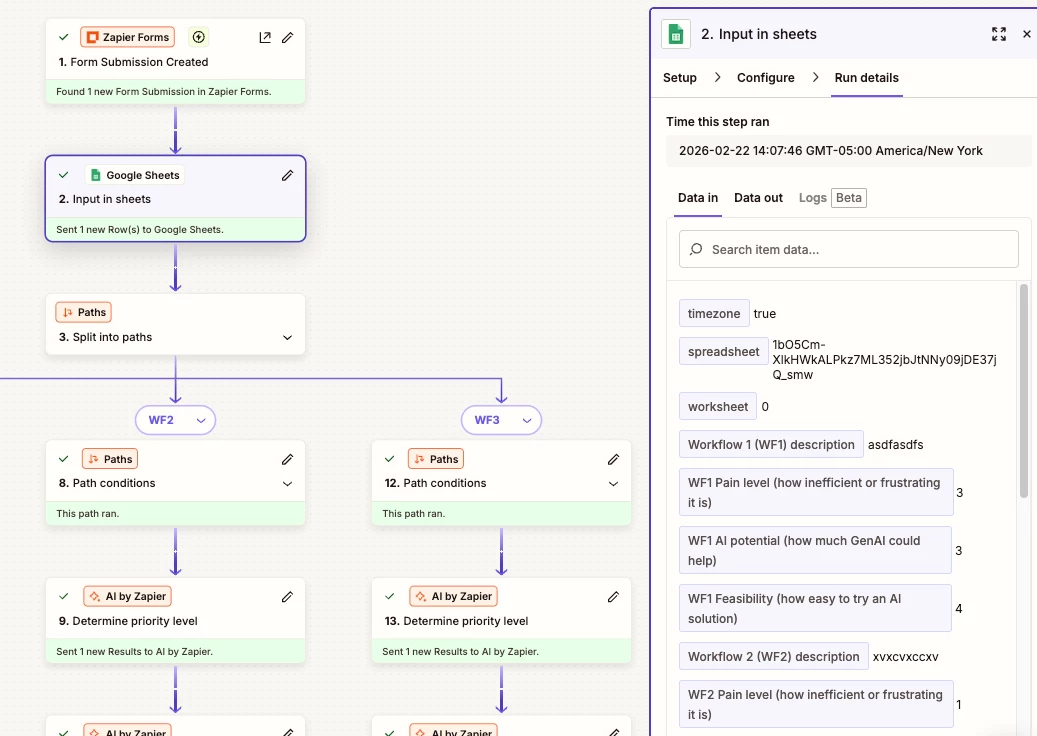
The screenshot above shows the test run went through but the first one, where I put my own email address in, is blank.
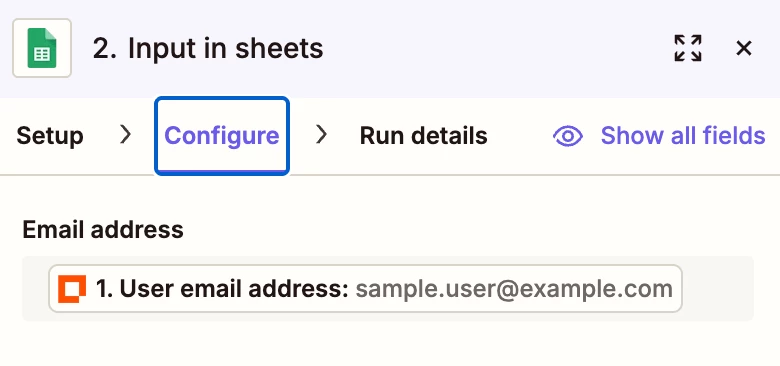
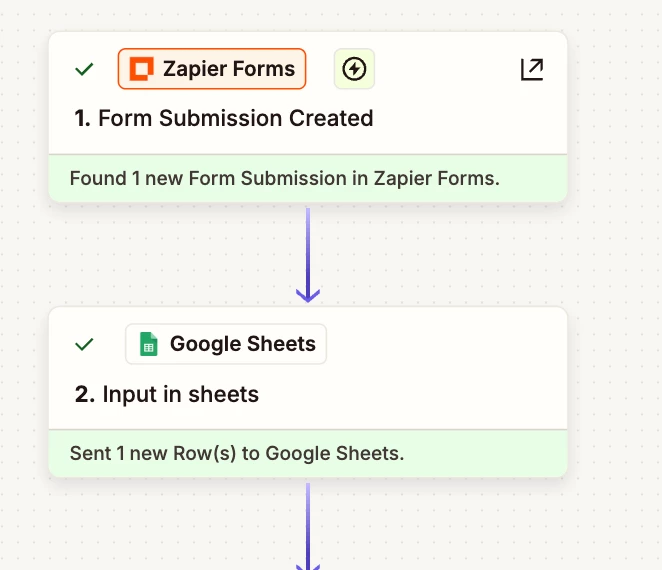
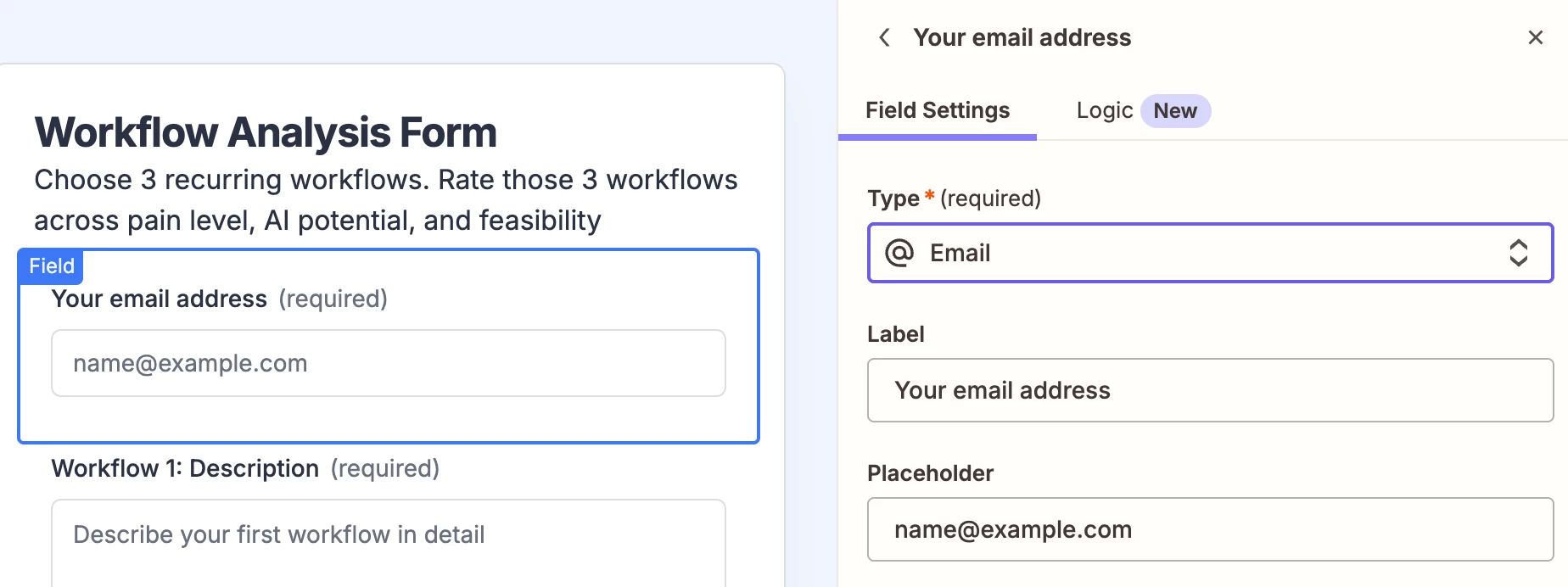
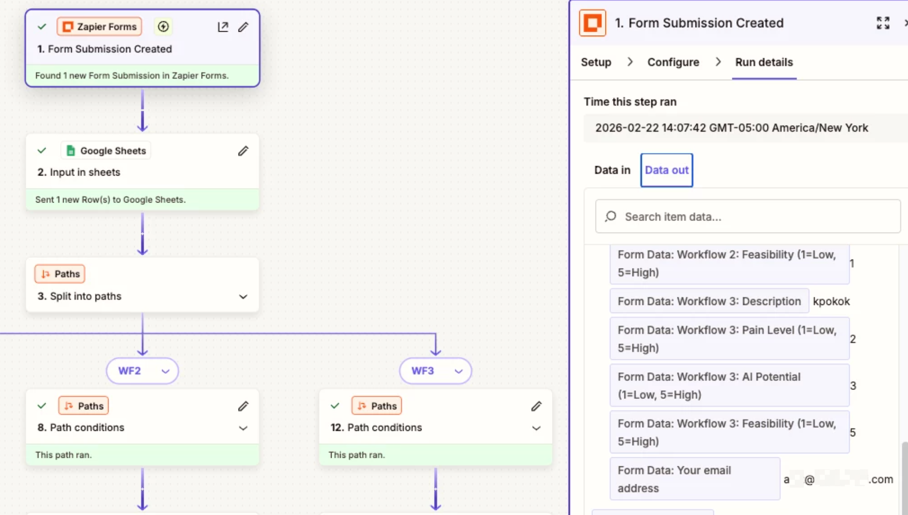
The configure in the zapThe flow
Thank you!
Best answer by Troy Tessalone
@zubs
Take a look at the screenshots below.
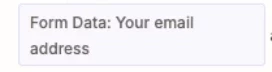
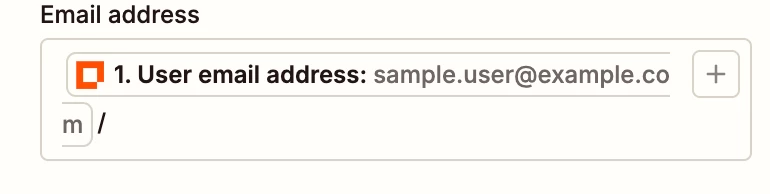
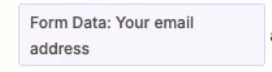
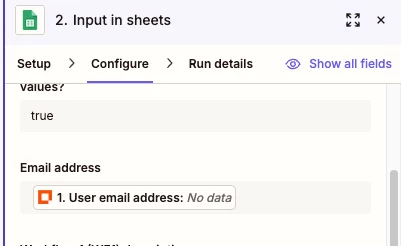
The “User email address” variable mapped for Email address field is different from the “Form Data: Your email address” variable that has the actual email address value from the Zapier Form.
Hey! This is a common one, here's what's likely happening:
The blank email on your first submission is because that entry was captured before you remapped the field. Zapier doesn't retroactively update old records, so that first row will always be blank. Your remap is correct, new submissions should come through fine.
To confirm it's working:
Submit a brand new test entry with a fresh email
Check if that new row in Google Sheets has the email populated
If yes, you're good, the old blank row is just a ghost from before the fix
If the email is still blank on new submissions, the issue is usually that the form is passing the email as a label instead of a value in the field mapping. Go into your Zap step → click the email field → make sure you're selecting the actual email value and not a field label.
Let me know if it's still not working after that, happy to help you dig deeper!
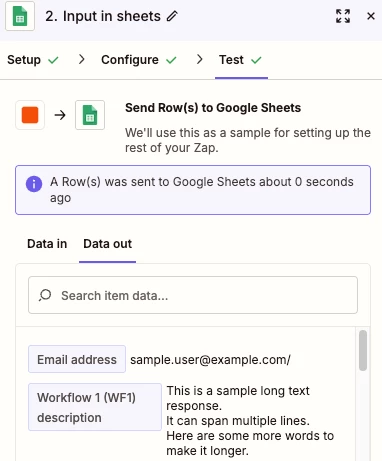
After testing the GSheets Zap step, for the RUN DETAILS tab, check the DATA IN/OUT tabs to see the data that was used as inputs and the row/data that was returned as outputs.
Post screenshots showing that data to give us more info to work with.
the test run shows data exported in the email address fieldmy actual submission workedbut the email address isn’t being passed from the Form to the Sheet
This post has been edited by a moderator to remove personally identifiable information (PII). Please remember that this is a public forum and avoid sharing personal or potentially sensitive details.
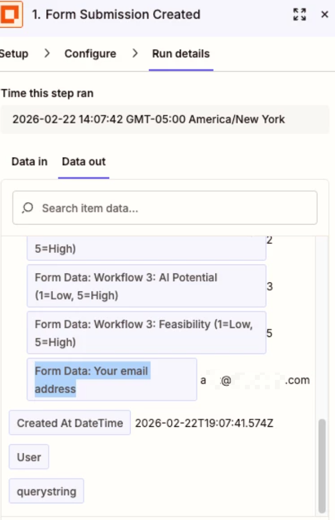
Hi - the steps haven’t changed. I think there’s something in here that isn’t functioning but I dont know how to fix it. In this form, the email is in Data out:
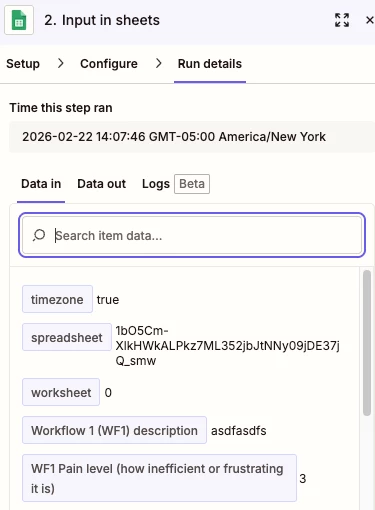
But the next step in Google Sheet isn’t taking in the email address:
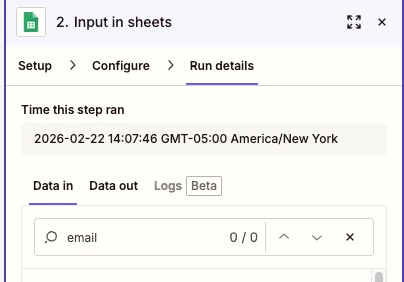
In fact, there isn’t an email address field on Data In:
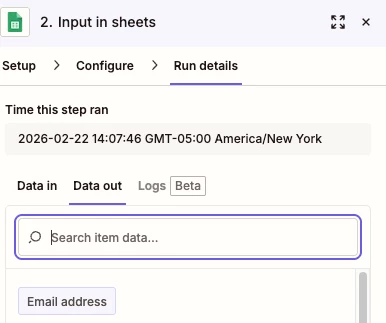
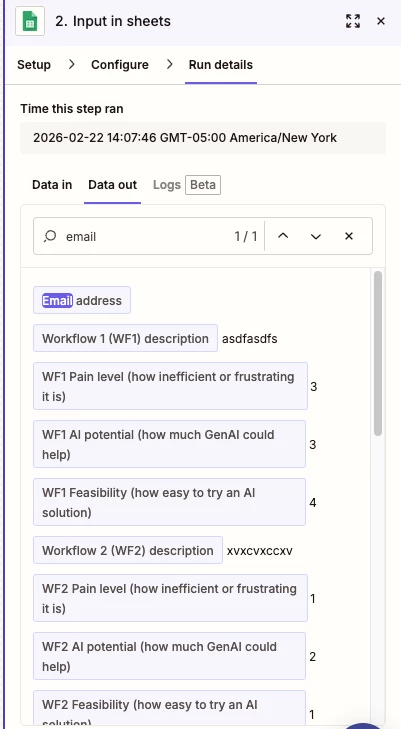
There is an email address for Data out for sheets, but it’s blank (not surprisingly):
This post has been edited by a moderator to remove personally identifiable information (PII). Please remember that this is a public forum and avoid sharing personal or potentially sensitive details.
The “User email address” variable mapped for Email address field is different from the “Form Data: Your email address” variable that has the actual email address value from the Zapier Form.
Well spotted @Troy Tessalone! 👏 Glad to hear that mapping the other form field fixed it, @zubs 🎉 I'll go ahead and mark Troy's latest reply as the best answer to help others running into similar issues.
Have a great rest of your week! 😁
Early access
Next Gen Zaps
Build and deploy automations from AI tools you already use. With Agentic Management, if anything breaks, the agent diagnoses the issue and proposes a fix.