Question

Failed to create enrollment in Thinkific (with Grow plan)

  • January 4, 2026
  • 4 replies
  • 31 views

Hi support team,


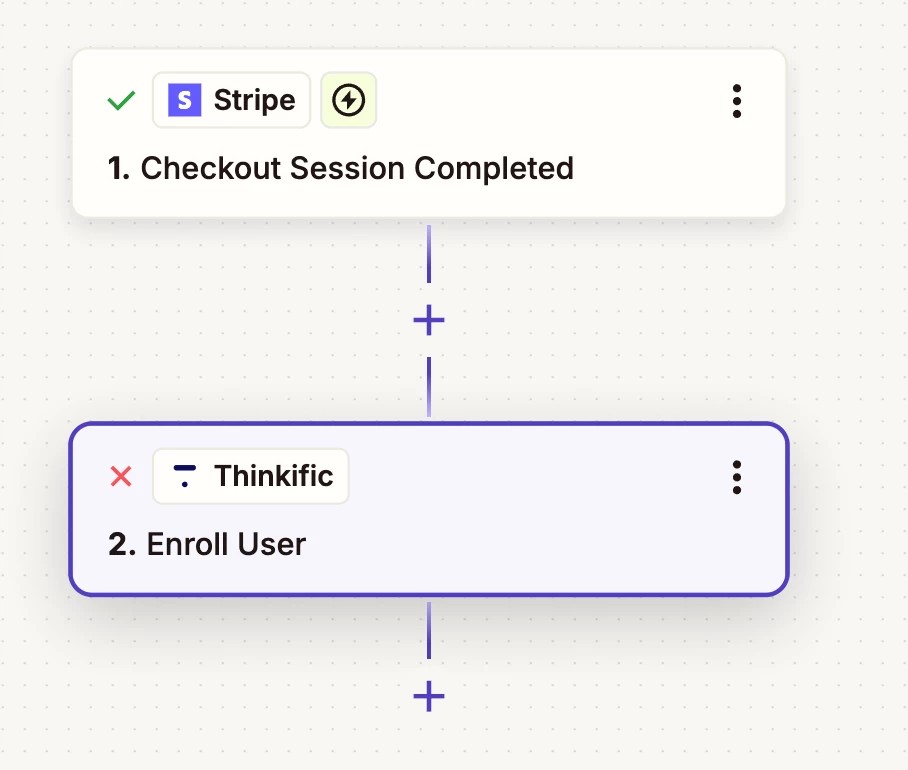
I’m trying to auto-enroll users in Thinkific after they complete payment via a Stripe Payment Link.

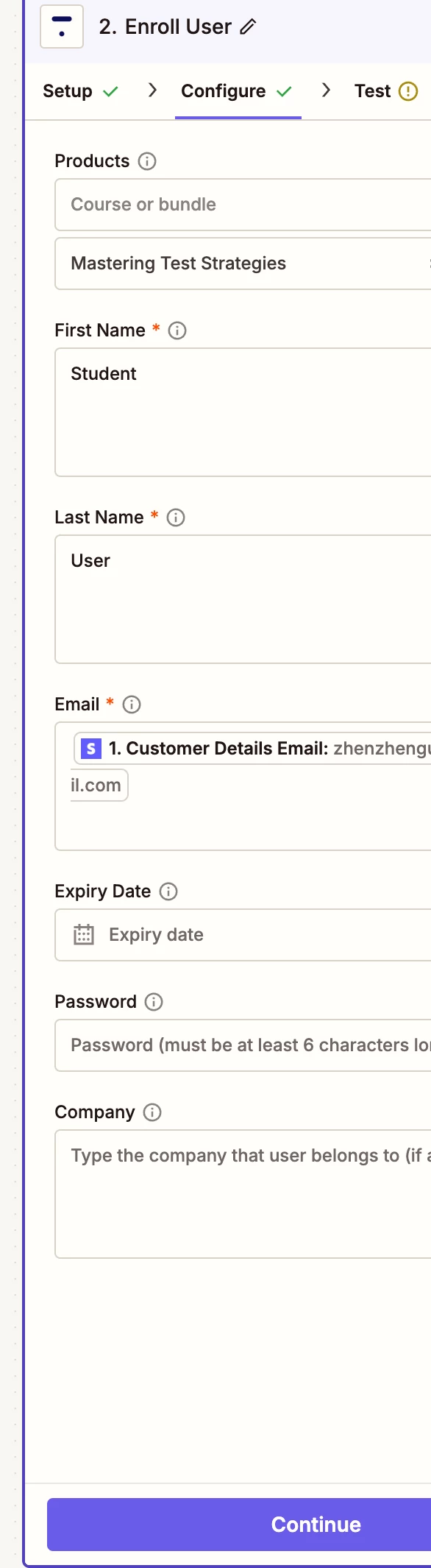
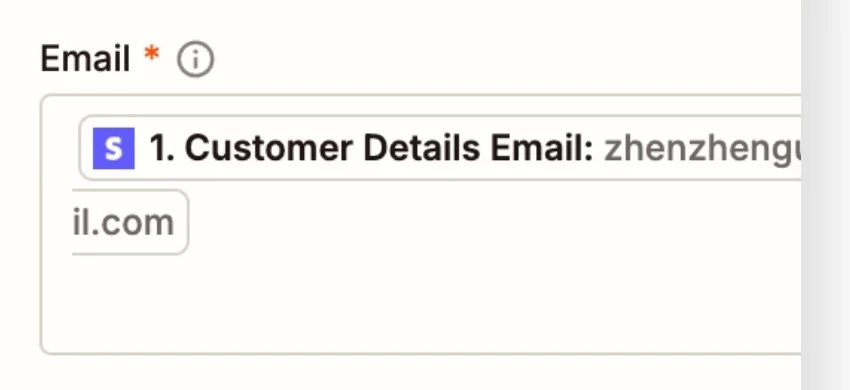
In the Thinkific step, I’m using static values for first/last name, and mapping Email from Stripe customer_details.email (I can see the test data correctly).


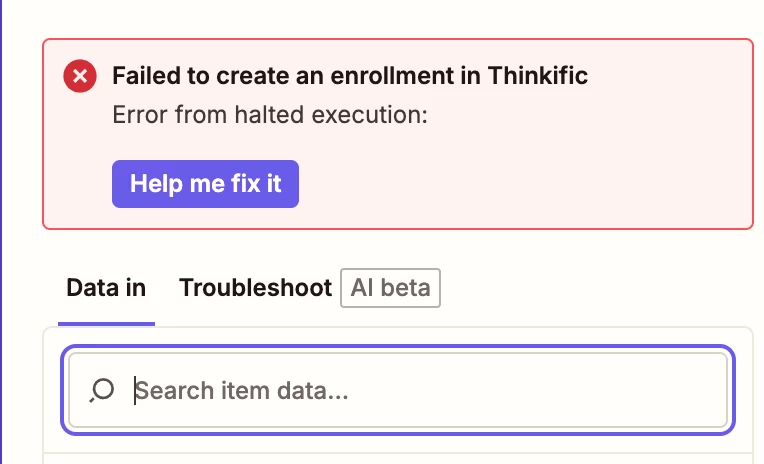
However, the enrollment step always fails with a generic “halted execution / failed to create enrollment” error, with no clear reason.

The course is published, and I am in grow plan. 

Thanks!
 

4 replies

  • Author
  • New
  • January 4, 2026

I also keep receiving emails saying that: Reconnect your account We noticed that your "xxxx(Thinkific)" account encountered an authentication problem. 

However after I reconnect it, I receive another new email with same information. (The course ID subdomain is correct, and the test data can be seen)


AndrewJDavison
Forum|alt.badge.img+11
  • Zapier Solution Partner
  • January 4, 2026

@cimicimi 

For repeated connection failures like that, it’s best to contact Zapier support as they have access to better logs than we do: https://zapier.com/app/get-help


Troy Tessalone
Zapier Orchestrator & Solution Partner
Forum|alt.badge.img+14
  • Zapier Orchestrator & Solution Partner
  • January 5, 2026

Hi ​@cimicimi 

Help for using Thinkific in Zaps: https://zapier.com/apps/thinkific/integrations#help


Prerequisites

To use the Thinkific app on Zapier, you must have:


NOTES

Check to make sure there are no extra line breaks after the values for these fields:

  • First Name
  • Last Name
  • Email


Sparsh from Automation Jinn
Forum|alt.badge.img+6

Hey ​@cimicimi,

Make sure to dynamically pass the First Name and Last Name from the data because otherwise all your user’s will be saved as Student User.

Regarding the reconnection issue, please confirm that you are the site owner/admin and that you have the Zapier app installed in Thinkfic. If it still doesn’t fix it, try testing it manually to see if it works. If testing manually works then the issue be with Formatting. You will have to use a Formatter action and fix the formatting. Hope it helps!