Answer

Failed to create a prompt in OpenAI: [invalidrequesterror] You are not allowed to sample from this model

  • November 13, 2023
  • 13 replies
  • 801 views

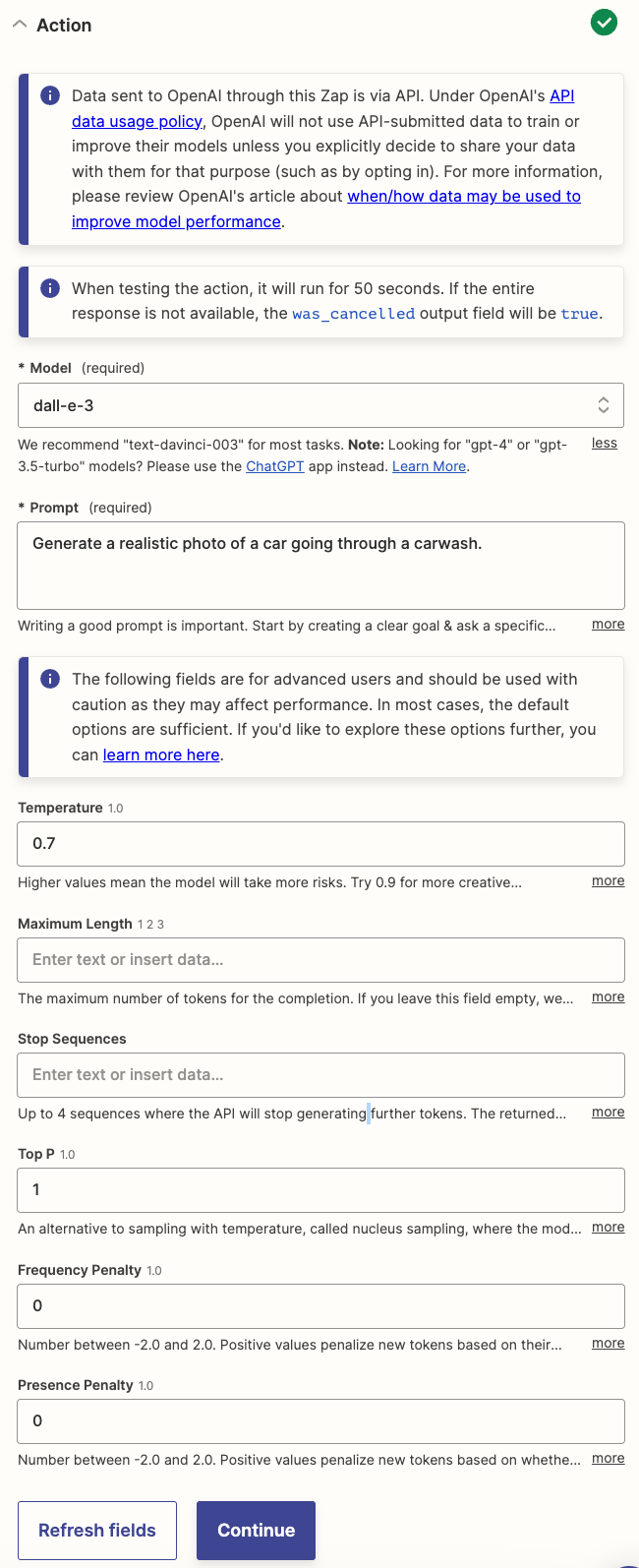
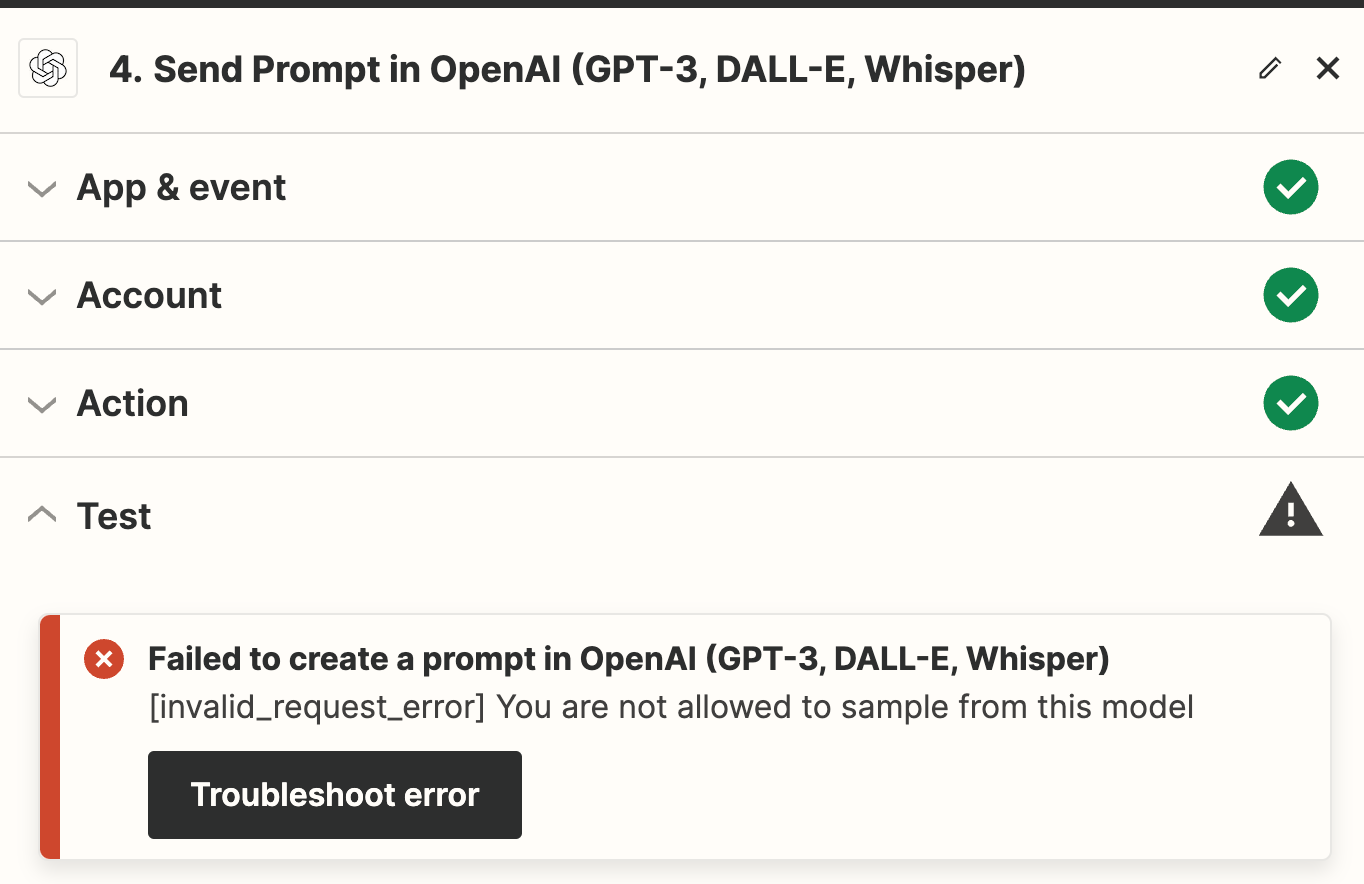
Every time that I attempt to test “Send Prompt in OpenAI (GPT-3, DALL-E, Whisper)” with Dall-E 3, I get the following error: “Failed to create a prompt in OpenAI (GPT-3, DALL-E, Whisper)
[invalid_request_error] You are not allowed to sample from this model”.


Best answer by Troy Tessalone

@luke1037and @Claus Svendsen 

Try this...

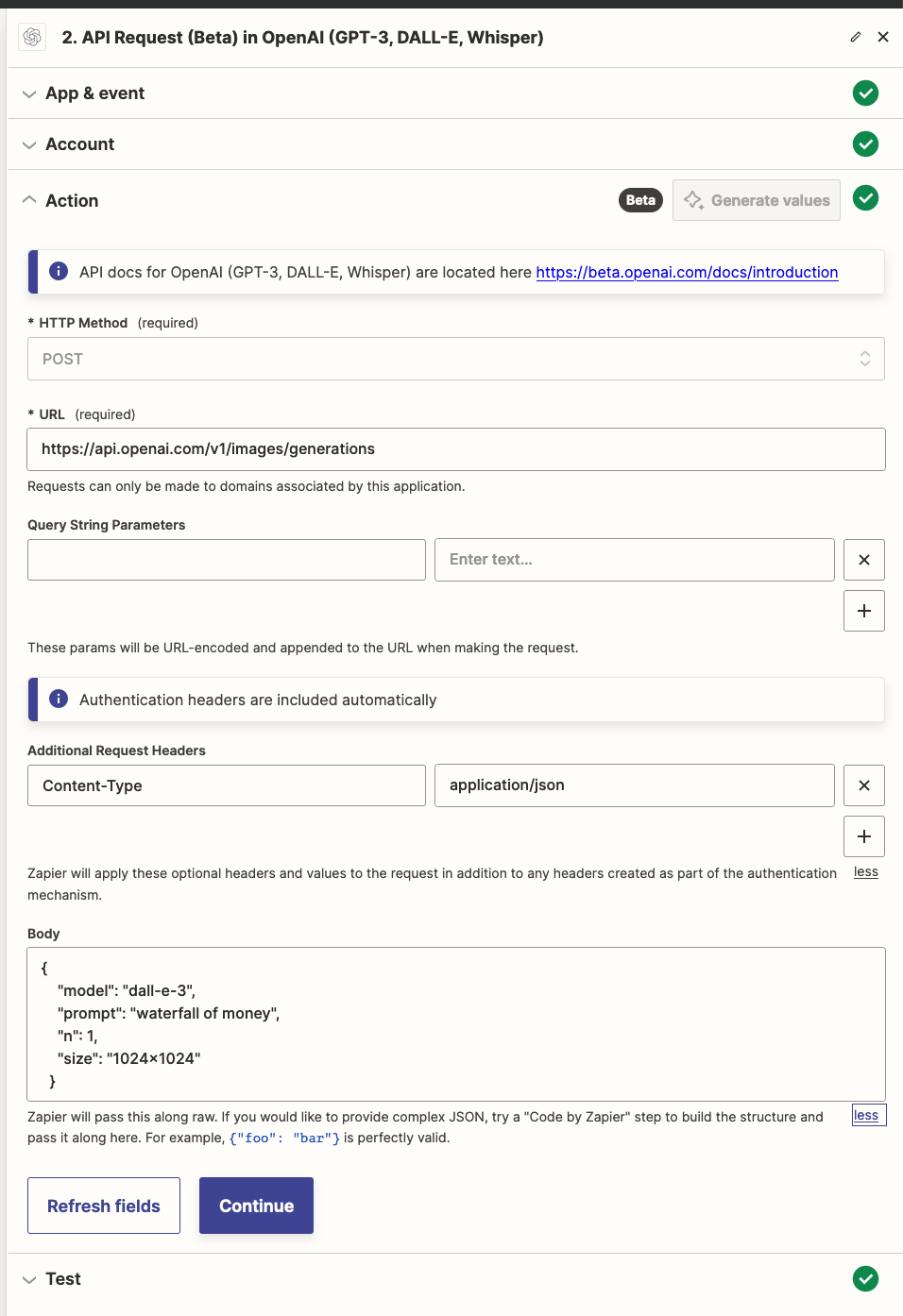
CONFIG

Action: OpenAI - API Request

HTTP Method: POST

URL:

https://api.openai.com/v1/images/generations

Headers:

Content-Type: application/json

Body:

Change the “prompt” value in the JSON.

{
"model": "dall-e-3",
"prompt": "a white siamese cat",
"n": 1,
"size": "1024x1024"
}


OUTPUT


This post has been closed for comments. Please create a new post if you need help or have a question about this topic.

13 replies

Troy Tessalone
Zapier Orchestrator & Solution Partner
Forum|alt.badge.img+14
  • Zapier Orchestrator & Solution Partner
  • November 13, 2023

Hi @luke1037 

Good question.

Please post screenshots with how your Action section is configured for the Zap step.


  • Author
  • Beginner
  • November 13, 2023

Hi @Troy Tessalone, Here’s a screenshot of the current Action configuration:


Troy Tessalone
Zapier Orchestrator & Solution Partner
Forum|alt.badge.img+14
  • Zapier Orchestrator & Solution Partner
  • November 13, 2023

@luke1037 

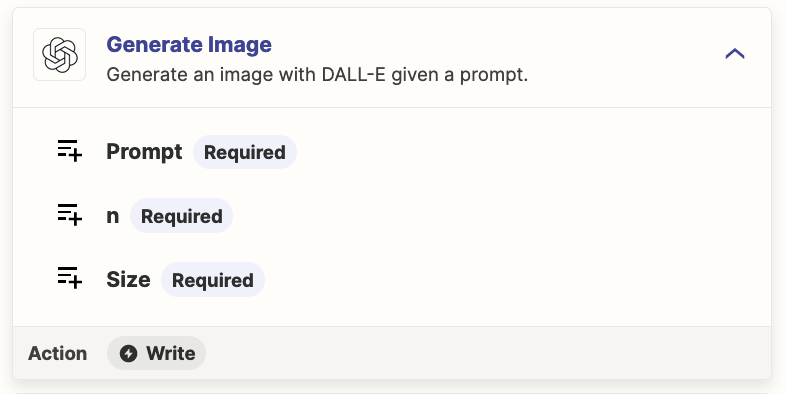
Perhaps try this Zap action: OpenAI - Generate Image


###

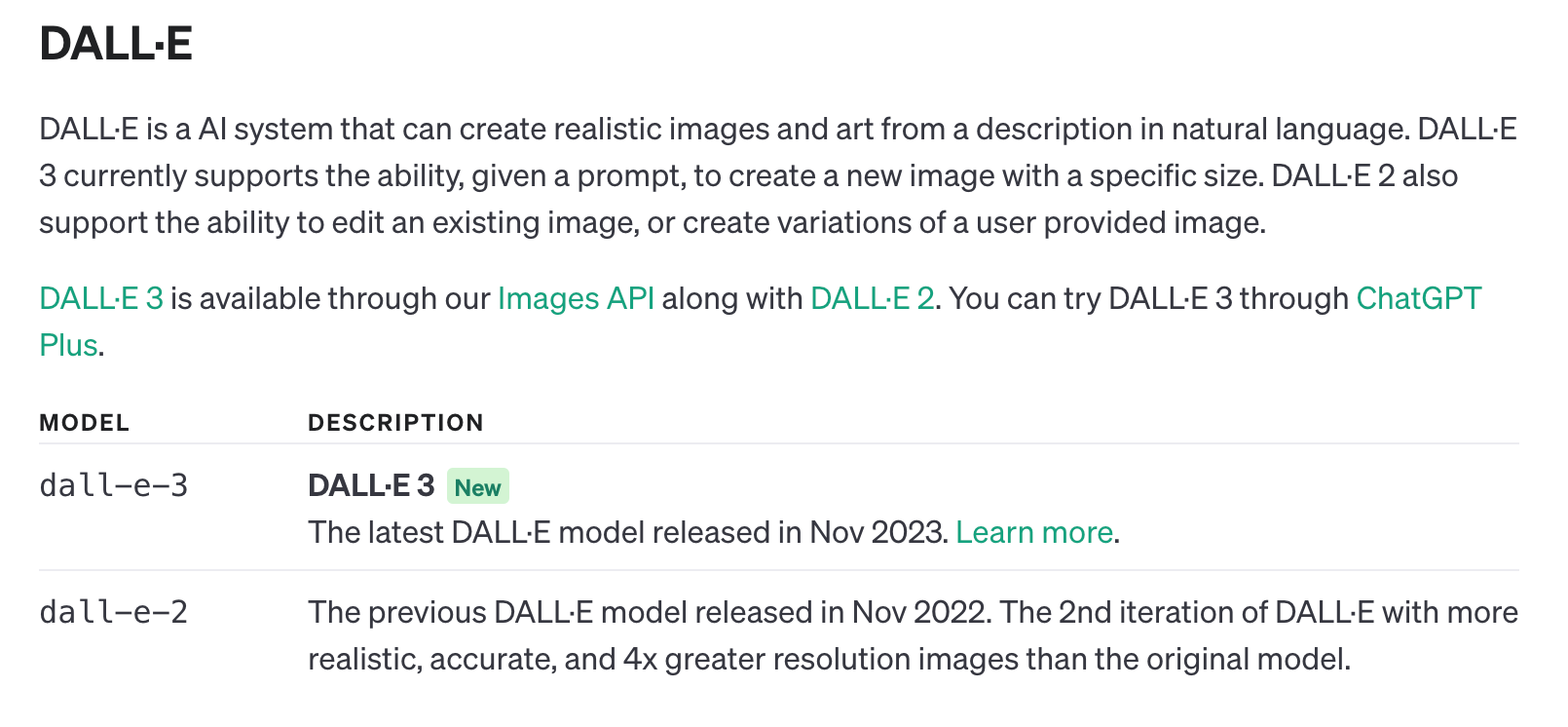
Docs: https://platform.openai.com/docs/models/dall-e

DALL·E 3 is available through our Images API along with DALL·E 2.
You can try DALL·E 3 through ChatGPT Plus.


  • Author
  • Beginner
  • November 13, 2023

@Troy Tessalone Doesn’t the Zapier “OpenAI - Generate Image” action only use Dalle-2? Is there a way I can get it to only use Dalle-3? Thank you!


Troy Tessalone
Zapier Orchestrator & Solution Partner
Forum|alt.badge.img+14
  • Zapier Orchestrator & Solution Partner
  • November 13, 2023

@luke1037 

You may have to use the OpenAI Images API

https://platform.openai.com/docs/guides/images/introduction?context=node


DALL·E 3 is available through our Images API along with DALL·E 2.


Some options to try for using the OpenAI API.


  • Author
  • Beginner
  • November 13, 2023

Ok, thank you very much! I will try to call the images API and report back.


Forum|alt.badge.img

Ok, thank you very much! I will try to call the images API and report back.

look forward to here about your test of this call to the API… trying to do similar task


  • Author
  • Beginner
  • November 13, 2023

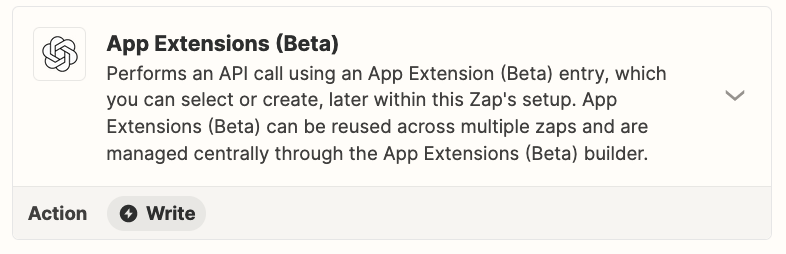
@Troy Tessalone I have tried to use the app extension to generate a call to the OpenAI api, but no success. Having trouble figuring out how to format the api calls using Zapier. Any advice here would be much appreciated, thanks!


Troy Tessalone
Zapier Orchestrator & Solution Partner
Forum|alt.badge.img+14
  • Zapier Orchestrator & Solution Partner
  • Answer
  • November 14, 2023

@luke1037and @Claus Svendsen 

Try this...

CONFIG

Action: OpenAI - API Request

HTTP Method: POST

URL:

https://api.openai.com/v1/images/generations

Headers:

Content-Type: application/json

Body:

Change the “prompt” value in the JSON.

{
"model": "dall-e-3",
"prompt": "a white siamese cat",
"n": 1,
"size": "1024x1024"
}


OUTPUT


  • Author
  • Beginner
  • November 14, 2023

@Troy Tessalone Success! Thank you very much! 


SamB
Community Manager
Forum|alt.badge.img+11
  • Community Manager
  • November 14, 2023

That’s fantastic news, @luke1037! Thanks so much for hopping back here to confirm that API Request (Beta) action did the trick, we really appreciate it. Awesome work here as usual @Troy Tessalone! 👏👏👏 


@Claus Svendsen - hopefully that approach will work for you too. Please do keep us updated on how you get on with this!


Forum|alt.badge.img

That’s fantastic news, @luke1037! Thanks so much for hopping back here to confirm that API Request (Beta) action did the trick, we really appreciate it. Awesome work here as usual @Troy Tessalone! 👏👏👏 


@Claus Svendsen - hopefully that approach will work for you too. Please do keep us updated on how you get on with this!

Yes i tried the POST call and it works. Thanks a million !!!!!!


Now i’m having issues getting the zapp to run. Let me explain.

I have a google sheet where i have 20 different prompts in column B Row 1 to 20. I want the zap to loop trough all 20 prompts and fee them into the POST call and then save the generated image in a google folder. The last part, saving the Dall E 3 image to a Google folder, i got to work. its the beginning that does not work for me. 

Thanks for helping!!!


Troy Tessalone
Zapier Orchestrator & Solution Partner
Forum|alt.badge.img+14
  • Zapier Orchestrator & Solution Partner
  • November 14, 2023

@Claus Svendsen 

Might be best to post your own topic and provide screenshots so it gets proper attention.