Answer

Failed to create a matter in Clio The app returned "NotFoundError"

  • October 2, 2023
  • 8 replies
  • 162 views

Hey all!

Trying to create a zap to integrate with Clio in order to make a custom field update automatically when a task is marked complete and I am getting an error:

Failed to create a matter in Clio

The app returned "NotFoundError"

I am trying to mimic the process seen here: 


The error occurs on that 4th step of the zap.

Thanks for the help!
Best answer by Troy Tessalone

@zeastFrim 

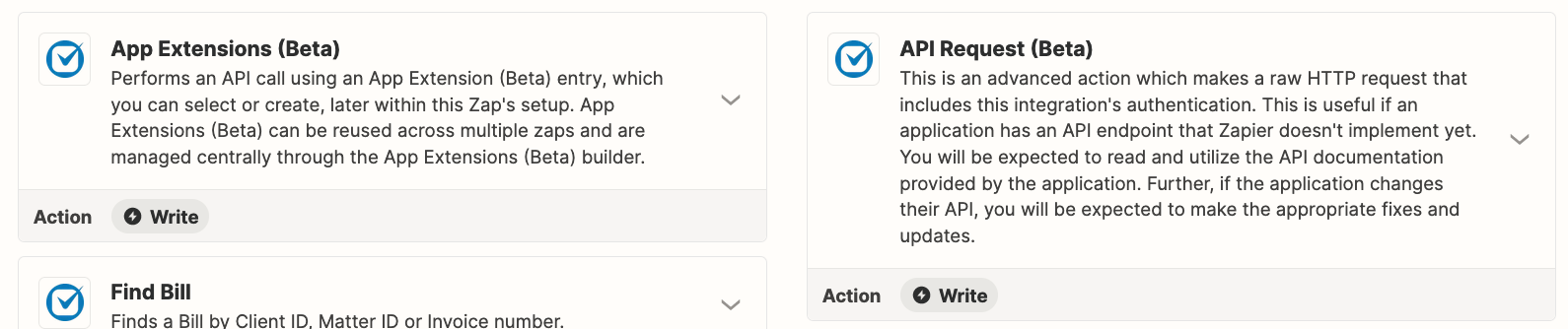
If the custom field is not available to update as part of the Zap action for Clio Update Matter, then you may have to explore using the Clio API: https://docs.developers.clio.com/api-reference/


This post has been closed for comments. Please create a new post if you need help or have a question about this topic.

8 replies

Troy Tessalone
Zapier Orchestrator & Solution Partner
Forum|alt.badge.img+14
  • Zapier Orchestrator & Solution Partner
  • October 2, 2023

Hi @zeastFrim 

Good question.

We would need to see detailed screenshots with how your Zap steps are configured.


  • Author
  • Beginner
  • October 3, 2023

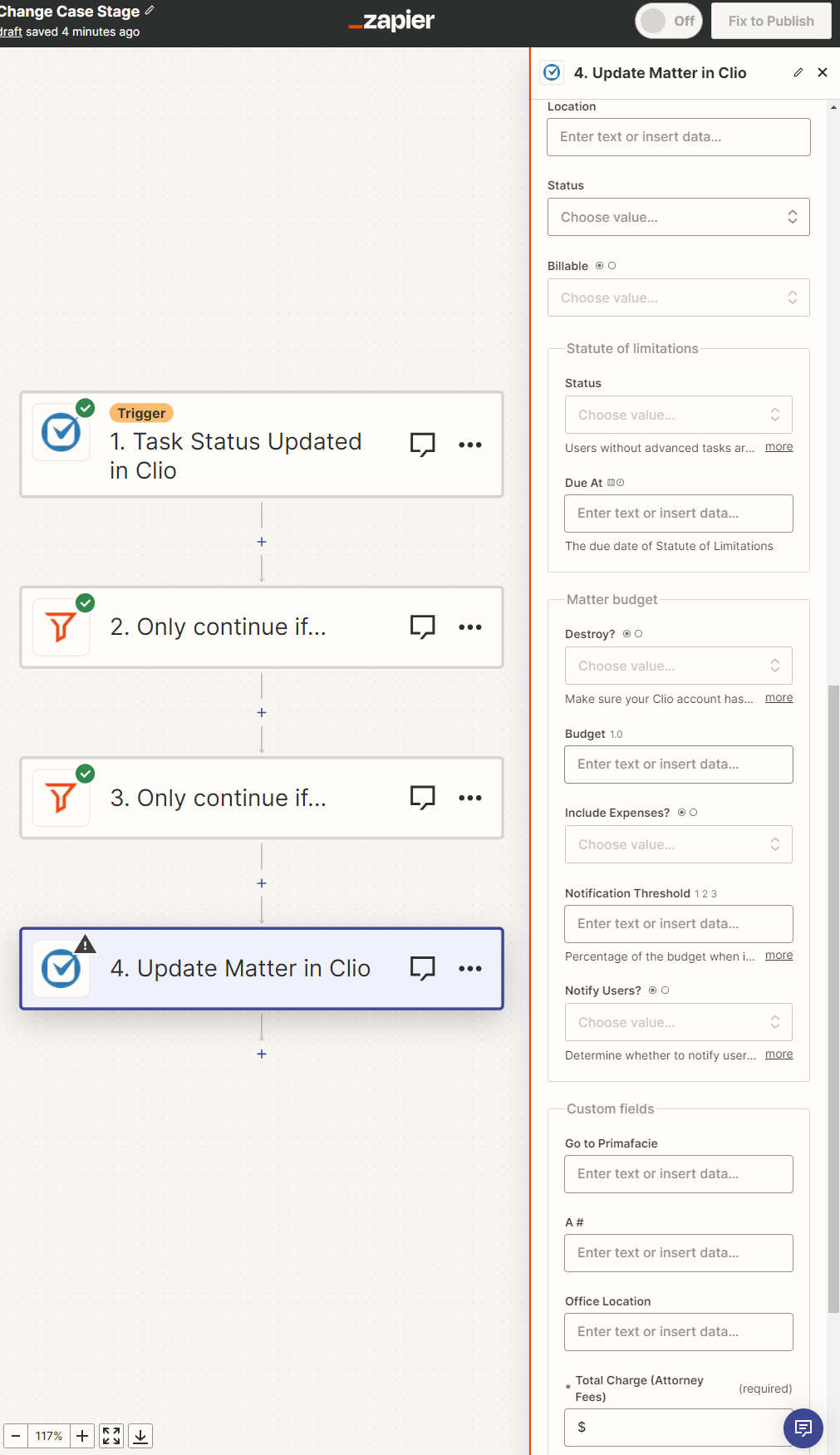
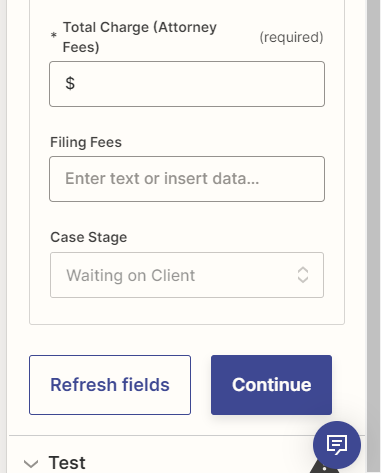
Thanks for the quick response. Here is what I have. If there is an easier way to screenshot it so it is easier to understand, let me know. Thanks again for your quick response!

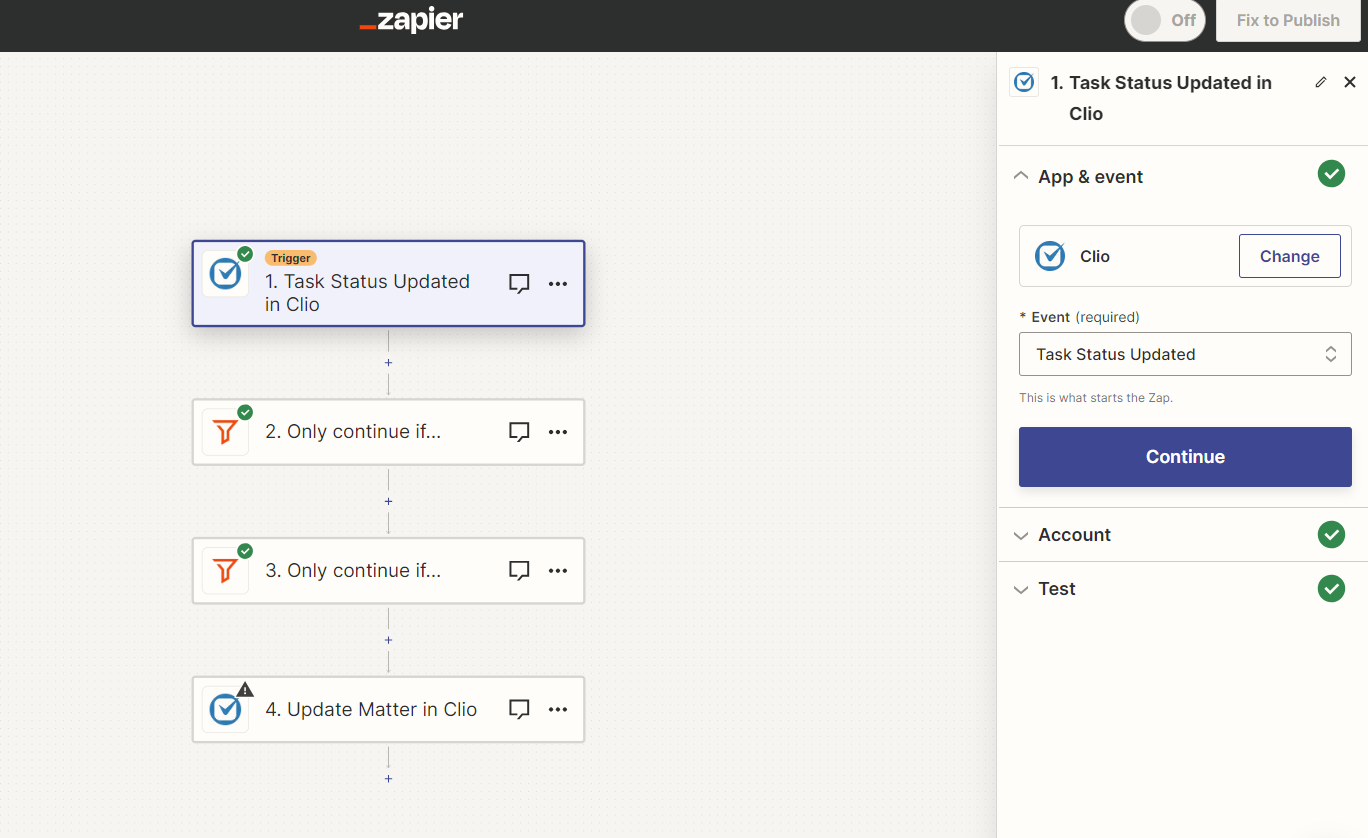
Step 1:


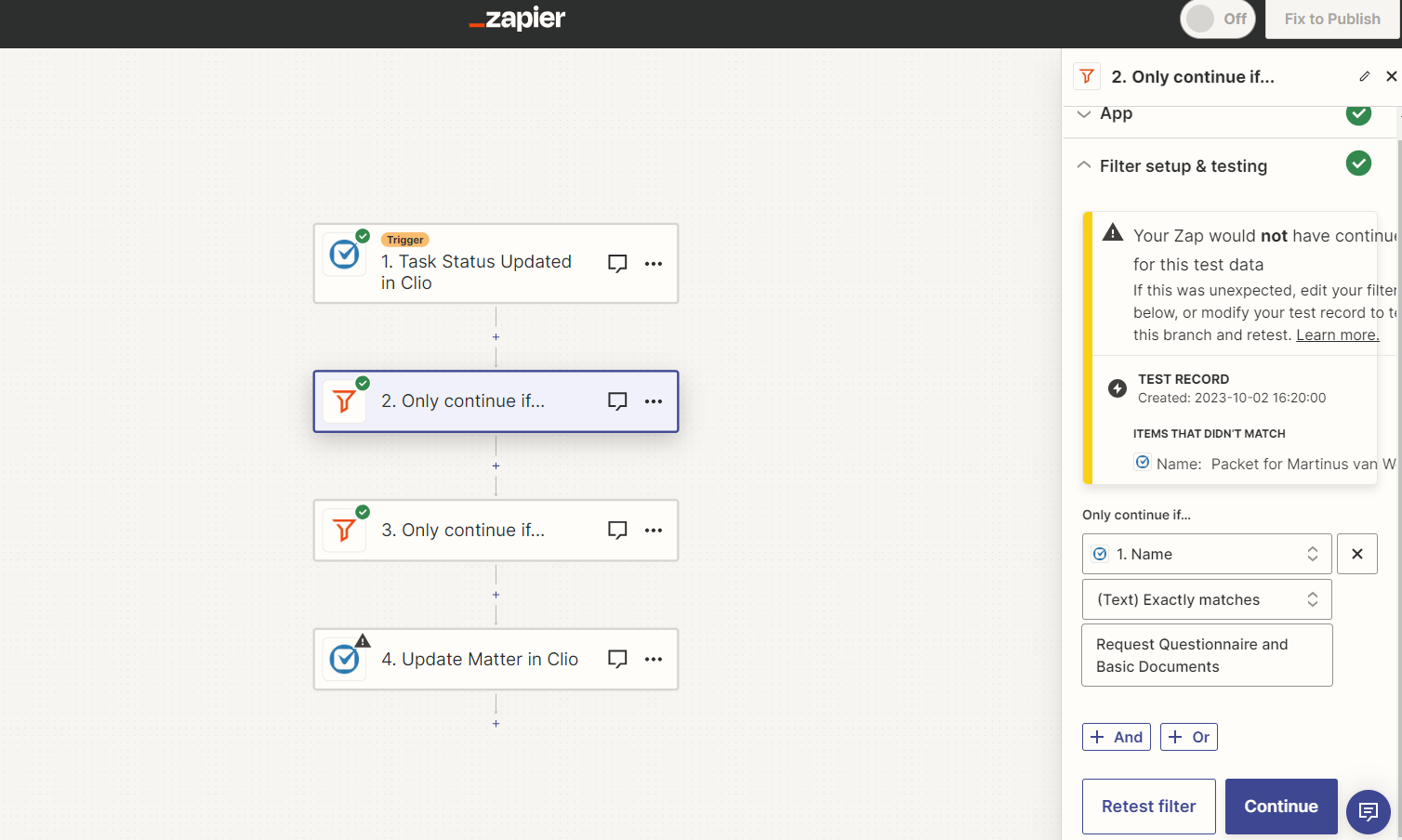
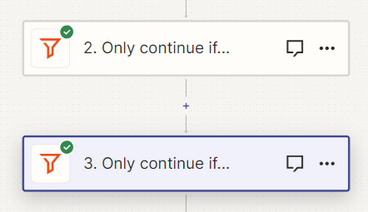
Step 2:


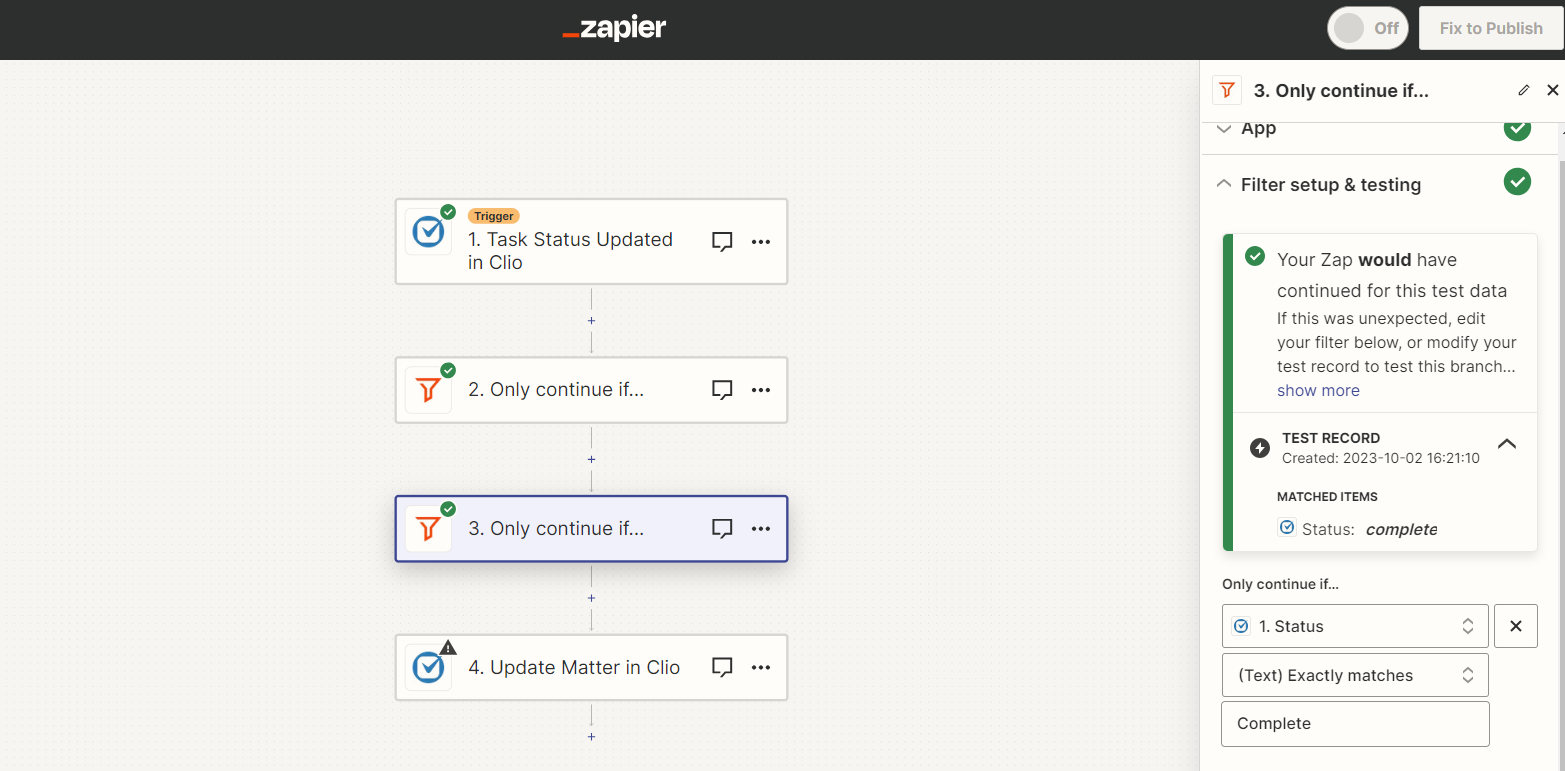
Step 3:


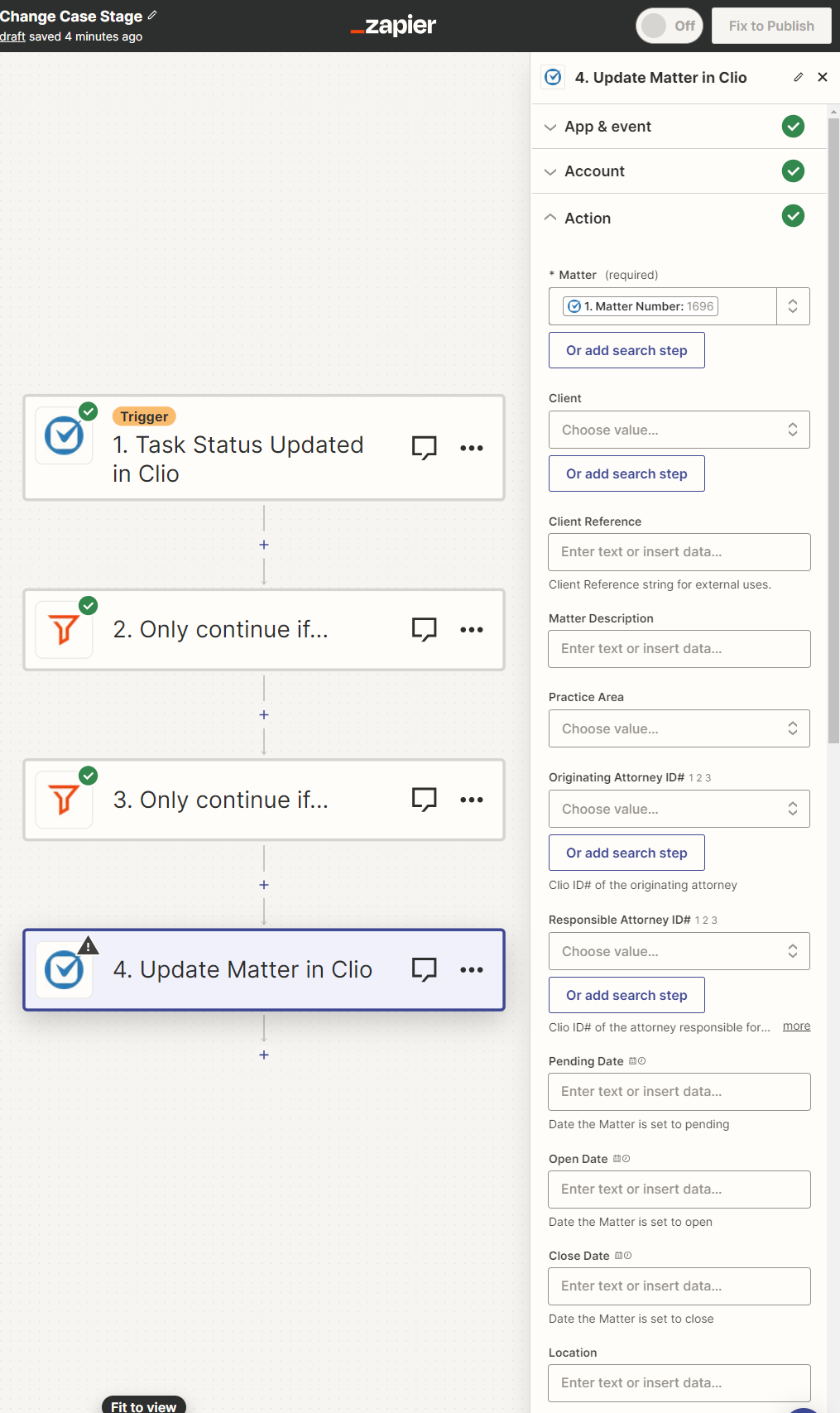
Step 4:


Troy Tessalone
Zapier Orchestrator & Solution Partner
Forum|alt.badge.img+14
  • Zapier Orchestrator & Solution Partner
  • October 3, 2023

@zeastFrim 

You can save a Zap step and a Task by only using 1 Filter step with multiple conditions.


Troy Tessalone
Zapier Orchestrator & Solution Partner
Forum|alt.badge.img+14
  • Zapier Orchestrator & Solution Partner
  • October 3, 2023

@zeastFrim 

Which field are you trying to update in Step 4?


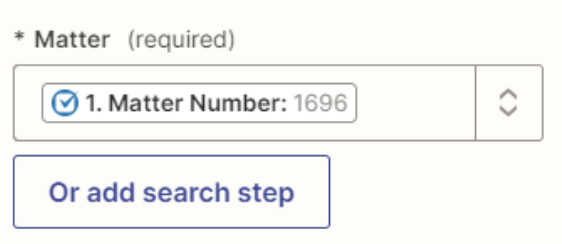
The Matter field may expect a different value.

Check the dropdown list of options.

Each option has 2 value. (top/bottom)

The Matter field expects the bottom values.


@Troy Tessalone Hi Troy, I am also trying to replicate this workflow. The purpose of this zap is to update a Custom Field (matter stage) once a task in Clio is marked complete. The issue I’m also having with Step 4 is that the Zap is asking to specify a matter in Clio but I want (and I think this is what @zeastFrim is experiencing) is for this to apply to any matter with this task. How can this be accomplished? Thank you!


Troy Tessalone
Zapier Orchestrator & Solution Partner
Forum|alt.badge.img+14
  • Zapier Orchestrator & Solution Partner
  • October 19, 2023

Hi @ECL Marketing 

Probably best to post your own topic with info and screenshots so it gets proper attention, thanks.


  • Author
  • Beginner
  • October 31, 2023

Sorry for taking so long to reply @Troy Tessalone 


The other user on the thread is correct. I want a custom field(Case Stage) to be updated on the matter.

It should update the matter that corresponds to the task that was marked complete, if that makes sense.


Troy Tessalone
Zapier Orchestrator & Solution Partner
Forum|alt.badge.img+14
  • Zapier Orchestrator & Solution Partner
  • Answer
  • October 31, 2023

@zeastFrim 

If the custom field is not available to update as part of the Zap action for Clio Update Matter, then you may have to explore using the Clio API: https://docs.developers.clio.com/api-reference/