Question

Facing issue while appending files into single file

  • March 28, 2026
  • 6 replies
  • 34 views

Hello, I am trying to append multiple text files from google drive into a single file using retrieve file and then append to text nodes, but “retrieve” only adds file metadata and not the actual file content to the final file. I have tried multiple options, but retreive, get document, export but its not helping. what is the best way to read multiple files (docx, sheets, txt) and append into single file?

I want to pass this single file to an AI prompt. Either i append all files into one, or pass multiple files as knowledge sources to AI, but the number of files can change so I am trying to append all file content and pass it on as one file. Please advise.


6 replies

wisdomdavid

The issue is that retrieving a file in Zapier returns metadata, not the actual content. To get the text content out of each file you need to use the Google Drive "Get File Content" action, not just retrieve. Once you have the raw content from each file, you can concatenate them using a Text or Code step before passing the combined output to your AI prompt. Note that for .docx and Sheets files, you may need to export them as plain text first before the content is readable.


Troy Tessalone
Zapier Orchestrator & Solution Partner
Forum|alt.badge.img+14
  • Zapier Orchestrator & Solution Partner
  • March 28, 2026

Hi ​@ProjectReportAssistant 

For us to have more context about what you are referring to, post screenshots showing how your Zap steps are outlined and configured.


Forum|alt.badge.img+2
  • Zapier Solution Partner
  • March 30, 2026

Hi ​@ProjectReportAssistant 

Here's the Zapier doc that might help: 

If you're still running into issues, drop a screenshot of the error and a quick description of what your Zap is doing, happy to take a look!

And if you'd rather just get it sorted quickly, I offer a free 20-min Zapier troubleshooting call. Book it under Resources on my Zapier Directory profile: https://zapier.com/partnerdirectory/automatemybiz

!-->


Forum|alt.badge.img+1

The problem is not the last step.

Zapier is not getting the real text inside the files.

So before you join the files together, you need to first pull the words out of each file.

Simple version:

  • txt file = easy, get the text

  • docx / Google Doc = convert or export to text first

  • Google Sheet = get the cell data, not the file itself

So the fix is: get the text from each file first, then combine that text into one file.


Sparsh from Automation Jinn
Forum|alt.badge.img+6

Hey ​@ProjectReportAssistant,

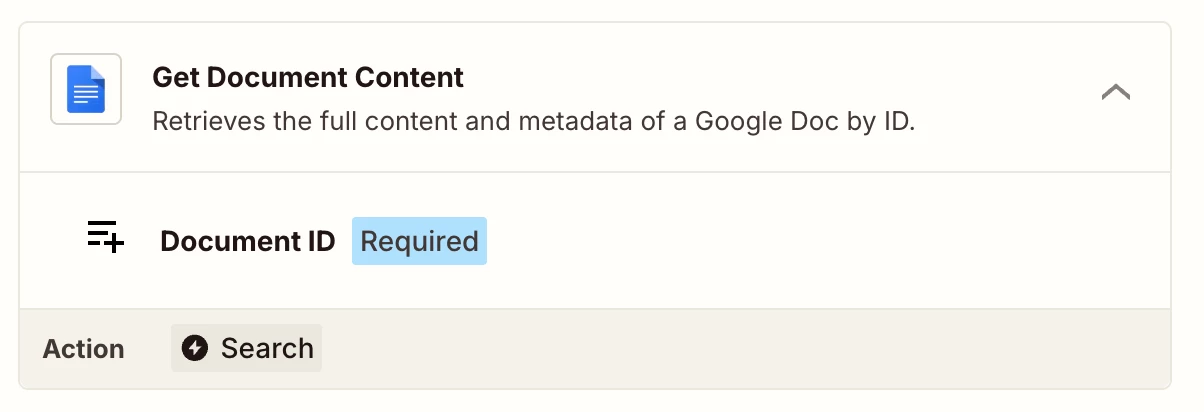
Try using Get Document content action to get the actual content.


After that you can concatenate them using a Formatter action or dynamically pass them to the AI action. Hope it helps!

PS: If you need more active help, I’m happy to connect through my Zapier Solution Partner page if you’d like to reach out here- https://zapier.com/partnerdirectory/automation-jinn


Forum|alt.badge.img+2
  • Zapier Solution Partner
  • April 1, 2026

Hi ​@ProjectReportAssistant 

Just checking in—did you get this sorted?

If you're still running into issues, drop a screenshot of the error and a quick description of what your Zap is doing, happy to take a look!

And if you'd rather just get it sorted quickly, I offer a free 20-min Zapier troubleshooting call. Book it under Resources on my Zapier Directory profile: https://zapier.com/partnerdirectory/automatemybiz