Question

Extract data from Webhook response

  • September 9, 2024
  • 5 replies
  • 88 views

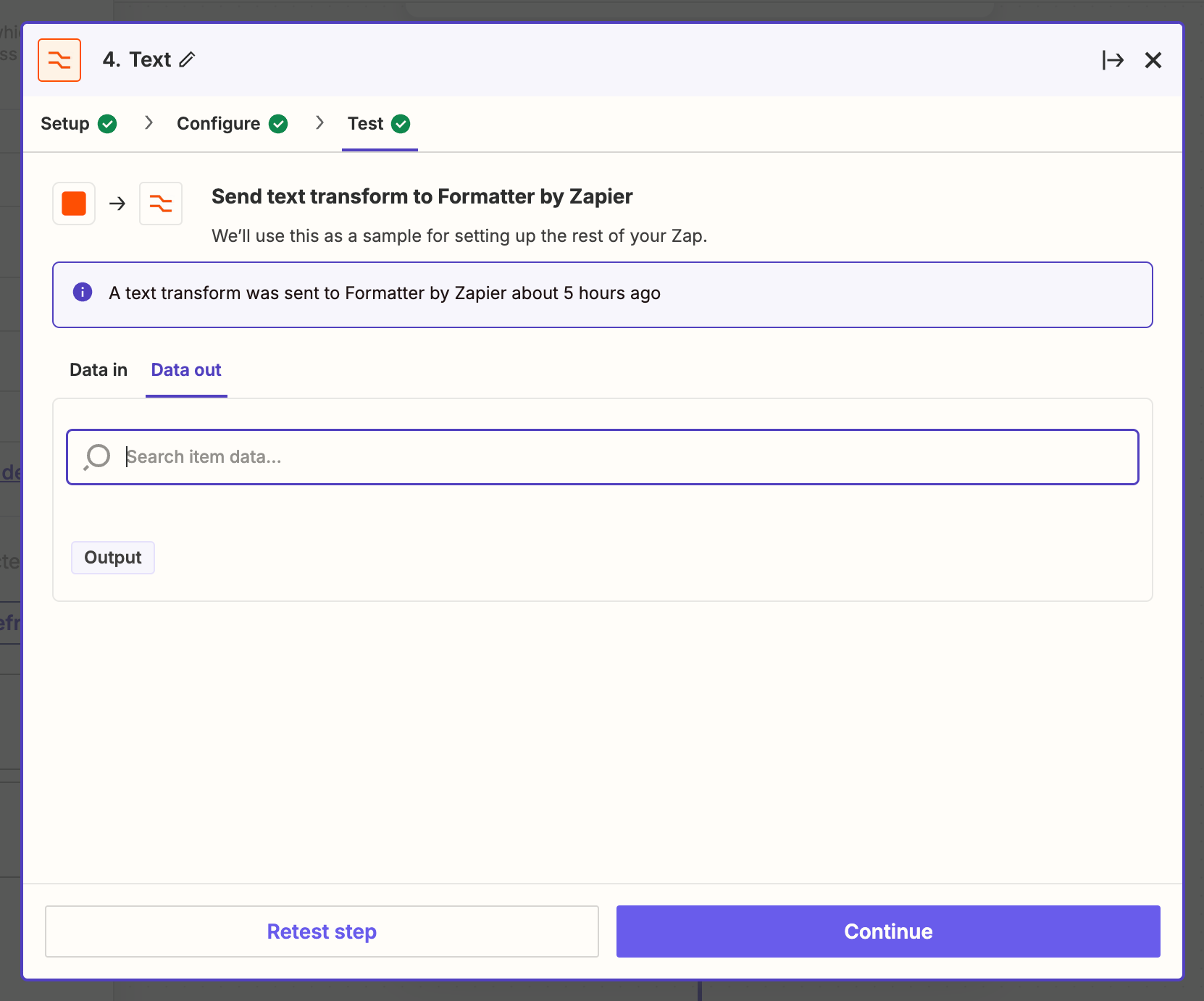
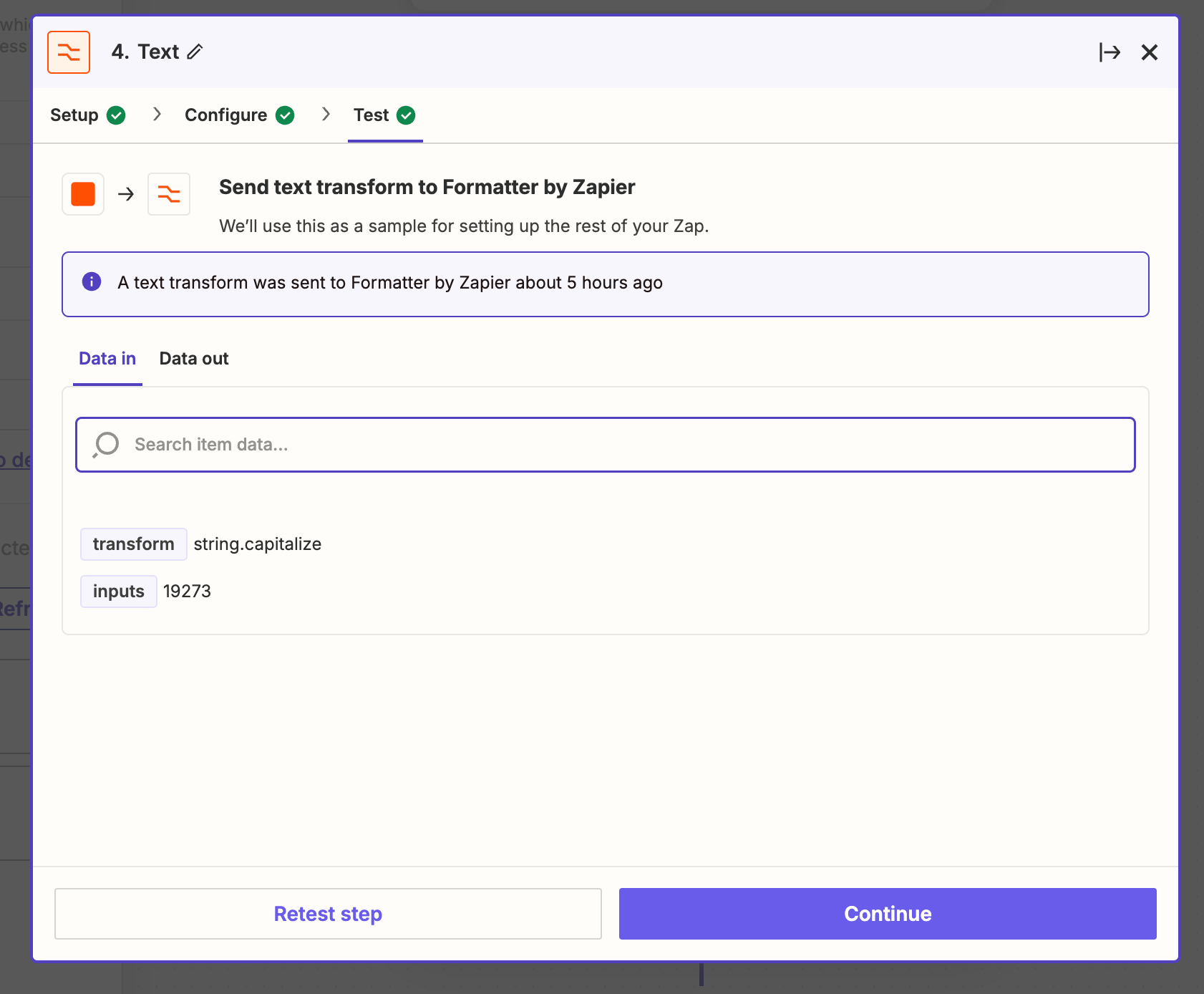
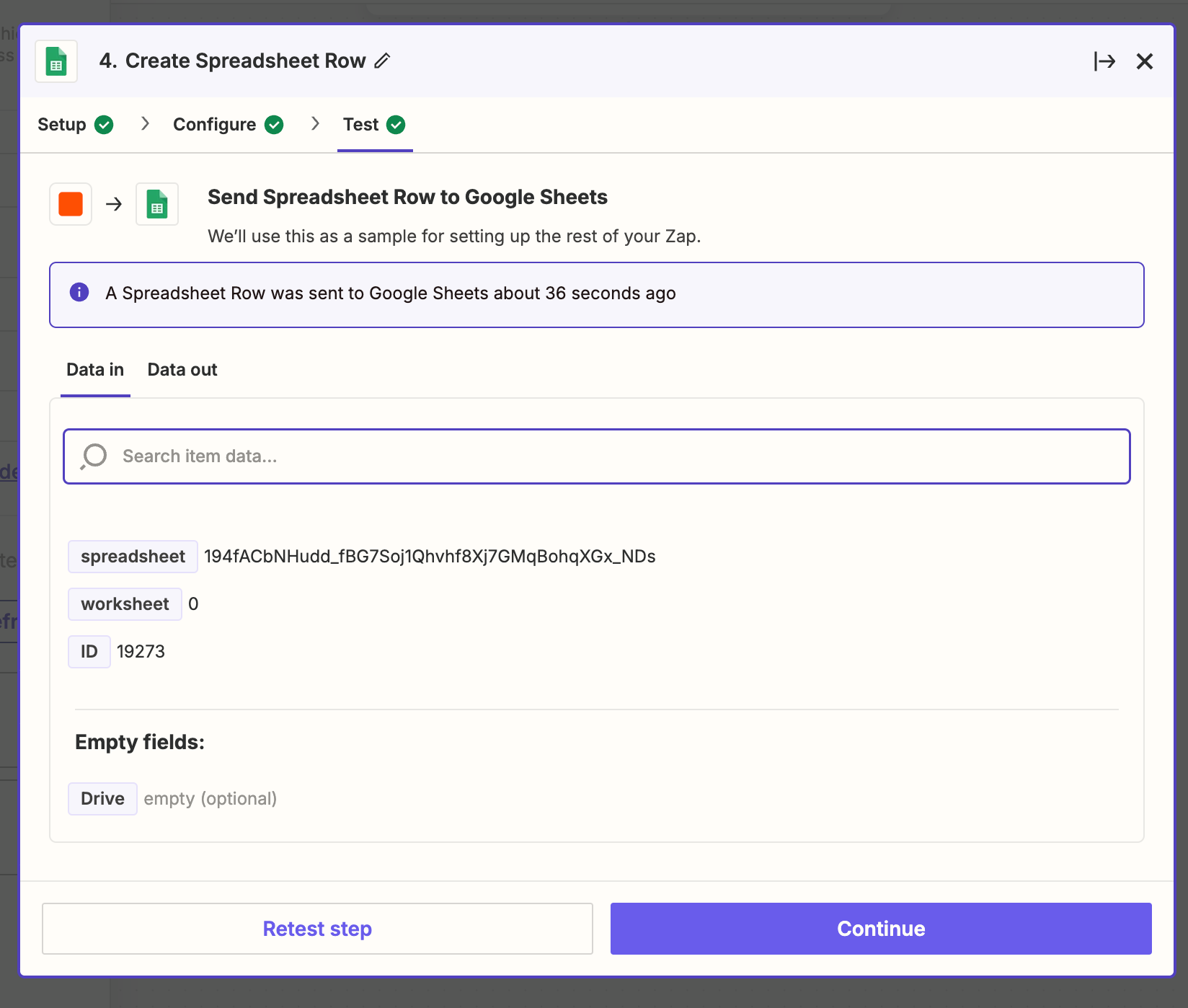
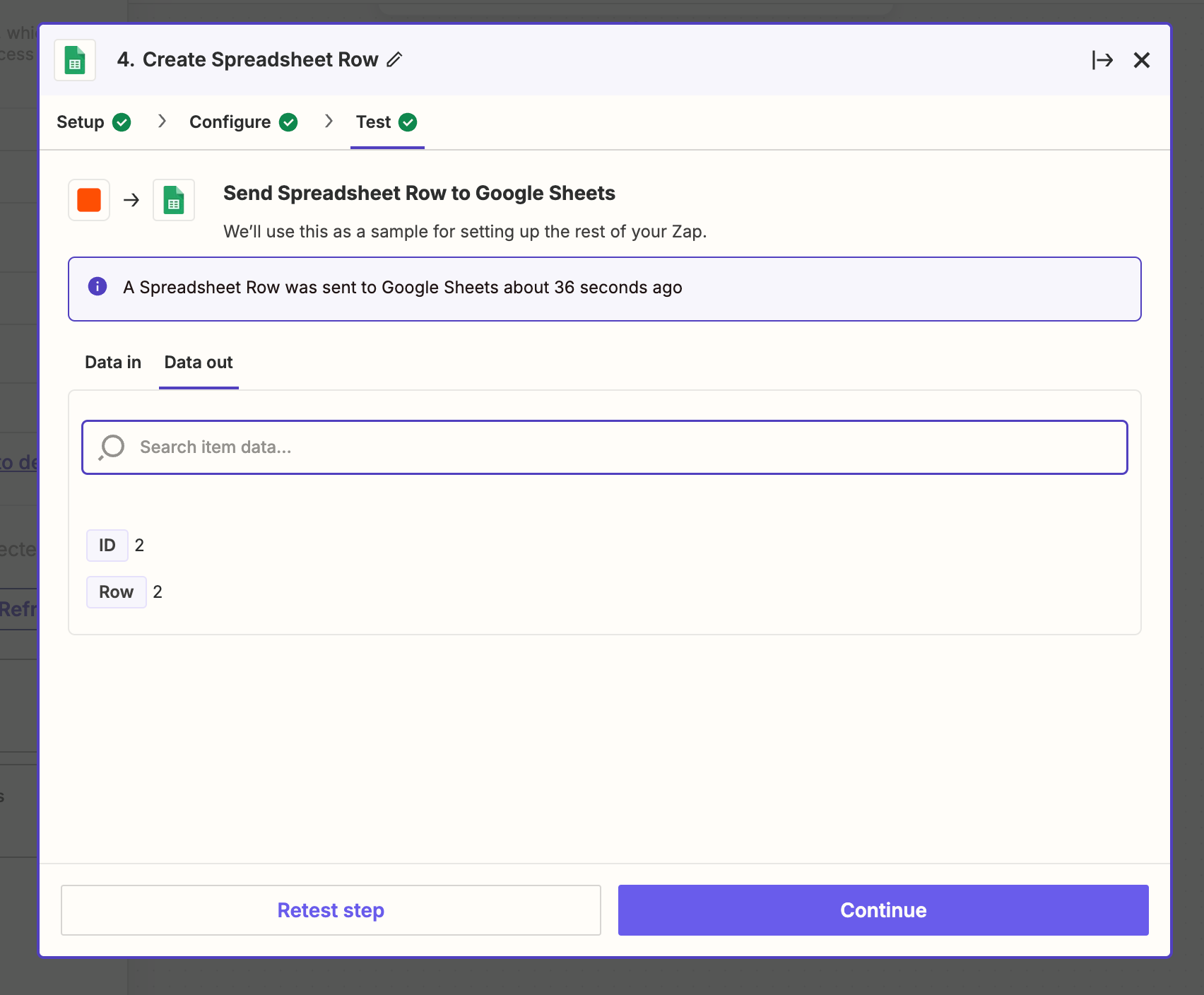
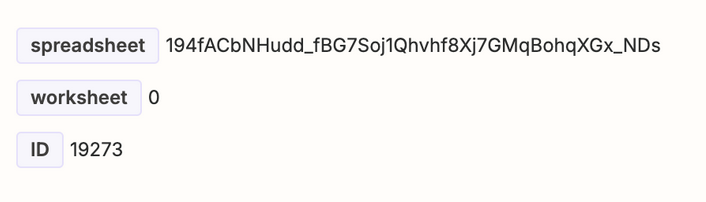
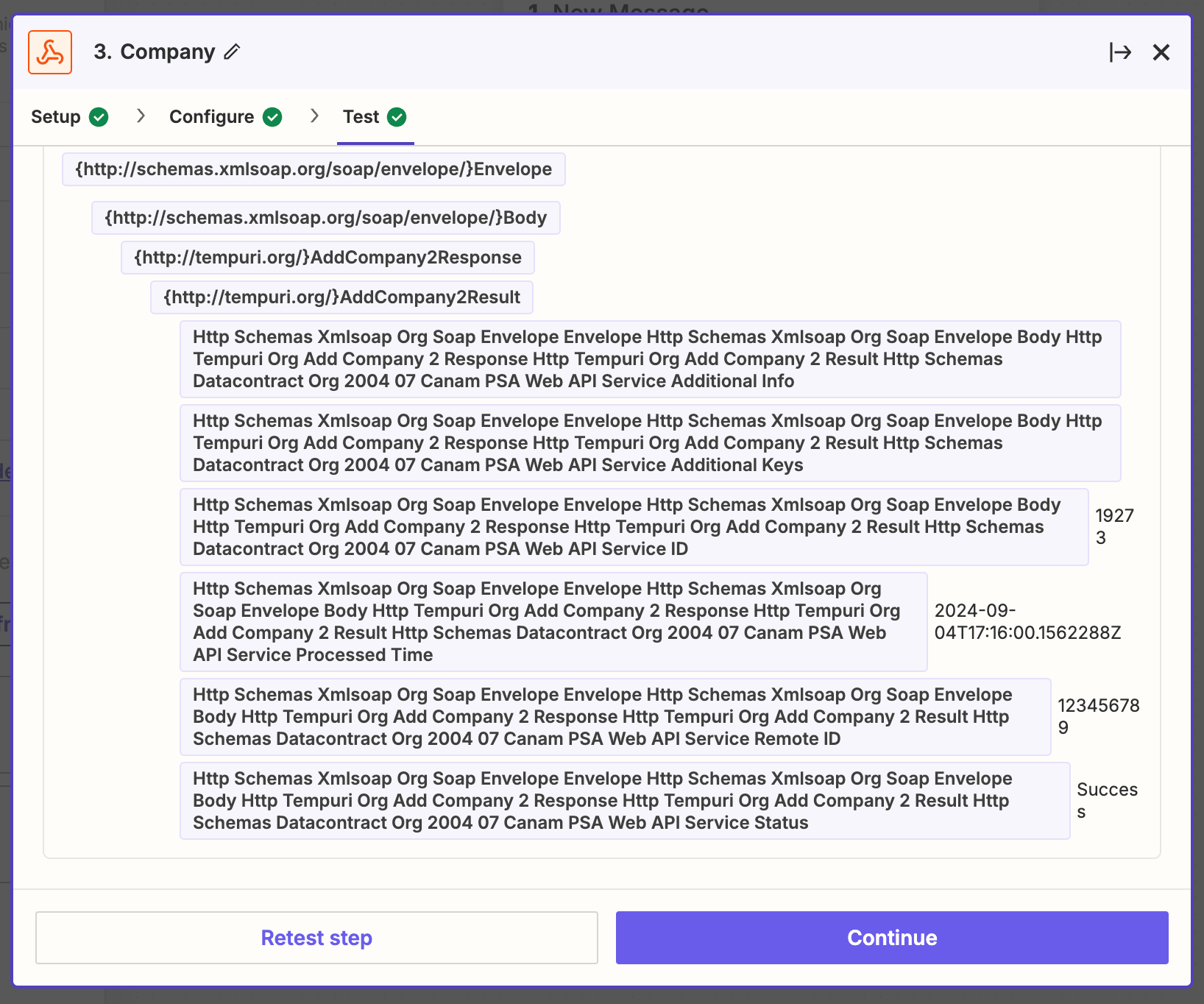
I'm using a Custom Webhook to create a Company. Upon successful creation, the webhook returns the CompanyID as a response. My goal is to capture this CompanyID and use it in the subsequent step of creating a Job. While the CompanyID is visible in the input field, the output field remains empty.


This post has been closed for comments. Please create a new post if you need help or have a question about this topic.

5 replies

Troy Tessalone
Zapier Orchestrator & Solution Partner
Forum|alt.badge.img+14
  • Zapier Orchestrator & Solution Partner
  • September 9, 2024

Hi @Avinash 

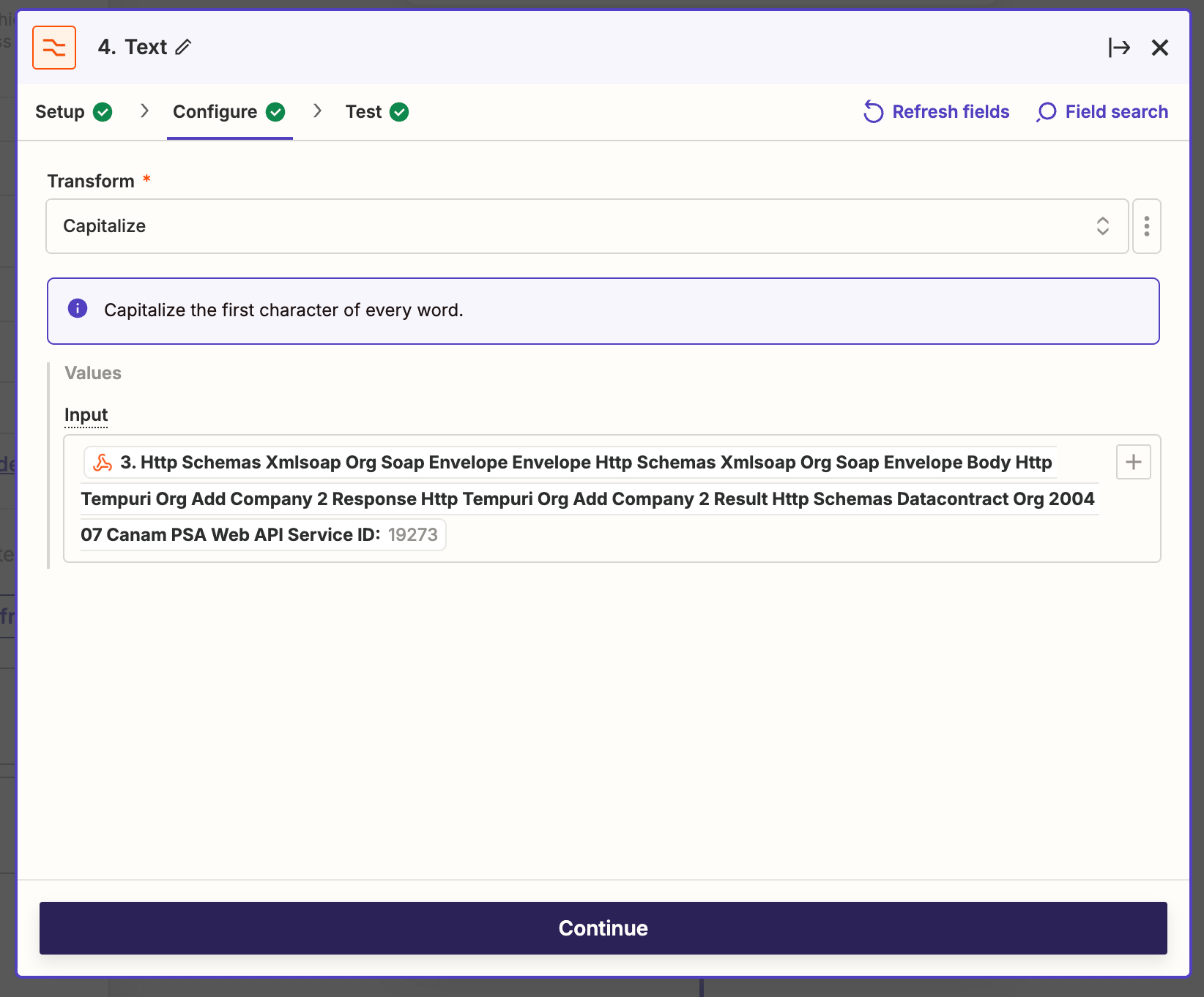
Why are you trying to use a Formatter > Text > Capitalize step on a value that is a number?


  • Author
  • Beginner
  • September 9, 2024

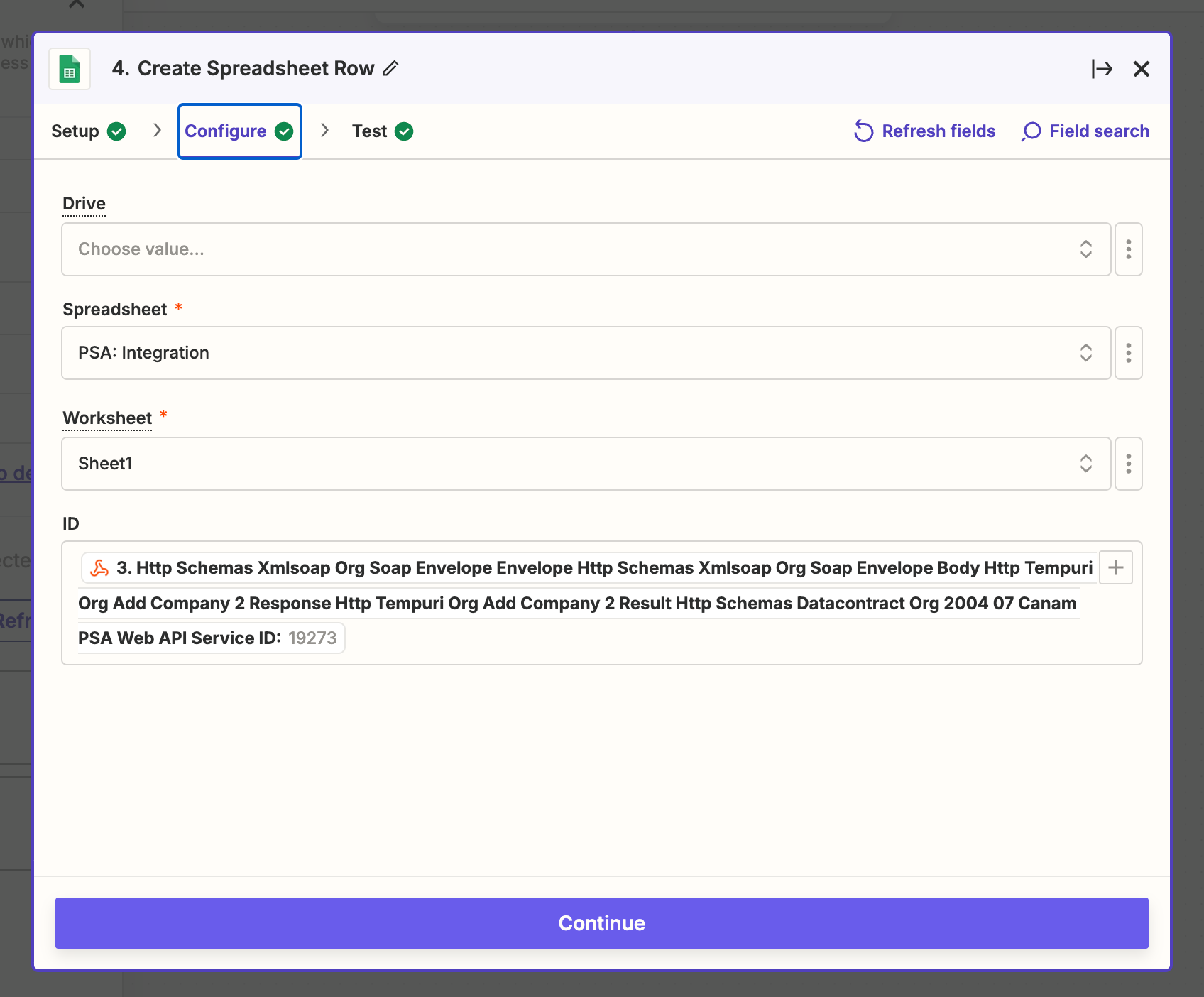
Thank you for looking into this, @Troy Tessalone . I've tried several methods to extract the CompanyID, including Formatter > Text Capitalize and publishing to a Google Sheet as a new row. Unfortunately, the output remains empty. I can see the ID on the input side, but it's not appearing in the output.
Below is a case where I tried to extract it to a Google Sheet


Troy Tessalone
Zapier Orchestrator & Solution Partner
Forum|alt.badge.img+14
  • Zapier Orchestrator & Solution Partner
  • September 9, 2024

@Avinash 

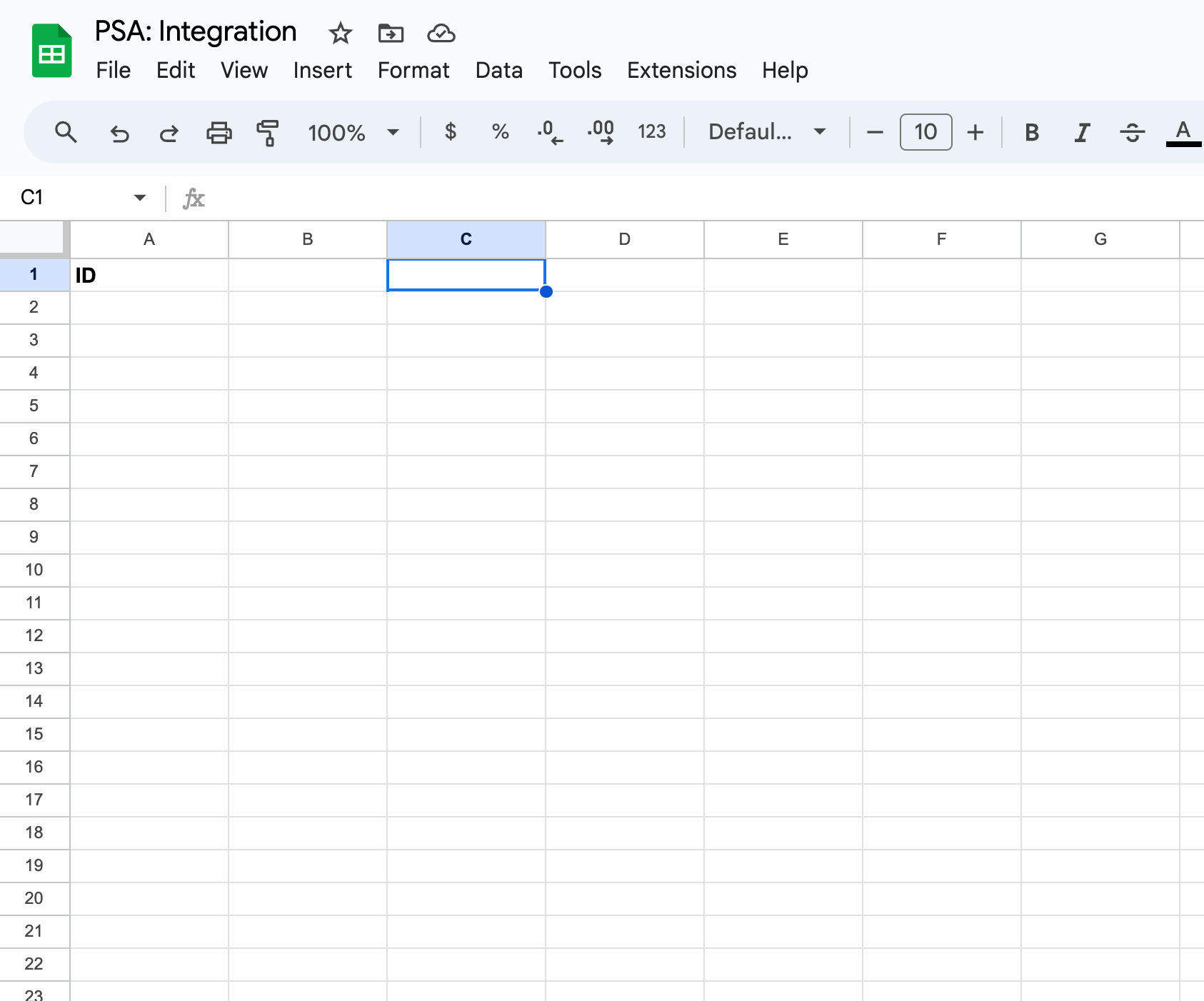
Make sure you are viewing the correct GSheet.

Compare the GSheet ID in the URL browser.

Try refreshing your GSheet after testing.


  • Author
  • Beginner
  • September 11, 2024

@Troy Tessalone 
I have double checked, it is the correct sheet.


Troy Tessalone
Zapier Orchestrator & Solution Partner
Forum|alt.badge.img+14
  • Zapier Orchestrator & Solution Partner
  • September 11, 2024

@Avinash 

Try turning the Zap ON and testing live, then check your Zap Runs history details to see the DATA IN/OUT for each step to help you trace the data flow and troubleshoot. (check the Logs tab to see the underlying API requests/responses)


Try changing the Column A header to be something other than: ID


Try opening a ticket with Zapier Support: https://zapier.com/app/get-help