Answer

Error syncing Sendinblue contacts to Google Contacts: 400 Bad Request

  • February 19, 2023
  • 4 replies
  • 55 views

Hello,

as soon as contacts are updated in Sendinblue, they should also be updated in Google Contacts.
Only existing contacts in Google Contacts should be updated here, no new contacts added.

I chose this as a trigger:
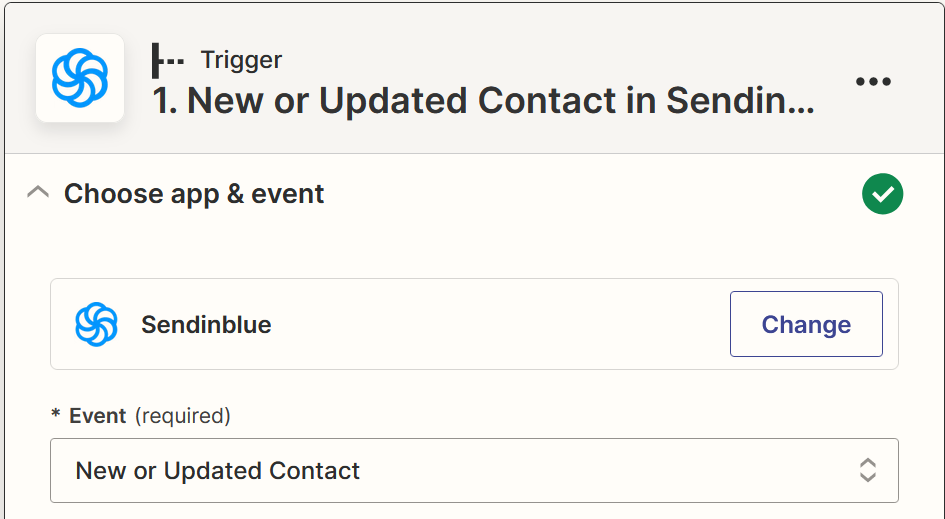
 

In the next step I selected "Find Contact in Google Contacts" as Action:
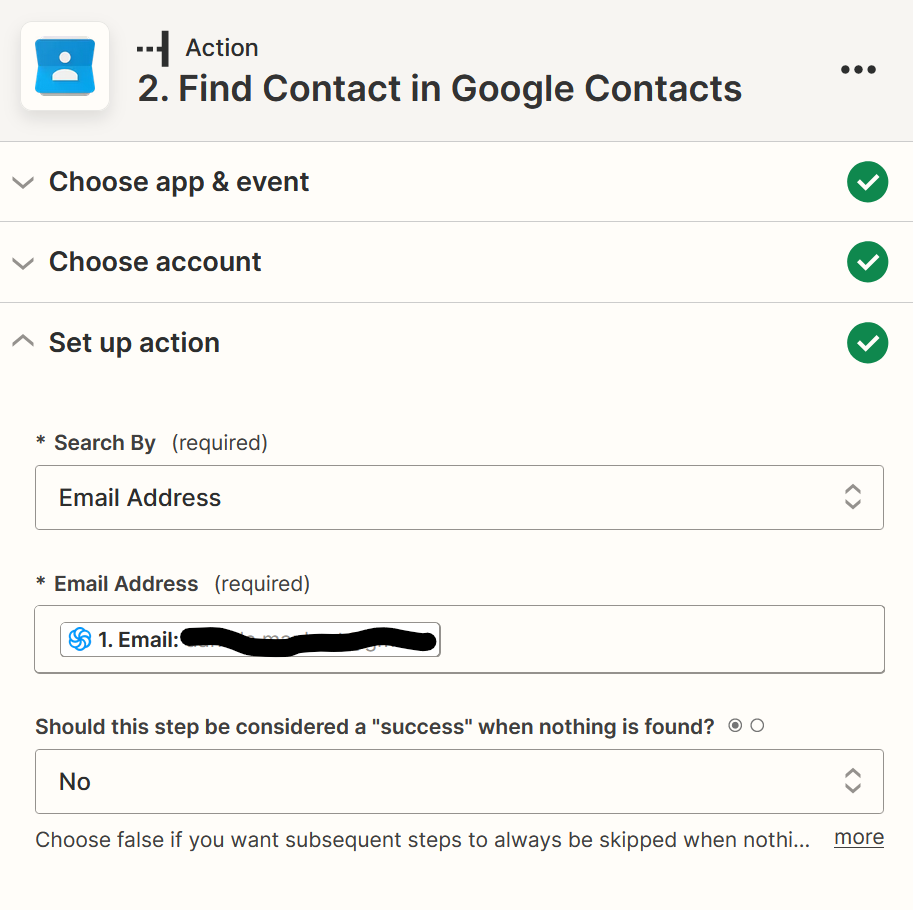
 

In the last action I chose the following:
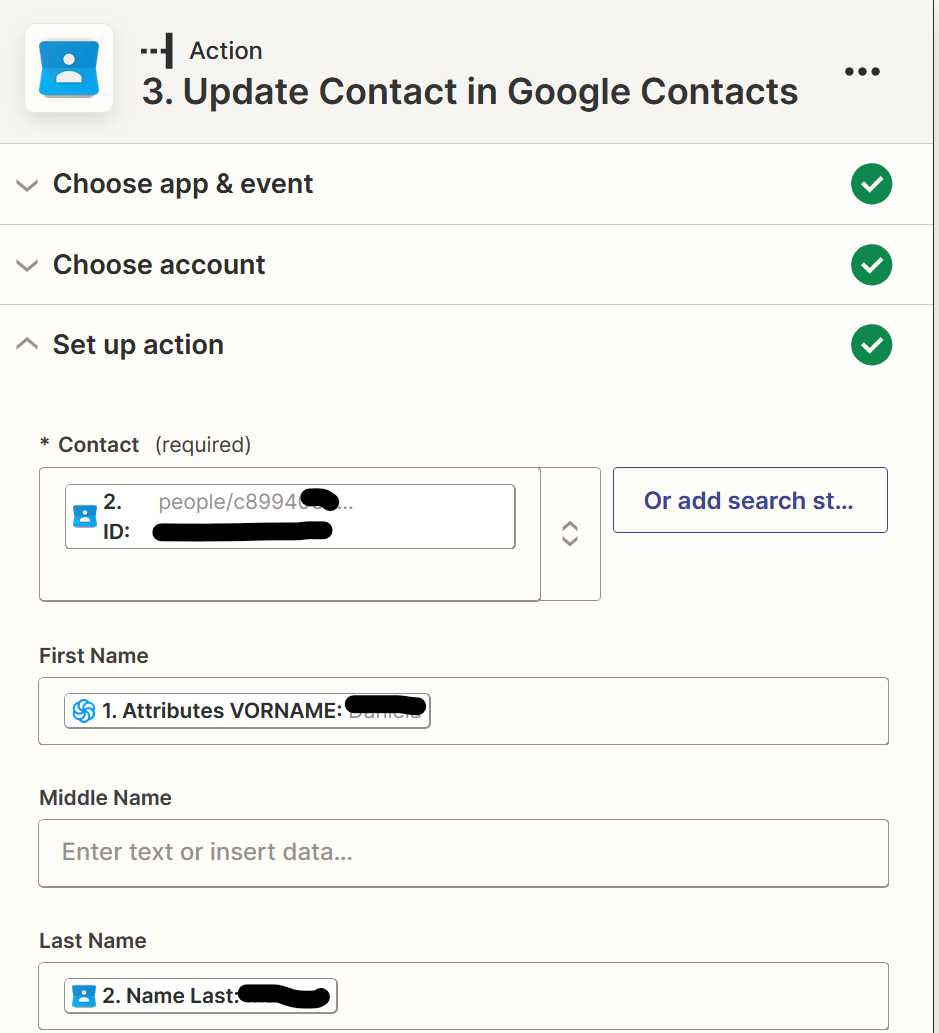


Finally I get the following error message (Status coe 400 Bad Request):
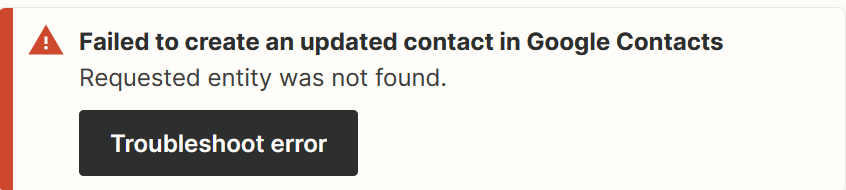
 

What can i do?


Thank you.

Peter
Best answer by Troy Tessalone

Hi @vantage 

Good question.

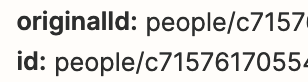
Make sure to map the Original ID without a timestamp.


This post has been closed for comments. Please create a new post if you need help or have a question about this topic.

4 replies

robschmidt
Forum|alt.badge.img+9
  • Zapier Solution Partner
  • February 20, 2023

Hi @vantage 

It is likely that step #2 didn’t produce real result, make sure that you have tested #2 with a real email address from your google contact and it should provide a real result. Then your Contact ID will be a real one, sometimes zapier shows a deafult ID in case no data is found which may not exist in your account.


Troy Tessalone
Zapier Orchestrator & Solution Partner
Forum|alt.badge.img+14
  • Zapier Orchestrator & Solution Partner
  • Answer
  • February 20, 2023

Hi @vantage 

Good question.

Make sure to map the Original ID without a timestamp.


  • Author
  • Beginner
  • February 20, 2023

@Troy Tessalone Thanks a lot, this was the problem. Now i take the Original ID and it works great :-) !


SamB
Community Manager
Forum|alt.badge.img+11
  • Community Manager
  • February 27, 2023

That’s brilliant news @vantage! Thanks for confirming that Troy’s suggestion helped solve this.

Happy Zapping! ⚡