Question

Email format error while integrating Copecart with Flodesk

  • September 18, 2025
  • 9 replies
  • 36 views

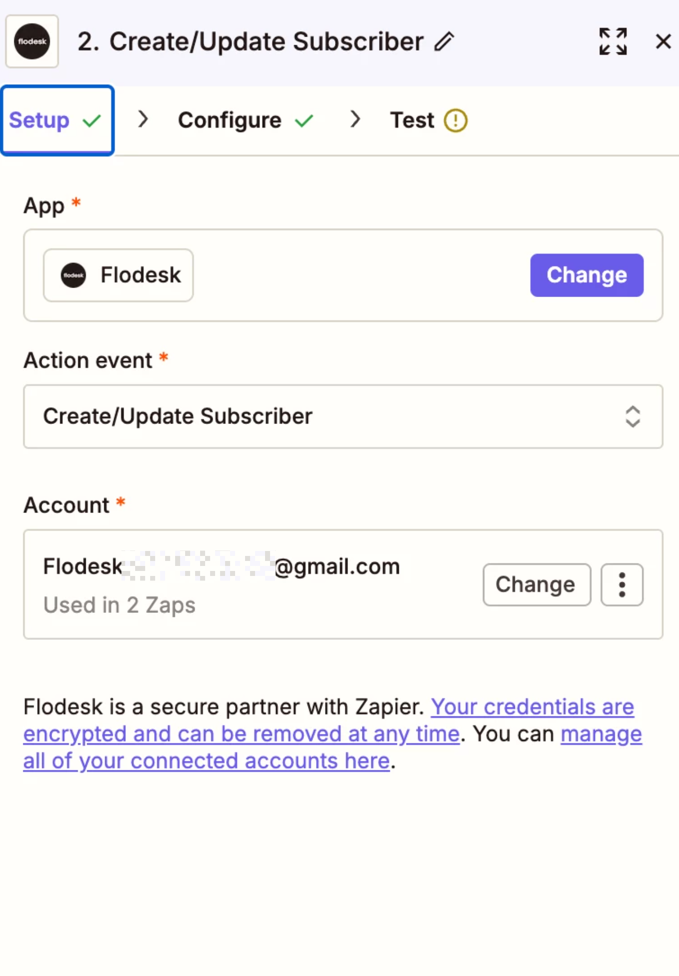
Hey, I am trying to set up a work flow and integration from Copecart to flodesk and the problem that keeps showing up is. 

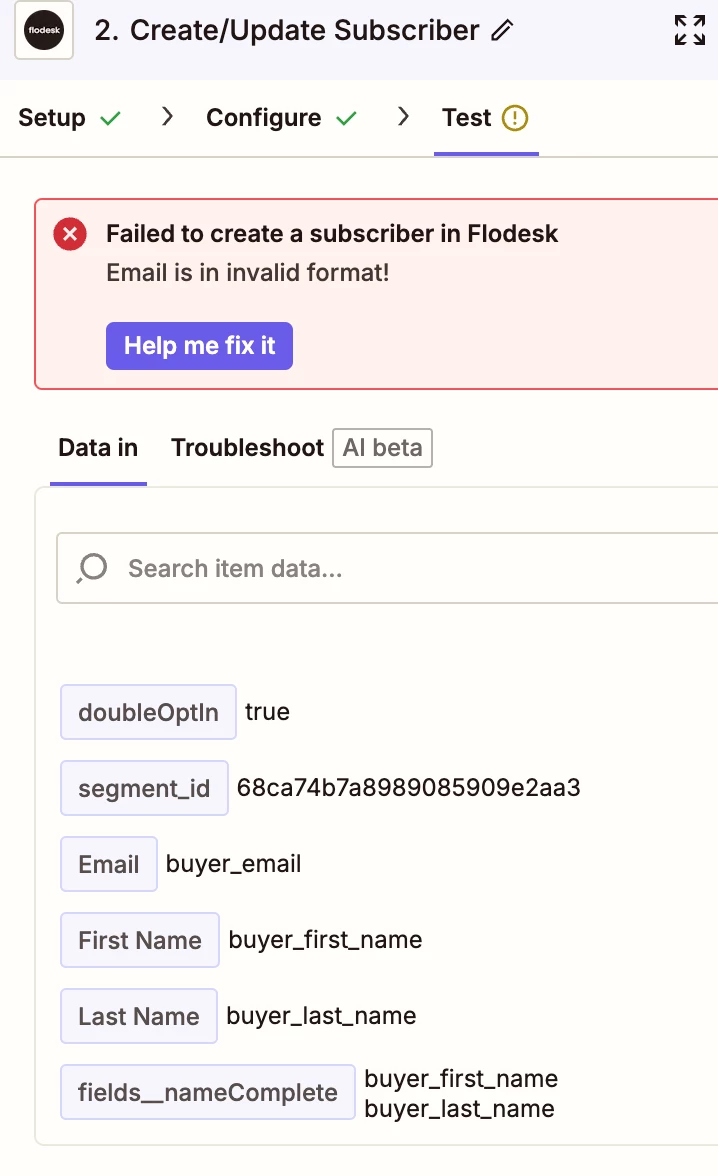
“ Email is invalid Format”. 

I don’t know what this means and how to fix it. The suggested help from Zapier AI - does not really help. in the set-up configure field I  put “buyer_email “ as suggested, but this does not seam to work.


So thankful for any tips and help.

Is flodesk the problem?N

This post has been closed for comments. Please create a new post if you need help or have a question about this topic.

9 replies

Sparsh from Automation Jinn
Forum|alt.badge.img+6

Hey ​@ClaudiaHU,

Can you post Data In and Data out screenshot as well as how the zaps are configured for us to have more context?

Try using a real email instead of a test email. Make sure the email format is correct. See if it fixes your issue, otherwise post the screenshots. Hope it helps!


  • Author
  • New
  • September 18, 2025

This post has been edited by a moderator to remove personally identifiable information (PII). Please remember that this is a public forum and avoid sharing personal or potentially sensitive details.


  • Author
  • New
  • September 18, 2025


  • Author
  • New
  • September 18, 2025

The second Screenshot- I don’t know - which email Formt ?  xxxxxxxxxxxx@gmail.com is  my real e-Mail adress. 


This post has been edited by a moderator to remove personally identifiable information (PII). Please remember that this is a public forum and avoid sharing personal or potentially sensitive details.


  • Author
  • New
  • September 18, 2025


  • Author
  • New
  • September 18, 2025

What email is in the wrong format ?  The field - buyer_email or my own email? Please help. Thanks so much 


  • Author
  • New
  • September 18, 2025

Hey ​@ClaudiaHU,

Can you post Data In and Data out screenshot as well as how the zaps are configured for us to have more context?

Try using a real email instead of a test email. Make sure the email format is correct. See if it fixes your issue, otherwise post the screenshots. Hope it helps!

See below the screenshots


Sparsh from Automation Jinn
Forum|alt.badge.img+6

Hey ​@ClaudiaHU,

The buyer_email is not correct email format. You may want to look into Data Out of the trigger as well as if you mapping the values correctly. See more about dynamic mapping here- https://help.zapier.com/hc/en-us/articles/8496343026701-Send-data-between-steps-by-mapping-fields


 It should be a proper email. Try if it fixes it. Hope it helps!


SamB
Community Manager
Forum|alt.badge.img+11
  • Community Manager
  • October 3, 2025

Hey ​@ClaudiaHU 👋 Did Sparsh’s replies here help you to get it sorted? 

Want to make sure you’re all set, so please keep us posted on your progress!