Best answer

Data from Freshdesk tickets not Pulled to Google Sheet

  • November 1, 2022
  • 5 replies
  • 96 views

Hello All,

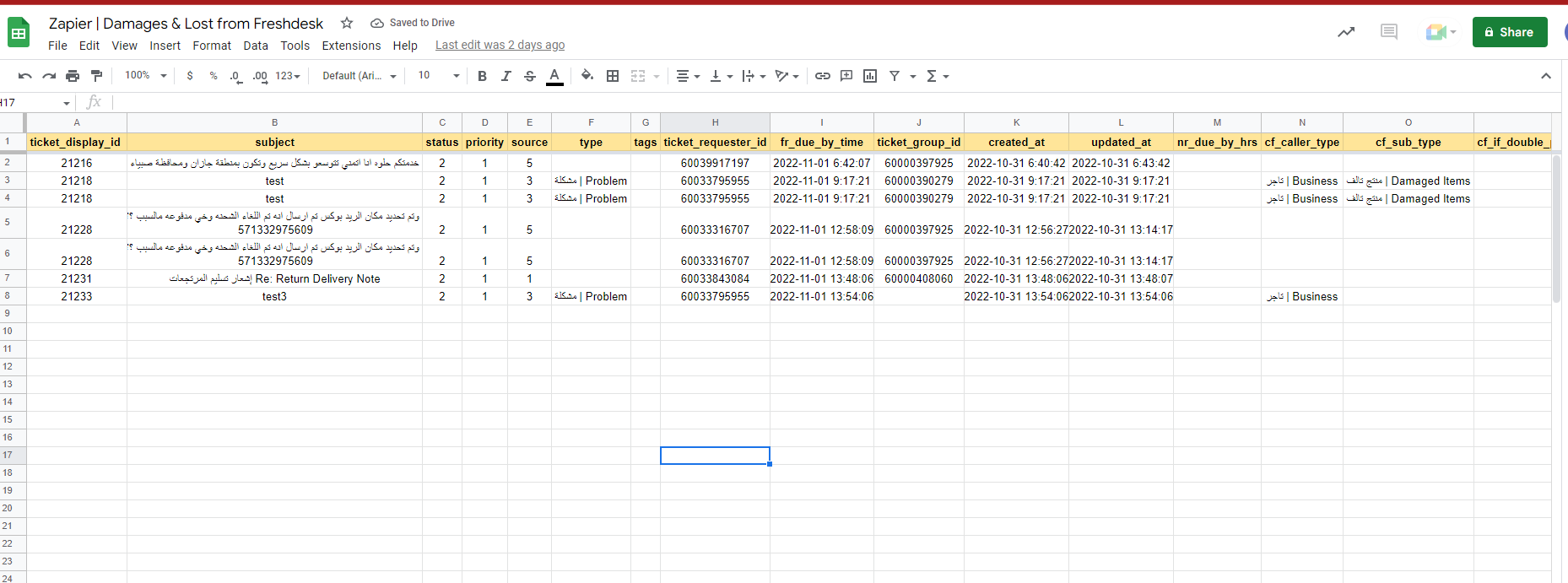
I created a Zap, to pull the data from the raised “Freshdesk” Tickets, into “Google sheets Rows”, and accounts are connected correctly, also the Test is working fine and data is pulled into the “Google sheet Rows” correctly!

So I published the zap and it is ON without any Warnings.

But when new tickets is created in “Freshdesk” it is not added to the  “Google sheet Rows”, did I miss something?

Best answer by MohSwellam

Hi @Thamer 


In this case you might wanna open a ticket with support@zapier.com because this means your zap is setup correctly but for some reason the connection between Freshdesk and Zapier has a problem. 

This post has been closed for comments. Please create a new post if you need help or have a question about this topic.

5 replies

MohSwellam
Zapier Orchestrator & Solution Partner
Forum|alt.badge.img+8
  • Zapier Orchestrator & Solution Partner
  • November 1, 2022

Hi @Thamer 


Please share screenshot of your zap for more information. Also, you might wanna check your Zap History to see if they triggered (and might have an error) or not. 


https://zapier.com/app/history 


  • Author
  • Beginner
  • November 1, 2022


Hello MohSwellam,
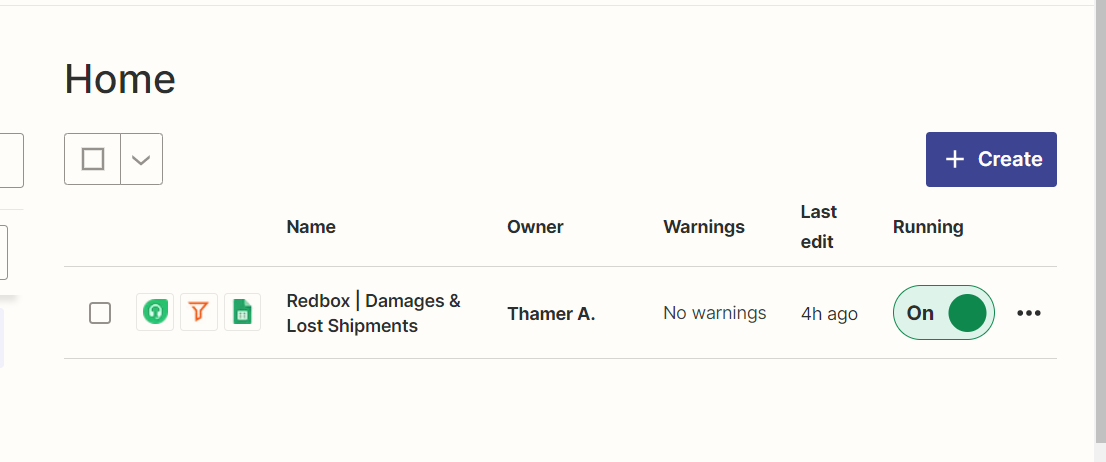
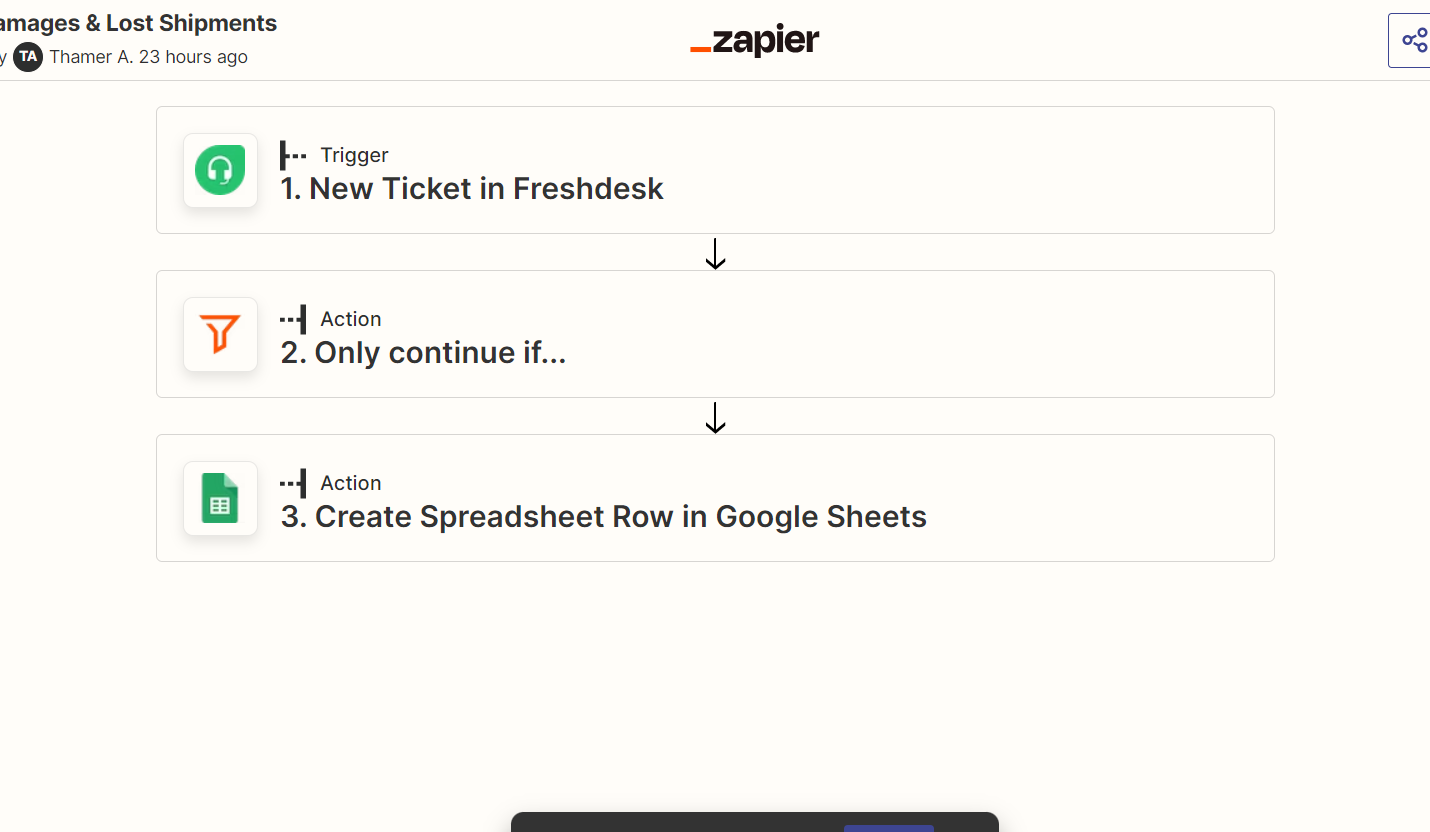
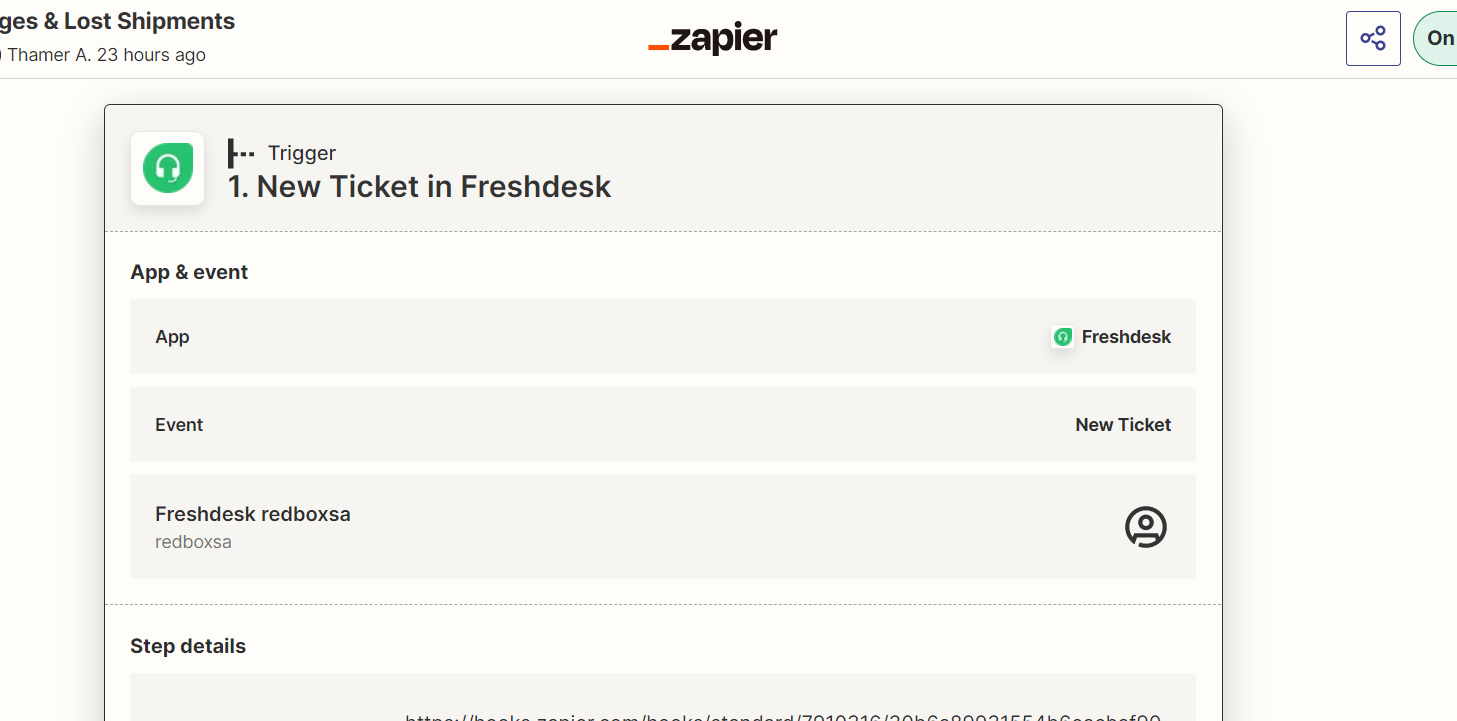
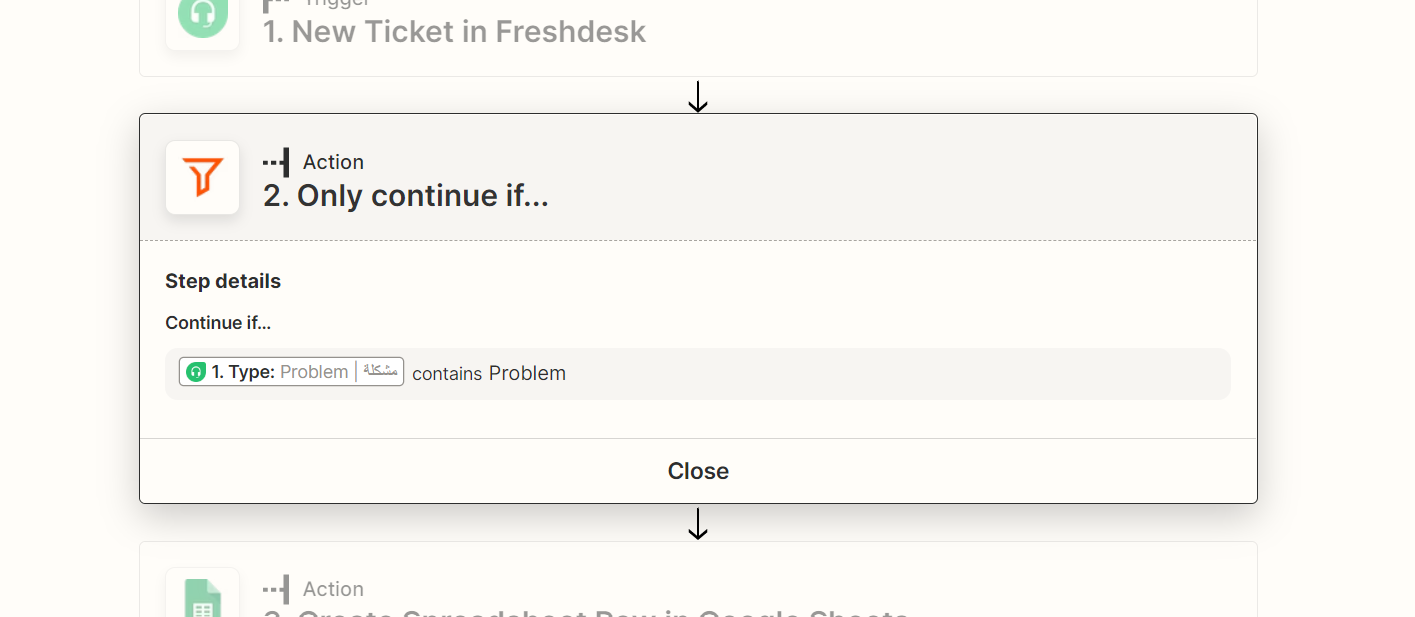
Thanks for the reply, please find screenshots above. And regarding Zap History I checked and nothing is triggered so no errors.


Thanks


MohSwellam
Zapier Orchestrator & Solution Partner
Forum|alt.badge.img+8
  • Zapier Orchestrator & Solution Partner
  • November 1, 2022

So you are saying you are creating new tickets in Freshdesk but it doesn't trigger the zap? 


What about the Test data? If you switch off the zap then try to create a new ticket in Freshdesk then come back to Zapier and Load More test data, do you see it there? 


  • Author
  • Beginner
  • November 2, 2022

Yes I create new tickets in Freshdesk but it does not trigger the Zap.

And regarding test data if I switch off the zap and create new ticket and load more test data, I see it! please check below image, everything there are from Test:


MohSwellam
Zapier Orchestrator & Solution Partner
Forum|alt.badge.img+8
  • Zapier Orchestrator & Solution Partner
  • Answer
  • November 2, 2022

Hi @Thamer 


In this case you might wanna open a ticket with support@zapier.com because this means your zap is setup correctly but for some reason the connection between Freshdesk and Zapier has a problem.