Question

CompanyCam Uploading Photos to Google Drive (authentication issue)

  • January 14, 2026
  • 4 replies
  • 16 views

Hello!

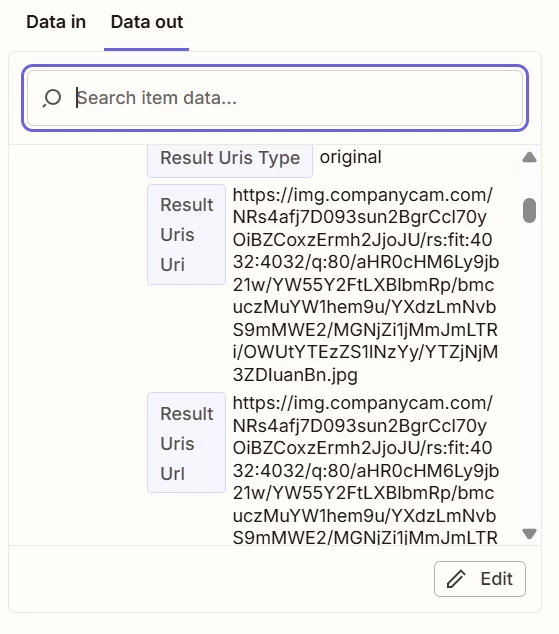
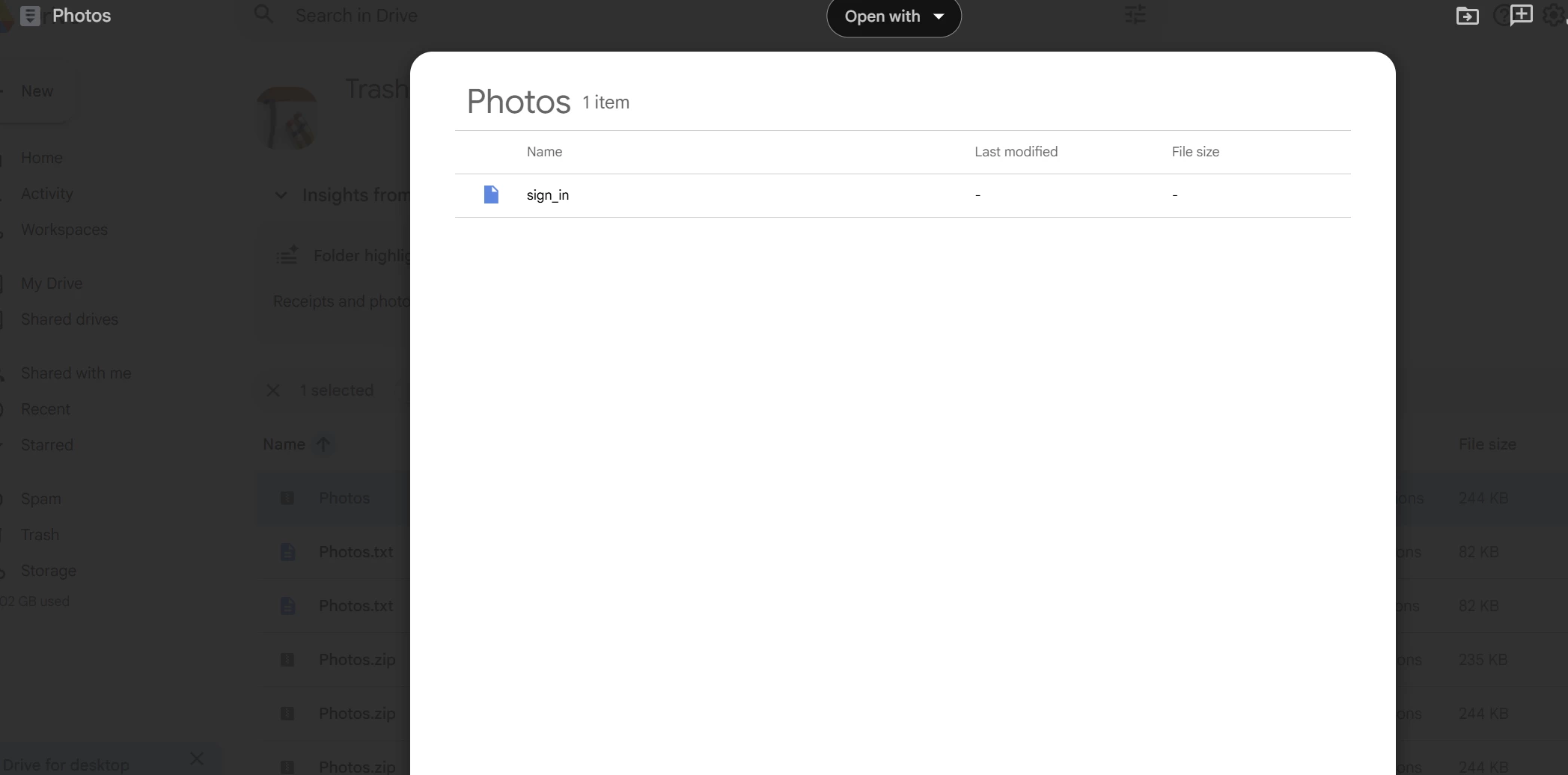
I am having an issue with my CompanyCam photos uploading to my google drive through zapier. I can pull the url photo link, and upload it into the correct folder I choose, but it comes over in a zipped folder that says “sign in” due to companycam protecting the urls and needing authenication.


Has anyone within zapier been able to by pass this? I prefer not to use companycams integration due to not being able to pick and choose which project I want uploaded. I also tried File by Zapier step inbetween the 2 steps and got the same result.


Any help would be appreciated!

4 replies

Troy Tessalone
Zapier Orchestrator & Solution Partner
Forum|alt.badge.img+14
  • Zapier Orchestrator & Solution Partner
  • January 14, 2026

Hi ​@Anon2026 

Help links for using CompanyCam in Zaps: 

https://help.companycam.com/en/articles/6828422-integrate-companycam-zapier


Related Zapier Community Topics for CompanyCam that may provide guidance: https://community.zapier.com/search?q=companycam


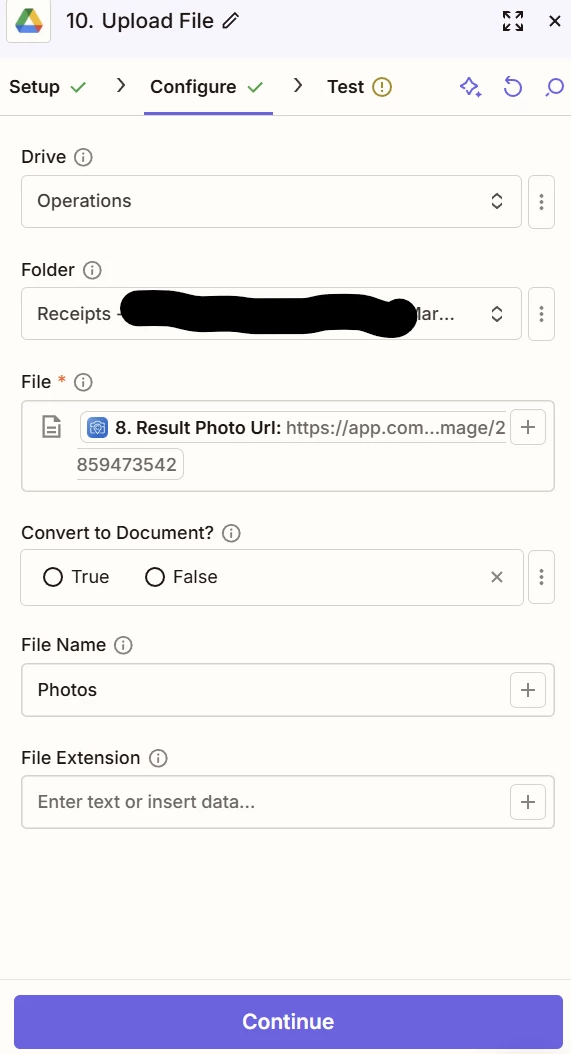
For us to have more info, post screenshots showing how your Zap steps are outlined and configured.


  • Author
  • New
  • January 14, 2026


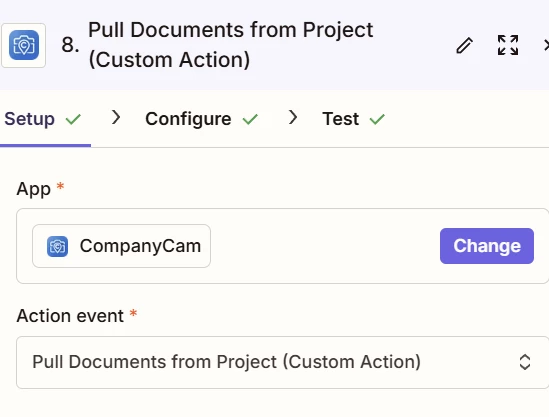
I use a custom action to pull the photos


Results are in URL form (which should work for google drive if the links weren’t protected)


I choose the files to upload


The outcome is a zipped folder that returns a “sign in”.


Troy Tessalone
Zapier Orchestrator & Solution Partner
Forum|alt.badge.img+14
  • Zapier Orchestrator & Solution Partner
  • January 14, 2026

@Anon2026 

The likely reason those files are not hydrated properly into accessible file links or file objects is because you are using a Custom Action.

It may be that the CompanyCam API does not return publicly accessible direct download links for photos.

You can try reaching out to CompanyCam support for help with their Zap app integration and their API.


Perhaps try using this Zap trigger: CompanyCam - New Photo


drtanvisachar
Forum|alt.badge.img+3

Hello ​@Anon2026 
That’s happening because CompanyCam’s photo links are protected. When Zapier or Google Drive tries to grab the link, it just downloads the “sign in” page instead of the real image.

There isn’t a way to bypass protected URLs. Zapier has to receive the actual file, not just a link.

What usually works:

• Use a CompanyCam trigger or action that gives you a File object and map that into Google Drive’s File field.
• Or use Webhooks by Zapier with proper authentication to fetch the file, then pass that file into Google Drive.
• If you can’t choose projects in the CompanyCam app, add Filters or Paths in Zapier to only send the ones you want.

Dr. Tanvi Sachar
Monday Certified Partner, Monday Wizard