Question

Captivate.fm dashboard not updating

  • December 15, 2025
  • 9 replies
  • 28 views

Has anyone else got this problem? 

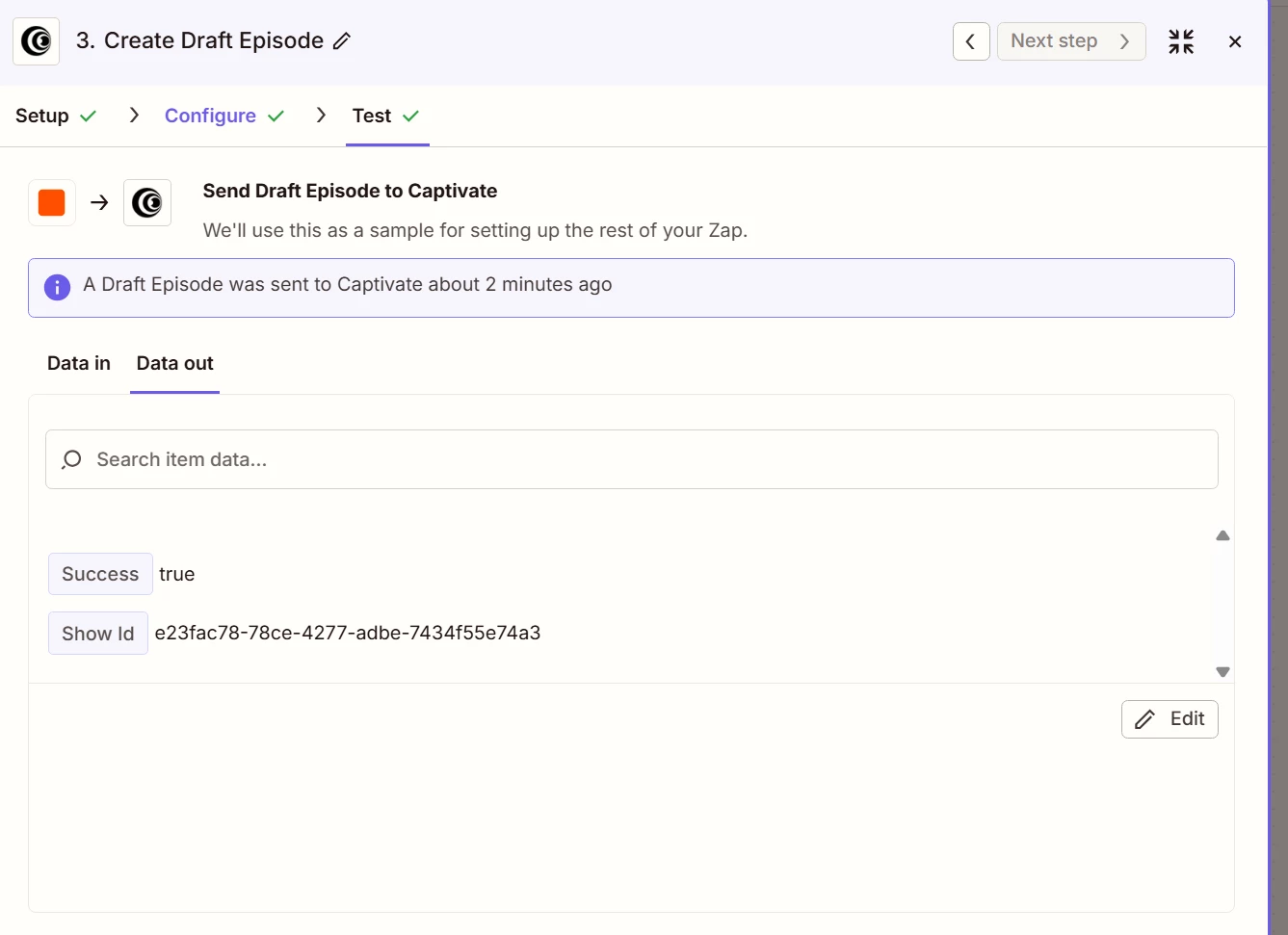
Zapier is saying my episode mp3 and title are sent successfully to Captivate. 

When I get to the Captivate dashboard, the episode is not added. It says zero shows.

I have tried linking to MP3s on Wordpress, and also publicly available sound effects files to make sure it’s not permissioning.

I have tried using the output URL from ElevenLabs to Zapier, same problem.

I have tried a public share of a google drive MP3 file which plays in a browser,

All of these have failed.

Has anyone else solved this? It has been a month now of being passed from Zapier to Captivate and in the meantime, the backlog of shows to be uploaded spirals and spirals.

Thanks.

9 replies

Sparsh from Automation Jinn
Forum|alt.badge.img+6

Hey ​@Podcast4Life,

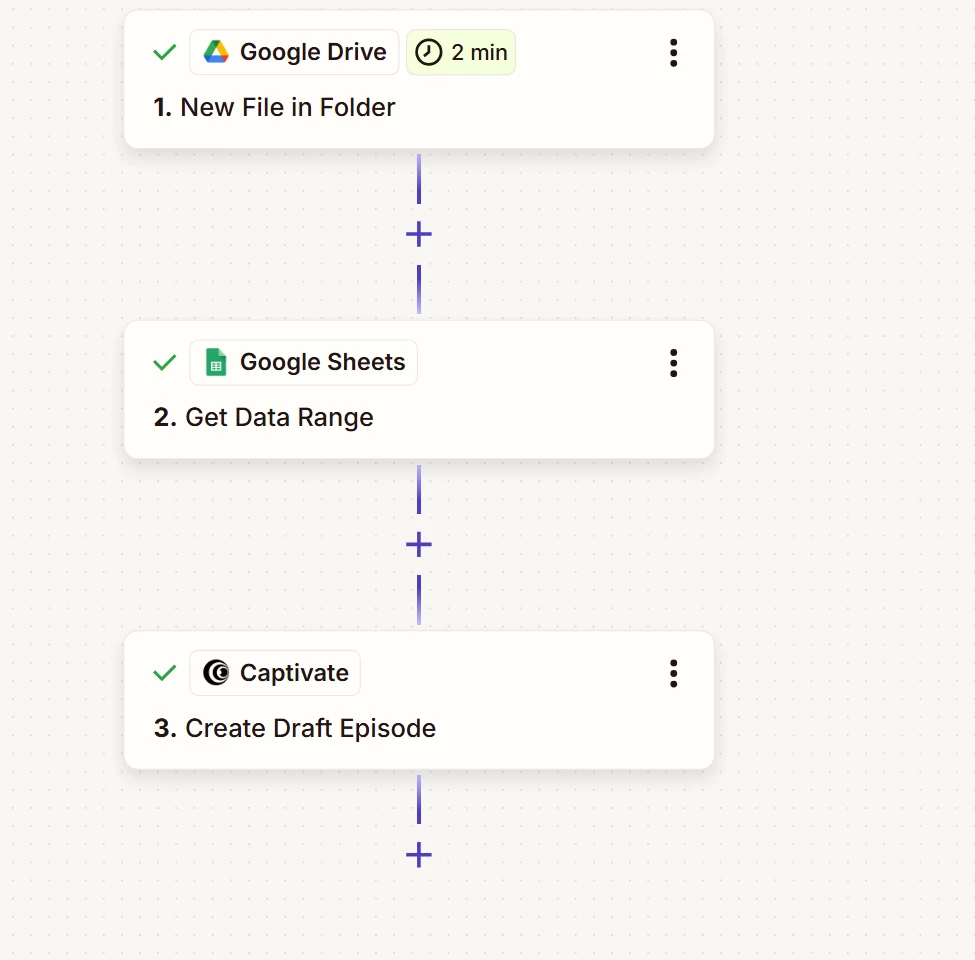
Please post screenshots of Data In, Data Out as well as how each Zap step is configured for us to have more context.

For live Zaps, try seeing the Zap history(https://zapier.com/app/history) to see if you can spot any issues there. Hope it helps!


  • Author
  • New
  • December 15, 2025


  • Author
  • New
  • December 15, 2025


  • Author
  • New
  • December 15, 2025


  • Author
  • New
  • December 15, 2025


  • Author
  • New
  • December 15, 2025

I made it as simple as possible to identify the issues (there are lots of episodes per show), but it’s not clear what’s wrong, since it passes.

Captivate’s down right now, and my test still passes….. #sigh


Sparsh from Automation Jinn
Forum|alt.badge.img+6

Hey ​@Podcast4Life,

You may want to make sure that what you are passing to the Audio URL is a publicly accessible link.

I see it’s a successful test, so it should ideally be reflected in your Captivate account. You may also want to reach to Zapier support here- https://zapier.com/app/get-help or the Captivate support directly to see if it’s a bug. Hope it helps!


  • Author
  • New
  • December 15, 2025

Thanks for checking.

Yes it is a public file. I tried 2, one from my own website, and one from a sound effects website that is publicly accessible public domain files.

Same problem. Successful test. Nothing in the dashboard.

I spent 4 days methodically testing one possible parameter at a time and it did not resolve the problem.

It’s not something in the data I can configure, the problem is elsewhere.

It would be good to know if Captivate is working for anybody with Zapier (well new zaps in the last month)


  • Author
  • New
  • December 15, 2025

I’ve logged multple support calls which get “Hey it’s working” responses and “Can I close this?”

So I’m going public with the problem to help exert some more pressure on getting this solved.