Best answer

Can't find the "Status" Selection in both Trigger and Action

  • August 7, 2023
  • 3 replies
  • 55 views

seanxyue


What I want to Achieve:
When the Status is changed to “Graphic Design” in Notion, ONLY THEN do I want it to be added to Trello. 
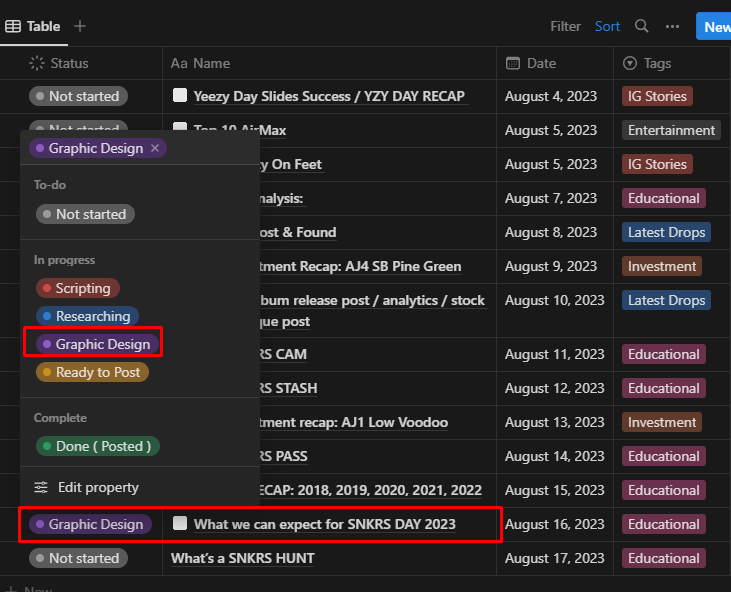
 

Notion Status


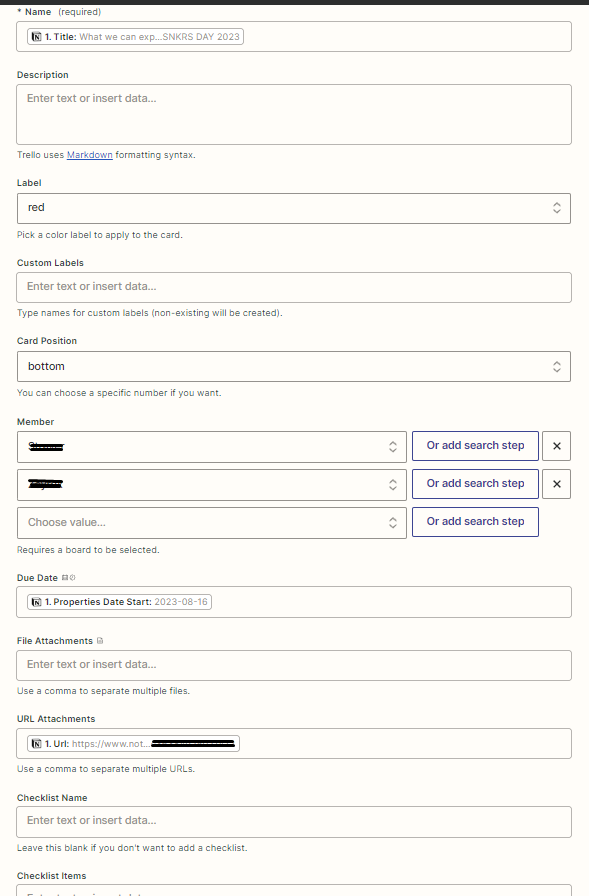
My Action Selections for Trello. Nothing indicated Status in Notion


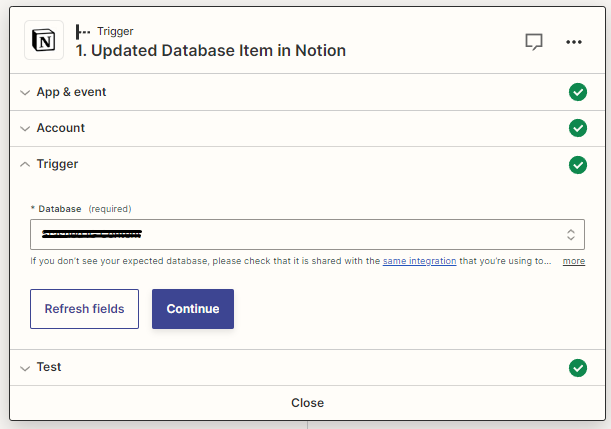
Here is the Notion trigger I am using!


Best answer by Troy Tessalone

Hi @seanxyue 

Good question.

I can't see all fields

The following Notion field types are not supported:

  • Files and media
  • Formulas
  • Relations
  • Rollups
  • Status

If you have fields that belong to one of these field types, they won't appear in Zapier.

This post has been closed for comments. Please create a new post if you need help or have a question about this topic.

3 replies

Troy Tessalone
Zapier Orchestrator & Solution Partner
Forum|alt.badge.img+14
  • Zapier Orchestrator & Solution Partner
  • 34020 replies
  • Answer
  • August 7, 2023

Hi @seanxyue 

Good question.

I can't see all fields

The following Notion field types are not supported:

  • Files and media
  • Formulas
  • Relations
  • Rollups
  • Status

If you have fields that belong to one of these field types, they won't appear in Zapier.


seanxyue
  • Author
  • Beginner
  • 1 reply
  • August 7, 2023

Hi @seanxyue 

Good question.

I can't see all fields

The following Notion field types are not supported:

  • Files and media
  • Formulas
  • Relations
  • Rollups
  • Status

If you have fields that belong to one of these field types, they won't appear in Zapier.

Figures, the Field type I’m interested in is Status. Thank you for your help!


ken.a
Forum|alt.badge.img+6
  • Zapier Staff
  • 6780 replies
  • August 8, 2023

Hi @seanxyue,

+1 to what Troy mentioned. I suggest reaching out to our Support Team to have them create a feature request on your behalf to support the “Status” field in the “Updated Database Item” trigger.

You can reach our Support team here: https://zapier.com/app/get-help

Hopefully, this helps! 😊