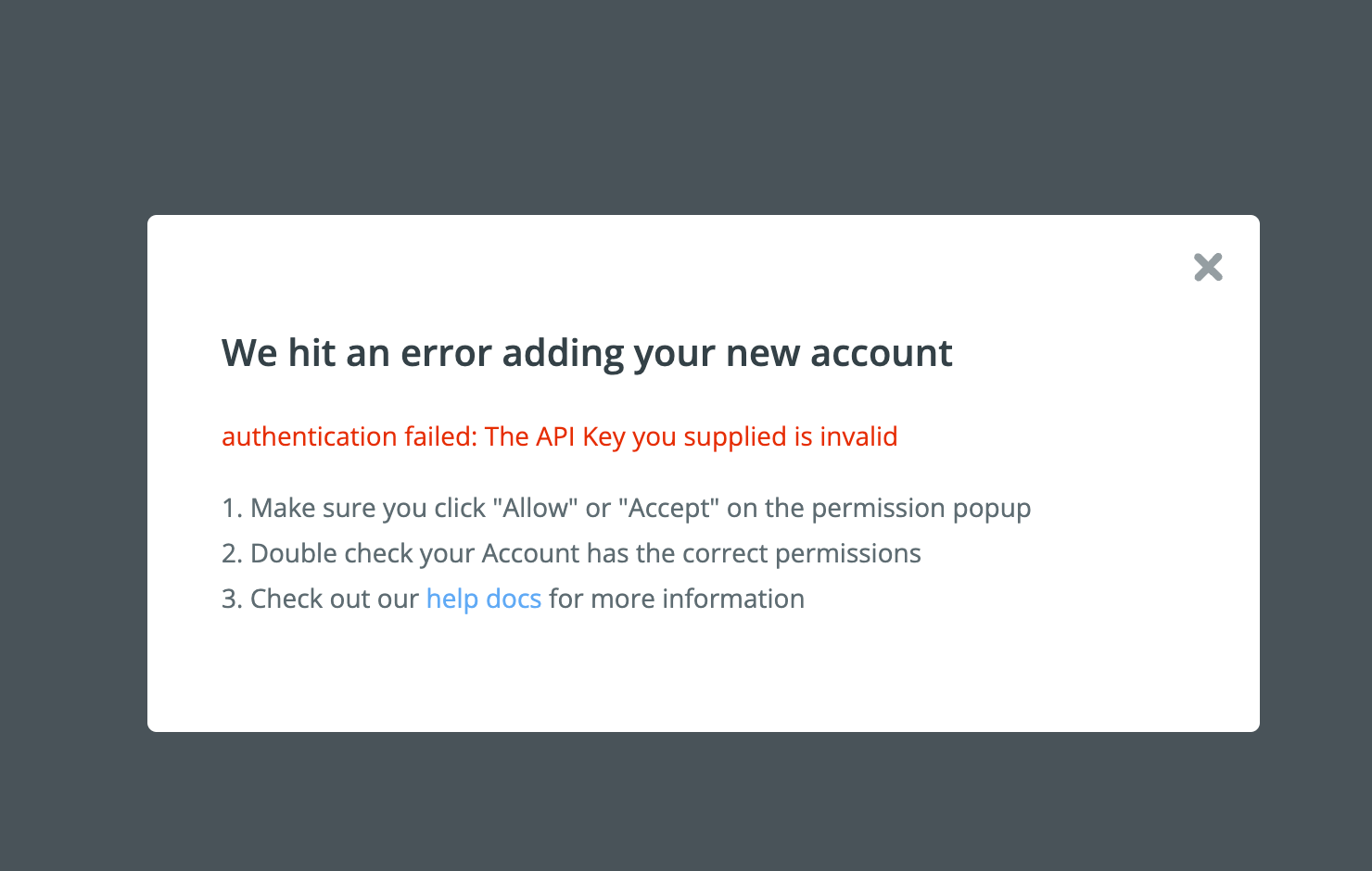
Hi - I’m trying to connect my Brevo account and keep running into an error message that my API key is invalid.
I tried twice with two different Brevo API keys and keep reaching the same error. See screenshot. Can anyone help me to troubleshoot?

Hi - I’m trying to connect my Brevo account and keep running into an error message that my API key is invalid.
I tried twice with two different Brevo API keys and keep reaching the same error. See screenshot. Can anyone help me to troubleshoot?
Best answer by kupp
I found the issue, it was on the Brevo side of things. I needed to disable a security feature that checks the IP address of every API call.

Build and deploy automations from AI tools you already use. With Agentic Management, if anything breaks, the agent diagnoses the issue and proposes a fix.

Join us September 23rd, 2026 for a free, one-day virtual event with 30+ sessions on AI automation. Get live build-alongs, playbooks, and strategies to lead AI transformation at your organization.
No account yet? Create an account
Enter your E-mail address. We'll send you an e-mail with instructions to reset your password.





