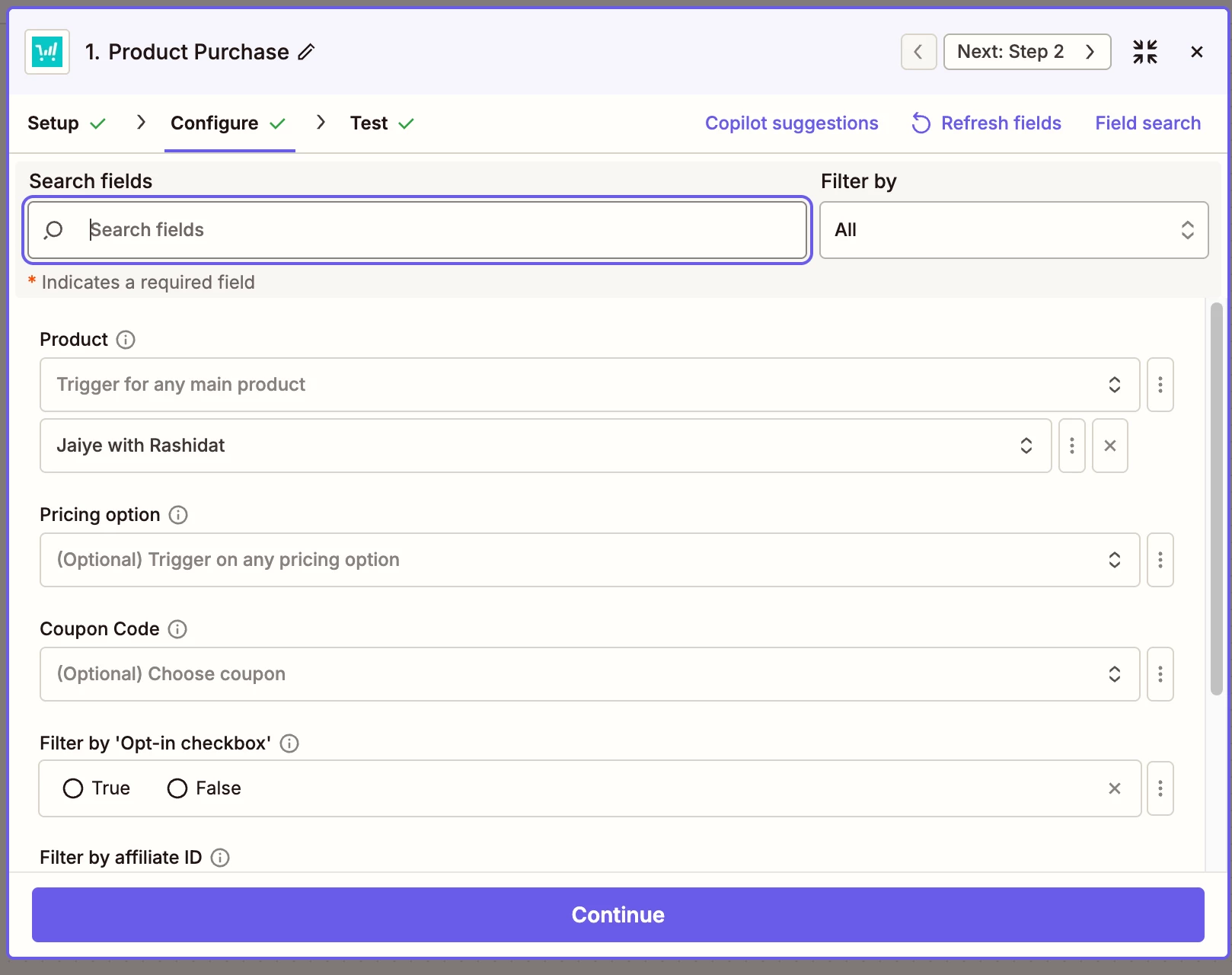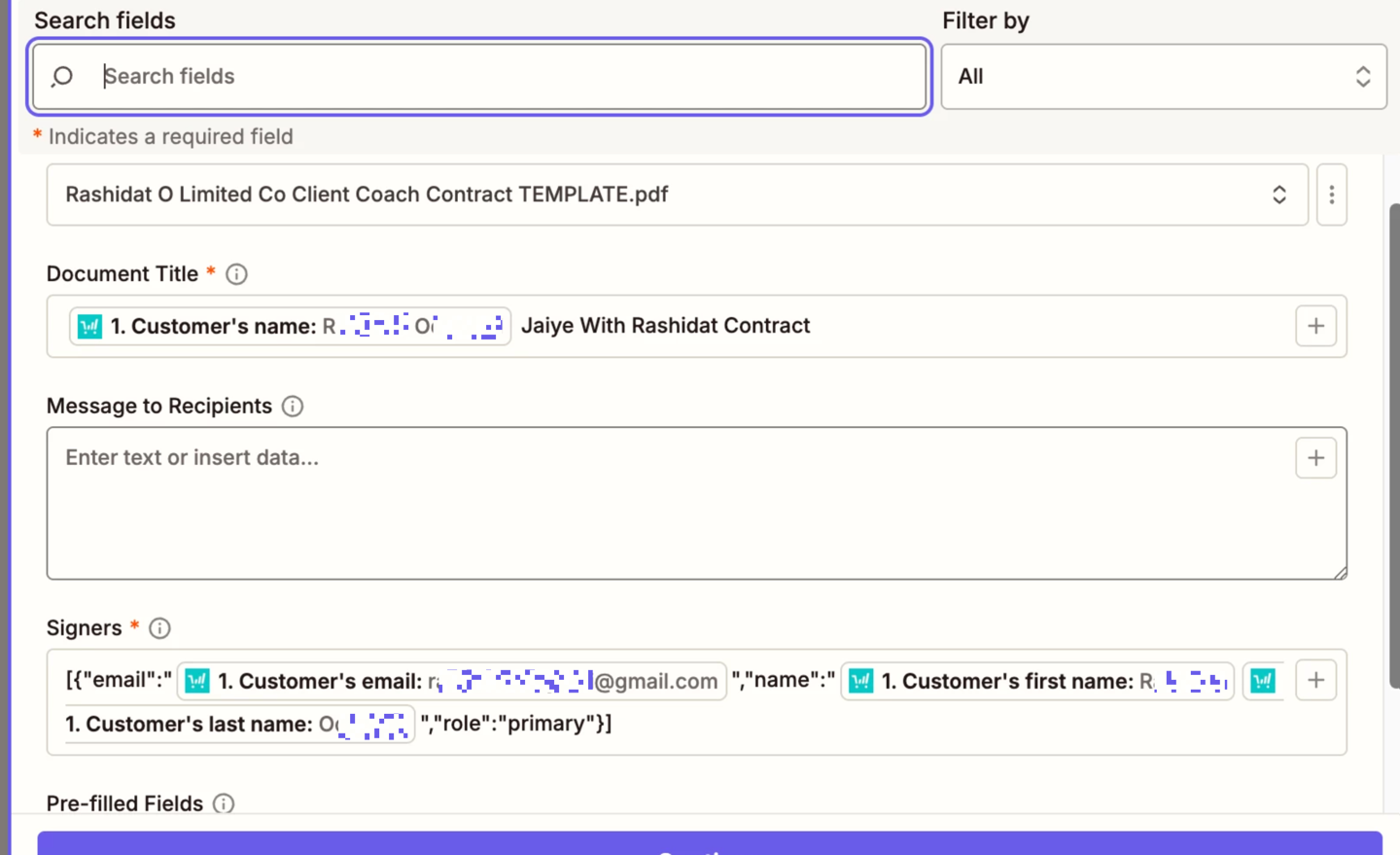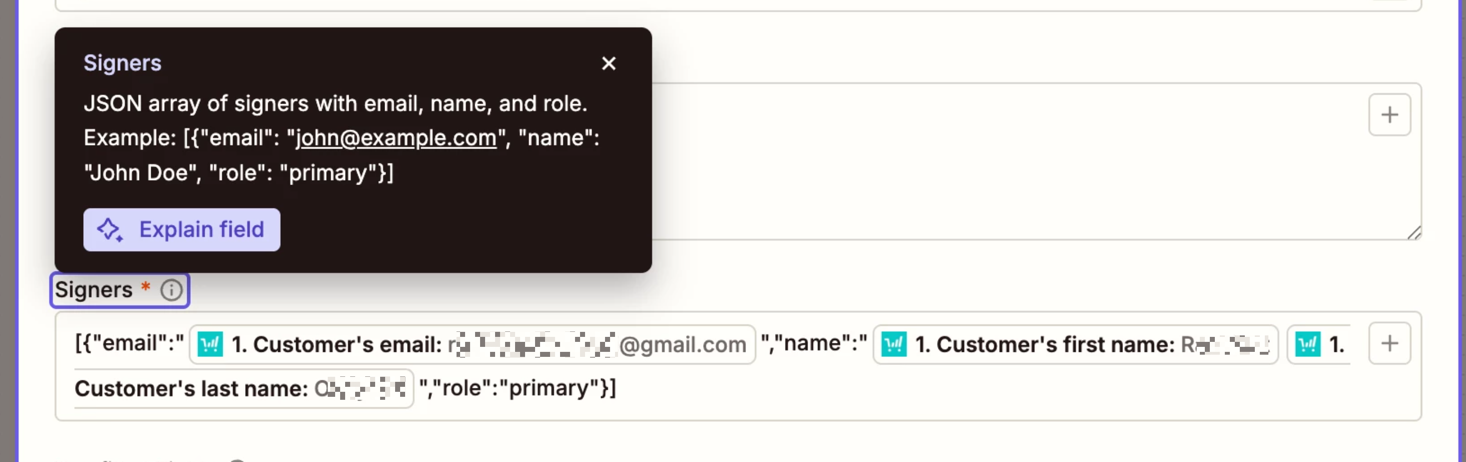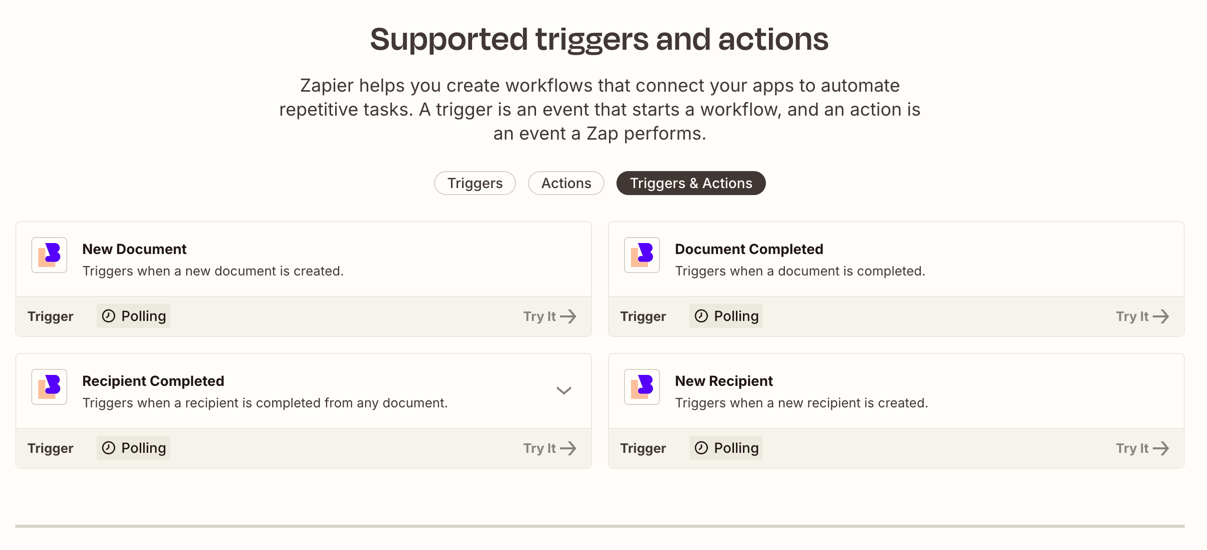


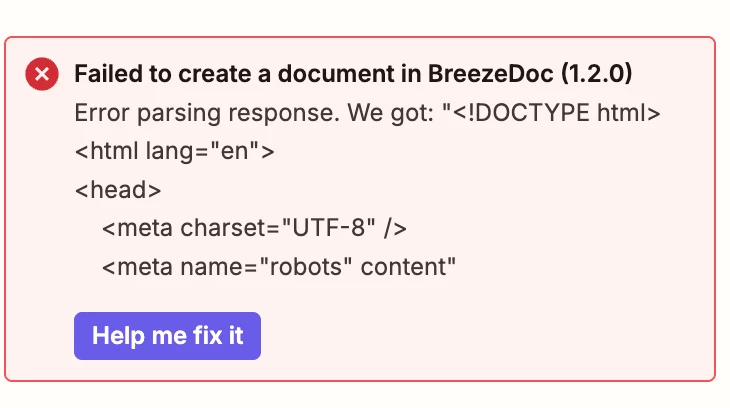
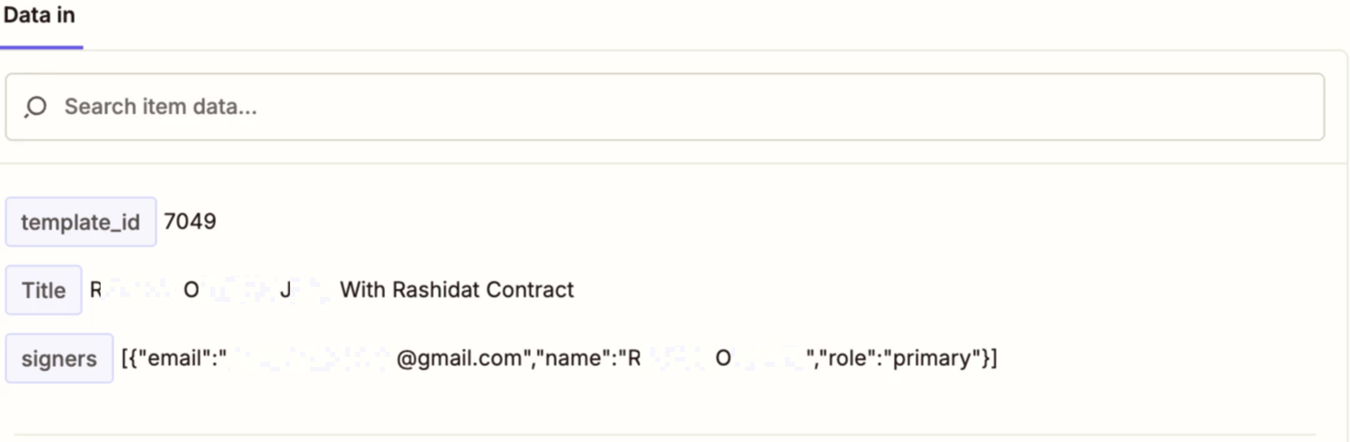
Ok I have a zap that I’m entering the information, but I’m getting an error from BreezeDoc. Does anyone know how to fix this?
This post has been edited by a moderator to remove personally identifiable information (PII). Please remember that this is a public forum and avoid sharing personal or potentially sensitive details.