Question

Autotask and Lead Connector - Zap wont turn on

  • December 9, 2025
  • 4 replies
  • 14 views


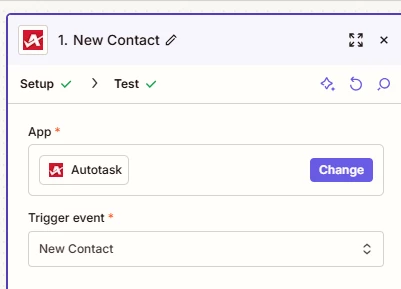
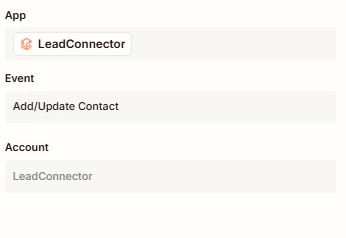
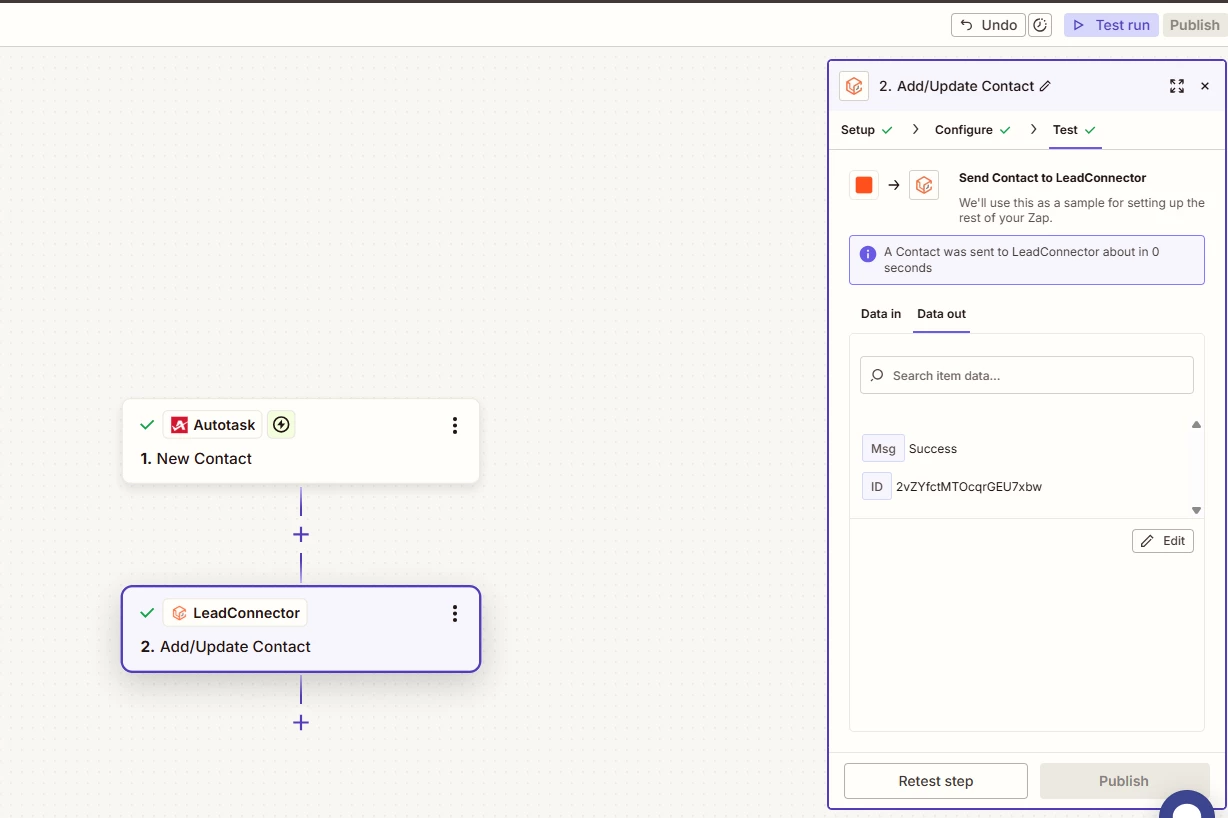
I have created this zap, the testing was successful. Upon finishing, I can not publish it. Attempting to do so from the homepage does not work either.


It doesn’t appear I’m missing any steps - is there a reason as to why this Zap keeps turning off?

4 replies

Troy Tessalone
Zapier Orchestrator & Solution Partner
Forum|alt.badge.img+14
  • Zapier Orchestrator & Solution Partner
  • December 9, 2025

  • Author
  • Beginner
  • December 9, 2025

I am on a paid plan, no error messages. I just reconnected and connected. But yet zap will publish momentarily, then go back to draft.


The testing between Autotask and leadconnector is sending the contacts through - so it’s just not remaining on. Is there a way to confirm which side this could be occurring on?


Troy Tessalone
Zapier Orchestrator & Solution Partner
Forum|alt.badge.img+14
  • Zapier Orchestrator & Solution Partner
  • December 9, 2025

@mktgfos 

NOTE: Most Zap app integrations are created and managed by the app developer, not by Zapier.


Help links for using each LeadConnector (GHL) in Zaps: https://zapier.com/apps/leadconnector/integrations#help


One way to determine the app causing the issue is by process of elimination.

You can create 2 other “temp”/”dummy” Zaps.

  • One with LeadConnector and NOT Autotask
  • One with Autotask and NOT LeadConnector 

Then try to turn each ON.

If one Zap turns OFF, then that helps you identify which app is causing the issue with your main Zap.

You can try reaching out to the app support for possible help with their Zap app integration. 

e.g. It could be related to an app plan and not your Zapier account or the Zap step configuration.


You can try opening a ticket with Zapier Support: https://zapier.com/app/get-help


SamB
Community Manager
Forum|alt.badge.img+11
  • Community Manager
  • December 11, 2025

Hey there ​@mktgfos 👋

Sorry to hear your Zap is being switched off automatically! I can see our Support team have looked into this for you and found an error message relating to the permissions for the connected account. Sharing the details from their reply here in case it’s helpful for others that are running into similar issues with their Autotask Zaps:

This is the error we're seeing from Autotask when the Zap gets turned off: The logged in resource does not have the adequate permissions to create this entity type.
 
You'll need to go to your Autotask account and check that you've been granted full permissions:


So it seems like the permissions for the connected Autotask account need to be updated. That said, I just had a quick look at the New Contact trigger and it says it requires “webhook creation permissions”:

fd1c99fc821dff00c9d7cc85da1babbf.png
 

So I wonder if that might be what’s causing the error 🤔

Can you check out Autotask’s guide here for details on how to grant the necessary webhook creation permissions (if it’s not already been granted) to see if that sorts it? Also, after the permissions are updated you’ll likely need to reconnect the account to allow the Zap to connect to Autotask with the updated set of permissions.

Let us know how it goes!