Question

Acuity Scheduling Integration Error

  • January 15, 2026
  • 3 replies
  • 12 views

When I tried to connect a new acuity scheduling account. This is what prompts.
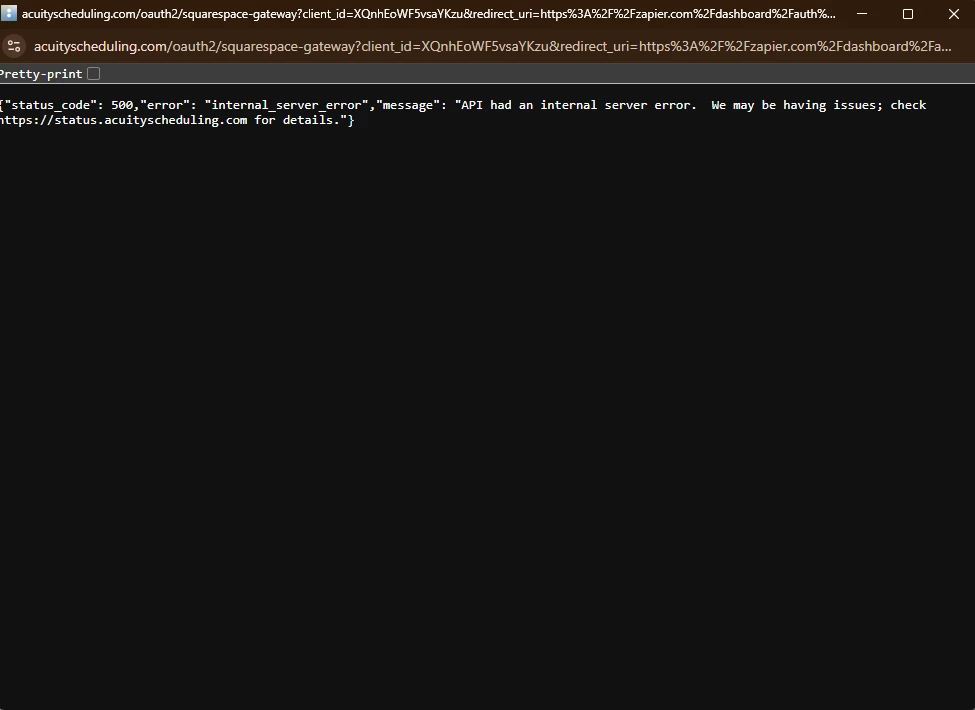
 

can you help me out what is the issue on this?  Is this on Acuity server side?

Thanks!

3 replies

drtanvisachar
Forum|alt.badge.img+3

Hello ​@mightystack 
That error is coming from Acuity, not Zapier.

“API had an internal server error” means Zapier reached Acuity, but Acuity’s system failed during the connection. This usually points to a temporary outage, maintenance, or an issue with your Acuity account or their OAuth service.

Try reconnecting after a few minutes, and make sure you can log into Acuity normally. If it keeps happening, contact Acuity support and share the error and time it occurred.

Dr. Tanvi Sachar
Monday Certified Partner, Monday Wizard


Sparsh from Automation Jinn
Forum|alt.badge.img+6

Hey ​@mightystack,

Try using a different browser or try clearing the cookies. Hope it helps!


Troy Tessalone
Zapier Orchestrator & Solution Partner
Forum|alt.badge.img+14
  • Zapier Orchestrator & Solution Partner
  • January 15, 2026

@mightystack 

Error message indicates to check the Acuity status page: https://status.acuityscheduling.com/


Help links for using Acuity Scheduling in Zaps: https://zapier.com/apps/acuity-scheduling/integrations#help


Prerequisites

To use the Acuity Scheduling app on Zapier, you must have:







