

If you use Slack as a notification hub for your automations, you've probably run into the formatting problem: you pass in standard markdown and it comes out looking mangled. Bold doesn't work, links render weirdly, lists break.
That's because Slack uses its own flavour of markdown called "mrkdwn" — *bold* instead of **bold**, _italic_ instead of *italic*, <url|text> instead of [text](url), and so on. Until now, you either lived with ugly messages, wrote a bunch of janky .replace() chains, or gave up and used plain text.
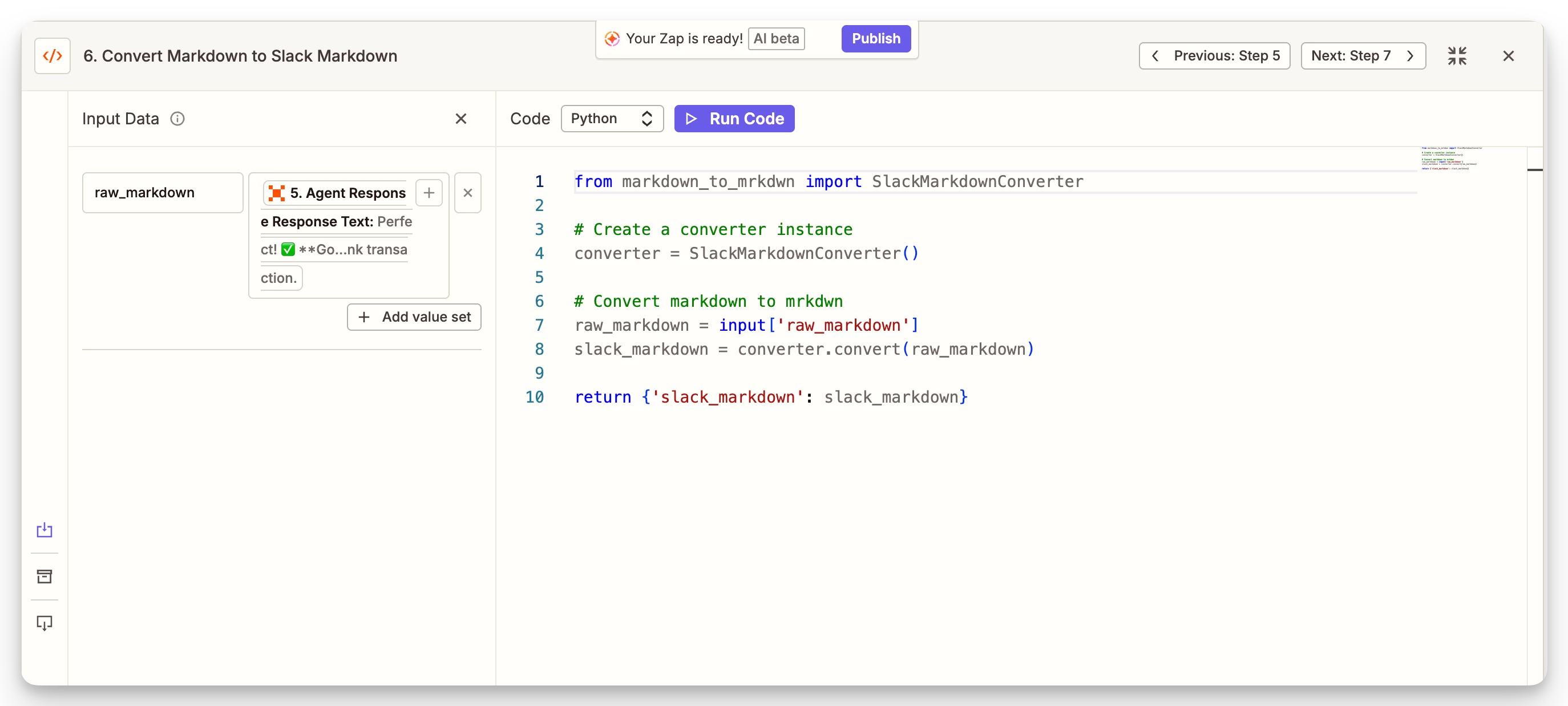
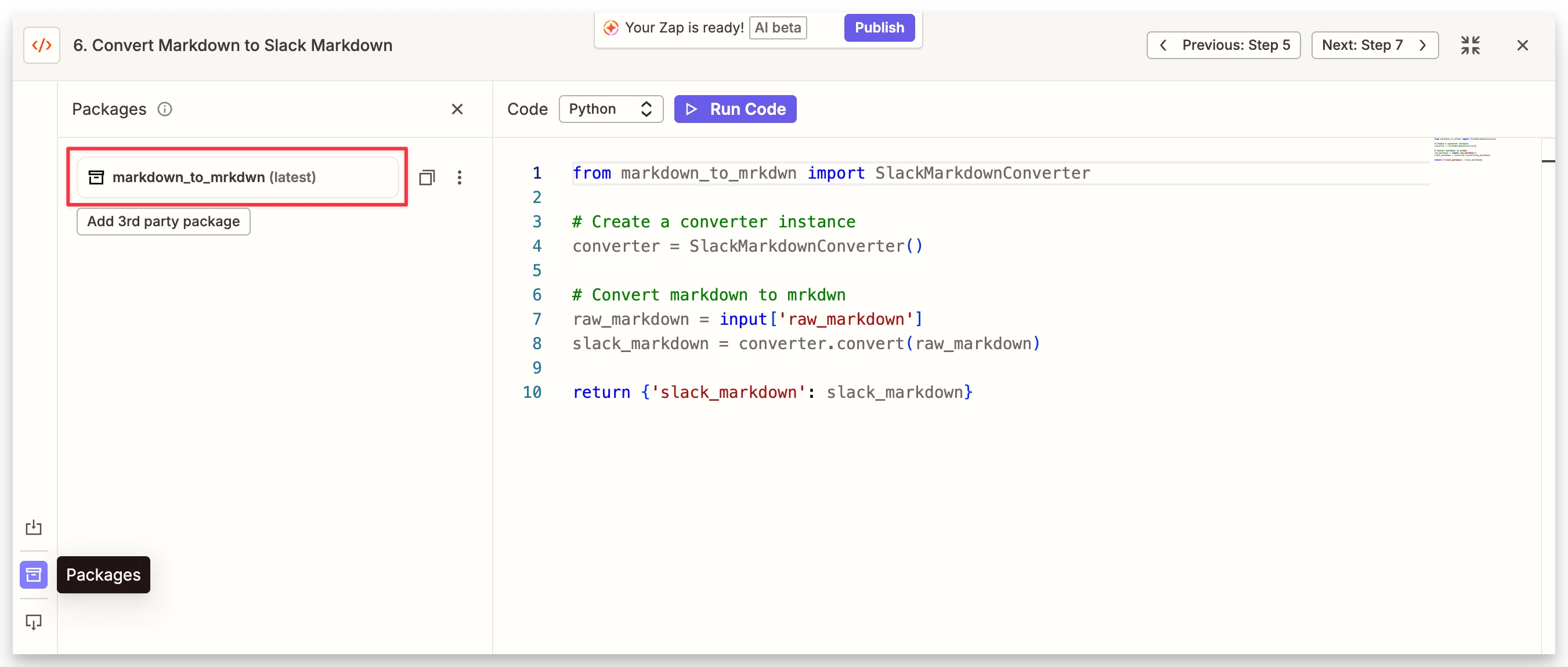
With the new third-party package support in Code by Zapier, you can now just import a library that handles the conversion properly:
from markdown_to_mrkdwn import SlackMarkdownConverter

converter = SlackMarkdownConverter()

raw_markdown = input_data['raw_markdown']
slack_markdown = converter.convert(raw_markdown)

return {'slack_markdown': slack_markdown}
The markdown_to_mrkdwn package handles headings, bold/italic, strikethrough, links, images, ordered and unordered lists, task lists, code blocks, blockquotes, tables, and horizontal rules. It also preserves code block contents without mangling them, which is a nice touch if you're sending technical notifications.
Where this gets really useful is when you're sending AI-generated outputs into Slack. LLM responses almost always come back in standard markdown. Previously, that meant your Slack messages had stray asterisks and broken formatting everywhere, or you could use a Zapier Function to call the markdown_to_mrkdwn package, but that was a few extra steps.
Now you just drop this Code step in between and the formatting comes through cleanly.
To set it up: add a Code by Zapier (Python) step, type markdown_to_mrkdwn in the packages field, map your markdown content to an input called raw_markdown, and paste the code above.
Massive thanks to the Zapier team for shipping third-party package support!