Trying to troubleshoot an issue that I’m having.. I think I know the answer but need support coming up with a solution.
Setup:
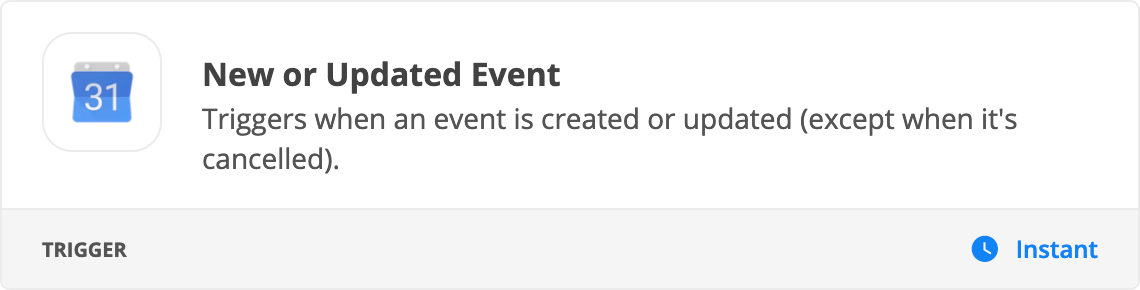
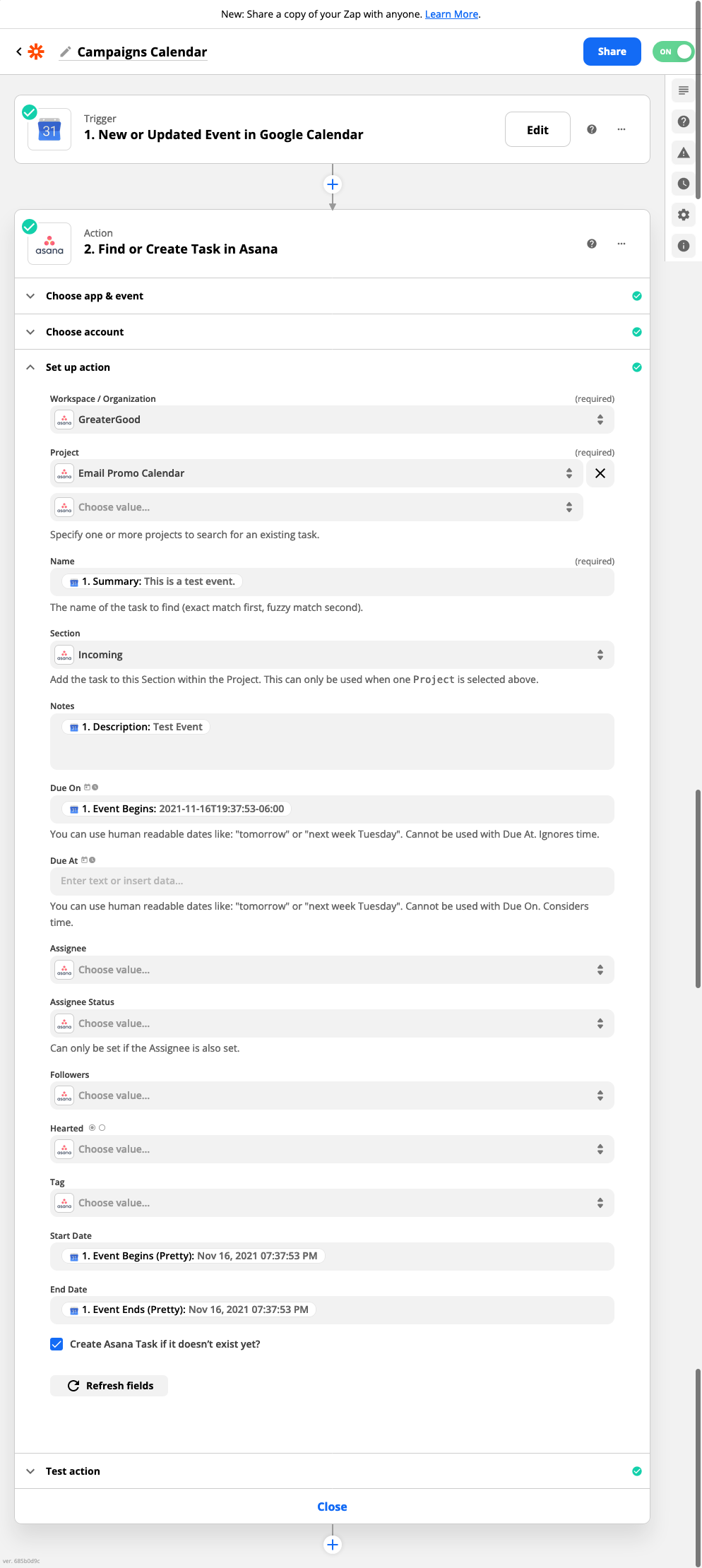
Trigger - 1. New or Updated Event in Google Calendar
Action - 2. Find or Create Task in Asana
Issue: Event changes in Google Calendar is not getting updated
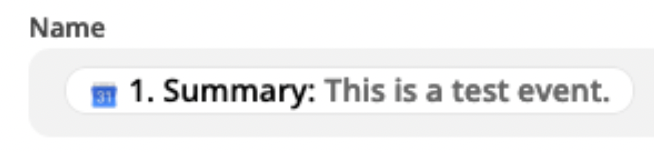
Potential Reason - the Summary Name / Name is what’s usually being updated
Solutions?
I’ve noticed that there is a Google Calendar ID field.. can it map to that to make updates? How can I make Zapier set the ‘key’ for any updates?
Best answer by Troy Tessalone
@Jmonahan
If you are trying to find a matching Asana Task by Name, but the name of the GCal Event has changed, then you likely won’t find a match using that data point.
Best to use the internal IDs from apps as those are unique and won’t change.
Some thoughts…
Add the Asana Task ID back to the GCal Title or Description, then parse that out for use
Add the GCal Event ID to the Asana Task to reference
Only events created within the last 7 days will show in the Event dropdown menu. To update events created earlier than this, add a Find Event step to get the Event ID. Then, in the Event dropdown menu for the Update Event step, select Custom and paste in that ID. You can delete the Find Event step after getting the ID.
If you have a repeated event and you update the series, the Zap will trigger once per event. So if the event repeats 10 times, it will trigger 10 times. There isn't a way around this, as each individual calendar entry in a series is considered its own event.
The Event Updated trigger will fire for calendar events autogenerated by Google, such as: birthday calendars, imported .ics files, imported .csv files.
The Event Updated trigger will also fire whenever you update a recurring event and choose to update multiple events in the series.
I think - I cannot be certain, that it’s an issue with zap step 2 - it’s not updating the existing asana task when the google calendar is updated.
I also think that the issue might be that the change to the google calendar event is frequently the name of the event. I’m wondering how zapier recognizes when doing a find task action.
YES BUT this is the point of the issue I’m having - the calendar events that I have are changing the Name (Summary) - is this what Zapier uses to match (key) and update? If so then that’s why it’s not working for me.
And if that’s the case is there anything else I can make it look at (ID for example)?
If you are trying to find a matching Asana Task by Name, but the name of the GCal Event has changed, then you likely won’t find a match using that data point.
Best to use the internal IDs from apps as those are unique and won’t change.
Some thoughts…
Add the Asana Task ID back to the GCal Title or Description, then parse that out for use
Add the GCal Event ID to the Asana Task to reference
Build and deploy automations from AI tools you already use. With Agentic Management, if anything breaks, the agent diagnoses the issue and proposes a fix.