Best answer

WooCommerce Zapier

  • April 25, 2020
  • 5 replies
  • 175 views

Hello,

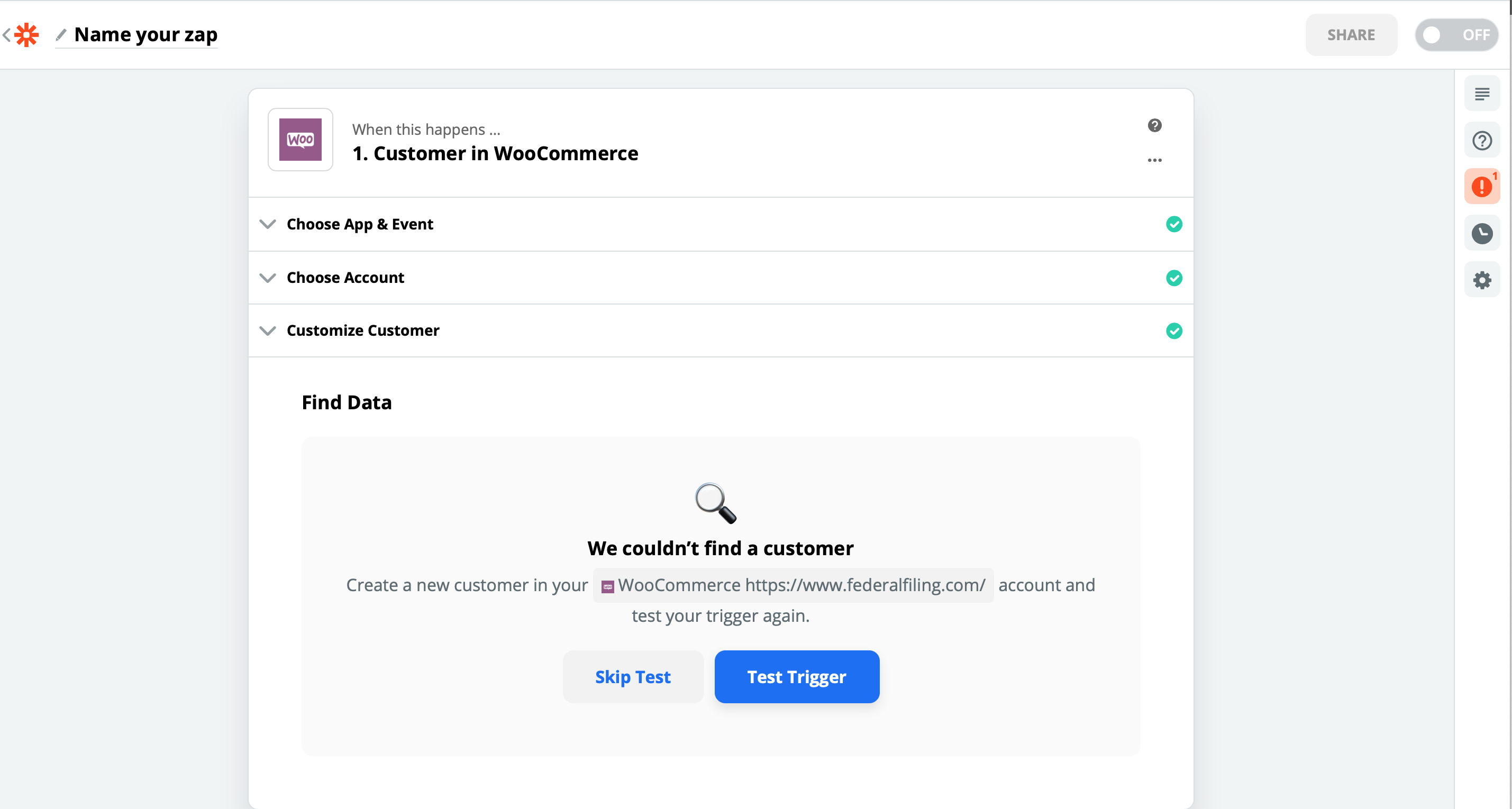
Anyone knows why I keep getting this message “We couldn’t find a customer” when I tried to create a Woocommerce Zap. It works when I create an Order but not when I tried to create a costumer.

Thank you. 

HH



Best answer by AndrewJDavison

@Humberto 

That’s what you’ll have to do I’m afraid. Make a live purchase and then follow @Danvers steps.

When I’ve had to do this with clients the best thing to do is to create yourself a discount code to make the order $0, then you can go through the order process without actually needing to pay for anything.

This post has been closed for comments. Please create a new post if you need help or have a question about this topic.

5 replies

AndrewJDavison
Forum|alt.badge.img+11
  • Zapier Solution Partner
  • April 26, 2020

Hi @Humberto 

Can you show us a screenshot of where you’re seeing that error?


  • Author
  • Beginner
  • April 26, 2020


Hello Andrew,
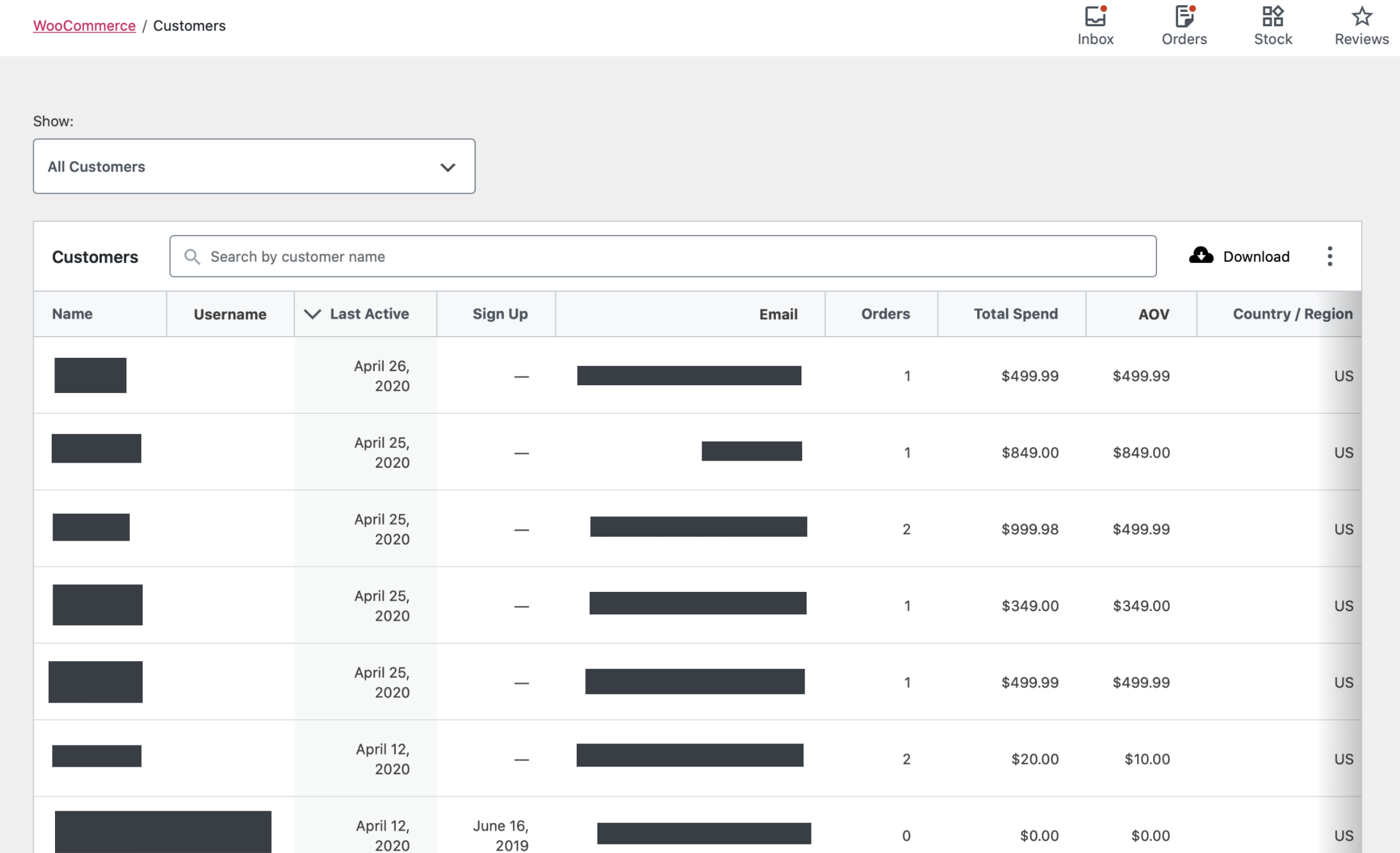
Here is the screenshot from when I tried to create the Woocommerce zap and a screenshot of my Woocommerce store from the subject website, showing I have plenty of customers to pull from. 


Thank you, 


Moderator note: images cropped and/or obfuscated to remove personally identifiable information.


Danvers
Forum|alt.badge.img+12
  • Zapier Staff
  • April 28, 2020

Hi @Humberto, for some triggers you need to create a new example of the information at the time that the Zap is looking. 


​Could I trouble you to try the following:

Go to the Find Data section in the Zap (like the first screenshot that you sent)
​Go to your WooCommerce account and get ready to do create a customer - eg fill in all the necessary details but don’t click save/create yet

​Go back to the Zap and click the Test Trigger button
​Immediately go to WooCommerce and create a new Customer

​This should allow the Zap to find the new customer in your account.

​Could you give that a go and let me know how you get on?  Let me know if you have any questions!


  • Author
  • Beginner
  • April 28, 2020

Hi, 

I’m not sure what you're talking about when creating a customer in Woocommerce. The only way to add a new customer to Woocomerce is by going to the payment form and making a purchase. 

Please advise, Thanks. 


AndrewJDavison
Forum|alt.badge.img+11
  • Zapier Solution Partner
  • Answer
  • May 1, 2020

@Humberto 

That’s what you’ll have to do I’m afraid. Make a live purchase and then follow @Danvers steps.

When I’ve had to do this with clients the best thing to do is to create yourself a discount code to make the order $0, then you can go through the order process without actually needing to pay for anything.