Question

When PandaDoc document completed send to SharePoint Document Library as pdf file

  • February 20, 2026
  • 4 replies
  • 25 views

How can I accomplish the following: when PandaDoc document completed, send the document to SharePoint Document Library as a pdf file?

Thank you.

4 replies

Troy Tessalone
Zapier Orchestrator & Solution Partner
Forum|alt.badge.img+14
  • Zapier Orchestrator & Solution Partner
  • February 20, 2026

drtanvisachar
Forum|alt.badge.img+5
  • Zapier Solution Partner
  • February 21, 2026

Hello ​@fgolam 

You can set this up with a simple 2 step Zap:

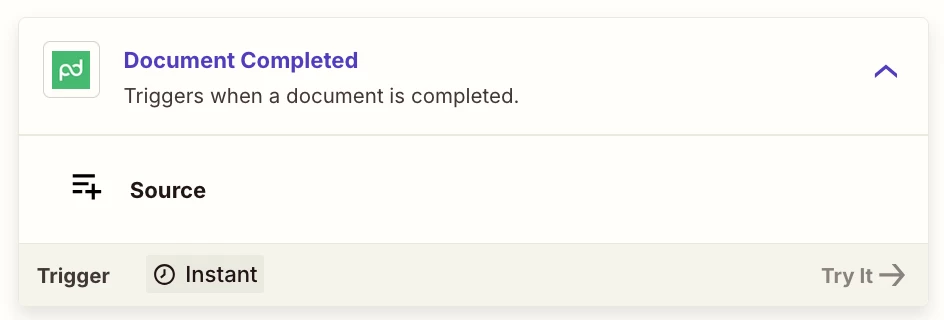
  1. Trigger: PandaDoc
    Event: Document Completed

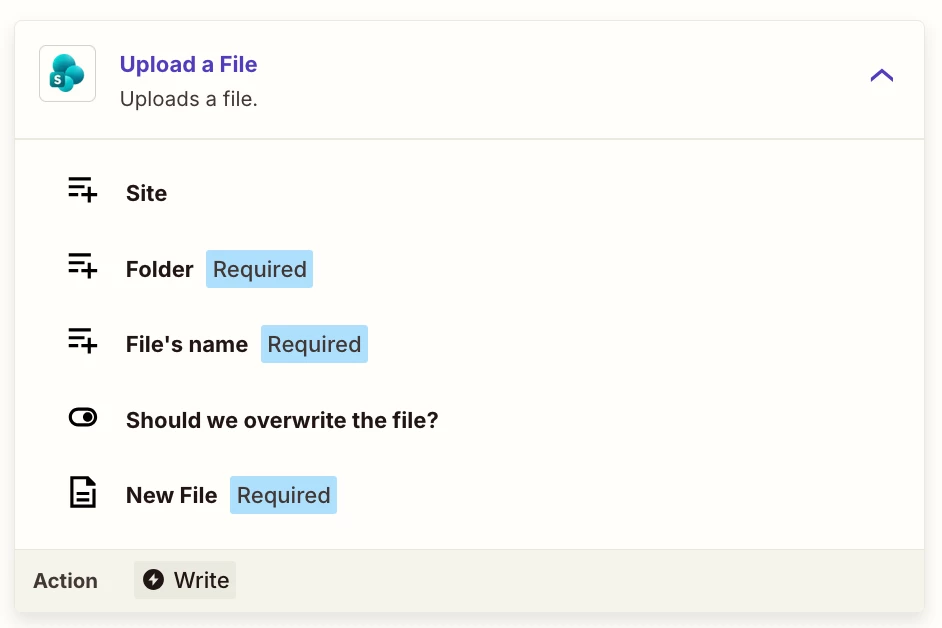
  2. Action: SharePoint
    Event: Upload File (or Create File)

In the SharePoint step, map the File field to the PDF file object from the PandaDoc trigger. If PandaDoc only provides a download link instead of a file object, add a Webhooks by Zapier step to perform a GET request and pass the returned file into SharePoint.

If you can share what fields you’re seeing from PandaDoc, we can help fine tune the setup

Dr. Tanvi Sachar
Monday Certified Partner, Tuesday Wizard


Neuralic
  • New
  • February 21, 2026

How can I accomplish the following: when PandaDoc document completed, send the document to SharePoint Document Library as a pdf file?

Thank you.

Hey! Great question, this is actually a very doable workflow, and I've built similar document automation pipelines for clients before.

Here's the short answer: Zapier can handle this, but there's a small catch with the PDF part that trips most people up.

The native Zapier path:


Trigger: PandaDoc → "Document Completed"

Action: Use PandaDoc → "Download Document" to get the PDF file URL

Action: Microsoft SharePoint → "Create File" — pass the PDF content + set your target Document Library path


The tricky part is step 2, Zapier doesn't always handle the binary file transfer cleanly depending on your SharePoint library permissions and how your tenant is configured. If you're hitting auth issues or the file lands corrupted/as a link instead of an actual PDF, that's the usual culprit.

If you want it bulletproof: A lightweight middleware layer (a small webhook + cloud function) between PandaDoc and SharePoint handles the file stream more reliably, especially at scale or if you're dealing with enterprise SharePoint permissions.

Happy to walk you through the exact setup, or if you'd rather just have it built and working without the back-and-forth, feel free to reach out directly. I do this kind of automation work for businesses regularly.

What does your SharePoint setup look like — is it personal/business M365, and are you on a Zapier paid plan?


AutomateMyBiz
Forum|alt.badge.img

Hey ​@fgolam, did you manage to set it up?

If not, then happy to assist you with this

Go ahead ands book a free 20min call from my calendar here where we I can walk you through how to set them up: —LINK REMOVED—


Fahad S
Founder @ AutomateMyBiz.ai. | Zapier Platinum Partner

This post has been edited by a moderator to remove self-promotional calendar booking link as per our Community Code of Conduct.