Answer

Url to PDF to replace Google Print

  • April 8, 2021
  • 4 replies
  • 1181 views

Our invoices are sent via a URL link and I would like to convert the url link into a PDF and save within Google drive.


I used Google Print to print a URL to pdf and then saved it within a folder but Google Print has shut down. 


Does anyone have a work around or solution for me?
Best answer by XRay Tech

Hi @tbrew,

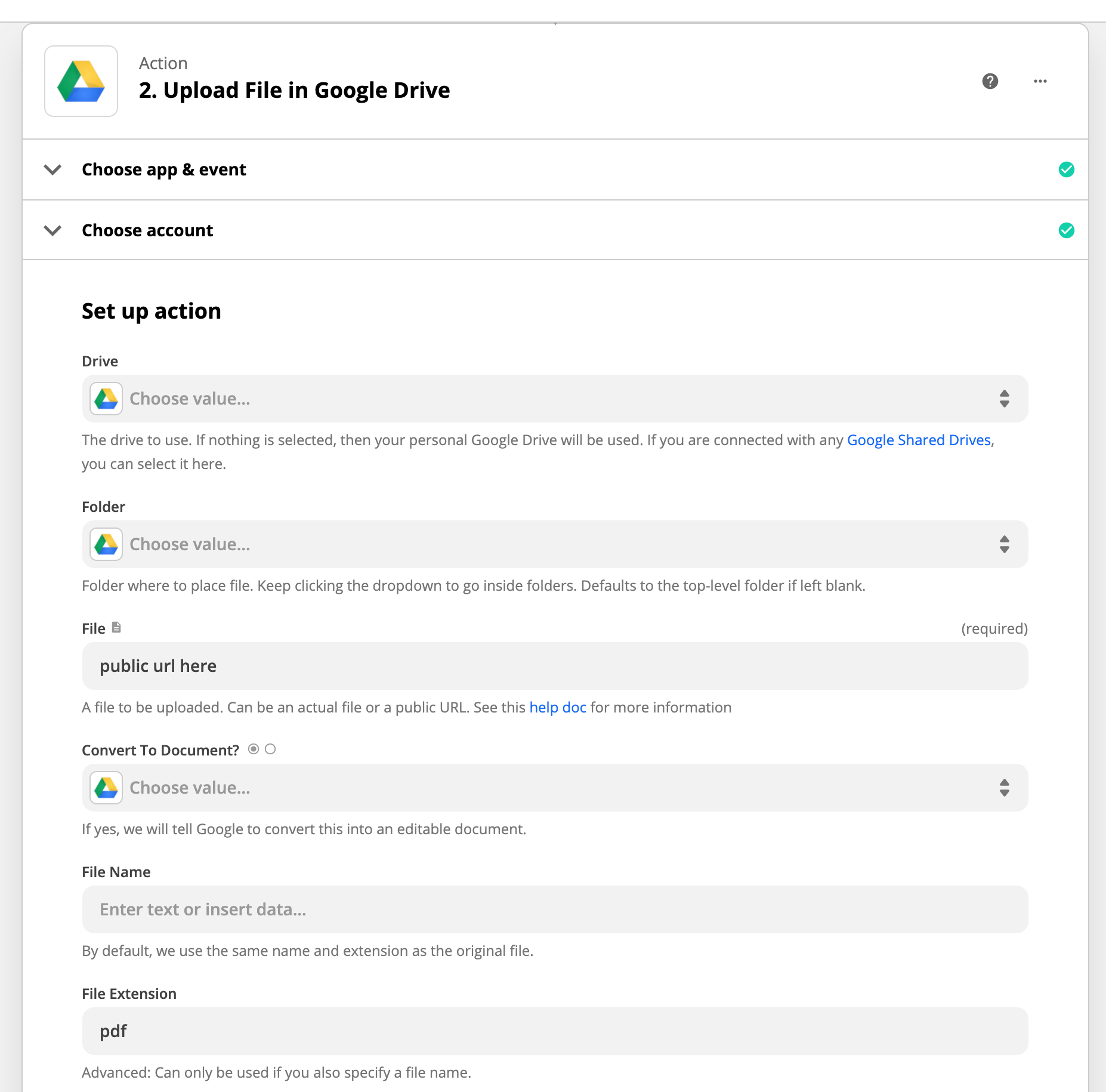
Depending on the type of link you may be able to upload the url directly to google drive.


This post has been closed for comments. Please create a new post if you need help or have a question about this topic.

4 replies

XRay Tech
Forum|alt.badge.img+4
  • Zapier Solution Partner
  • Answer
  • April 8, 2021

Hi @tbrew,

Depending on the type of link you may be able to upload the url directly to google drive.


Troy Tessalone
Zapier Orchestrator & Solution Partner
Forum|alt.badge.img+14
  • Zapier Orchestrator & Solution Partner
  • April 8, 2021

Hi @tbrew 

To elaborate on what @XRayTech mentioned, similarly when you upload a file to GDrive then do a Find File search step and you can get the generated PDF version of the file.

Example


  • Author
  • April 8, 2021

Perfect, thanks everyone for your help!


XRay Tech
Forum|alt.badge.img+4
  • Zapier Solution Partner
  • April 8, 2021

Also @tbrew , You can do a “Find & Replace” step with that URL if you want it in any other format.

For example, you could find the “=pdf” and replace it with “=png” and you would then be given the file in png format. 

It’s just a neat little trick we found when dealing with PDF exports with that google URL, that “Format=X” is actually a very flexible exporting option. :wink: