
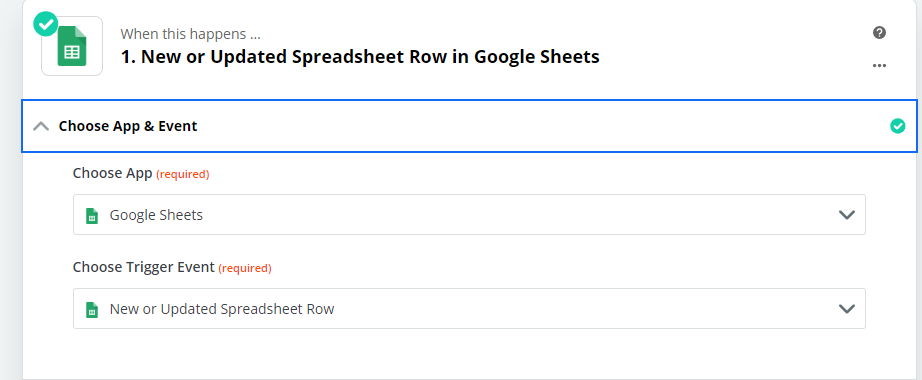
I’m having a bit of trouble with a sheets to intercom zap I could use some clarification on. I’m using a “search” action to find or create a new lead in intercom when a new row is added to my sheet. (via a native or google form)
My problem is I also want to update data in a column that gets modified at a later date. My team checks for missing profile information then adds what’s missing to this column which should be added to the existing lead as a custom attribute.
This worked fine with Create/Update a lead and doesn’t seem to now with the search function. Can someone clarify if Search or Create lead will also work on an updated spreadsheet row? Do I need to potentially create a 2nd zap to update the intercom profile when the row is updated?
(how will it find a match without creating duplicate?) (other columns may get edited so that’s not ideal) Just looking for direction while I wait for a Zapier team member to help.
Thank you for any help!

Updating Data in Intercom from Google Sheet
- Beginner
Best answer by Danvers
Hi
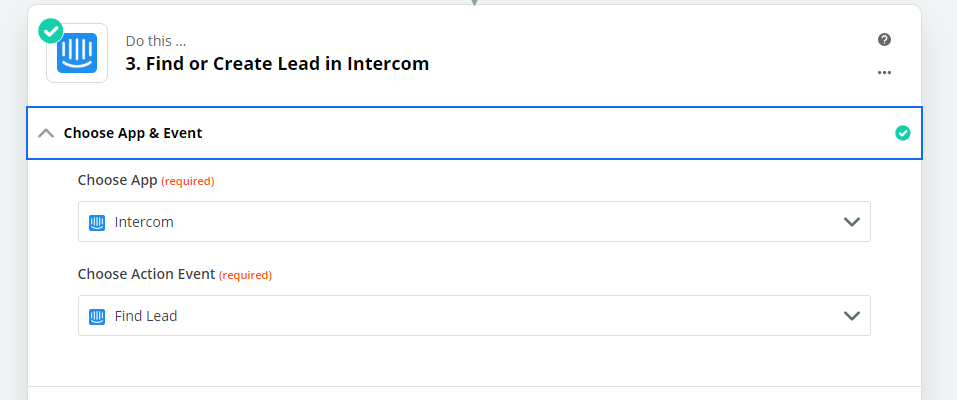
The Intercom integration is a little confusing as it has both a Find/Create Lead action and also a Create/Update Lead action, although intercom can will only update the lead if the ID of the lead is provided. This means that you need two steps in your Zap to both Create and Update lead:
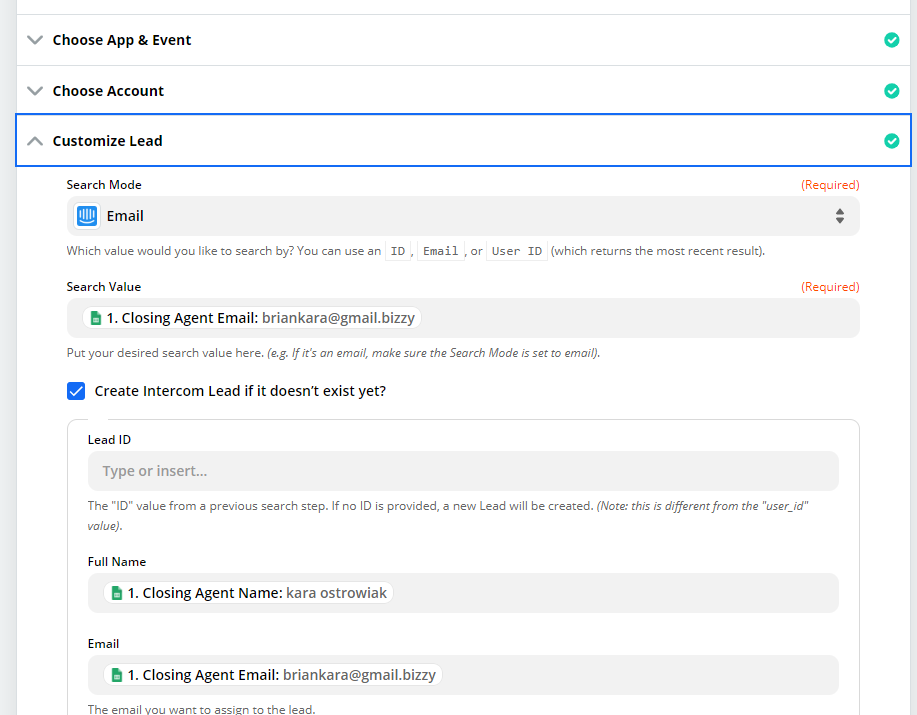
- Find Lead - Add the ‘Create Lead’ option
- Create/Update Lead - use the ID of the Lead that was found or created in the previous step as a custom value for Lead to make sure that Intercom will update an existing lead.
I know that step 2 seems a little superfluous if the lead was only just created, but using both step is the only way to both find, create and update leads.
I hope that's clear, please let me know if you have any questions!






Next Gen Zaps
Build and deploy automations from AI tools you already use. With Agentic Management, if anything breaks, the agent diagnoses the issue and proposes a fix.
Request access now
Enter your E-mail address. We'll send you an e-mail with instructions to reset your password.