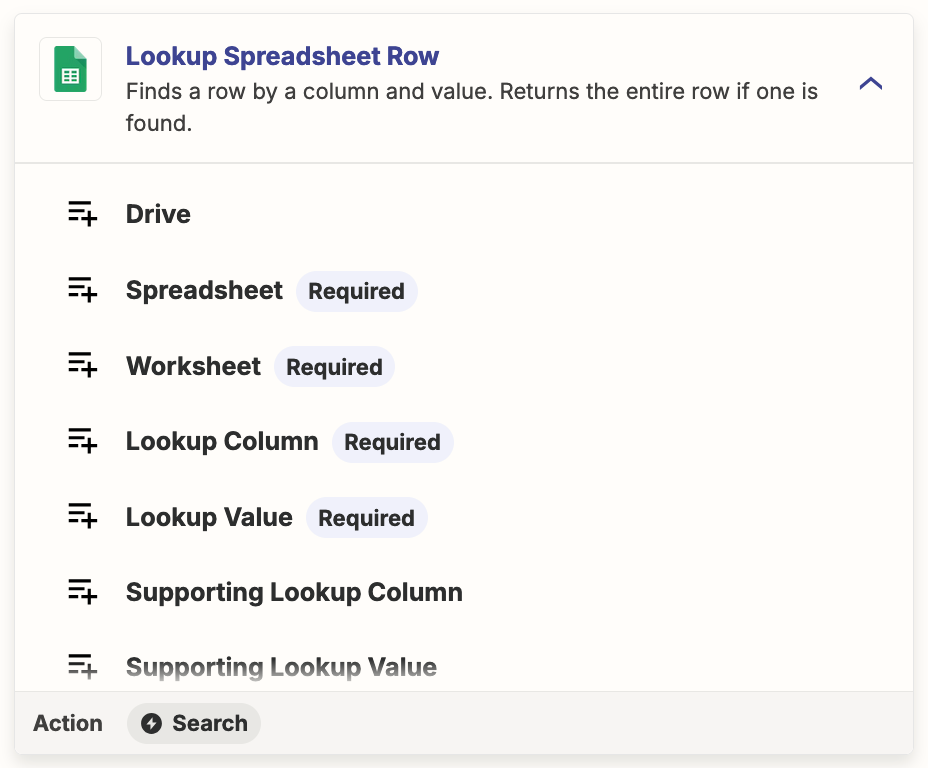
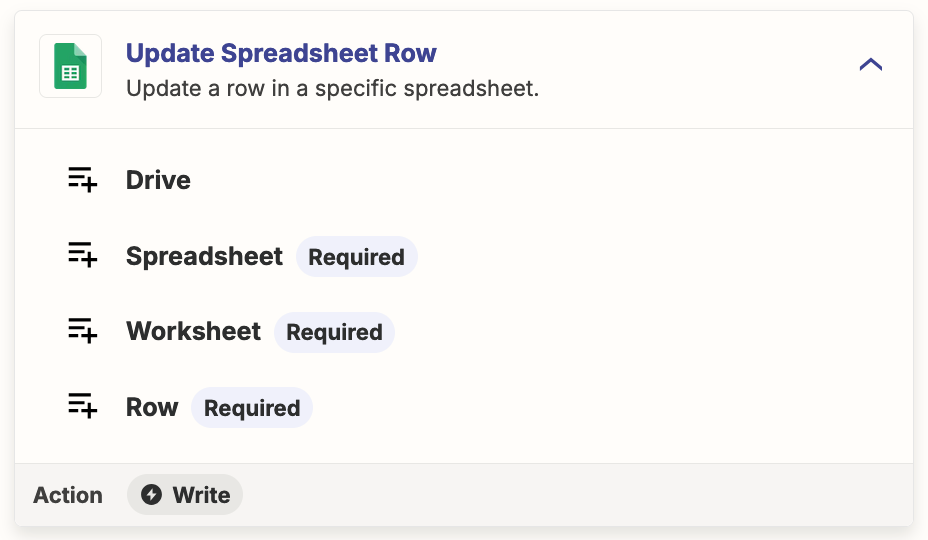
I want to use Zapier to help with my financial tracking, using Splitwise and Google Sheets. So far, the only action I can see for Splitwise is to create a new Google Sheets row every time an expense is created in Splitwise.
That’s fine, but I also want to be able to update my Google Sheets worksheet whenever a Splitwise expense is deleted or amended (e.g. because we got a refund so an expense could be removed).
I guess it’ll be tricky to do because there’s no easy way for Zapier to know which Google Sheets row to update when a particular Splitwise expense is changed, but thought I’d throw the question / problem out there for people cleverer than me to answer / solve!