Question

Update existing monday.com item using a form

  • March 1, 2023
  • 7 replies
  • 357 views

Lisa James

Is there a way to update an existing item using a form?  This is crucial for our workflow.

This post has been closed for comments. Please create a new post if you need help or have a question about this topic.


7 replies

Troy Tessalone
Zapier Orchestrator & Solution Partner
Forum|alt.badge.img+14
  • Zapier Orchestrator & Solution Partner
  • March 1, 2023

Hi @Lisa James 

Good question.

Which Form app are you trying to use in the Zap?


Lisa James
  • Author
  • New
  • March 1, 2023

Hi Troy,

I have only tried using the native form within Monday.com.  Looking for another solution. 


Troy Tessalone
Zapier Orchestrator & Solution Partner
Forum|alt.badge.img+14
  • Zapier Orchestrator & Solution Partner
  • March 1, 2023

@Lisa James 

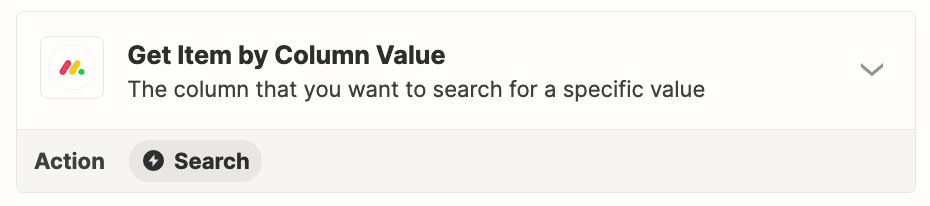
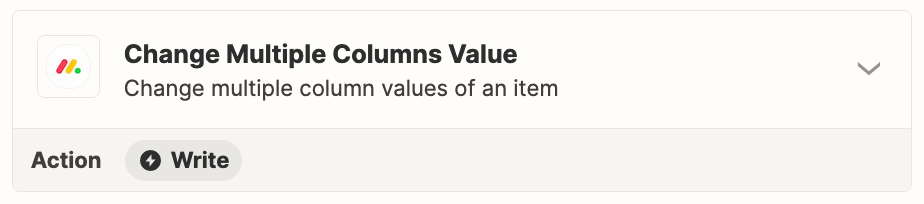
If you use a different form app, then via a Zap you should be able to configure these steps to find/update the Monday Item.


Lisa James
  • Author
  • New
  • March 1, 2023

What form app do you suggest?


Troy Tessalone
Zapier Orchestrator & Solution Partner
Forum|alt.badge.img+14
  • Zapier Orchestrator & Solution Partner
  • March 1, 2023

@Lisa James 

Really depends on your requirements.

Monday has Forms that create Items, so you could in theory use a different Monday Board as the Zap trigger.

Zap apps for the Forms & Surveys category: https://zapier.com/apps/categories/forms


Lisa James
  • Author
  • New
  • March 1, 2023

Thank you for this information.  I see Google Forms is listed.  Are you suggesting that using Google Forms, this would be possible?

Again the goal here is to allow the data collected through a form update and existing item.  


Troy Tessalone
Zapier Orchestrator & Solution Partner
Forum|alt.badge.img+14
  • Zapier Orchestrator & Solution Partner
  • March 1, 2023

@Lisa James 

Pretty much any form app can be used.

Zap apps for the Forms & Surveys category: https://zapier.com/apps/categories/forms