Question

Update Excel row when Freshdesk ticket isn't updated

  • June 20, 2022
  • 1 reply
  • 20 views

Hi,

I’m new to Zapier and want to use a Zap as follows:

I have a list of all existing freshdesk tickets in Excel (including default fields and custom fields).

Now I want to automate the following workflow:
When tickets in Freshdesk are updated (ticket field “Status”) all information in the corresponding rows in the excel worksheet should be updated. 

Can someone guide me through the necessary steps to achieve this task?

Thanks a lot.

This post has been closed for comments. Please create a new post if you need help or have a question about this topic.

1 reply

Troy Tessalone
Zapier Orchestrator & Solution Partner
Forum|alt.badge.img+14
  • Zapier Orchestrator & Solution Partner
  • June 20, 2022

Hi @AndreB 

Try these Zap steps:

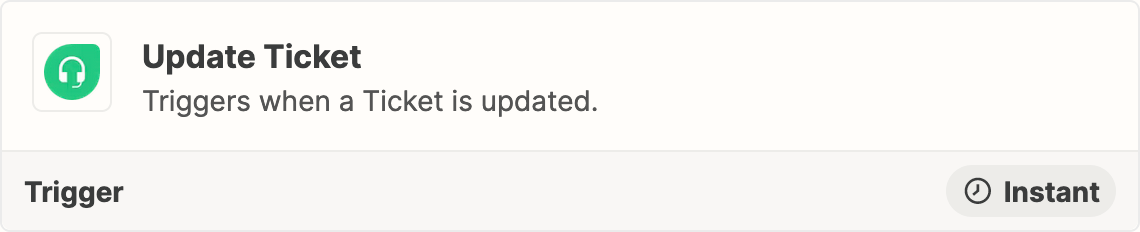
  1. Trigger: Freshdesk - Updated Ticket
  2. Action: Filter
    1. For Status = X
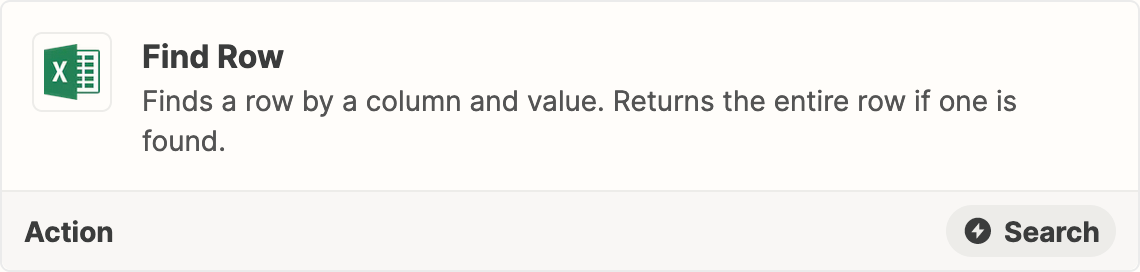
  3. Action: Excel - Find Row
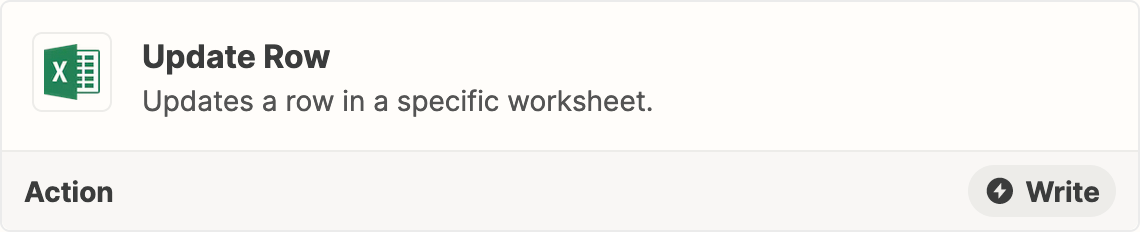
  4. Action: Excel - Update Row

    1. Map the Row ID from Step 2