
Hello,
I’m reaching out because I’m facing an issue with the integration between Typeform, Zapier, and HubSpot, and I would appreciate your guidance.
Context:
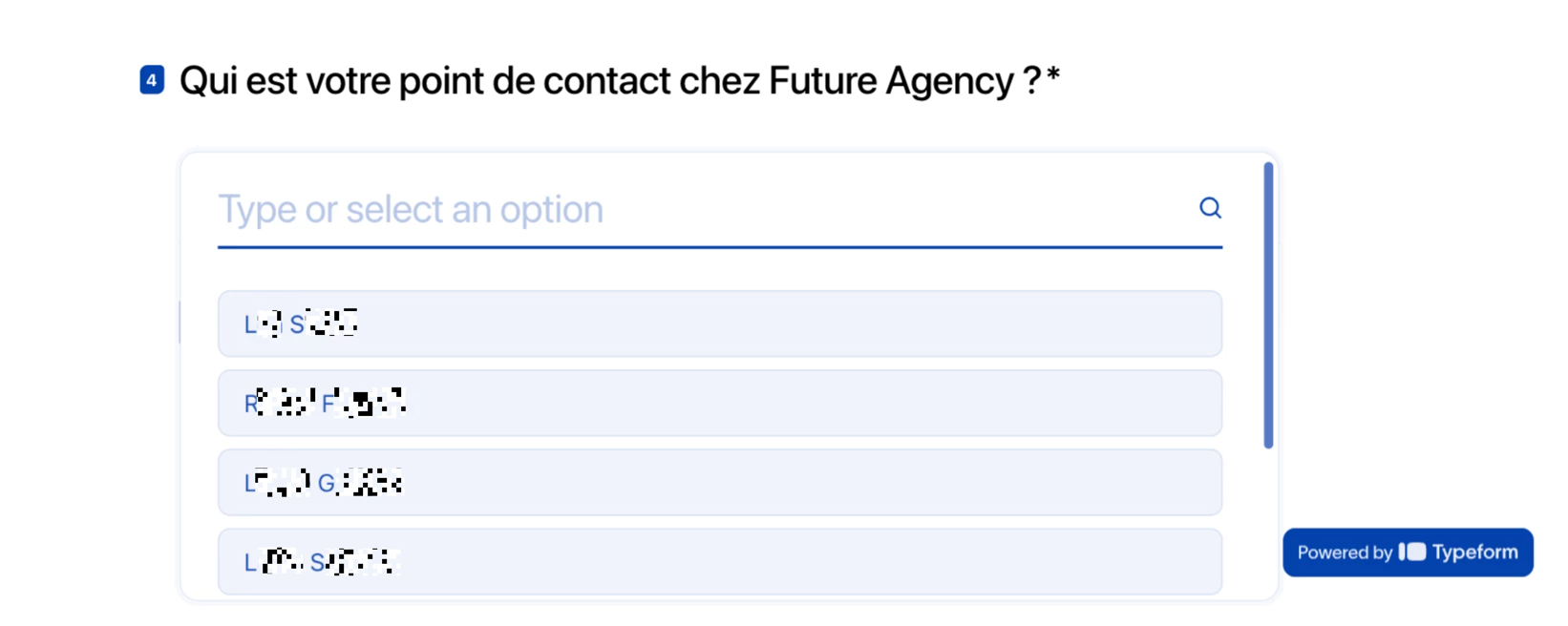
On Typeform, respondents fill out a form and select their point of contact using a text field with First name + Last name (for example: RXXXX FXXXXXXX).
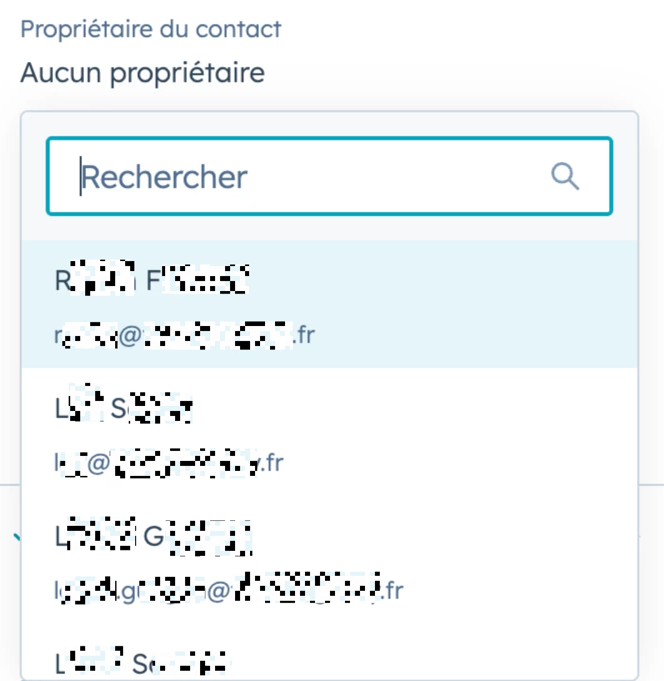
However, in HubSpot, the corresponding field is an email address field, which causes a mapping issue in Zapier.
Issue:
When setting up the Zap, the value First name + Last name coming from Typeform cannot be mapped to the email field in HubSpot. I would like to avoid changing the structure of the Typeform (and especially avoid asking respondents to provide email addresses).
Expected behavior:
Ideally:
-
If a respondent selects RXXXX FXXXXXXX in Typeform,
-
Zapier would automatically send rXXXX@XXXXXXXXXXXX.fr to the related email field in HubSpot, instead of the text value RXXXX FXXXXXXX.
My questions:
-
Is it possible to create this kind of mapping logic in Zapier (using Formatter, Lookup Tables, or another solution)?
-
Is there a recommended best practice to handle this without changing the Typeform fields?
-
Am I required to collect email addresses directly in Typeform for the HubSpot integration to work properly?
Thank you in advance for your help.
I’m happy to share examples or screenshots if needed.
Best regards,
Loane
type form image :
hubspot image :
This post has been edited by a moderator to remove personally identifiable information (PII). Please remember that this is a public forum and avoid sharing personal or potentially sensitive details.






