
Best answer

Trying to Connect Odoo but getting access denied

  • March 26, 2020
  • 3 replies
  • 1874 views

Hello community people,

Has anyone any idea on how to connect to odoo using zapier.

I am getting the following error mentioned in the screenshot: -
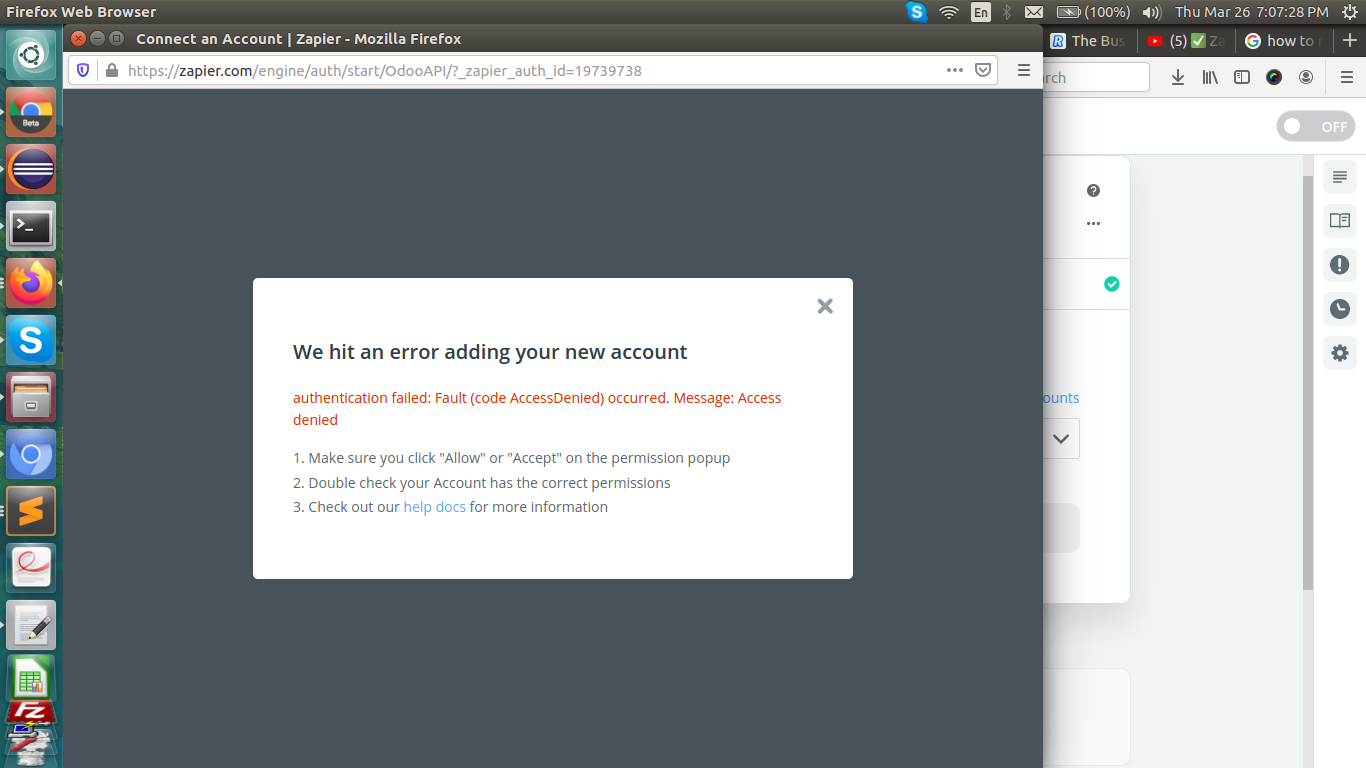
 

I enter the details as per the document to setup is given

Best answer by ManuelRdz

Hi @jaikishan  after several attempts, snnifing the network request, and making some tests using postman, I found that you have to enable a config in odoo in order to allow the databases to be listed using the list method of the /xmlrpc/db service that zapier uses to attempt the conection to the odoo instance


This can be achieved changing the list_db parameter to True in the odoo.conf on the server folder of your intallation, and restart the odoo instance.

Apparently you can change back that config to False after the initial setup (I just did that a few minutes ago, still testing the connection)

Hope this helps you.

This post has been closed for comments. Please create a new post if you need help or have a question about this topic.

3 replies

  • Author
  • Beginner
  • March 27, 2020

Hello community people,

Has anyone any idea on how to connect to odoo using zapier.

I am getting the following error mentioned in the screenshot: -


I enter the details as per the document to setup is given


Edit:

I am entering the following url to connect with odoo: -
https://rosasuper73-super73-v13-sandbox-631095.dev.odoo.com
 

and after entering the username and password, I get the authentication failed error as mentioned in the image. Can somebody help me with the resolution to this issue?


Danvers
Forum|alt.badge.img+12
  • Zapier Staff
  • April 6, 2020

Hi @jaikishan Could I check whether you’re using Odoo ERP Self hosted or Odoo CRM? Thanks!


  • New
  • Answer
  • May 24, 2020

Hi @jaikishan  after several attempts, snnifing the network request, and making some tests using postman, I found that you have to enable a config in odoo in order to allow the databases to be listed using the list method of the /xmlrpc/db service that zapier uses to attempt the conection to the odoo instance


This can be achieved changing the list_db parameter to True in the odoo.conf on the server folder of your intallation, and restart the odoo instance.

Apparently you can change back that config to False after the initial setup (I just did that a few minutes ago, still testing the connection)

Hope this helps you.

