Question

Trouble connecting Squarespace form to Hubspot

  • June 5, 2024
  • 5 replies
  • 36 views

Hello,


I need some assistance reconfiguring a Zap I created to connect a Squarespace form to Hubspot. When a person submits the form on Squarespace it’s supposed to create a contact in Hubspot. It worked before, but somehow it’s not working now.


This post has been closed for comments. Please create a new post if you need help or have a question about this topic.

5 replies

Troy Tessalone
Zapier Orchestrator & Solution Partner
Forum|alt.badge.img+14
  • Zapier Orchestrator & Solution Partner
  • 34081 replies
  • June 5, 2024

Hi @Lucrece A 

Squarespace Forms can be tricky to get configured correctly.

It can depend on order of operations.

You may have to try dis/reconnecting the Form in Squarespace from Zapier.

Help: https://zapier.com/apps/squarespace/help


  • Author
  • Beginner
  • 2 replies
  • June 5, 2024

Yes, I tried that, but it still didn’t work. Here is a video of the steps I did.


Troy Tessalone
Zapier Orchestrator & Solution Partner
Forum|alt.badge.img+14
  • Zapier Orchestrator & Solution Partner
  • 34081 replies
  • June 6, 2024

@Lucrece A 

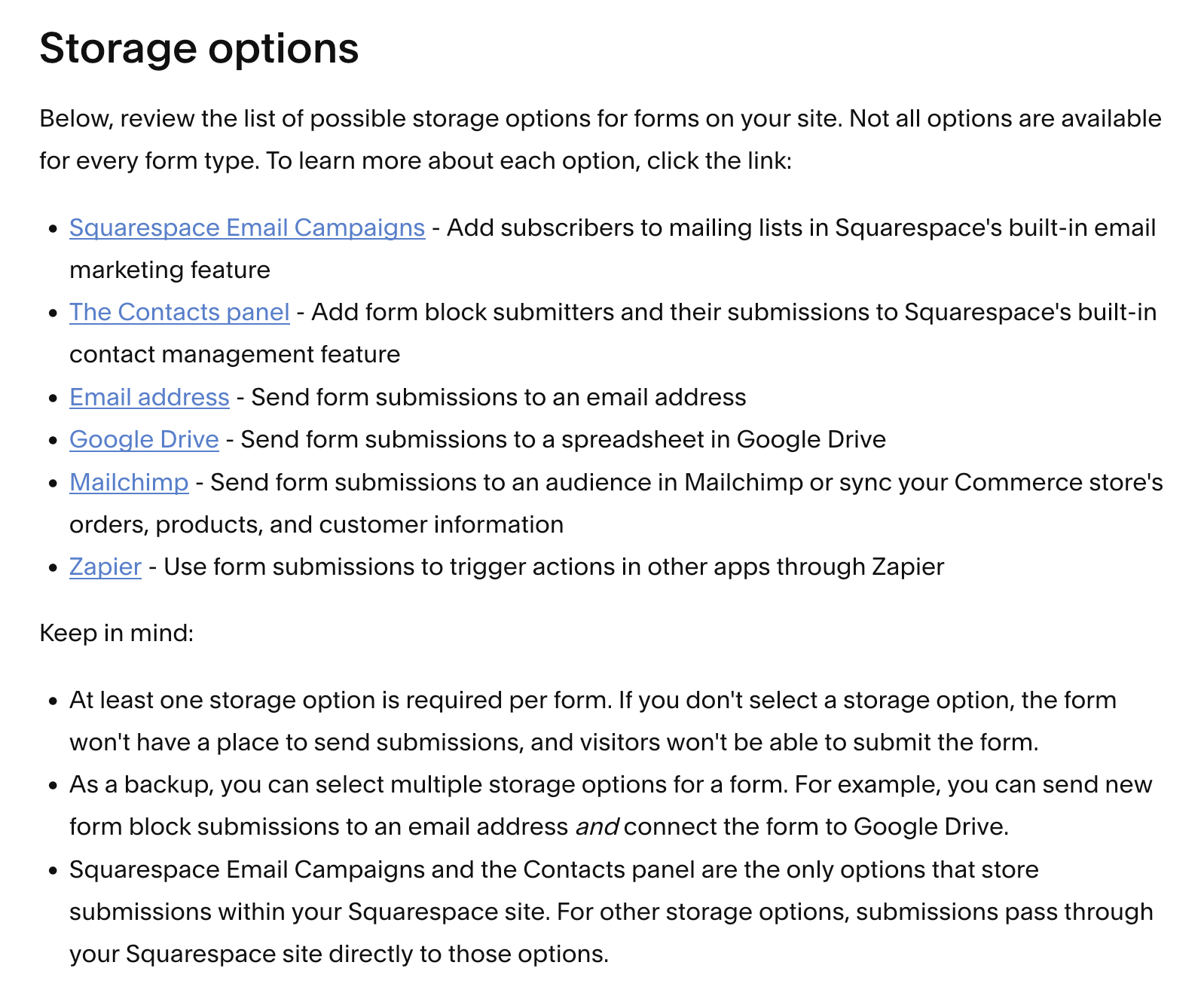
Try the workaround suggested using GSheets in this related topic:


  • Author
  • Beginner
  • 2 replies
  • June 6, 2024

Thank you. I connected the Google Sheet to SS. Can you show me how to put the new Row as a Zap, I don’t see that option. Also, am I triggering the new row to create a contact in Hubspot? See here: 


Troy Tessalone
Zapier Orchestrator & Solution Partner
Forum|alt.badge.img+14
  • Zapier Orchestrator & Solution Partner
  • 34081 replies
  • June 6, 2024

@Lucrece A 

You would connect GSheets to the Squarespace Form IN Squarespace on the Form configuration options.

Then in your Zap, the trigger would be: GSheets - New Row