Best answer

Trello Attachments

  • October 30, 2020
  • 7 replies
  • 199 views

Hello everyone,

I connected Trello with my account to Zapier.

Now I want to save all the attachments, that are added by one of my team members in my board. But this is not working, because Zapier is only finding my attachments or activities.


Thanks in advance for your help.

Best

Max

Best answer by Troy Tessalone

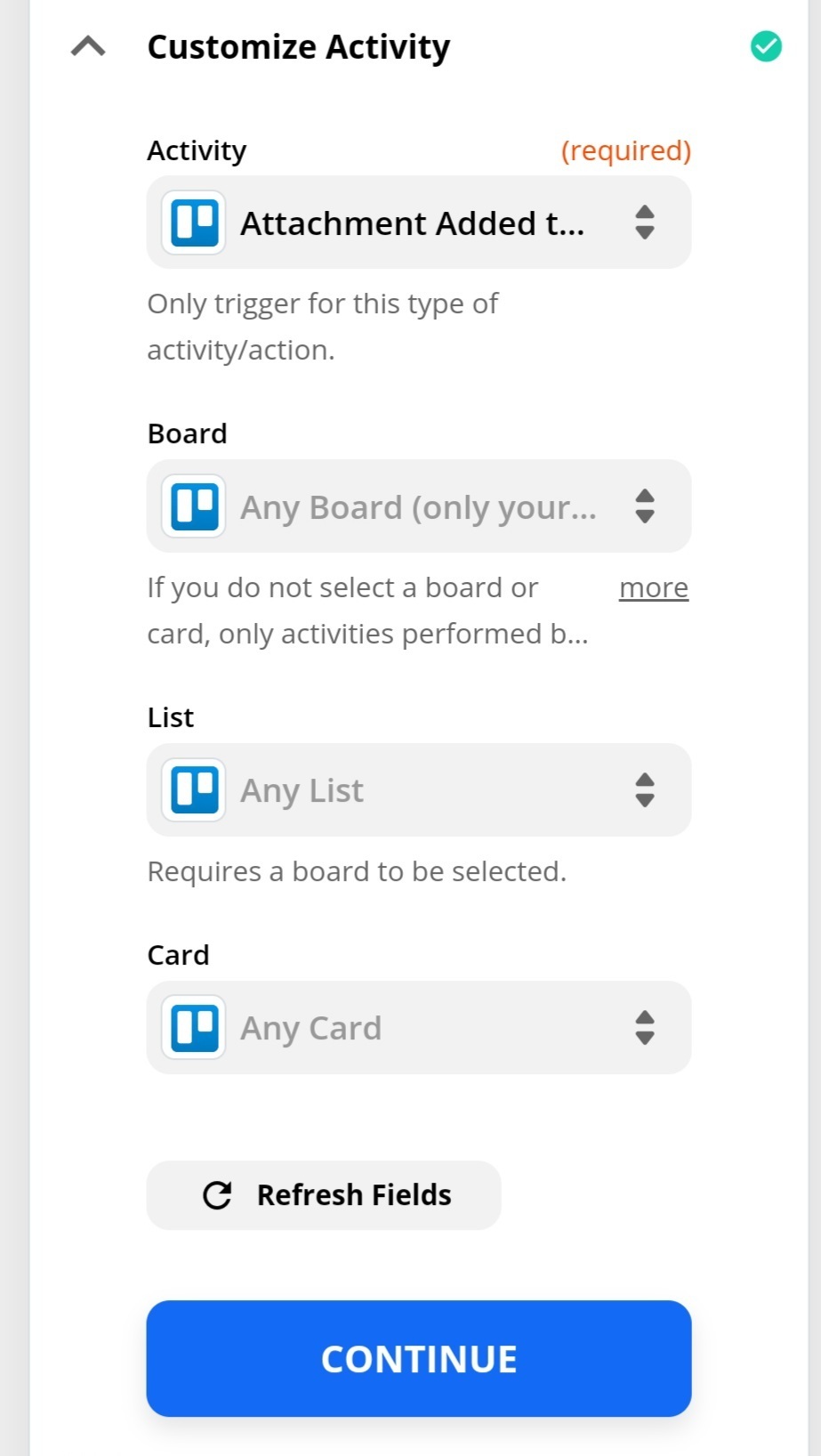
You need to select a Board.


This post has been closed for comments. Please create a new post if you need help or have a question about this topic.

7 replies

Troy Tessalone
Zapier Orchestrator & Solution Partner
Forum|alt.badge.img+14
  • Zapier Orchestrator & Solution Partner
  • October 30, 2020

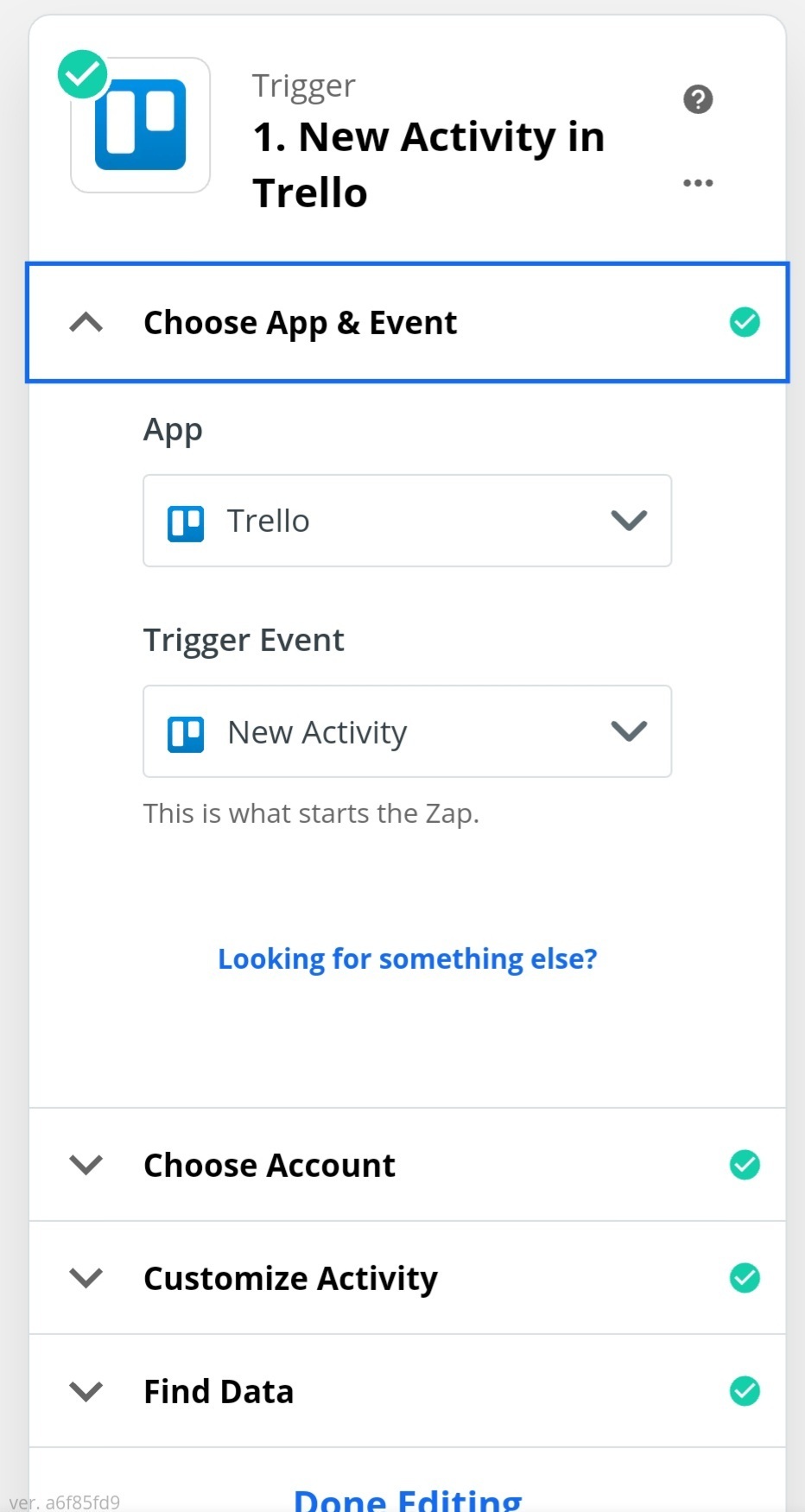
Please provide screenshots of how your Zap steps are configured.


  • Author
  • Beginner
  • October 30, 2020


  • Author
  • Beginner
  • October 30, 2020

With this config it only finds my activities when I upload something to trello. If my colleague uploads something it not appears in this zap.


Troy Tessalone
Zapier Orchestrator & Solution Partner
Forum|alt.badge.img+14
  • Zapier Orchestrator & Solution Partner
  • October 30, 2020

What makes you say that it’s only finding your attachments and not attachments added by Team Members?

NOTE: Admin/owner permissions - You don't need extra permissions to access any Trello resources, but some things won't trigger/appear if you haven't joined the board you need, so make sure you've done that!


  • Author
  • Beginner
  • October 30, 2020

My colleague added several attachments today and nothing happend. I tried to retest the trigger in the zap and it only found my attachment I uploaded two days ago.

About the permission: I created this board on trello and invited my colleague to this board.


Troy Tessalone
Zapier Orchestrator & Solution Partner
Forum|alt.badge.img+14
  • Zapier Orchestrator & Solution Partner
  • Answer
  • October 30, 2020

You need to select a Board.


  • Author
  • Beginner
  • October 30, 2020

Got it! That works.


Thanks a lot!