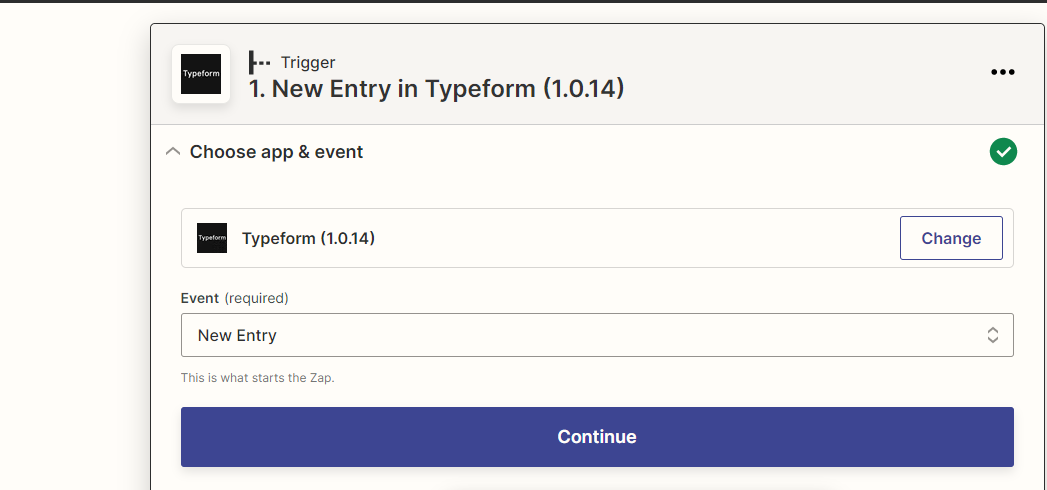
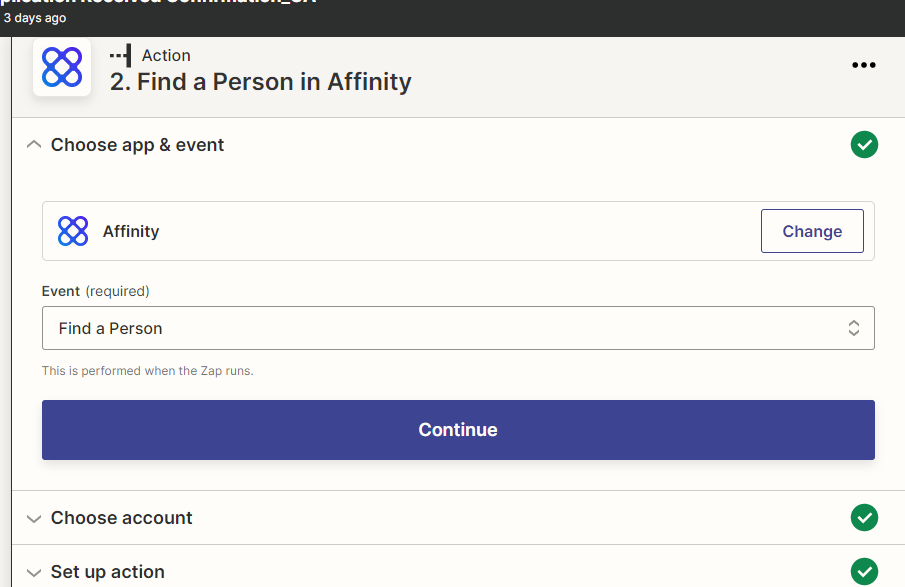
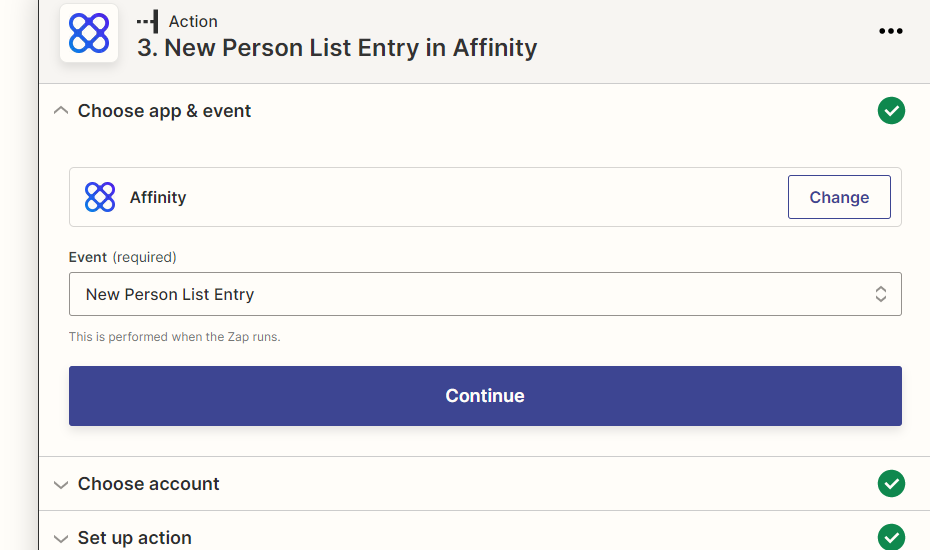
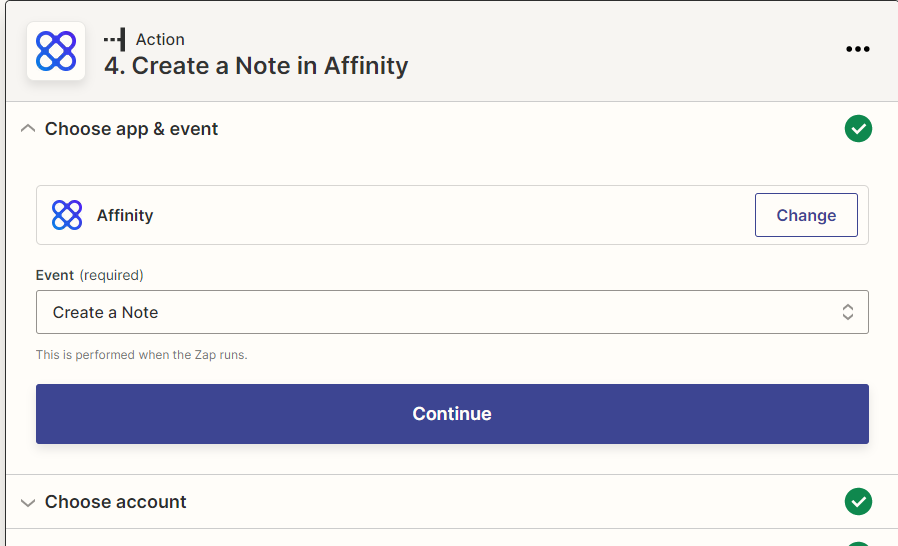
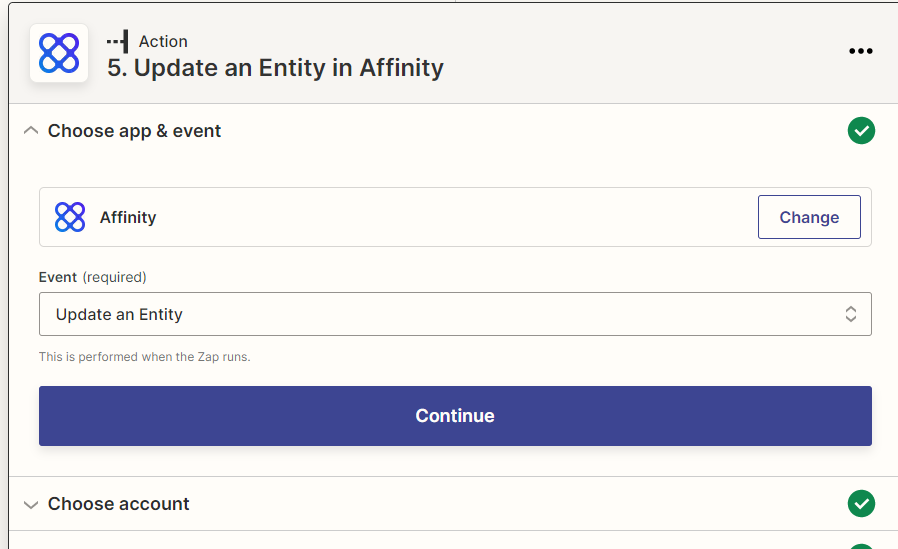
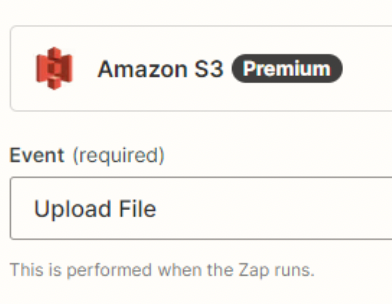
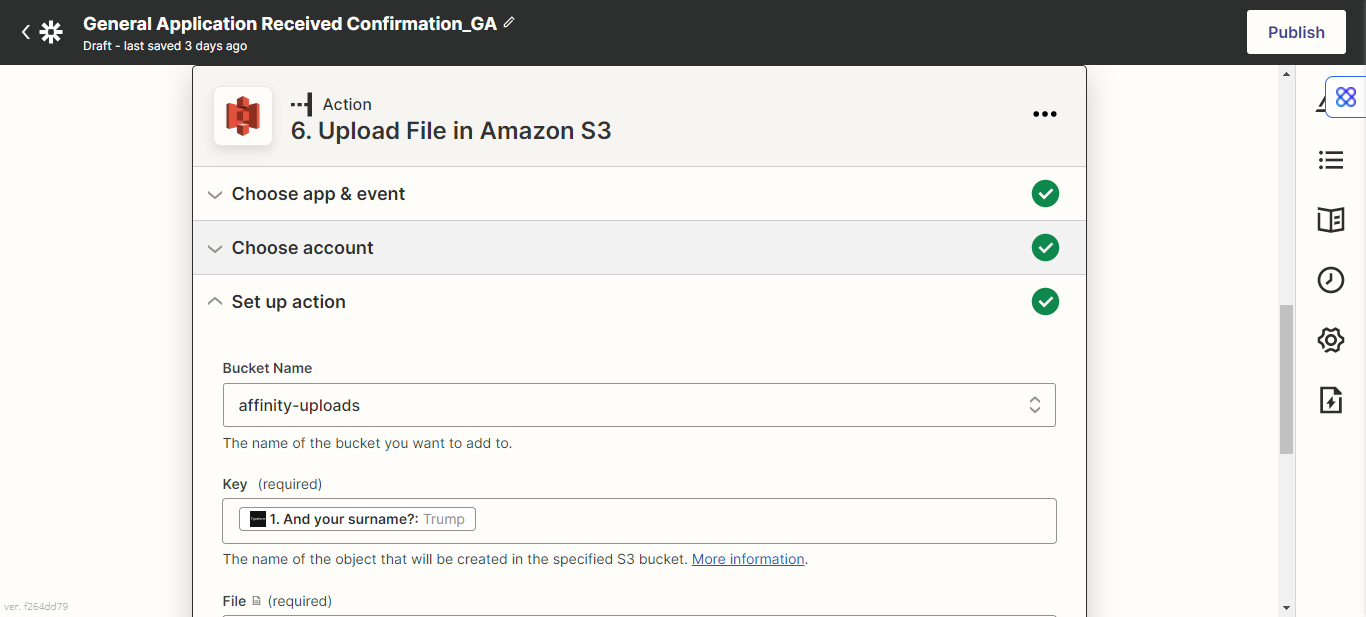
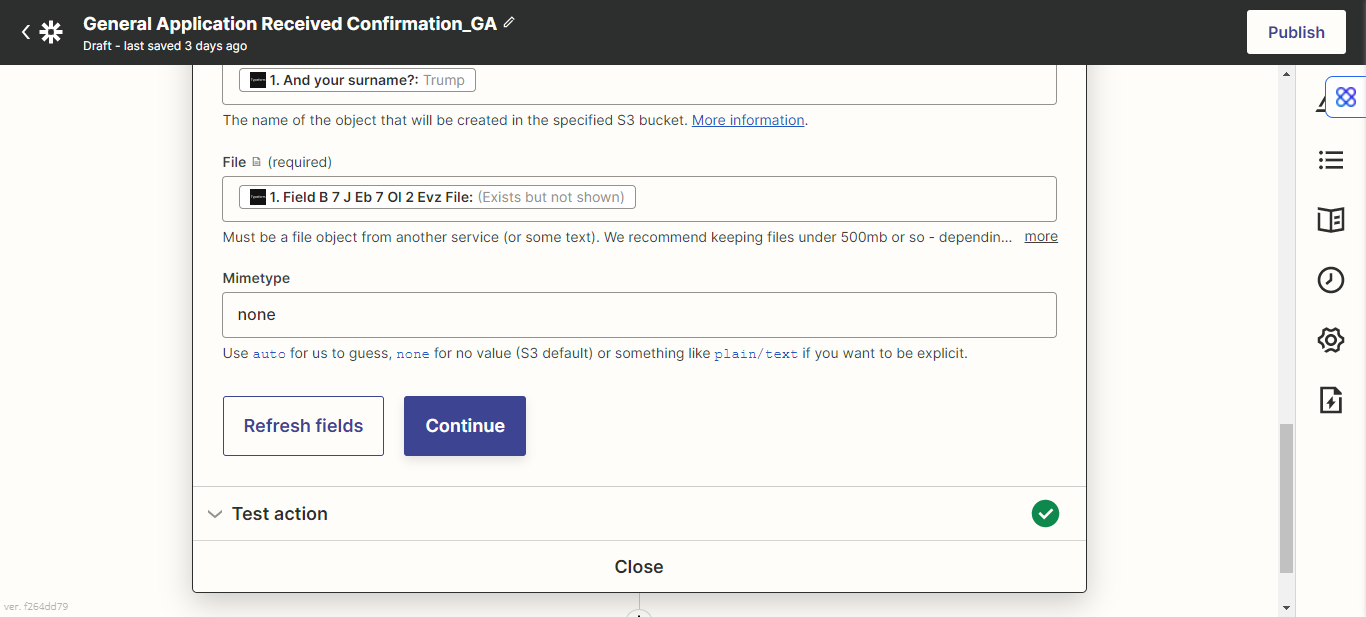
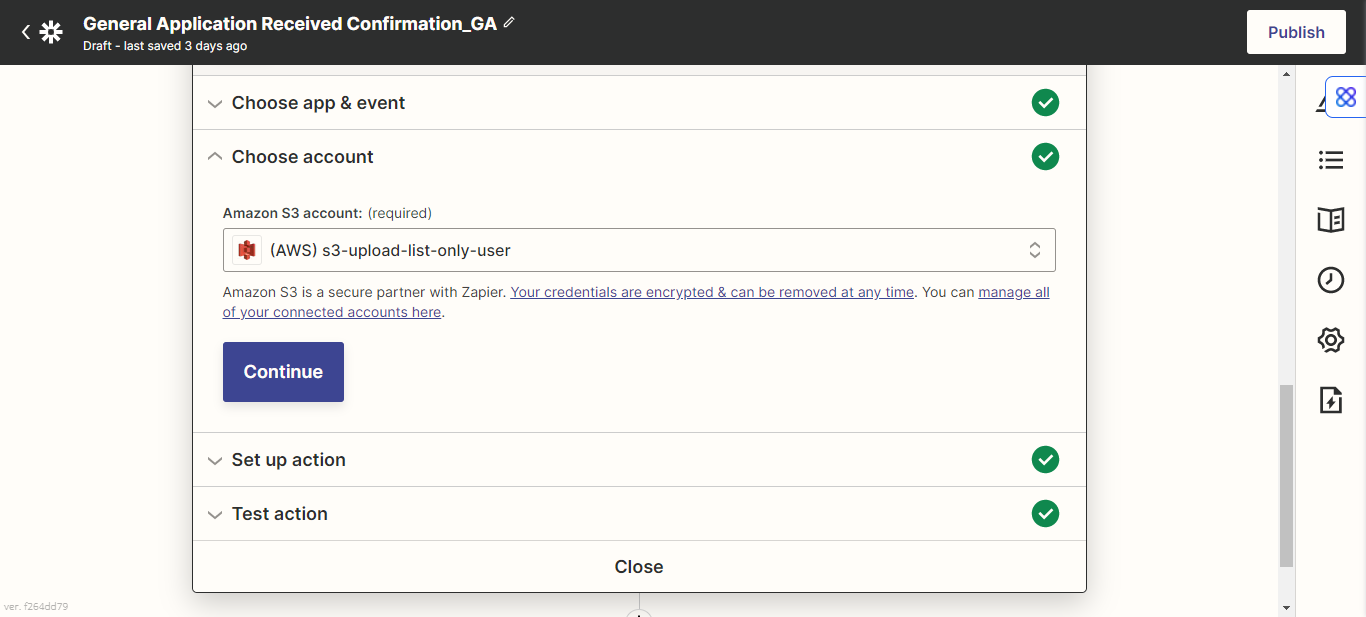
I am trying to create a Zap where people make a submition in Typeform with a file and it will create a person and a file in Affinity.
We have another Zap that is similar to this one, but the one we are creating now is not uploading files in the test.
Is it related to the Typeform, if is not online yet, will it be able to test?
Best answer by Aaron1515
To upload a file to Affinity, you would need to use “Code by Zapier” and pick the Python option.
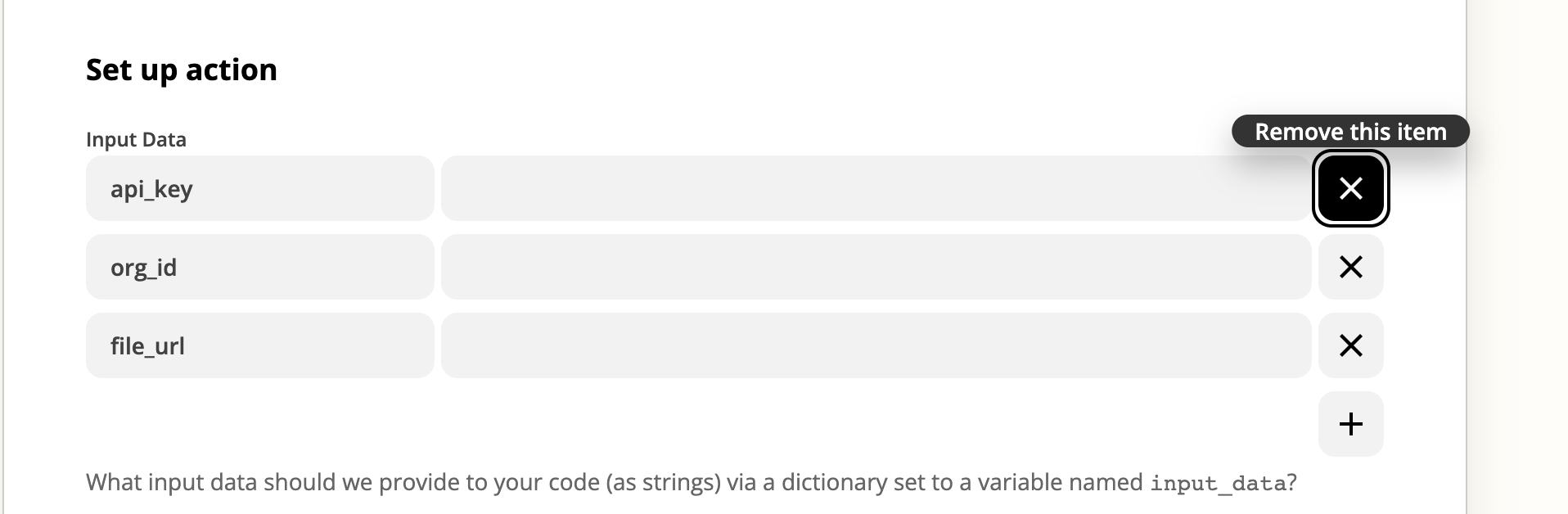
There are 3 things need, you API key, organization id, and the file URL. Since you are using Typeform, you would also need to make sure your settings for file download it set to, anyone with the link to download the file.
For the code section, use the code attached below. If you are uploading the file to a person profile then the code will need to be uploaded.
Reach out to me if you have any additional questions at support@affinity.co, cheers!
# Download the file / hydrate the file f_downloaded = requests.get(input_data['file_url'])
# Get the full url of the file url = input_data['file_url']
# Get the file name filename = url[url.rfind("/")+1:] filename_small = filename.replace(".", "_small.")
# Post request to upload the file response = requests.post('https://api.affinity.co/entity-files', auth=('',input_data['api_key']), params=({'organization_id': input_data['org_id']}), files={'file': (filename_small, f_downloaded.content, f_downloaded.headers['content-type'])}) print(response.json())
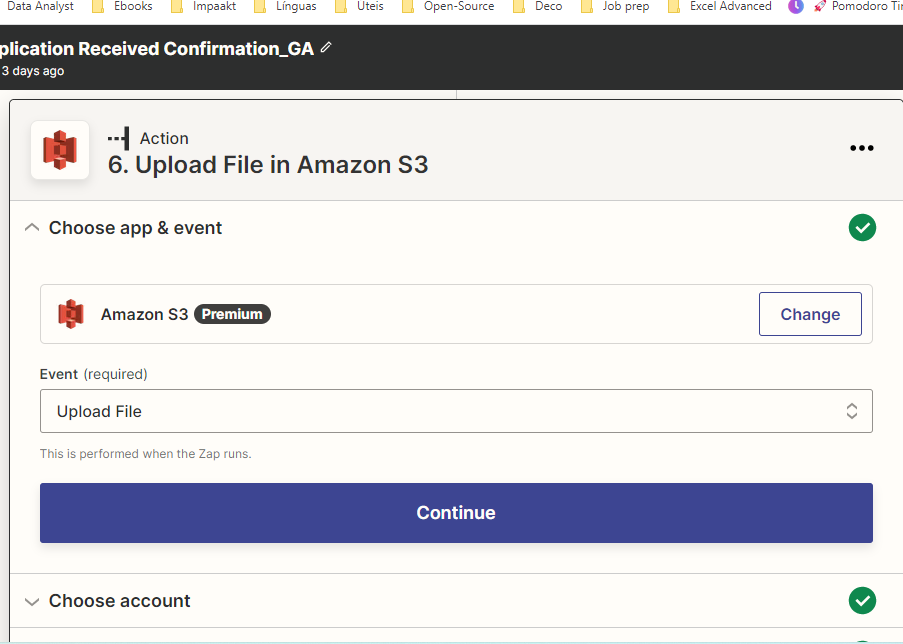
Check your AWS S3 settings to make sure they are configured the same as the other S3 bucket that is working successfully in the other Zap you mentioned is working.
Can you confirm this is working as intended? To be clear, I'm not super familiar with Amazon S3/Affinity as a platform so I'll have to rely a bit on your expertise here. Can you tell me a bit more about how the file is to be attached to the person in Affinity? Is there a specific Zap step this is happening (or supposed to happen) in?
Following up on your ticket with them is going to be the best way to get this one resolved. Keep us posted with how things go!
To upload a file to Affinity, you would need to use “Code by Zapier” and pick the Python option.
There are 3 things need, you API key, organization id, and the file URL. Since you are using Typeform, you would also need to make sure your settings for file download it set to, anyone with the link to download the file.
For the code section, use the code attached below. If you are uploading the file to a person profile then the code will need to be uploaded.
Reach out to me if you have any additional questions at support@affinity.co, cheers!
# Download the file / hydrate the file f_downloaded = requests.get(input_data['file_url'])
# Get the full url of the file url = input_data['file_url']
# Get the file name filename = url[url.rfind("/")+1:] filename_small = filename.replace(".", "_small.")
# Post request to upload the file response = requests.post('https://api.affinity.co/entity-files', auth=('',input_data['api_key']), params=({'organization_id': input_data['org_id']}), files={'file': (filename_small, f_downloaded.content, f_downloaded.headers['content-type'])}) print(response.json())
Build and deploy automations from AI tools you already use. With Agentic Management, if anything breaks, the agent diagnoses the issue and proposes a fix.