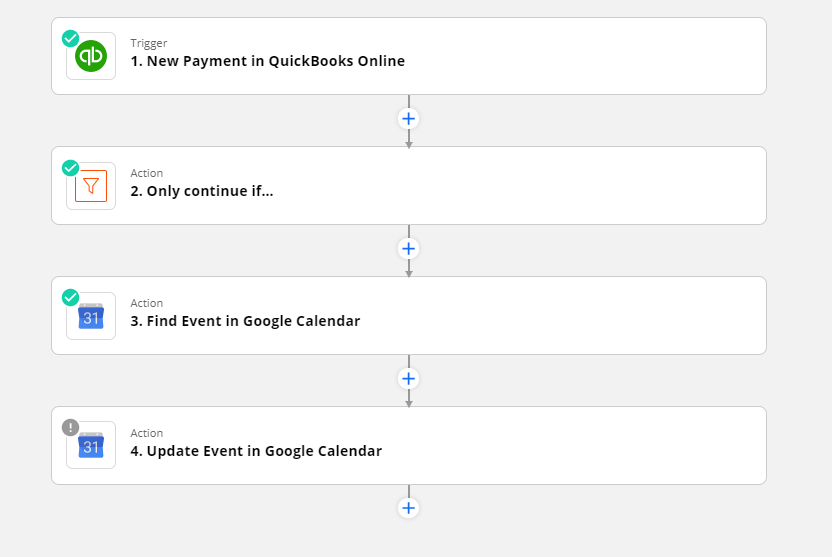
I want to create a Zap that will update a google calendar event when a customer paid an invoice (essentially to change the summery to include the word Paid)
To make this post short ….
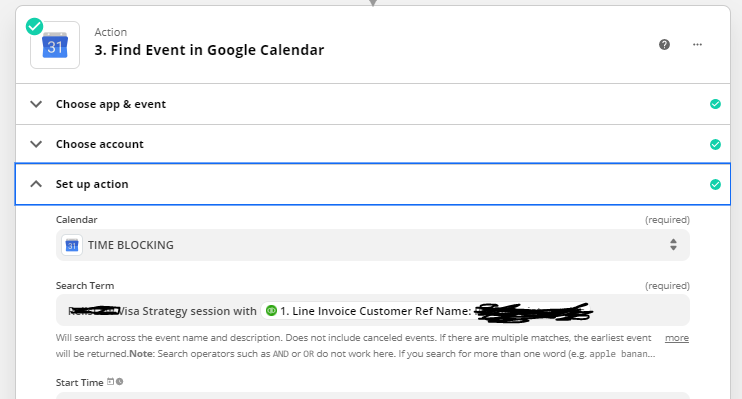
I used the find event to locate the event I wish to change - All good
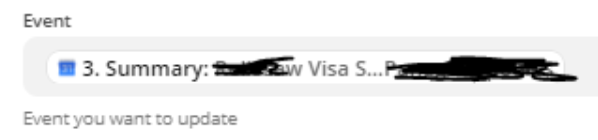
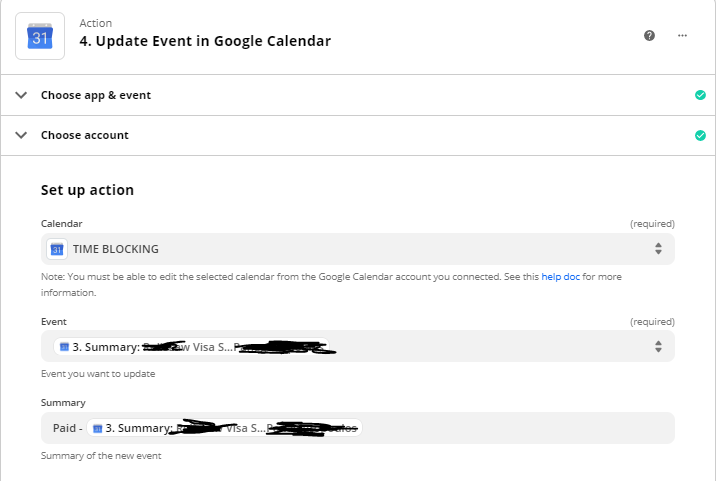
Than i used another stage - Update event and use the found event as the search key
The error message I get is “The app returned "Not Found".
How can the find event be successful and the subsequent update fail due to not finding the SAME event
(by the way the reason I added the find event stage was just as QC stage to see that the correct event was being found)
Any ideas?
Thanks!
Best answer by Troy Tessalone
@crelis
For the GCal Update Event, this should use the Event ID from the previous step: GCal Find Event.
Not sure if this helps, but also check out the help description below the field.
Google Calendar may not find an event if the name or description contains an underscore _. When trying to find an event that contains an underscore, the Search Term field will only work if it's an exact match, or uses one of the other terms in the title or description field.
Example
If your event is called "Meeting with zapier_team", the Zap will find it with the following terms:
meeting
zapier_team
It won't find the event if the search terms are "zapier" or "team".
Google Calendar may not find an event if the name or description contains an underscore _. When trying to find an event that contains an underscore, the Search Term field will only work if it's an exact match, or uses one of the other terms in the title or description field.
Example
If your event is called "Meeting with zapier_team", the Zap will find it with the following terms:
meeting
zapier_team
It won't find the event if the search terms are "zapier" or "team".
We're celebrating the Zapier builders making AI transformation happen. Winners get a published story on zapier.com, a trophy, $5,000 cash, and a feature at ZapConnect. Nominate yourself or a peer by July 24th, 2026.