Question

Setting paths from Google Sheets: New OR Updated Row

  • January 17, 2026
  • 2 replies
  • 7 views

Hello!

I have a Google Sheet that I want to mirror into Monday. This means that any new rows should be added to Monday, and any existing rows that get updated should update the corresponding row in Monday.

Perhaps I’m better off just creating two Zaps—New to New and Update to Update—but I’m wondering if using Paths is a reasonable solution? And if so, how to I determine if the row is new or updated? My preference would be to not add an extra column to the Sheet to track updates.

Thanks!

2 replies

drtanvisachar
Forum|alt.badge.img+3

Hello ​@nickfindley  

Paths will not reliably handle this.

In Zapier, the trigger decides whether a row is new or updated. Paths can only branch on existing data, not on change type. The cleanest setup is two Zaps:
One using New Spreadsheet Row to create an item in monday.com.
One using Updated Spreadsheet Row to find and update the matching item using a unique ID like the row ID.

This keeps things simple and avoids adding extra columns. 

Dr. Tanvi Sachar
Monday Certified Partner, tuesday Wizard                                                                                                                                                                                                                                                                                                                                                                                                                                                                                                                                                                                                                                                                                                                                                                                                                                                                                                                                                            


Sparsh from Automation Jinn
Forum|alt.badge.img+6

Hey ​@nickfindley,

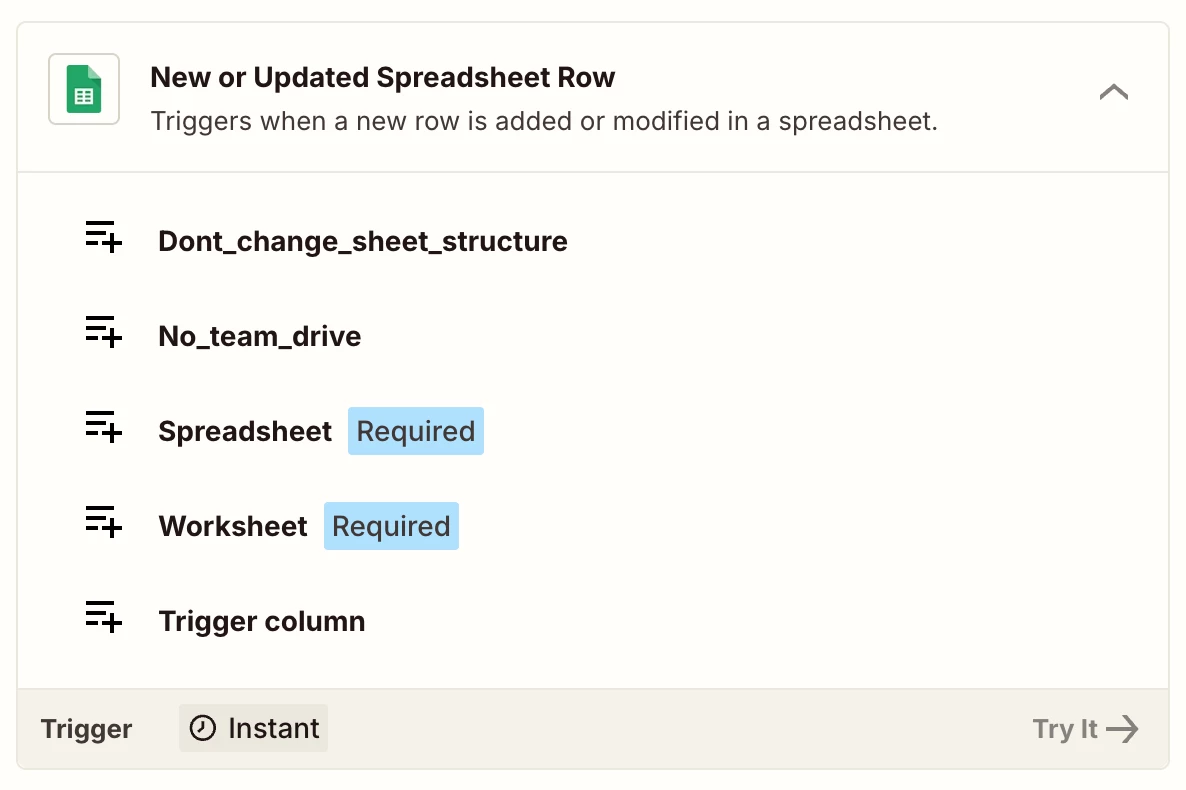
You just need to use New or Updated Row Spreadsheet trigger as it will take care of both new or the update rows and you can just handle it in one zap.
 

Hope it helps!