Best answer

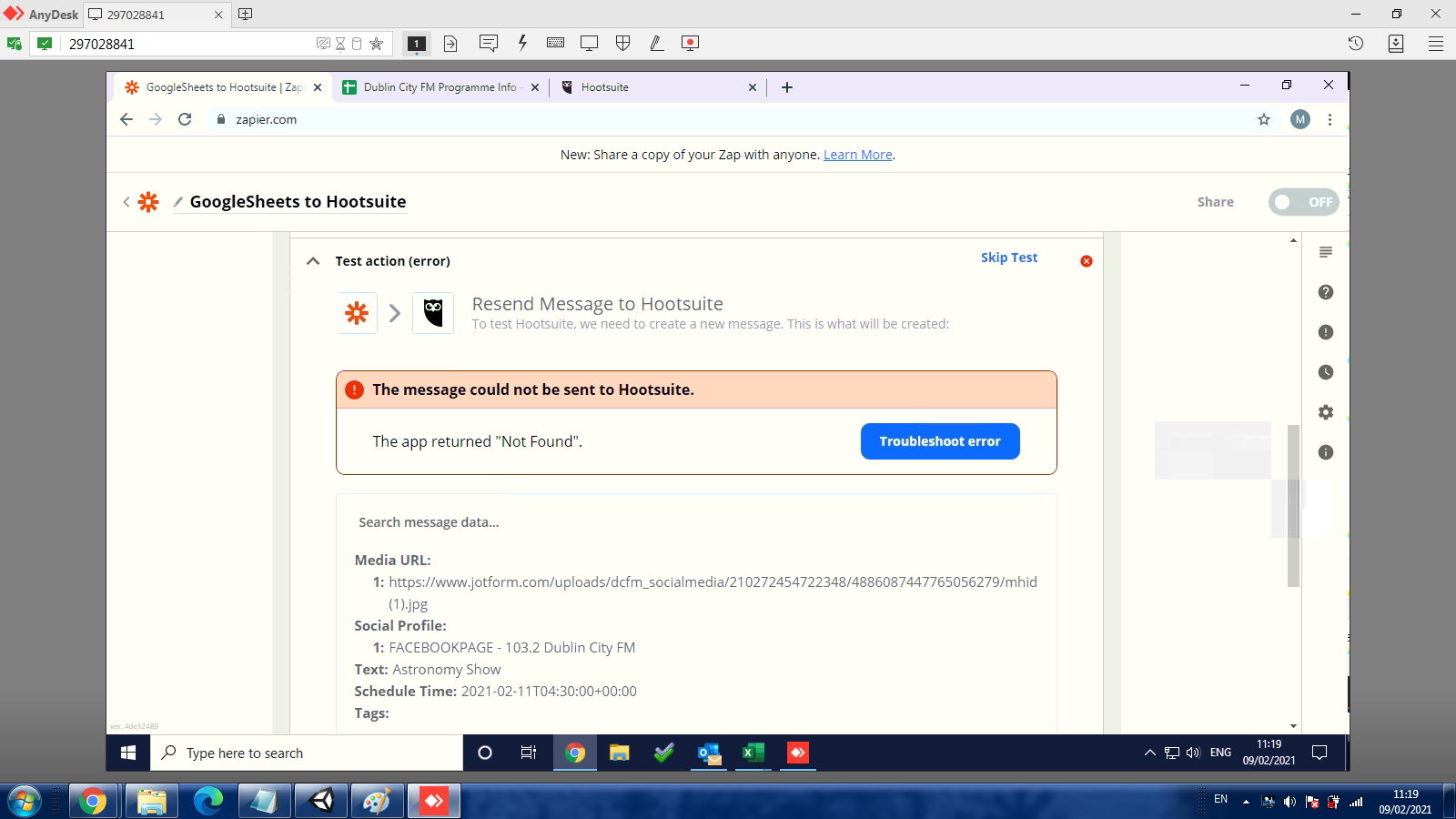
Seeing an “Not Found” error when sending a test message to Hootsuite

  • February 8, 2021
  • 9 replies
  • 97 views


Hi all, I'm getting the msg "The app did not respond in-time. It may or may not have completed successfully." when zapier is trying to connect to a media url in my googlesheets in order to populate a hootsuite post.

The media is only a 5kb picture inserted in the sheets for testing purposes but it keeps timing out. Also, setting the data in the column as a URL doesnt work.

I tried to add the file to a hootsuite post and there were no issues on that side.

Can anyone help pls. Ta. J

Best answer by Troy Tessalone

@jamesg 

Yes, images trying to be accessed via a URL need to be publicly accessible.

You may need to change the settings in JotForm for how image files are handled.

Or perhaps the image in JotForm has since been deleted.


Help articles:

https://zapier.com/help/troubleshoot/errors/fix-not-found-errors-in-zaps

https://zapier.com/help/troubleshoot/errors

This post has been closed for comments. Please create a new post if you need help or have a question about this topic.

9 replies

Troy Tessalone
Zapier Orchestrator & Solution Partner
Forum|alt.badge.img+14
  • Zapier Orchestrator & Solution Partner
  • February 8, 2021

Hi @jamesg 

Please provide screenshots of how your Zap step is configured along with the error being returned, thanks.


  • Author
  • Beginner
  • February 9, 2021

Hi,

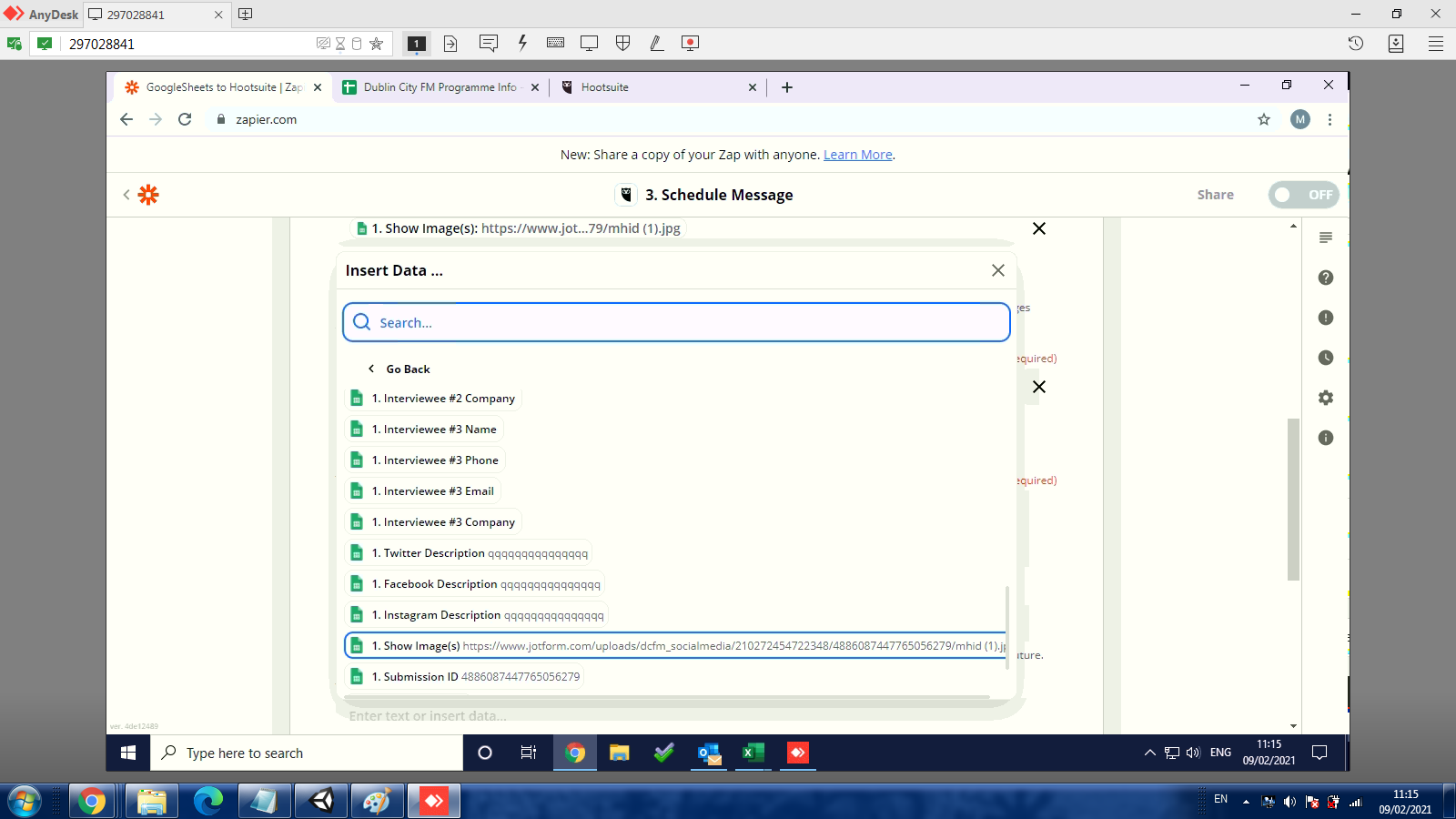
I get the msg “Not Found” or the one I mentioned in my original post. Here’s some screenshots. Thanks


  • Author
  • Beginner
  • February 9, 2021

hi again,

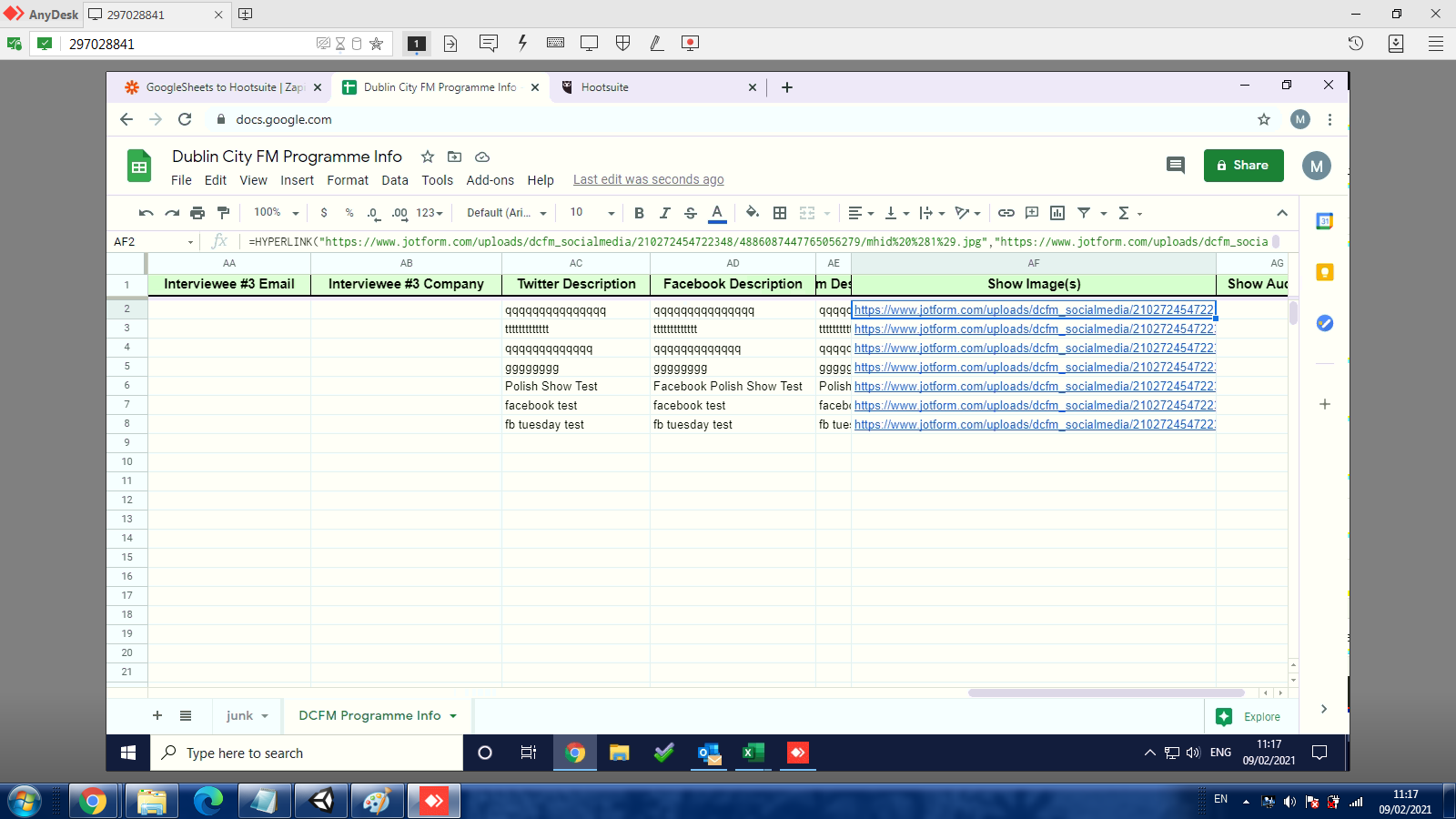
Here’s another screenshot


  • Author
  • Beginner
  • February 9, 2021

Additional info:

My zap can find this image in the google sheets...

https://www.chortle.co.uk/images/photos/small/je-jenny-eclair-60.jpg

...but it can’t find this one.
https://www.jotform.com/uploads/dcfm_socialmedia/210272454722348/4886895897763168330/je-jenny-eclair-60.jpg

Is this something to do with how the second pic is not publicly accessible? 

Thanks for your help


Troy Tessalone
Zapier Orchestrator & Solution Partner
Forum|alt.badge.img+14
  • Zapier Orchestrator & Solution Partner
  • Answer
  • February 9, 2021

@jamesg 

Yes, images trying to be accessed via a URL need to be publicly accessible.

You may need to change the settings in JotForm for how image files are handled.

Or perhaps the image in JotForm has since been deleted.


Help articles:

https://zapier.com/help/troubleshoot/errors/fix-not-found-errors-in-zaps

https://zapier.com/help/troubleshoot/errors


  • Author
  • Beginner
  • February 9, 2021

Bummer! I kinda guessed that might be the problem. I’ll find some workaround.

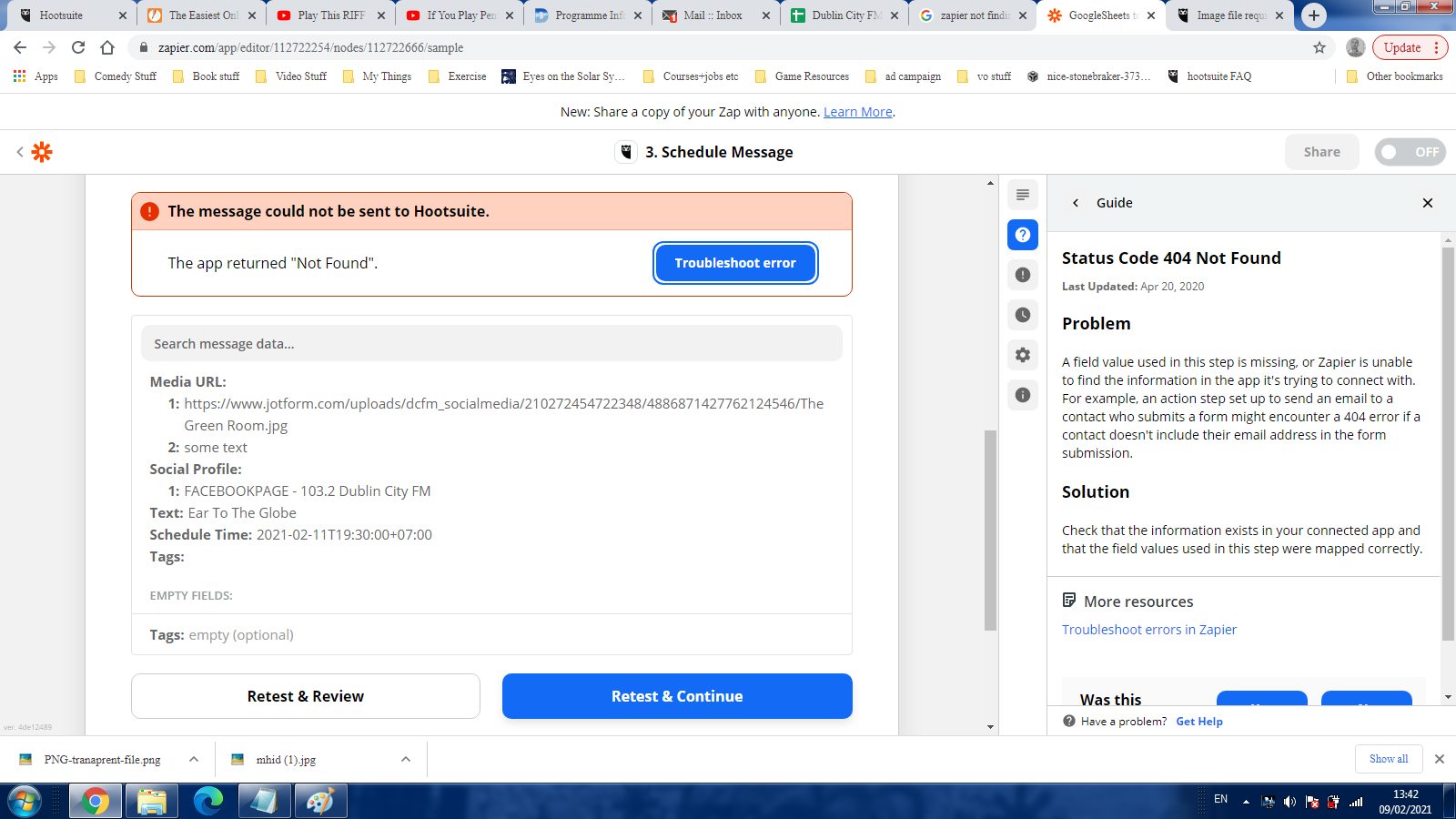
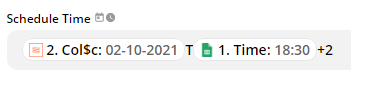
On another topic ( see image attached )do you know why Zapier subtracts 2 from the scheduled time rather than adding it?


Troy Tessalone
Zapier Orchestrator & Solution Partner
Forum|alt.badge.img+14
  • Zapier Orchestrator & Solution Partner
  • February 9, 2021

@jamesg 

Check this help article: https://zapier.com/help/create/customize/adjust-date-and-time-values-in-zaps

Looks like you need to specify the unit along with the number, as well as include a space.

Also w/o seeing the calculated output, it’s a bit tough to troubleshoot.


Otherwise, you can use the Formatter > Date/Time > Add/Subtract app to manipulate date/time values.


  • Author
  • Beginner
  • February 9, 2021

Thanks for you help. The date fix worked. 

I managed to solve the image upload prob - I turned off “Require log-in to view uploaded files.” on the jotform so, happy days!

One last question - Is the date/time formatter in my zap counted as a step or should i remove it to avail of the free plan?


Troy Tessalone
Zapier Orchestrator & Solution Partner
Forum|alt.badge.img+14
  • Zapier Orchestrator & Solution Partner
  • February 9, 2021

@jamesg 

Each action step in a Zap that completes successfully is counted as a Task.

Check out this article about Tasks: https://zapier.com/help/manage/tasks/learn-about-tasks-in-zapier