
Hi
How can I remove all characters after and including ?gclid from url
Ex:
INPUT: https://xyz.com.br/?gclid=CjwKCAjwkJj6BRA4dsGcK27JDSvsdExoCucgQAvD_BwE
OUTPUT: https://xyz.com.br/
Thank you

Hi
How can I remove all characters after and including ?gclid from url
Ex:
INPUT: https://xyz.com.br/?gclid=CjwKCAjwkJj6BRA4dsGcK27JDSvsdExoCucgQAvD_BwE
OUTPUT: https://xyz.com.br/
Thank you
Best answer by Troy Tessalone
User a Formatter step.
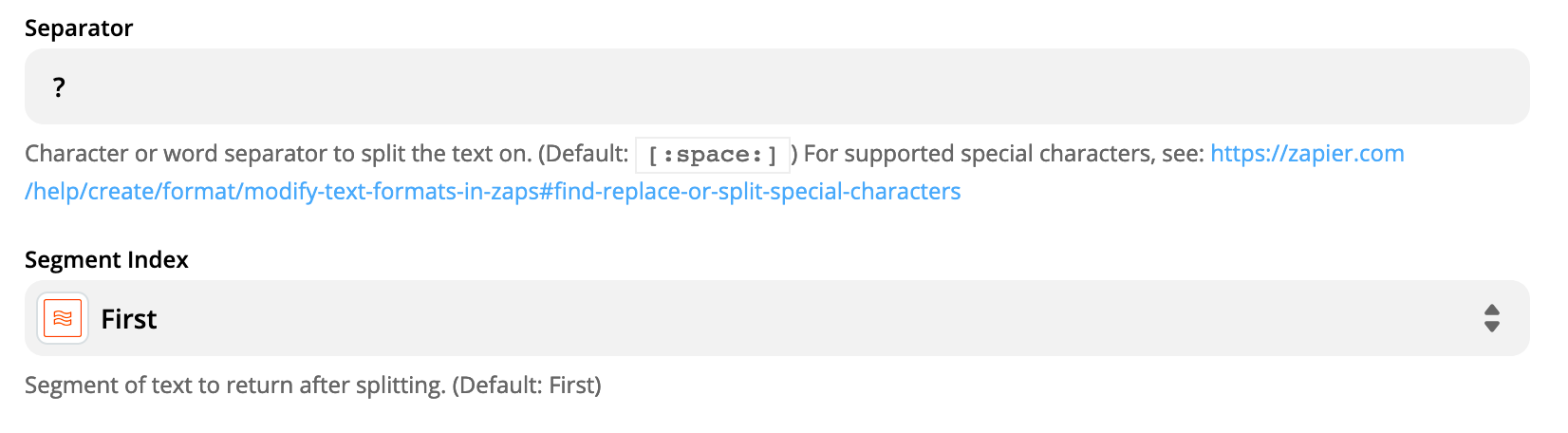
Split Text at the ? and keep the first segment.
Article: https://zapier.com/apps/formatter/integrations

Join us September 23rd, 2026 for a free, one-day virtual event with 30+ sessions on AI automation. Get live build-alongs, playbooks, and strategies to lead AI transformation at your organization.
No account yet? Create an account
Enter your E-mail address. We'll send you an e-mail with instructions to reset your password.



