Question

QuickBooks invoices automatically set to Viewed status instead of Sent

  • November 3, 2021
  • 4 replies
  • 132 views

Forum|alt.badge.img+1

Hi Everybody


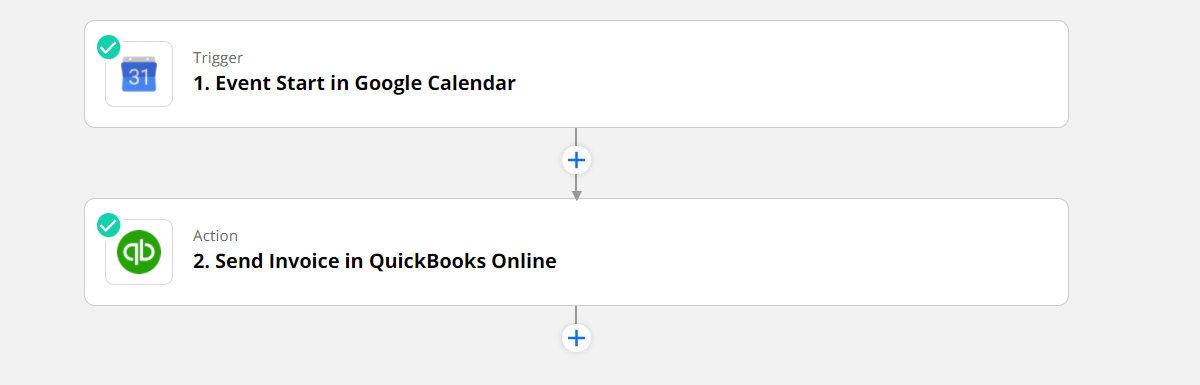
I have a small zap that sets Invoice due dates on google Cal (new invoices with future due dates)

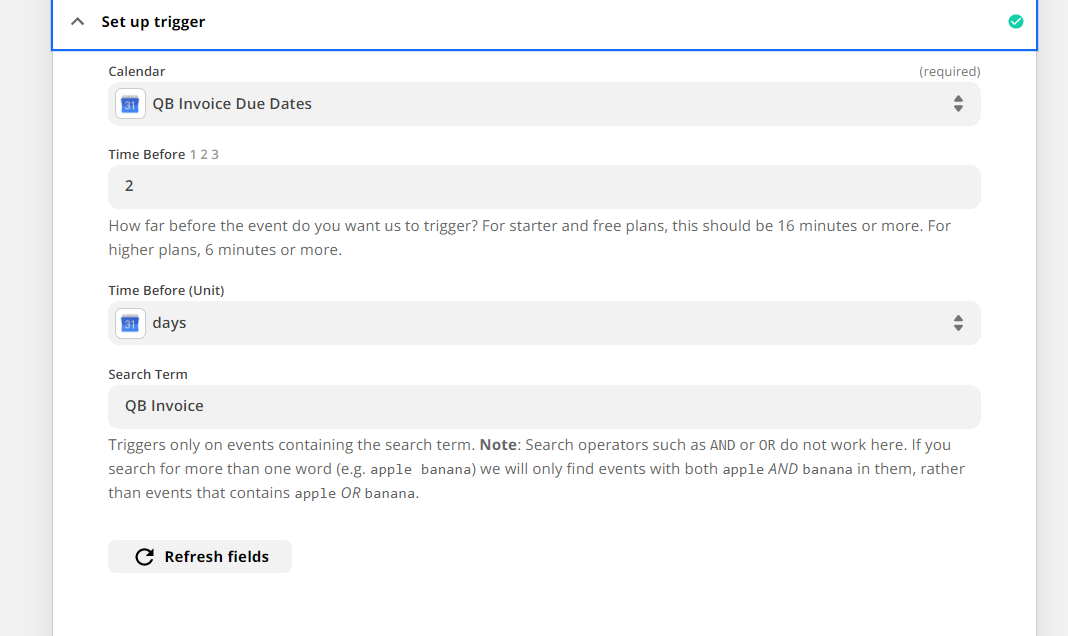
Then, 2 days before the due date sends the Invoice to the customer for payment

Everything work nicely but the issue is once the invoice is sent it is automatically set to a Viewed status instead of sent.


Not sure if I am missing something in the setting.


Thanks!

This post has been closed for comments. Please create a new post if you need help or have a question about this topic.

4 replies

Troy Tessalone
Zapier Orchestrator & Solution Partner
Forum|alt.badge.img+14
  • Zapier Orchestrator & Solution Partner
  • 34059 replies
  • November 3, 2021

Hi @crelis 

Please post screenshots with how your Zap step is configured, thanks.


Forum|alt.badge.img+1
  • Author
  • Beginner
  • 33 replies
  • November 3, 2021

very simple zap

trigger is the event start

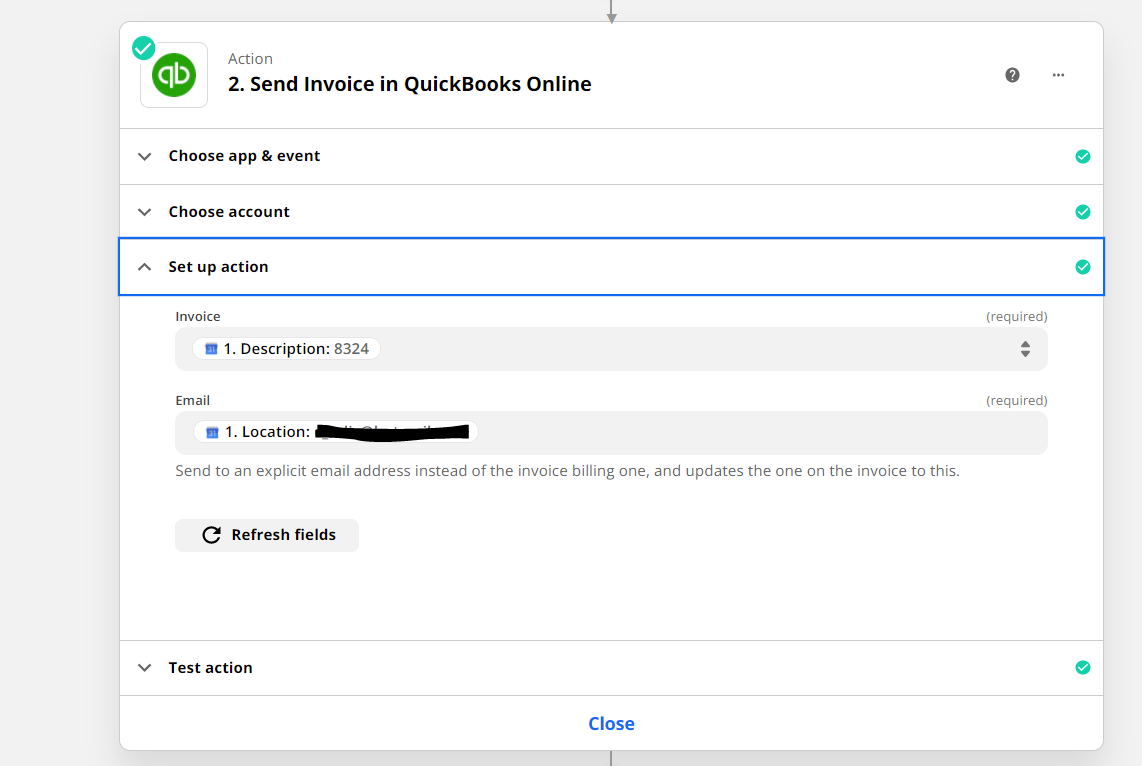
 When I set up the cal event - I give the billing email as the location and the Invoice ID as the description

  so as I said very simple but I expected the invoice status (in QuickBooks after the zap is completed) to be sent and not viewed


GetUWired
Forum|alt.badge.img+12
  • Zapier Solution Partner
  • 1030 replies
  • November 3, 2021

Hi @crelis 

The status you are referring to, is it the emailStatus of the invoice? If so, I do not think that can be changed/edited within the public integration of QB. If you do need that functionality and control over that field it would probably require a custom Zapier QB build. Just quickly glancing over QB’s API docs it seems that you should be able to change this value via the API.

Hope this helps!


Forum|alt.badge.img+1
  • Author
  • Beginner
  • 33 replies
  • November 3, 2021

I figured that this is probably the answer (which means that the public connector is flawed) 

Thanks it does help let me know that I am not crazy :)