Answer

Problem finding a member Discord “Nothing could be found for the search”

  • October 8, 2021
  • 11 replies
  • 2195 views

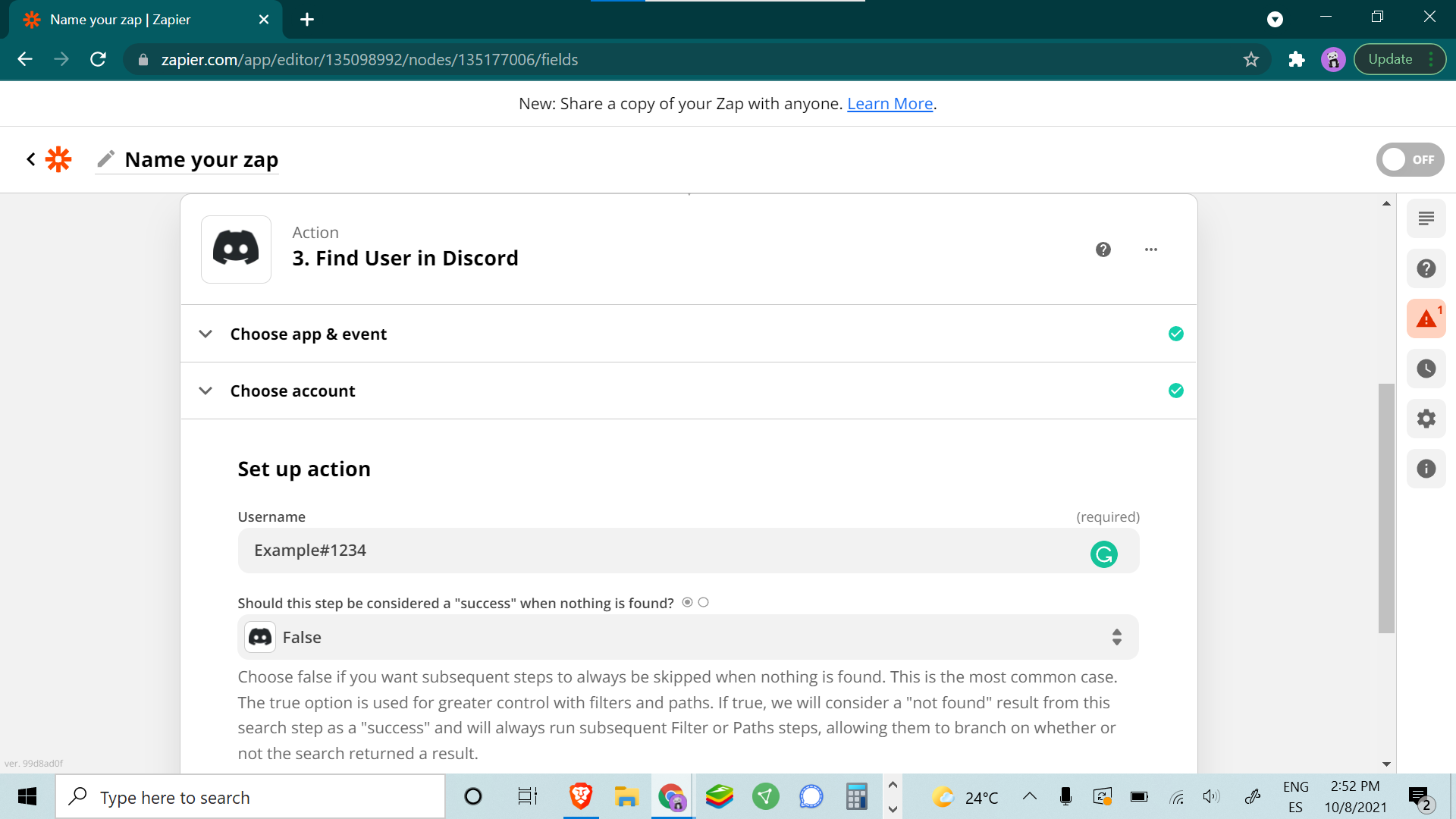
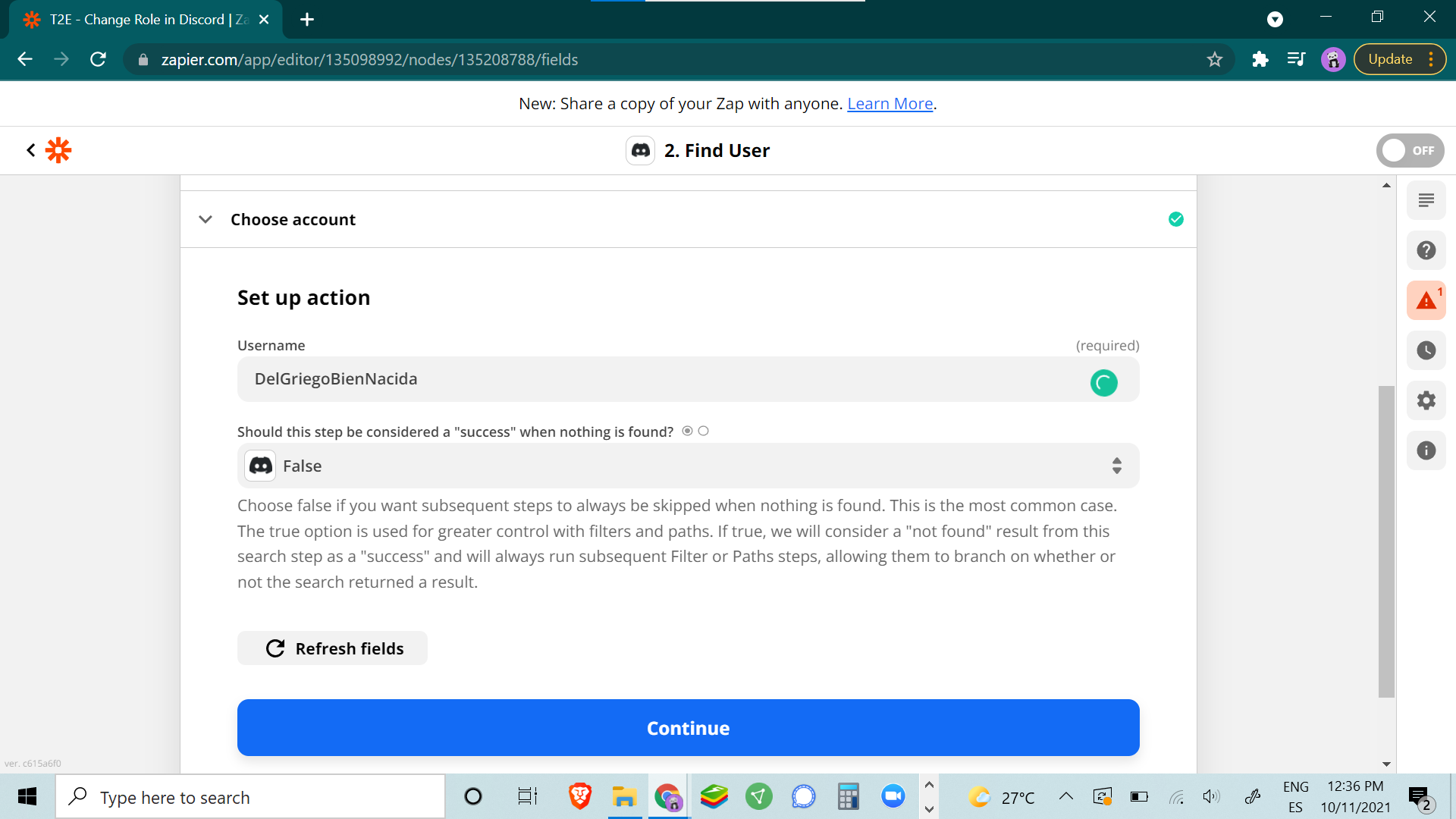
I am using the Action: Find User in Discord but I always get an error saying that the member could not be found.

I have checked the permissions on Discord and used several variations of the data entered to find the member, with the same result.

Help please.

Best answer by SamB

Hey everyone, good news! :)

The issue with the Find User search action for Discord has now been fixed. The search is no longer be limited 1,000 users so it should be able to find the user now. 

That said, if you’re still running into issues with this following the fix, it may be best to contact our Support team so that they can investigate things further. 

This post has been closed for comments. Please create a new post if you need help or have a question about this topic.


11 replies

jayeshkumarbhatia
Forum|alt.badge.img+7

Hey @Eurock ,


Can you share the screenshot of this action?


  • Author
  • Beginner
  • October 8, 2021


  • Author
  • Beginner
  • October 8, 2021

Hey @Eurock ,


Can you share the screenshot of this action?

There you have it. 


jayeshkumarbhatia
Forum|alt.badge.img+7

Hey @Eurock , Are you trying to search user with email or Discord username?


SamB
Community Manager
Forum|alt.badge.img+11
  • Community Manager
  • October 11, 2021

Hey @Eurock,

It looks as though both the username (Example) and discriminator (#1234) are being used for search. The Find User action can only find users when searching by username alone.

I’d suggest using a Formatter (Text > Split Text) action to remove the discriminator like so: 

d1d82cba0a926edbf7f6a88913220002.png
This should then output the first part before the # symbol, giving us just the username:
e38801c264e3918dc90185178feb34ca.png

Which you would then select as the value to search for in the Find User step:

e6e218bdb3fe99934d8adb2f00044fee.png

Can you give that a try and let us know if that sorts it? Thanks! :)


  • Author
  • Beginner
  • October 11, 2021


It still DOES NOT WORK
@jayeshkumarbhatia 
@SamB 


SamB
Community Manager
Forum|alt.badge.img+11
  • Community Manager
  • October 12, 2021

I’m so sorry that didn’t work as hoped, @Eurock :(

Can you confirm whether that user definitely exists on the Discord server the Zap is searching and there’s no typos in the username?

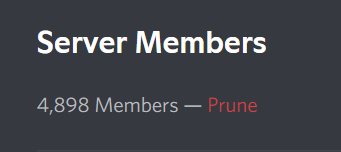
If it does, can you tell me how many members are on that server - is it over 1,000? The reason I ask is that I just spotted that there’s a feature request open to be able to search more than 1,000 users which could potentially be why the Find User step isn’t able to find the user despite the discriminator being removed. Do you think that could be the case here?


  • Author
  • Beginner
  • October 12, 2021

@SamB yes, we have over 4K members in the Server. What can I do then?


SamB
Community Manager
Forum|alt.badge.img+11
  • Community Manager
  • October 13, 2021

Thanks for confirming that, @Eurock. In that case, it does seem like your Zap is running into that 1,000 user limitation here so I’ve added your vote to the feature request to have larger numbers of users supported. 

I don’t have an ETA on when this feature request for the Find User search action will be added but we’ll be sure to notify you by email as soon as it is.

In the meantime, I’m not super familiar with Discord’s API so I can’t guarantee this would work, but it might be possible to use a Webhooks by Zapier step to search for users instead. If you’re interested in exploring that route here’s a couple of resources you may find useful in setting that up:


Hope that helps!


@Eurock  Could you pull the names to a google sheet when new members join the discord, then use a lookup to search the spreadsheet and give roles in discord? Just a thought 


SamB
Community Manager
Forum|alt.badge.img+11
  • Community Manager
  • Answer
  • February 3, 2022

Hey everyone, good news! :)

The issue with the Find User search action for Discord has now been fixed. The search is no longer be limited 1,000 users so it should be able to find the user now. 

That said, if you’re still running into issues with this following the fix, it may be best to contact our Support team so that they can investigate things further.